Scroll to top

Print Anything, Anywhere

Your ideas, your space — print wherever inspiration strikes.

Ink-Free, Worry-Free

Zero ink. Time, money, and planet-saving.

Fast to Print, Easy to Keep Going

High speed:150 mm/s = one 4×6 label per second.

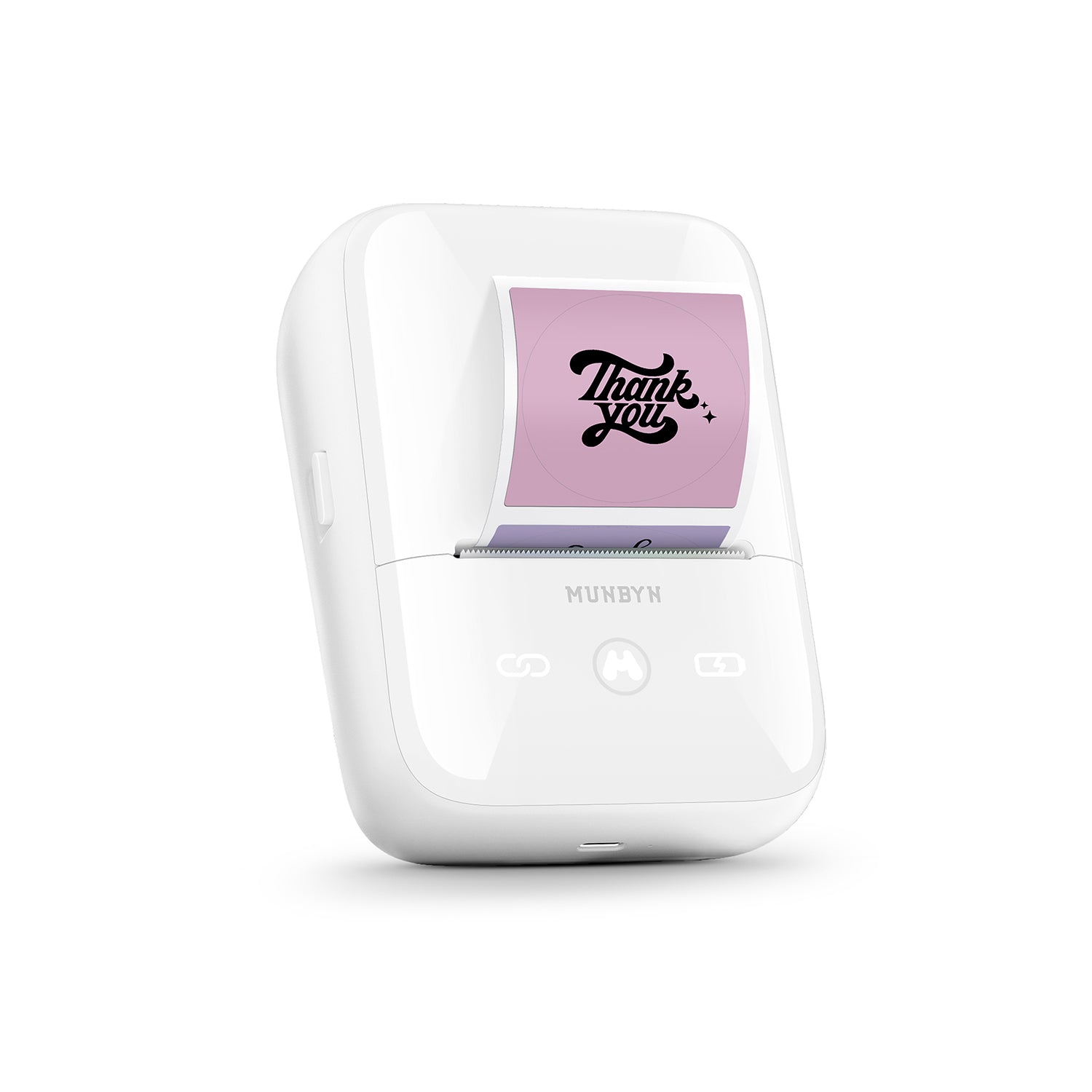
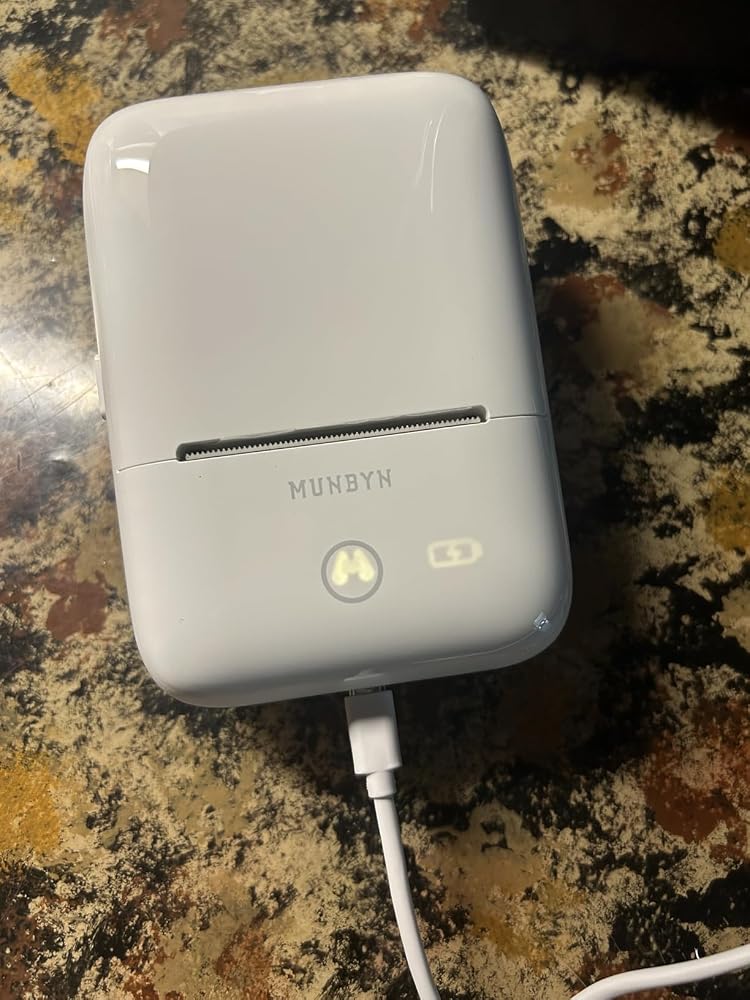
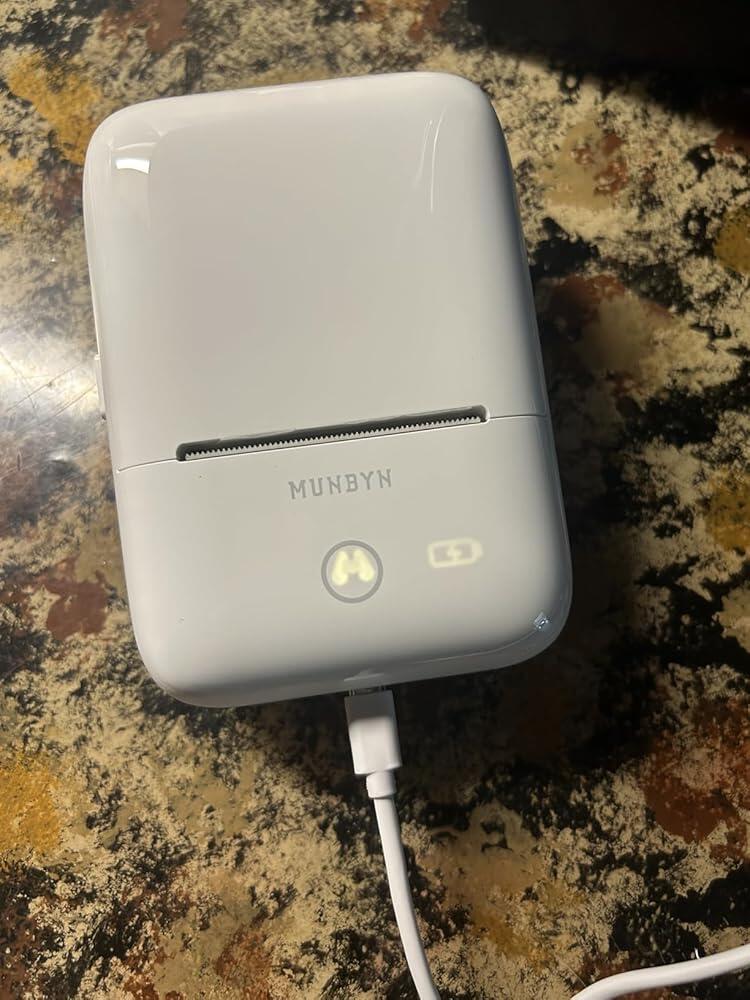
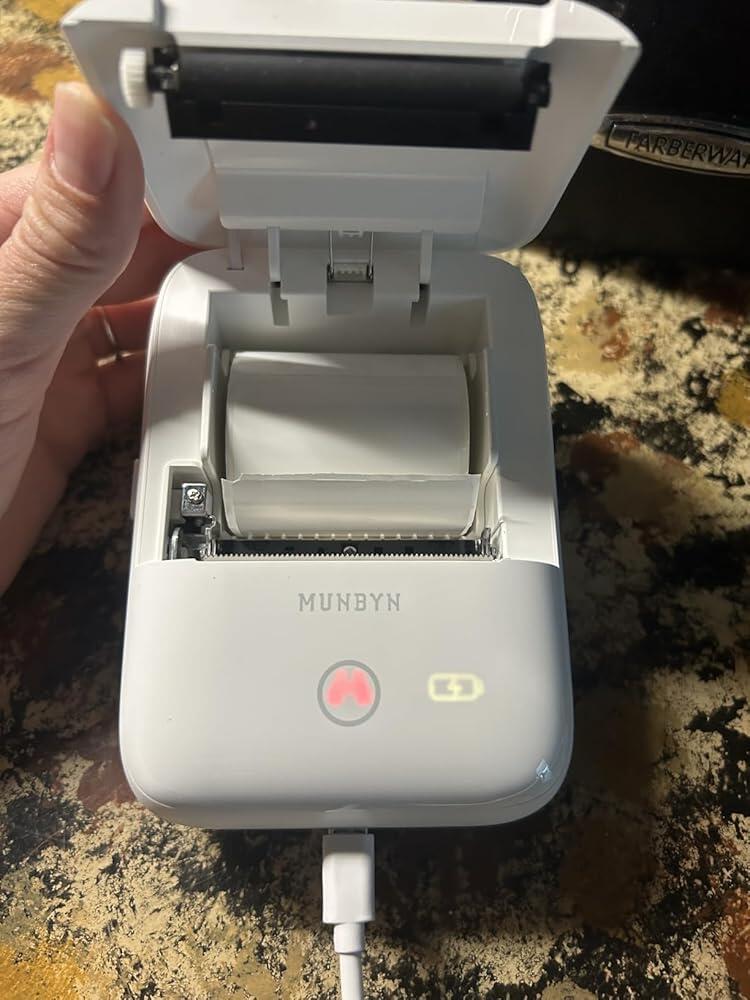
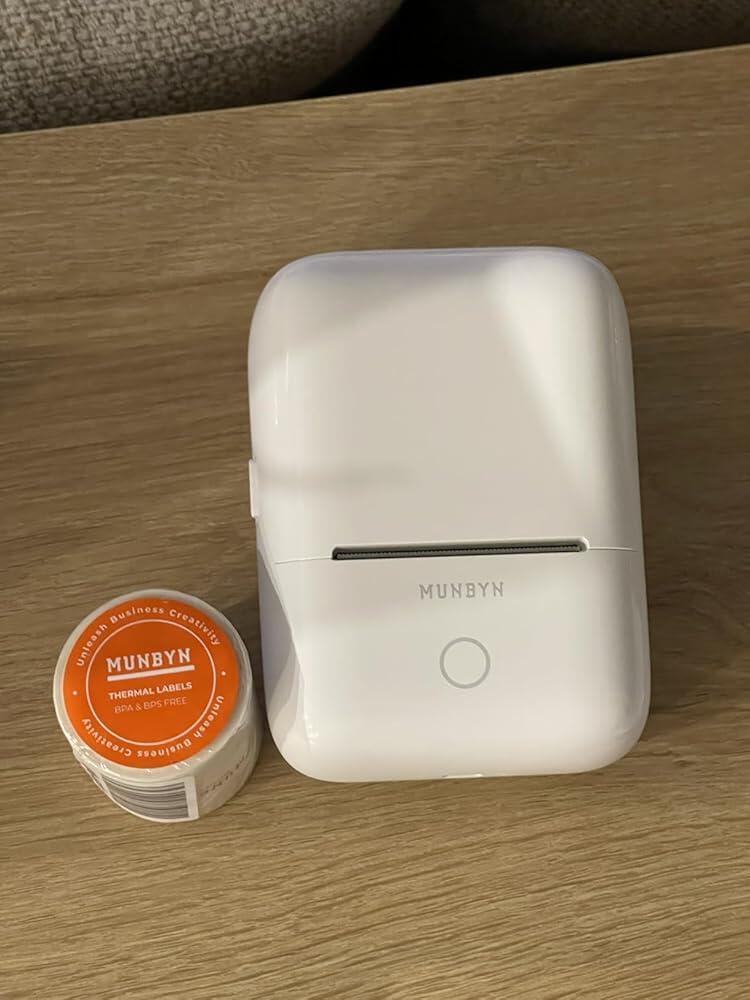
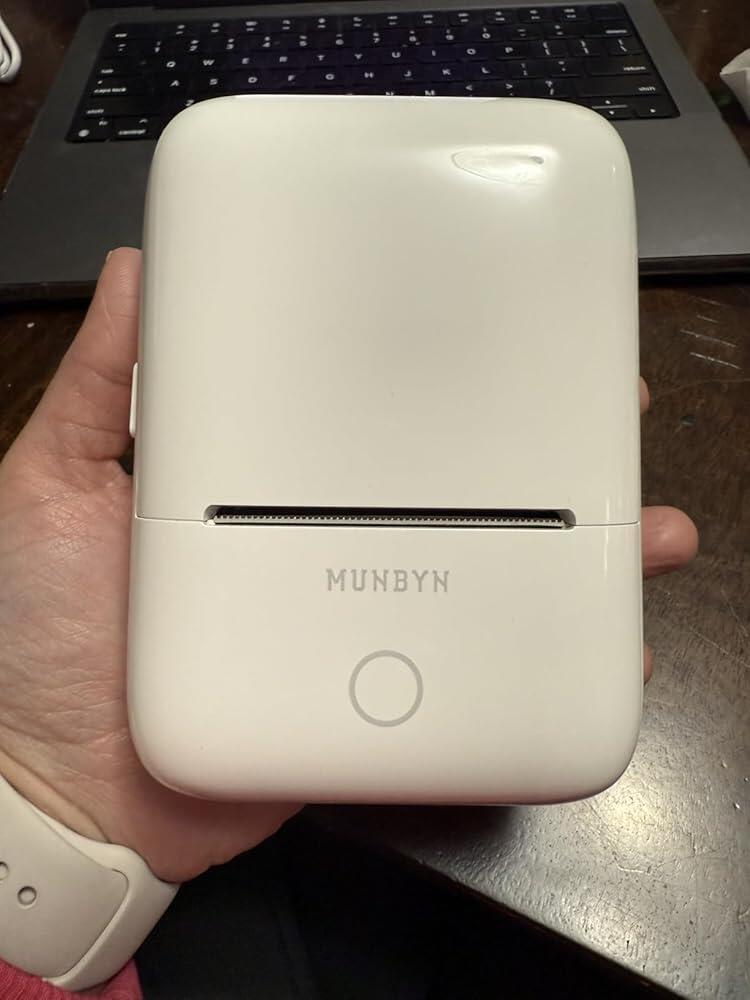
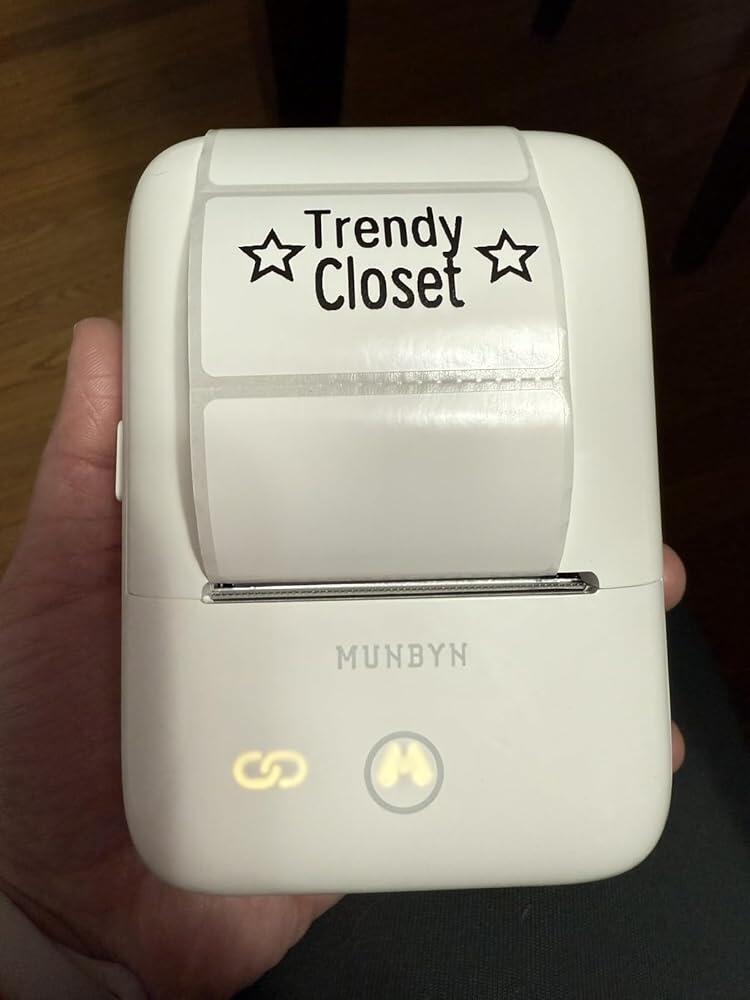
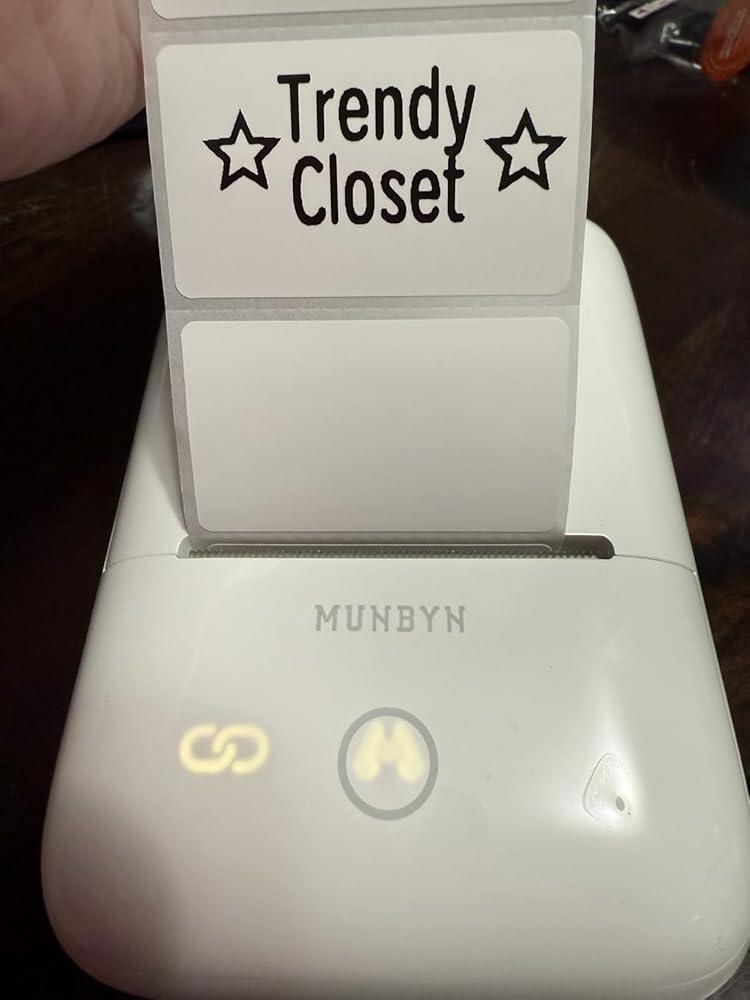
MUNBYN FM226 thermal label printer in white, compact design with paper roll loaded, for efficient shipping and labeling tasks.
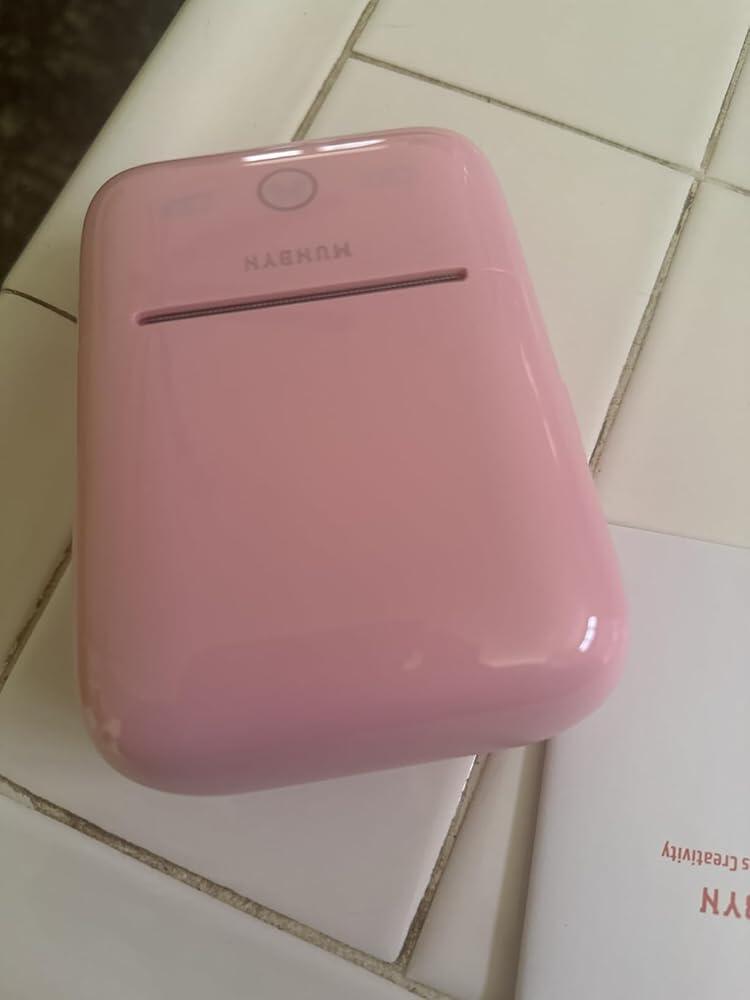
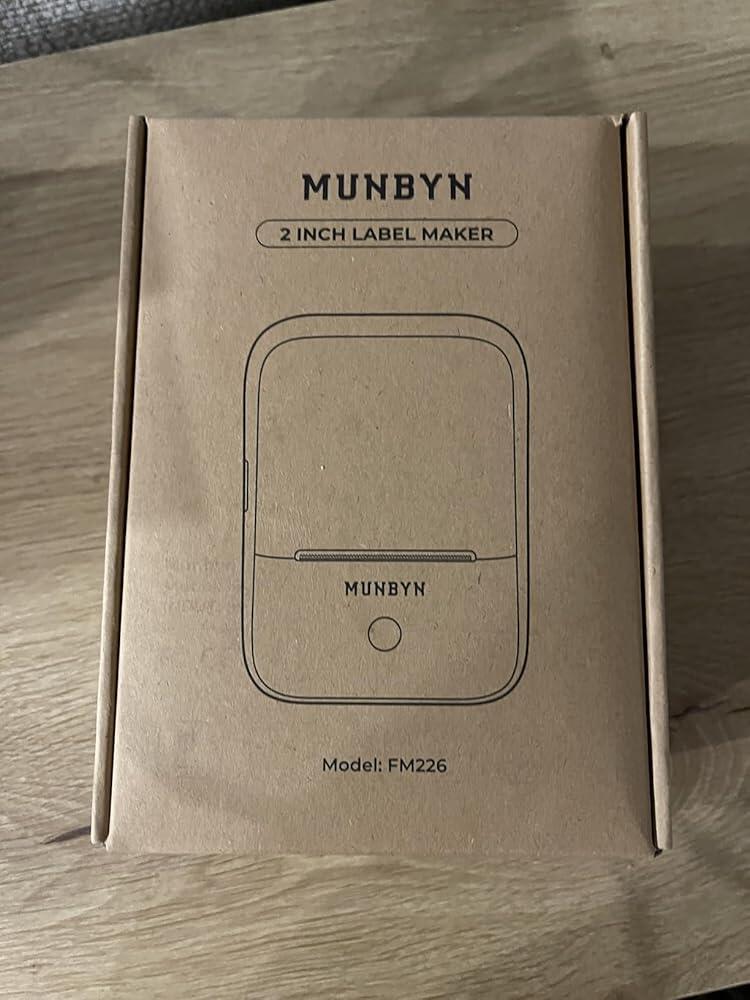
MUNBYN FM226 Bluetooth Portable Label Maker for Small Labels
$99.99 CAD

Product details

Included in the Box

  • Printer

  • User Manual

  • Quick Tips

  • Labels
Download our app

High-End Labels in Minutes
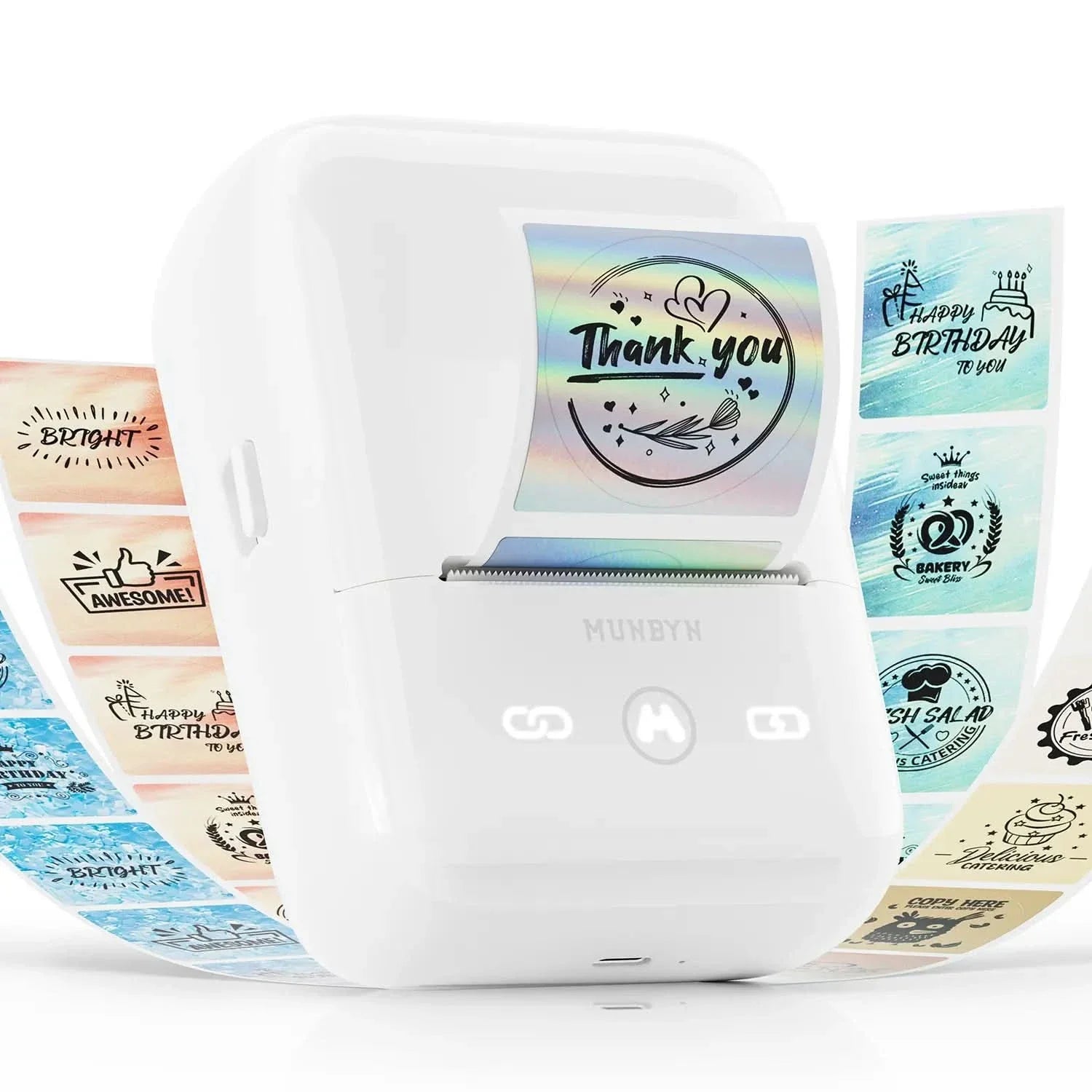
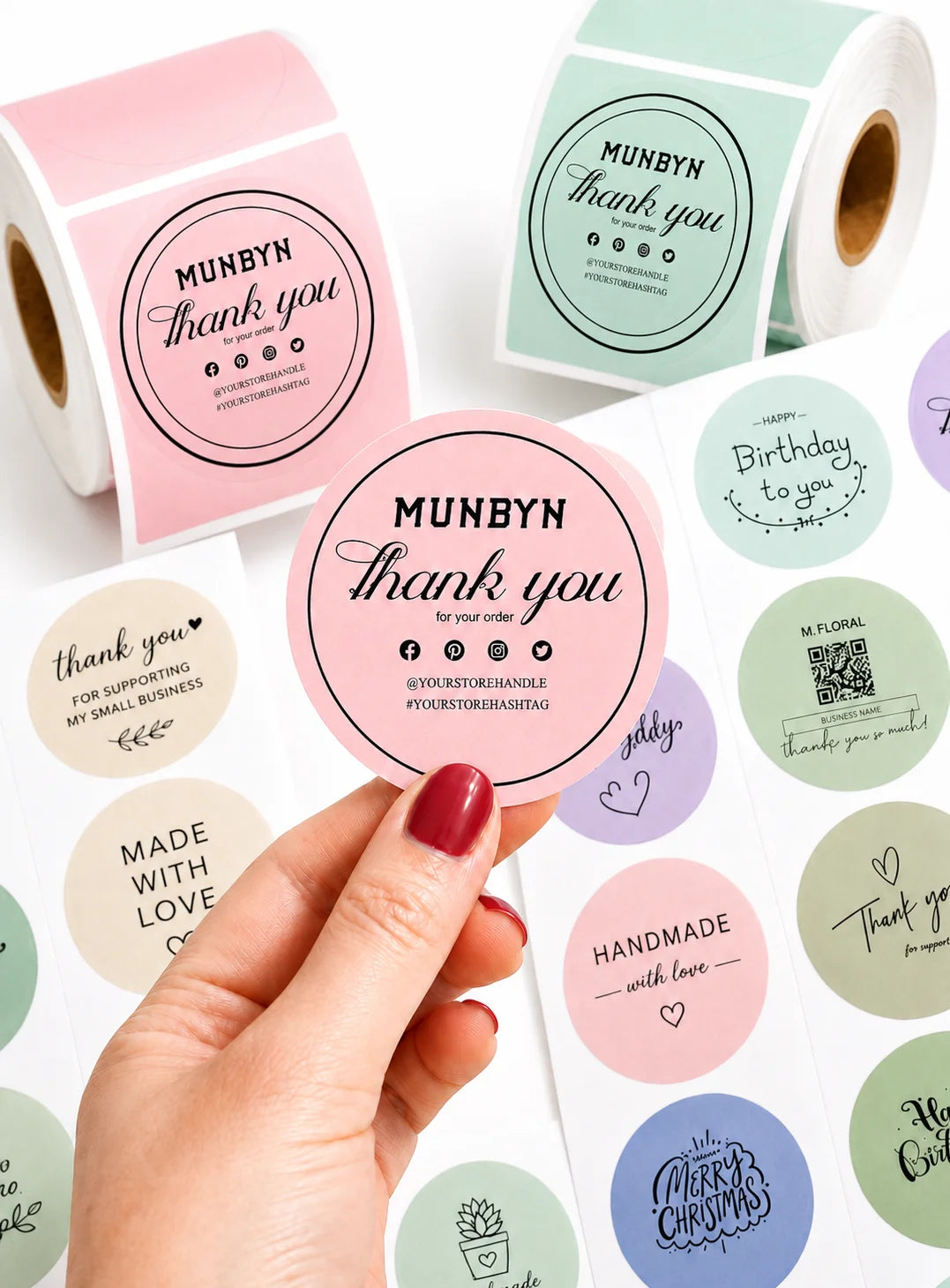
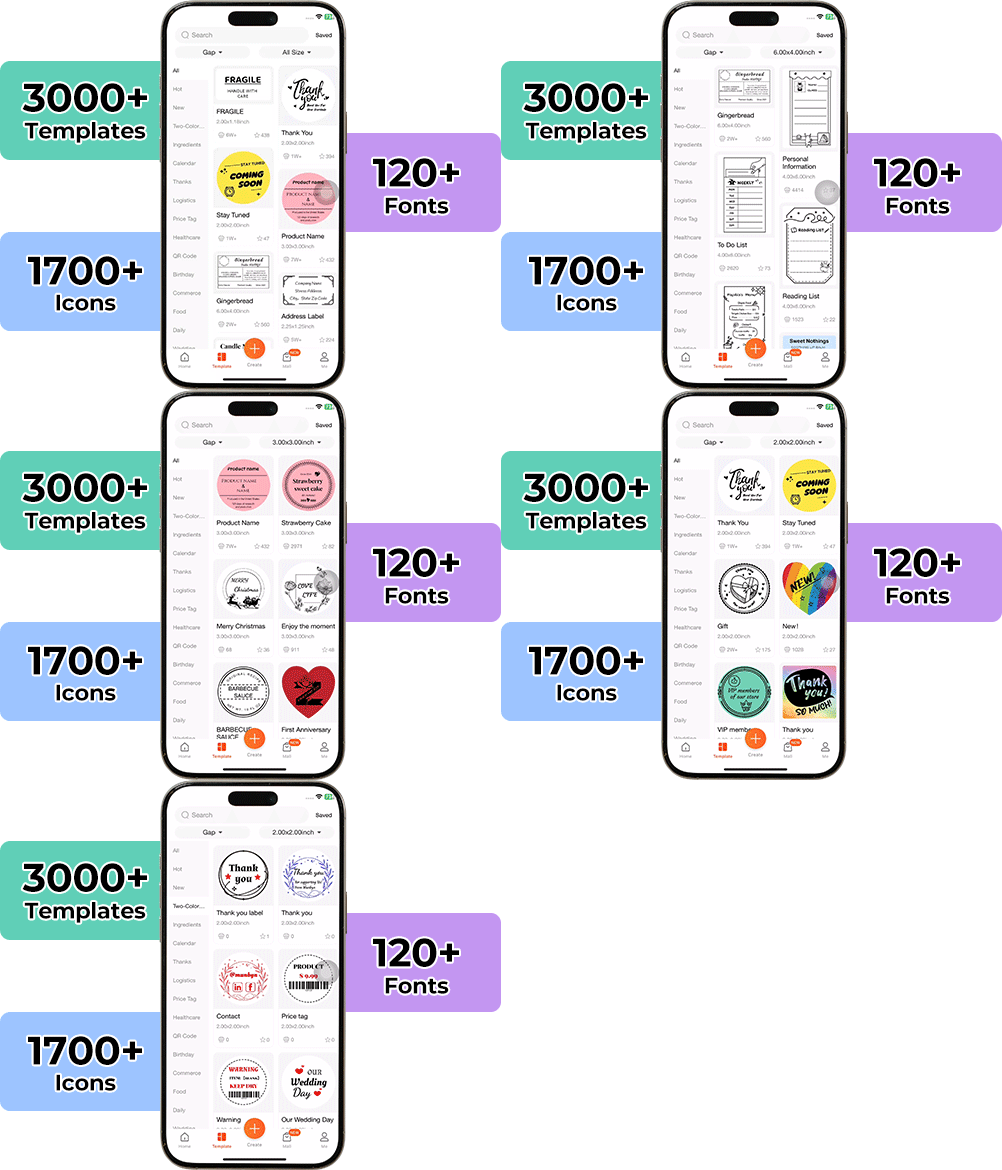
Designing custom packaging has never been this simple. Using the MUNBYN app and our versatile DIY Labels, you have a library of 3,000+ design assets and templates at your command.

Craft bespoke logos and promotional stickers that perfectly capture your brand’s personality—all while keeping your budget in check.


Google Play

Google Play

Download Now

 
Online Editor

Online Editor

Create Now

 
User Manual

User Manual

Download Now

Your all-in-one tool for major marketplaces and carriers, including but not limited to

Compact, portable Bluetooth label printer praised for easy setup and fast printing. Customers said it's "a game-changer" for small businesses. The app is user-friendly with many templates. Print quality is crisp and professional. Battery lasts up to 8 hours. Some noted alignment issues and label waste on startup. Ideal for organizing, crafting, and business labeling.

  • 5 stars: 72 (76%)
  • 4 stars: 22 (23%)
  • 3 stars: 0 (0%)
  • 2 stars: 1 (1%)
  • 1 star: 0 (0%)
a
andy kennedy
Very limited on labels one can use in this

Very limited on labels one can use in this printer. I purchased with labels and none of the label rolls fit. Get the printer that doesn't hold the labels internationally.
J
Joanna
Small and compact but mighty and works perfectly.

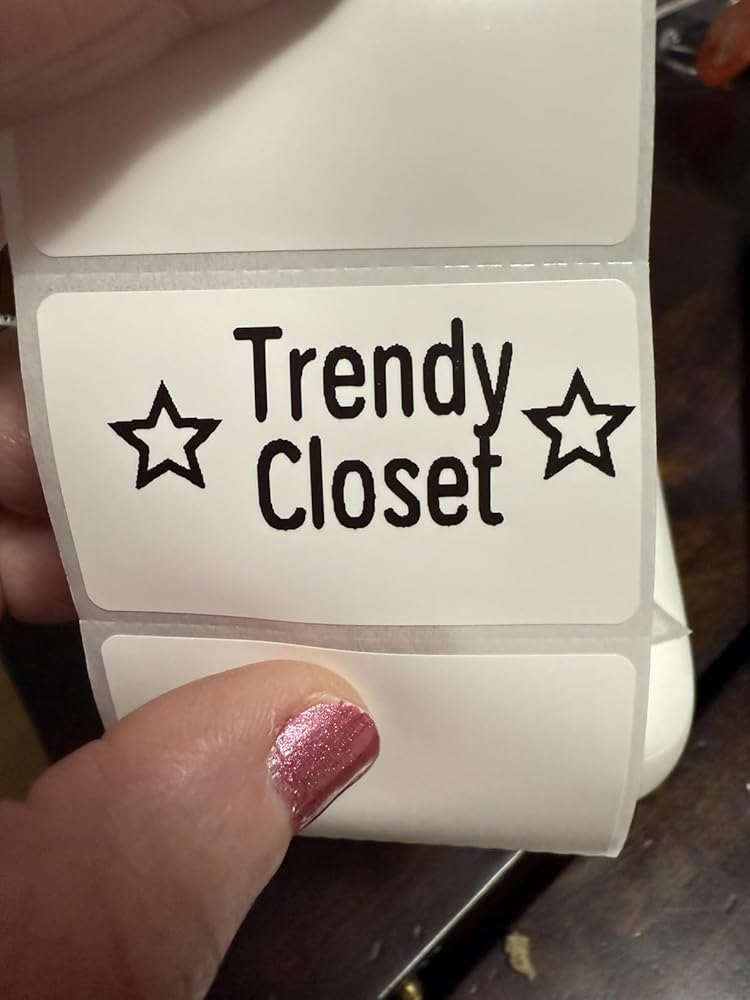
Amazing little product, perfect for making labels and stickers for my small business. Print quality is good and connects fast with easy setup. Compatible with my iphone and macbook. Small compact size sits perfectly on my desk. Surprised it came with a roll of labels already!

J
Jody
Nice printer

I use a printer to make price lables for items at my art/craft shows.I needed a new one because I wore my other one out. This so far is a good printer. It is compact and has a sleek design. It is easy to operate and set up. The app is ok, it is simple enough to operate.So far everything is working great and I have not had any issues.

S
Sugar baby
Perfect for my spark stickers.

I drive for spark and needed a small portable printer so I can print stickers saying thank you and so I can add my cash app stickers to no tip orders. I bought several and they just weren��t good. This one was great!! It even feels high quality compared to the other ones I got. I wish it come with more labels but I can always buy more. The stickers print out dark and easy to read. Don��t even try the cheaper ones. Just get this one. You won��t be disappointed. Munbyn is a quality product and I highly recommend.

R
RoyalKitty
Very Cute and Useful Label Maker

I was initially drawn to the minimalist and cute look of this label maker. I wanted something I can use around the house and for my small online shop, preferably a portable unit that is cordless and has Bluetooth.There's definitely a learning curve in terms of using the app. A lot of the templates that are included don't automatically center onto the canvas, so if you want it to print centered, you will have to align it yourself, which can be quite difficult. I don't find the app particularly intuitive to use to design a label. I would rather design it elsewhere (i.e. in Adobe Illustrator) and import it to be printed.But other than that, I had no connection problems. The labels also print very clearly in crisp black. One thing I wish is that we didn't have to waste a label or two whenever we put in a new roll. The "button" to turn it on and off also requires some force to press. Just some things here and there that I feel can be improved! But I like this little gadget overall!

E
Erik C Baldwin
Easy to use and make custom labels

I used this to make some address labels. It is super easy to setup, took 30 secs. The printer is great, the app on the other hand could use some work.For example when editing text you'll have to save any progress you made exit the editor reopen the editor and reopen your save and start adding graphics. Hitting the back button goes back to the save dialog this should be easy.Other than that I've had no issues, it's pretty quiet and super fast.

E
Erika
Love!

I love this munbyn! Compact, effective, and efficient!

A
Abigail Marant
Perfect for my business

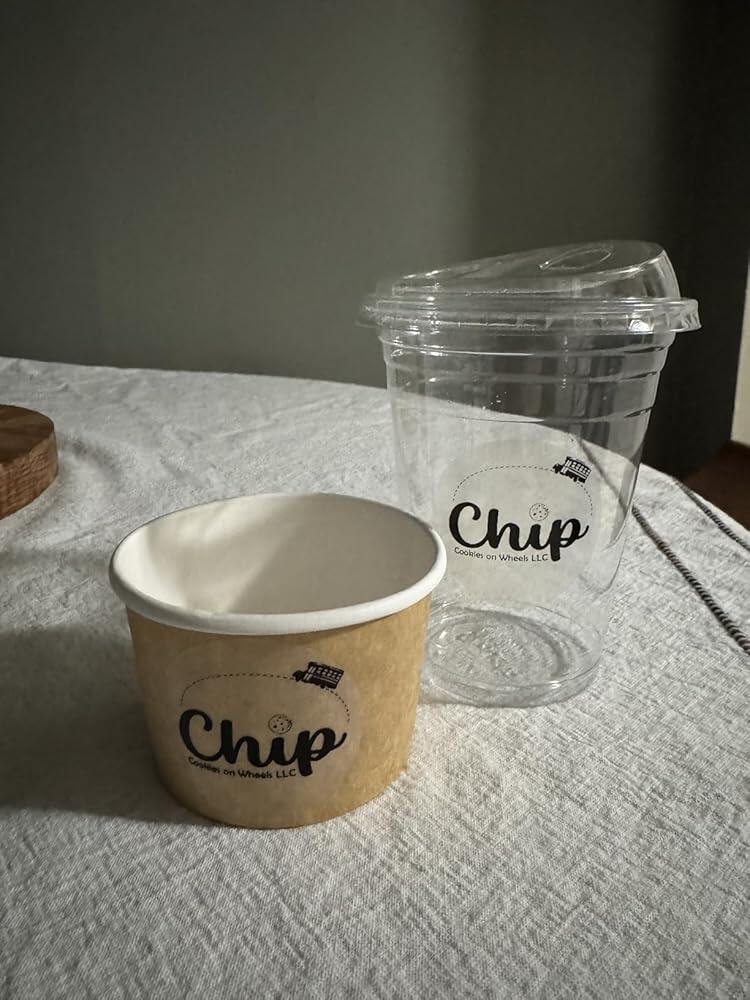
Small and compact so it works great for my food truck bakery. The alignment is off though so you have to put your image outside of the circle to print correctly. Other than that it works perfectly!

C
Cherish W.
Great beginner thermal printer for professional looking labels

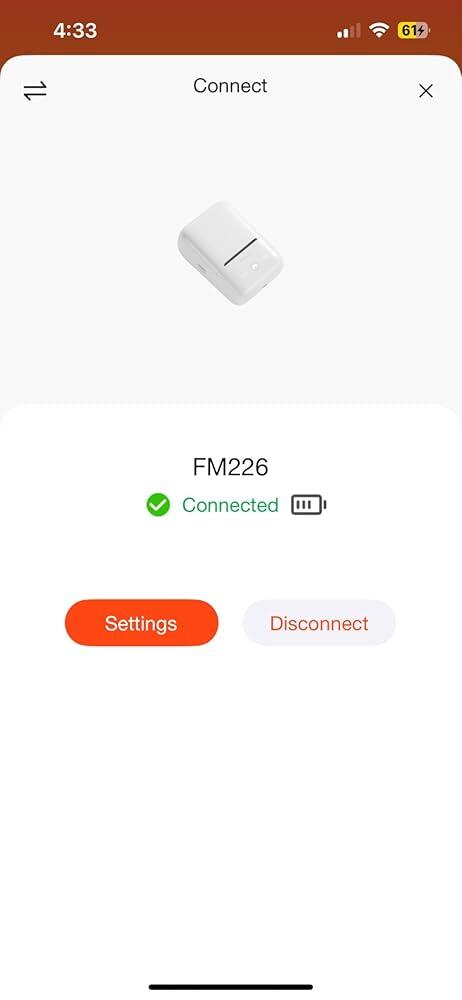
Wanted to find a small printer I could easily bring on the go for quick label making but also to make small round printed stickers to seal my baked goods with that say thank you! I still need to order the round ones, however I tested a few rectangle ones and they printed great! The app has lots of different inspiration on designs. It connected for the first time to my iphone 14 within literal seconds via bluetooth. It is easy to use as well!

E
Elis Zeferino
It works!

OMG! This is exactly what I needed! I had a Munbyn that was 5 years old and was not doing its best job anymore, so I had to get a new one. I decided to go lighter this time and got this FM226, and I am glad I did! This works perfectly for me and my business! It prints my labels just fine, with nice and sharp ink, and it is Bluetooth!! It is so cute and tiny, it fits perfectly in my hand! Thanks, Mumbyn, for making such a pretty, precise thermal label printer!

s
stephanie
Awesome for small business needs

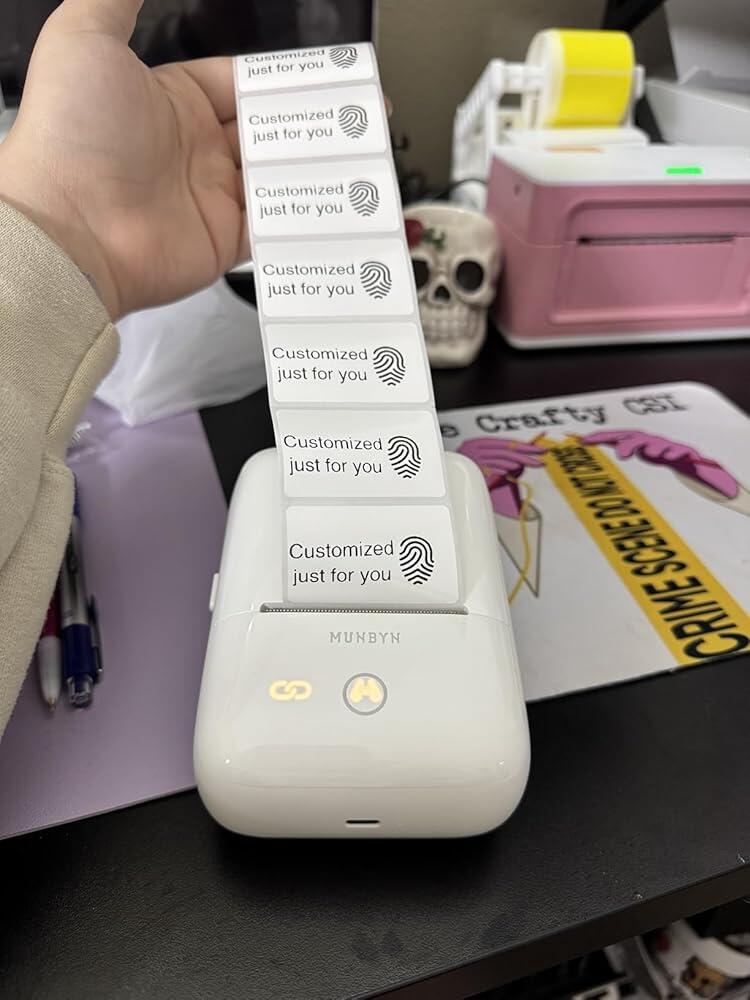
I really enjoy having this printer since I run a small Etsy business (called the crafty csi). It helps with making labels for packaging and customization. It is super easy to use and works great. It��s really fast to connect and the app is very user friendly. 10/10 I would recommend for anyone needing a quick and easy label printer!

C
Cherish W.
Great beginner thermal printer for professional looking labels

Wanted to find a small printer I could easily bring on the go for quick label making but also to make small round printed stickers to seal my baked goods with that say thank you! I still need to order the round ones, however I tested a few rectangle ones and they printed great! The app has lots of different inspiration on designs. It connected for the first time to my iphone 14 within literal seconds via bluetooth. It is easy to use as well!

E
Erika
Love!

I love this munbyn! Compact, effective, and efficient!

s
stephanie
Awesome for small business needs

I really enjoy having this printer since I run a small Etsy business (called the crafty csi). It helps with making labels for packaging and customization. It is super easy to use and works great. It’s really fast to connect and the app is very user friendly. 10/10 I would recommend for anyone needing a quick and easy label printer!

J
Joanna
Small and compact but mighty and works perfectly.

Amazing little product, perfect for making labels and stickers for my small business. Print quality is good and connects fast with easy setup. Compatible with my iphone and macbook. Small compact size sits perfectly on my desk. Surprised it came with a roll of labels already!

A
Abigail Marant
Perfect for my business

Small and compact so it works great for my food truck bakery. The alignment is off though so you have to put your image outside of the circle to print correctly. Other than that it works perfectly!

E
Elis Zeferino
It works!

OMG! This is exactly what I needed! I had a Munbyn that was 5 years old and was not doing its best job anymore, so I had to get a new one. I decided to go lighter this time and got this FM226, and I am glad I did! This works perfectly for me and my business! It prints my labels just fine, with nice and sharp ink, and it is Bluetooth!! It is so cute and tiny, it fits perfectly in my hand! Thanks, Mumbyn, for making such a pretty, precise thermal label printer!

R
RoyalKitty
Very Cute and Useful Label Maker

I was initially drawn to the minimalist and cute look of this label maker. I wanted something I can use around the house and for my small online shop, preferably a portable unit that is cordless and has Bluetooth.There's definitely a learning curve in terms of using the app. A lot of the templates that are included don't automatically center onto the canvas, so if you want it to print centered, you will have to align it yourself, which can be quite difficult. I don't find the app particularly intuitive to use to design a label. I would rather design it elsewhere (i.e. in Adobe Illustrator) and import it to be printed.But other than that, I had no connection problems. The labels also print very clearly in crisp black. One thing I wish is that we didn't have to waste a label or two whenever we put in a new roll. The "button" to turn it on and off also requires some force to press. Just some things here and there that I feel can be improved! But I like this little gadget overall!

Proudly Women-Operated

80% of our leadership team are women, bringing empathy and innovation into every design and decision. Because when women lead, technology becomes more human — and creation becomes more meaningful.

Wireless Freedom

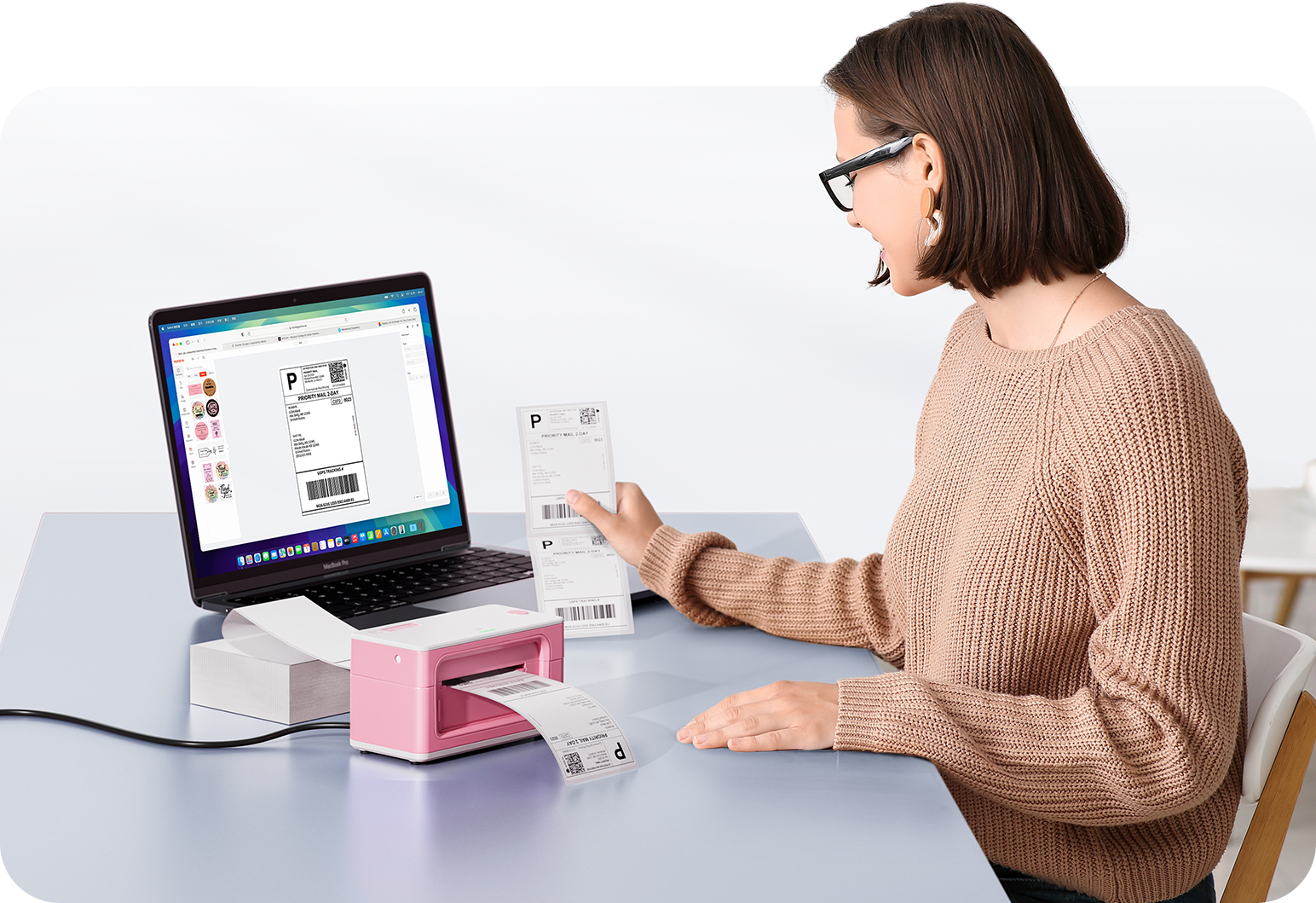
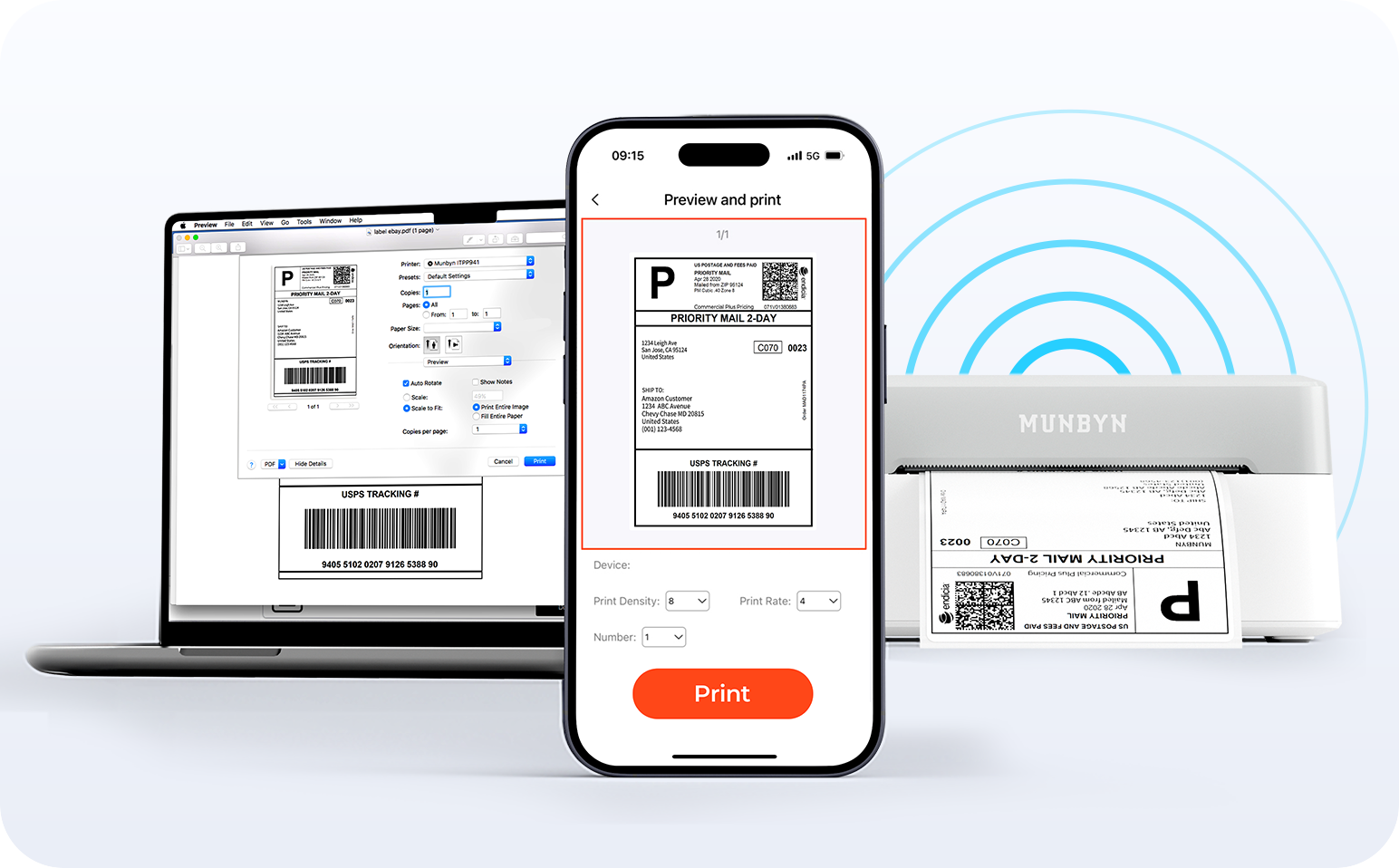
Say goodbye to tangled cables and hello to effortless printing. Enjoy instant Bluetooth connectivity wherever you work, or plug in via USB when you need it.Seamlessly compatible with Windows, Mac, iPhone, iPad, and Android—your whole workspace connected, your printing made simple.

Load video:

Smart label detection

Label Freedom. Effortless printing starts here.

Supports ANY direct thermal label

4x6" 3x2" 3x1" 2x1" 4" 2"

Your MUNBYN printer automatically recognizes and adjusts to different label sizes—no manual setup needed.
From 4×6 shipping labels to 2×2 logo stickers and a wide range from 40mm to 110mm wide, switching between tasks takes only seconds.

Designed to print more than 980,000* labels in shipping labels

How People Use MUNBYN

Print life and label quantity estimates are based on laboratory calculations (150 KM printhead life × 4×6" label length). Actual performance may vary due to print frequency, label material, operating environment, and maintenance conditions.

Shipping Labels
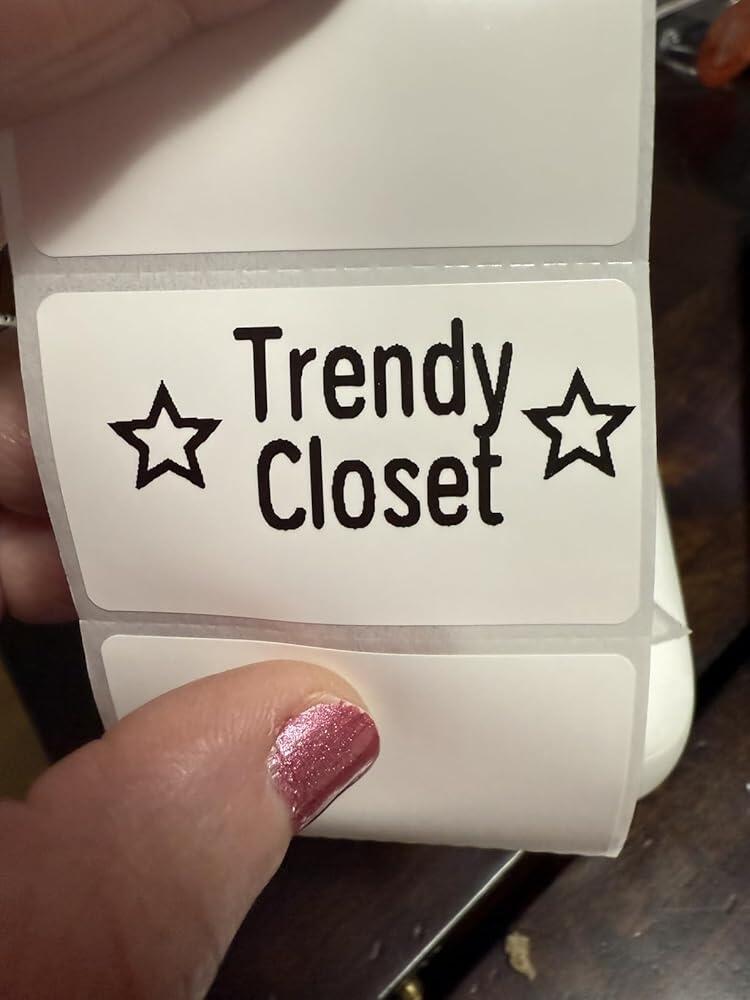
Custom Labels

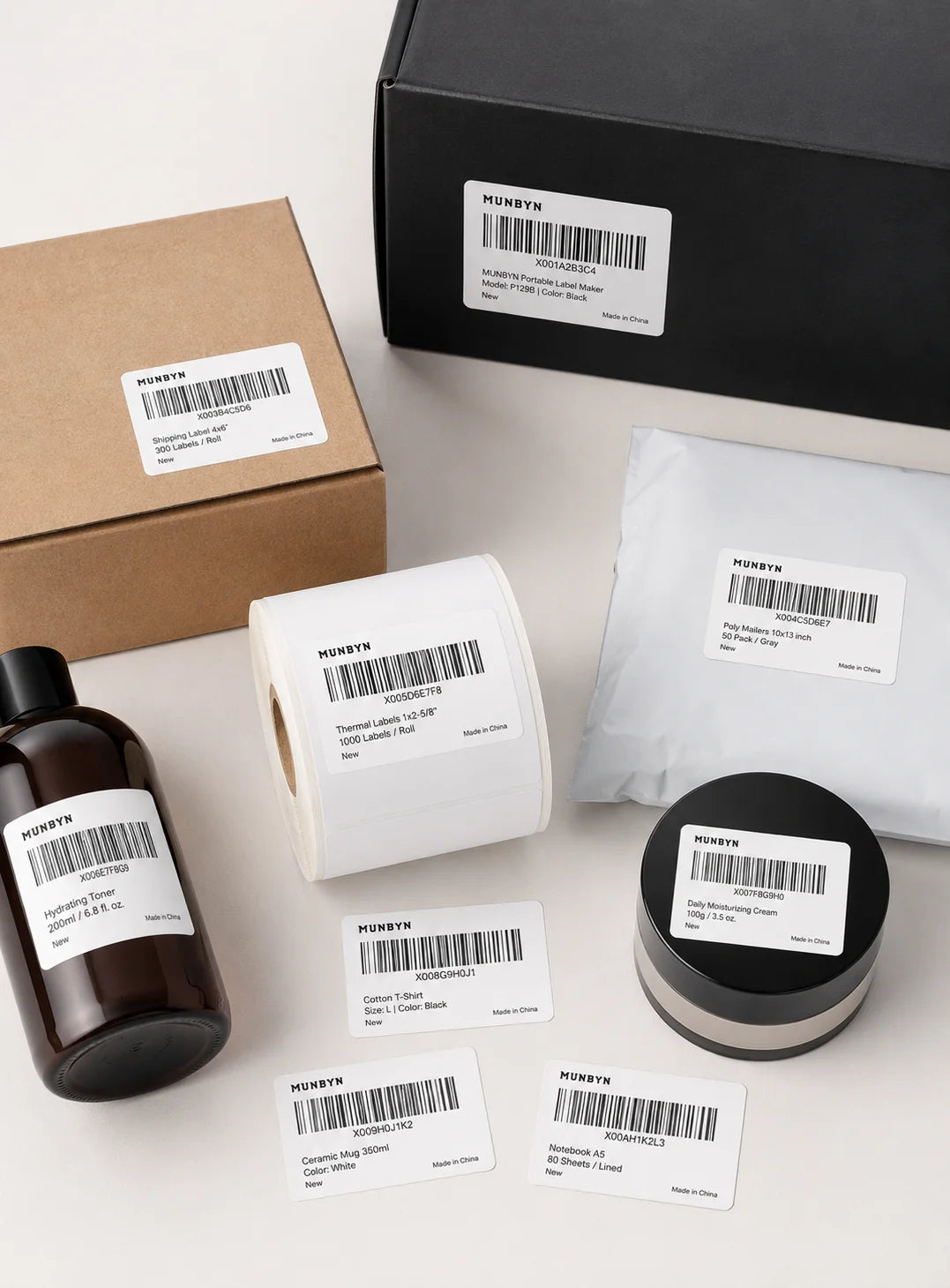
Barcode Labels
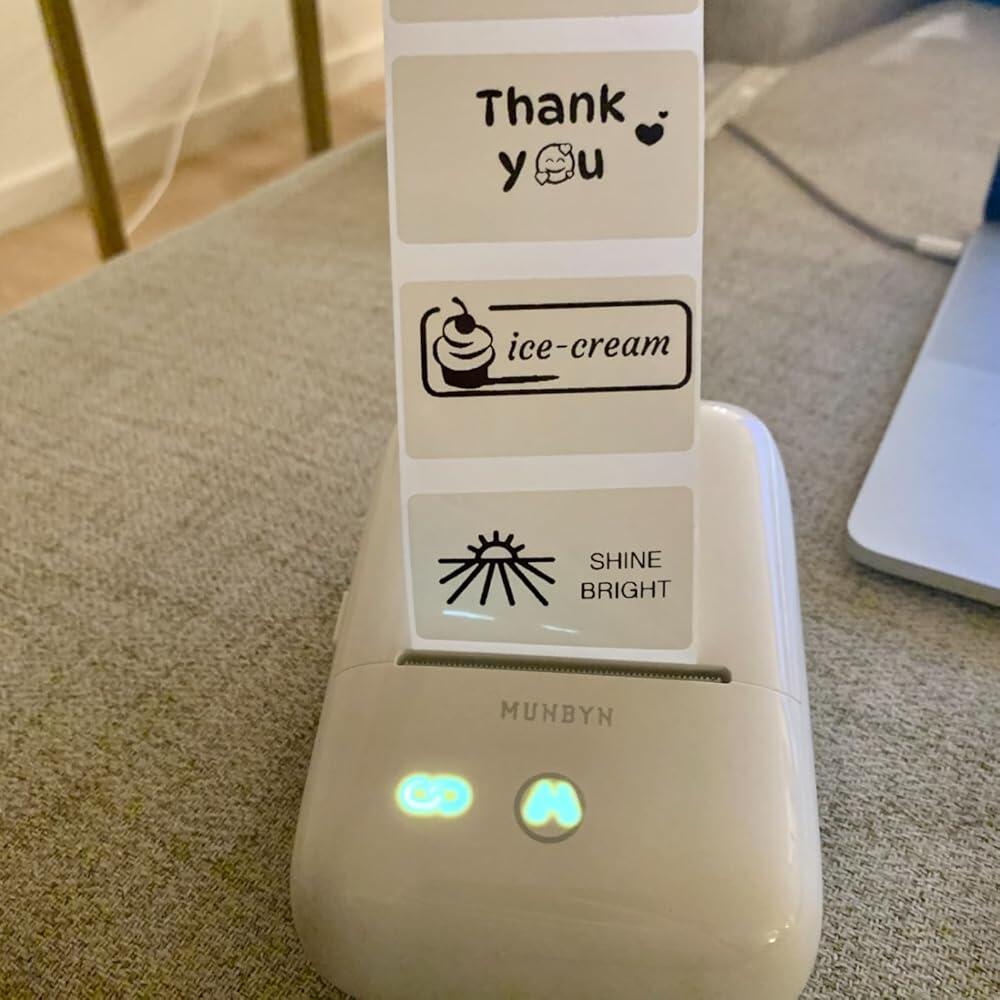
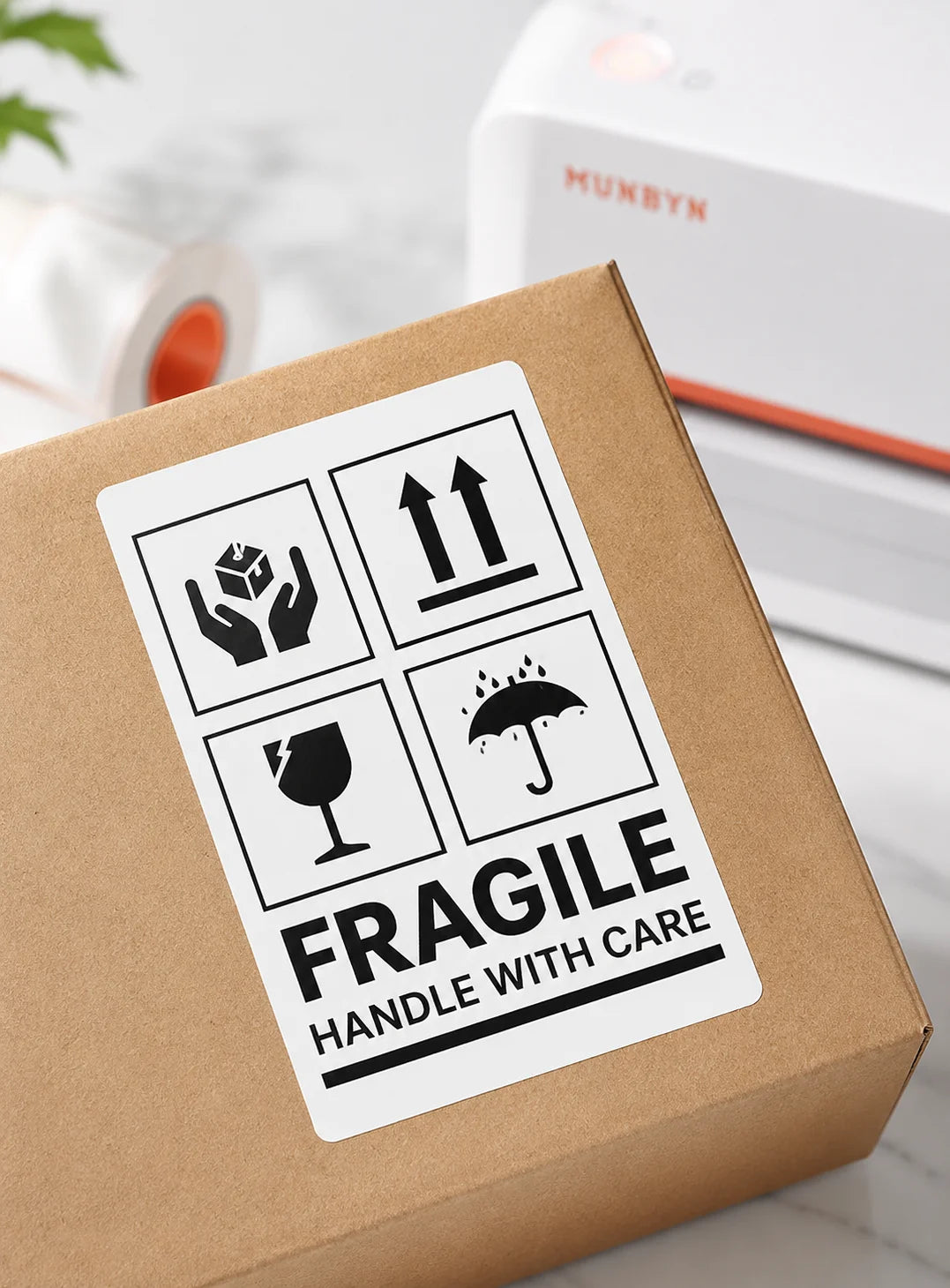
Fragile Labels
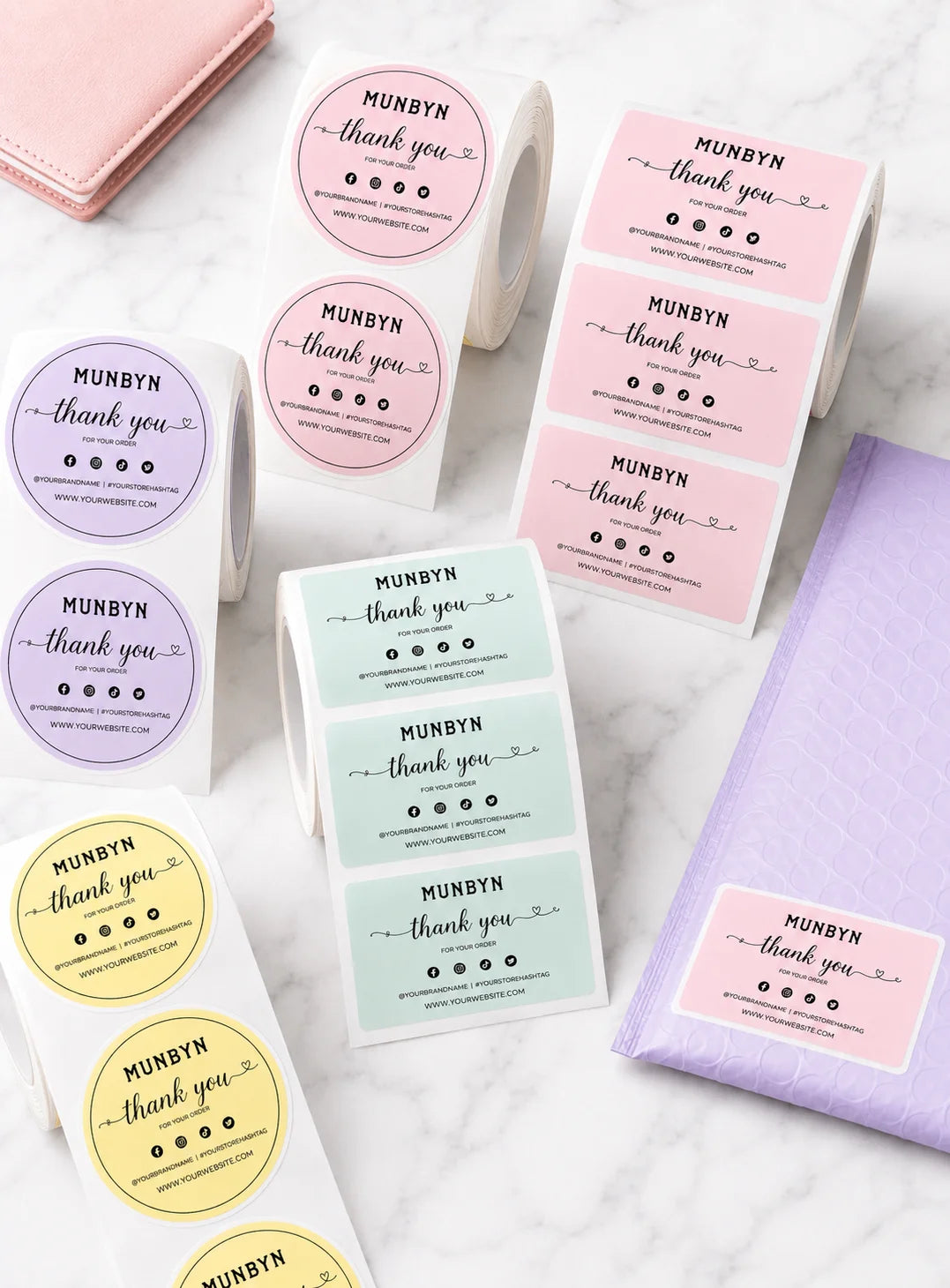
Branded Labels
Stickers for Daycare/School

FAQs

Please read our FAQs page to find out more.

1. Why should I choose a MUNBYN thermal printer over an inkjet or laser printer?

MUNBYN uses advanced Thermal Printing Technology, which means zero ink, zero toner, and zero ribbons. You only need thermal labels. This not only saves you hundreds of dollars in supply costs annually but also eliminates the mess of leaking cartridges and the frustration of running out of ink mid-shipment.

2. Can I use any brand of thermal labels with this printer?
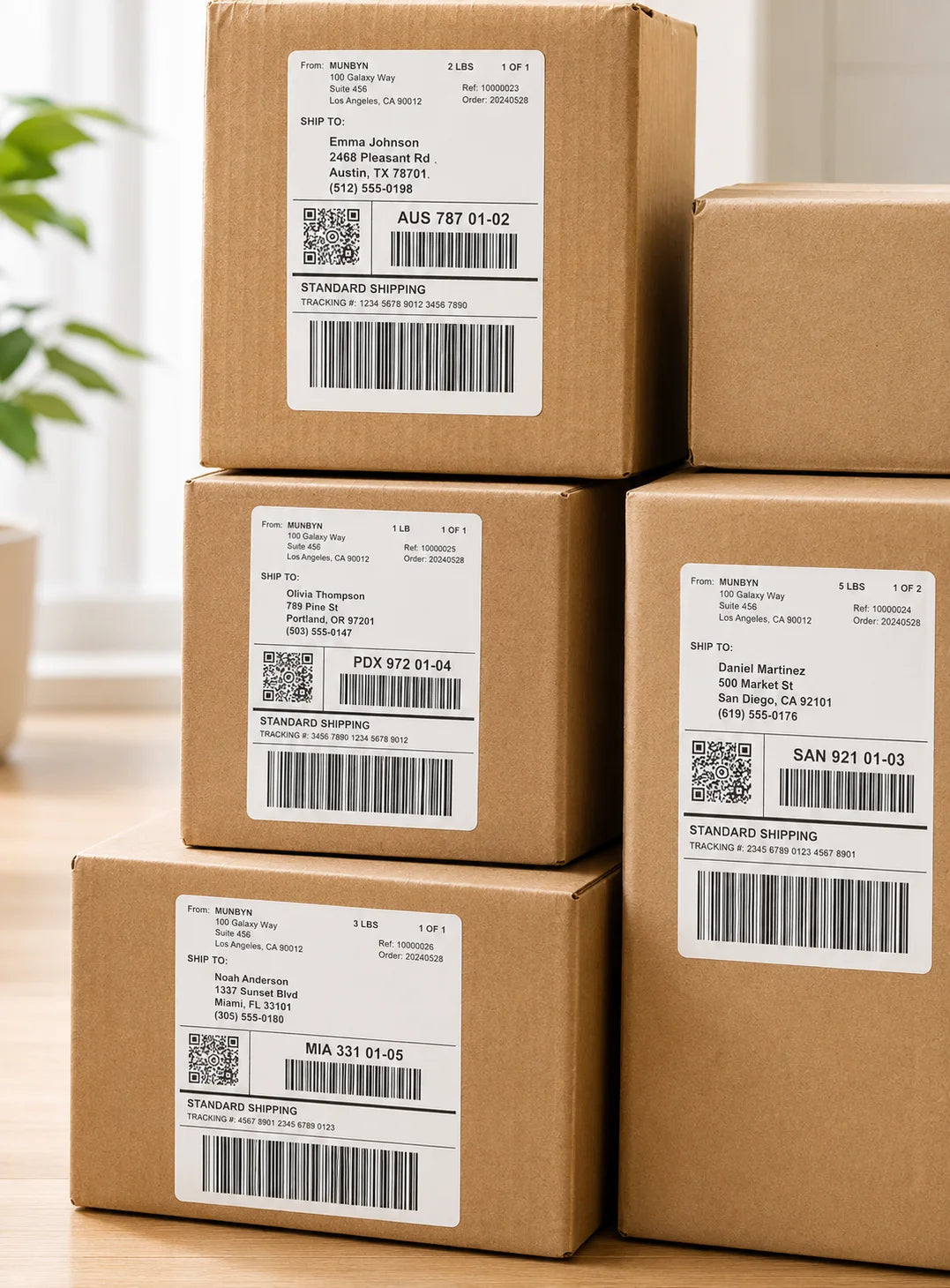
Yes! MUNBYN printers are compatible with any Direct Thermal Labels. Whether you prefer fan-fold or roll labels, as long as the width is between 1.57" to 4.3" (40mm-110mm), our thermal printer will automatically sense and calibrate to it.

3. Which shipping platforms and marketplaces are compatible?

MUNBYN is a favorite for small business owners. MUNBYN label printers are fully compatible with major platforms, including:

  • Marketplaces: Amazon, eBay, Etsy, Shopify, Zalando, and Shopee.
  • Couriers: UPS, FedEx, ShipStation, Pirate Ship, USPS, and DHL.

4. What labels can I use with this printer?

Our thermal printers support a wide range of direct thermal labels, including 4×6" shipping labels, 3×2", 2×1", barcode labels, round labels, and custom sticker sizes (40–110mm width depending on the model). The printer auto-detects label size—no manual calibration required.

5. Is this label printer easy to set up?

Yes. The sticker printer is designed for quick setup with step-by-step installation guides and driver downloads available. Most users can complete installation in just a few minutes.

6. How do I calibrate the printer for different label sizes?

Our intelligent Automatic Label Identification does the work for you. Insert your labels, press and hold the top button until you hear a single beep, and the printer will automatically adjust the label size and spacing for perfect alignment.

7. What should I do if my labels are printing blurry or with white streaks?

High-quality printing starts with a clean print head. If quality drops:

  1. Power off the printer and let it cool.
  2. Wipe the thermal print head with an alcohol swab or microfiber cloth.
  3. Adjust the Print Density and Speed settings in your driver preferences.

If the issue persists, contact customer support for further assistance.

8. Does this label printer come with a warranty?

Yes, every MUNBYN printer is backed by a 2-year warranty. We stand by our hardware and will provide a replacement or repair if you encounter any manufacturing defects.

9. Can I use the label printer for both business and home organization?

Yes. You can use this printer for both business labeling (shipping, barcodes, inventory, retail tags) and home organization (storage labels, pantry tags, files, craft projects). Its versatile direct thermal printing and support for multiple label sizes make it suitable for a wide range of personal and professional uses.

10. Are there customization options for labels?

Yes, we offer flexible label customization, including stickers, logo labels, and creative templates for branding. Shop Custom Label Here.

Didn’t find your answer?

Don't hestitate to contact us

Free shipping and returns