


 Canada
 Best Seller
 Thermal Printers
 All PDAs
 All Thermal Labels
Don't Miss Our Biggest Sale of the Week!

PROOF 01 /MAKE CASH COUNTS CLEARER


 Canada
You are currently viewing:
Canada
Items in your shopping cart will be removed when you change country
Your cart is currently empty.
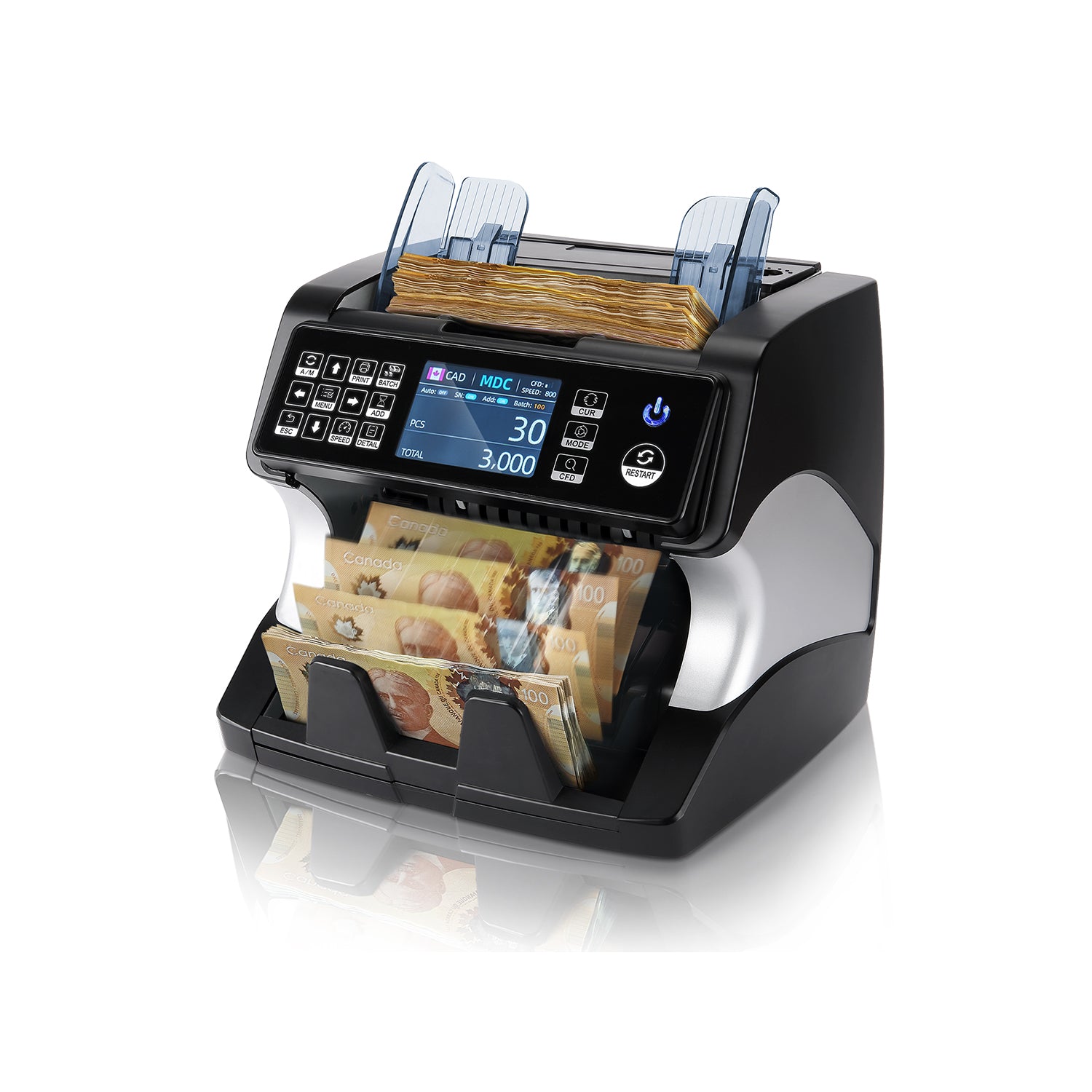
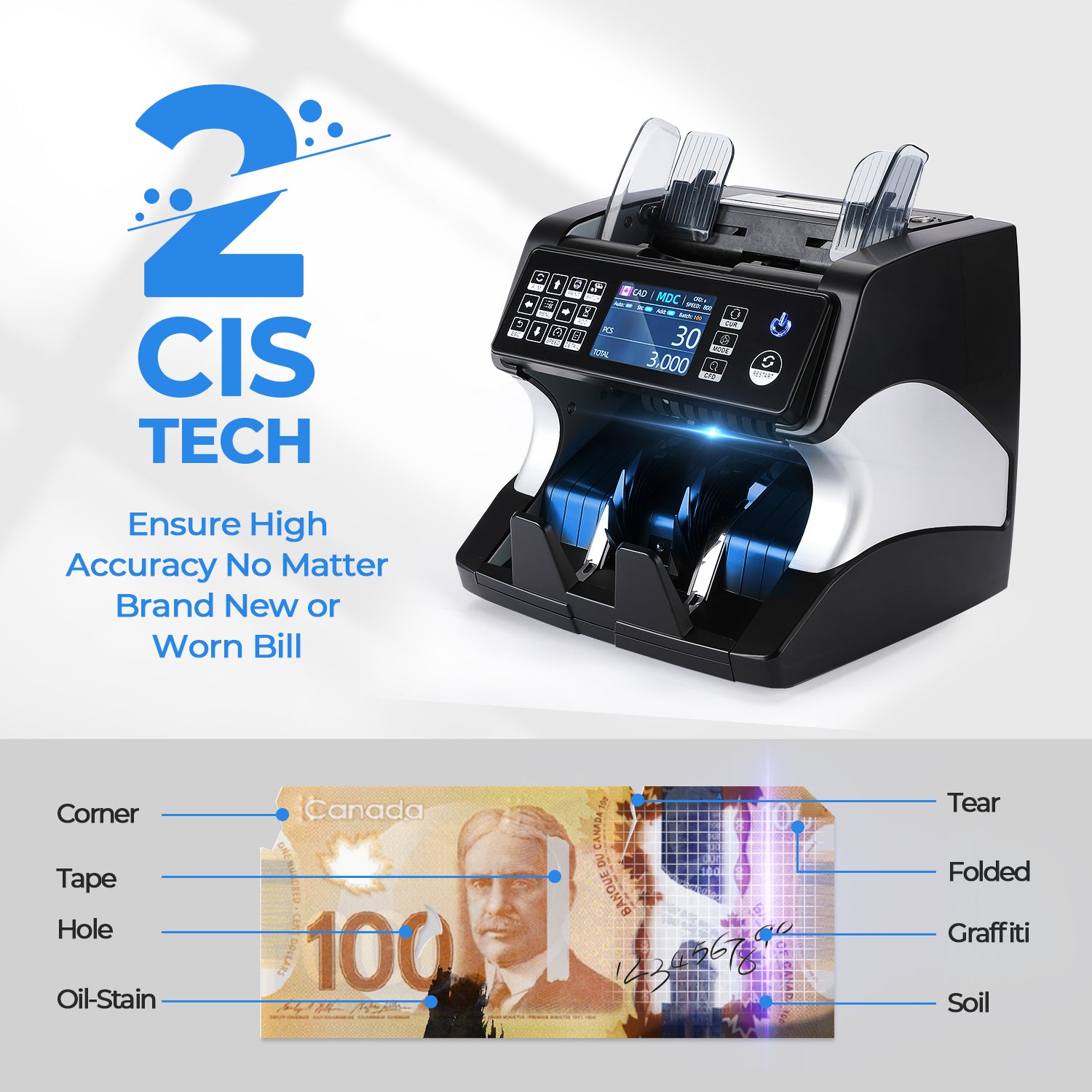
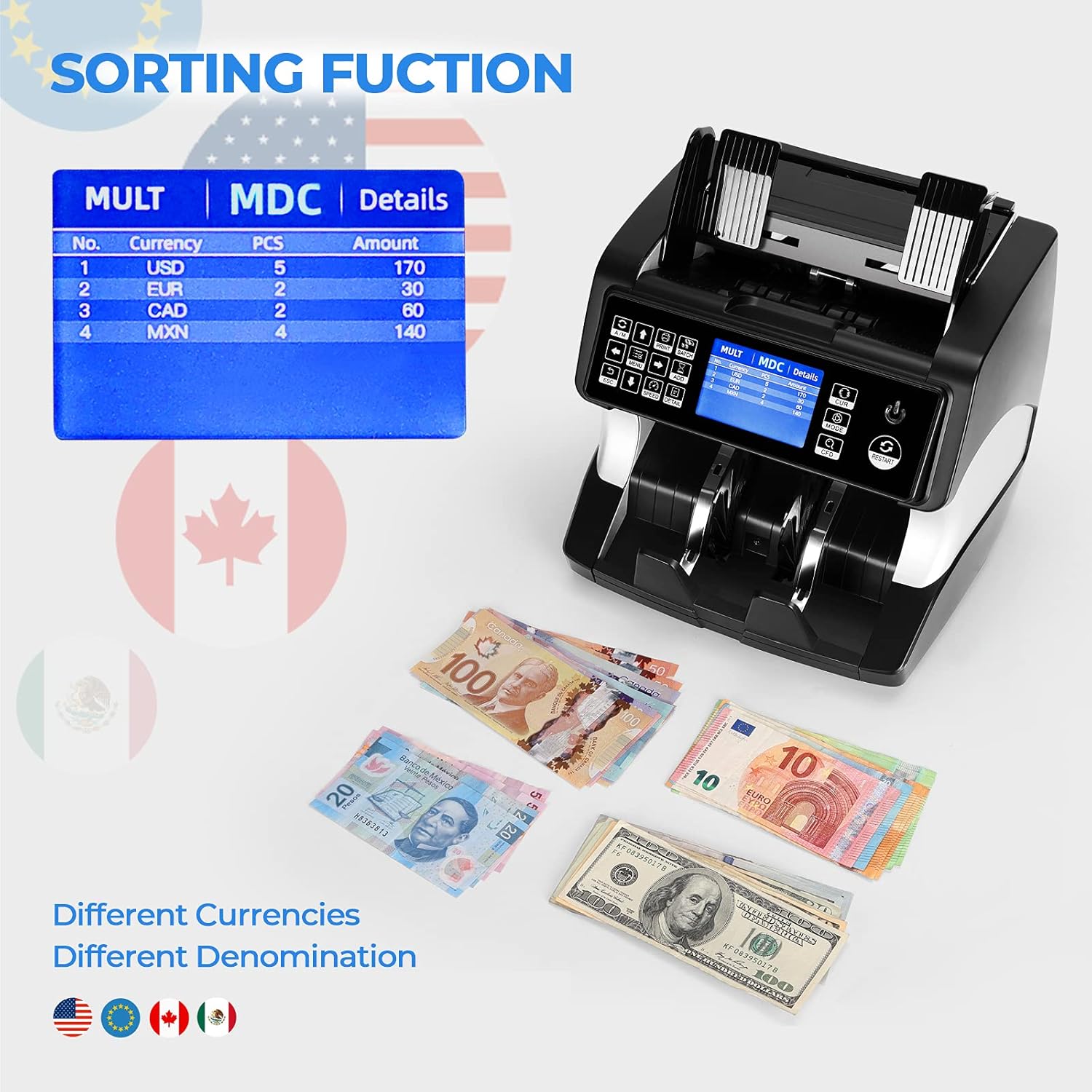
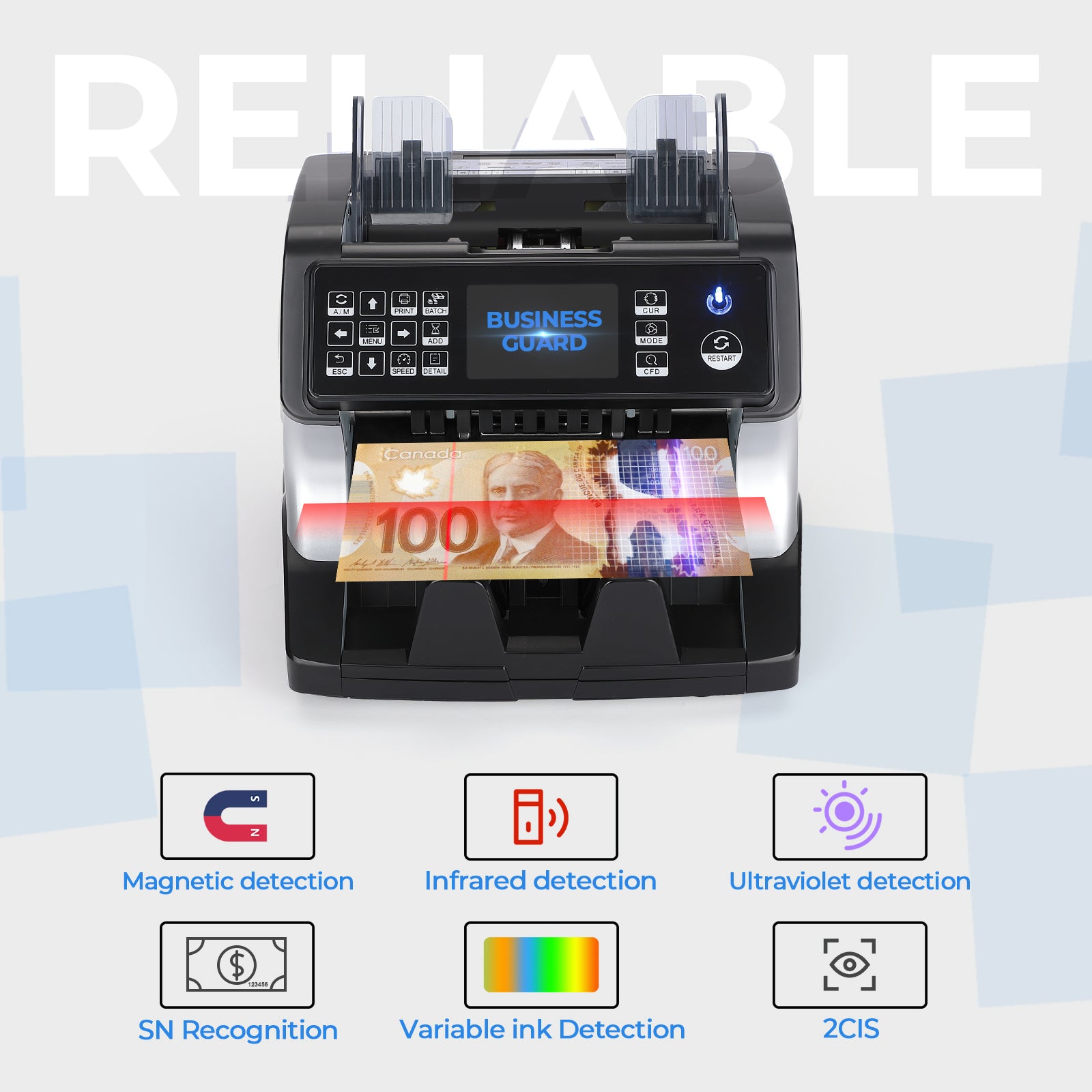
Product highlights

High-Resolution Image Scanning

Auto Denomination Recognition

Free Software Upgrades Always

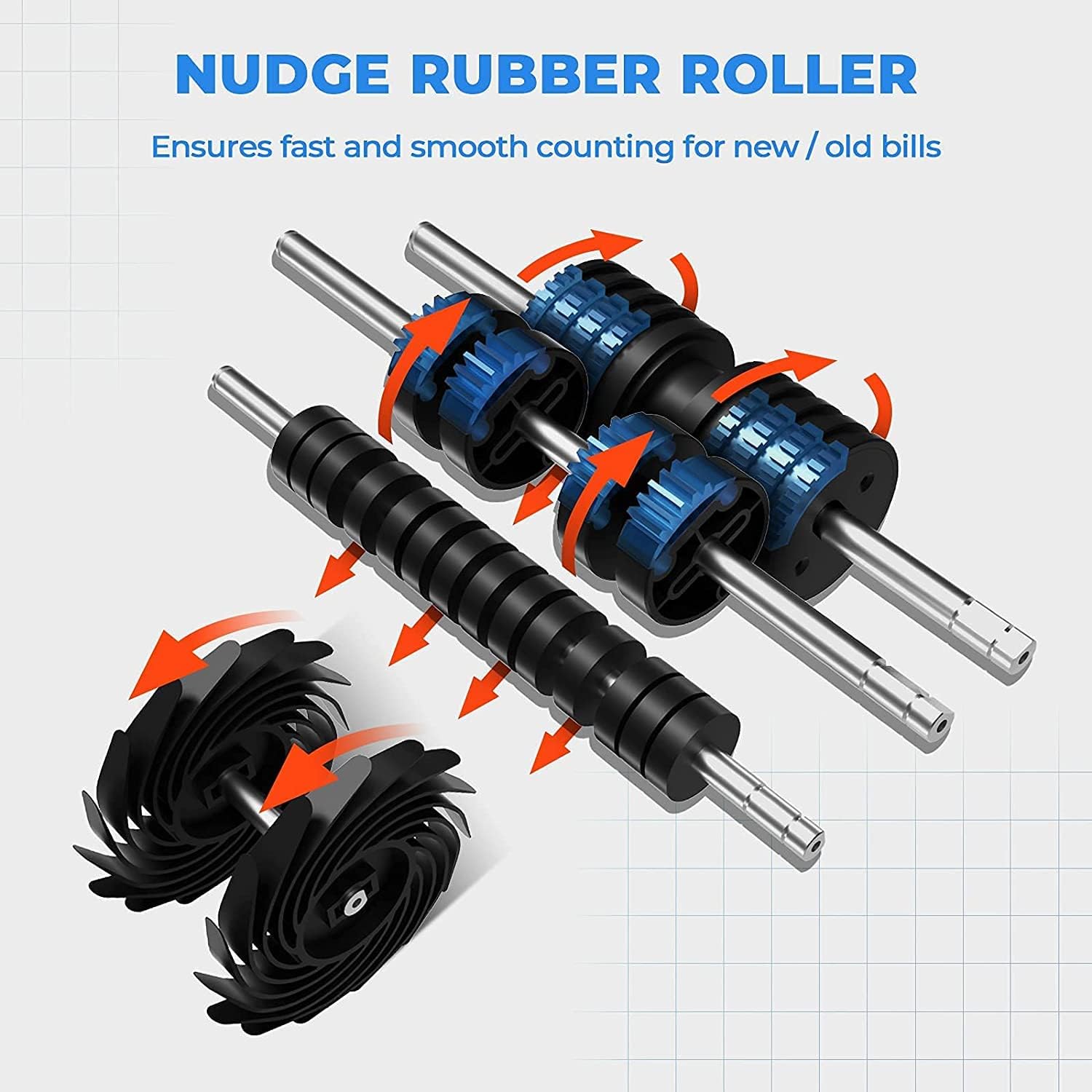
High-Speed Banknote Counting

⚡Flash Sale
Limited Time Only
Don't Miss Our Biggest Sale of the Week!
Product highlights
High-Resolution Image Scanning
Auto Denomination Recognition
Free Software Upgrades Always
High-Speed Banknote Counting


| A/M | Auto Counting Mode / Manual Mode |
| BATCH | Fix the total counting banknotes pcs |
| ADD | Pieces banknotes addiction even if inserted in different moment in the stacker |
| MENU | Confirm/ Long press to enter setting interface |
| SPEED | 800/1000/1200/1500 Bills/Min optional |
| CUR | AUTO/MULTI/USD/CAD/MXN/EUR/GBP |
| MODE | SDC/MDC/CNT |
| CFD | Press to adjust the sensitivity of Counterfeit Detection |
| RESTART | Start to count |
| External Display | Display number and total value counted |
| About Machine Update | Recognize More Currency/Adjust Available Kind of Currency in MDC Mode/New Release of Currency |
| Update Help | Just find us from user manual |

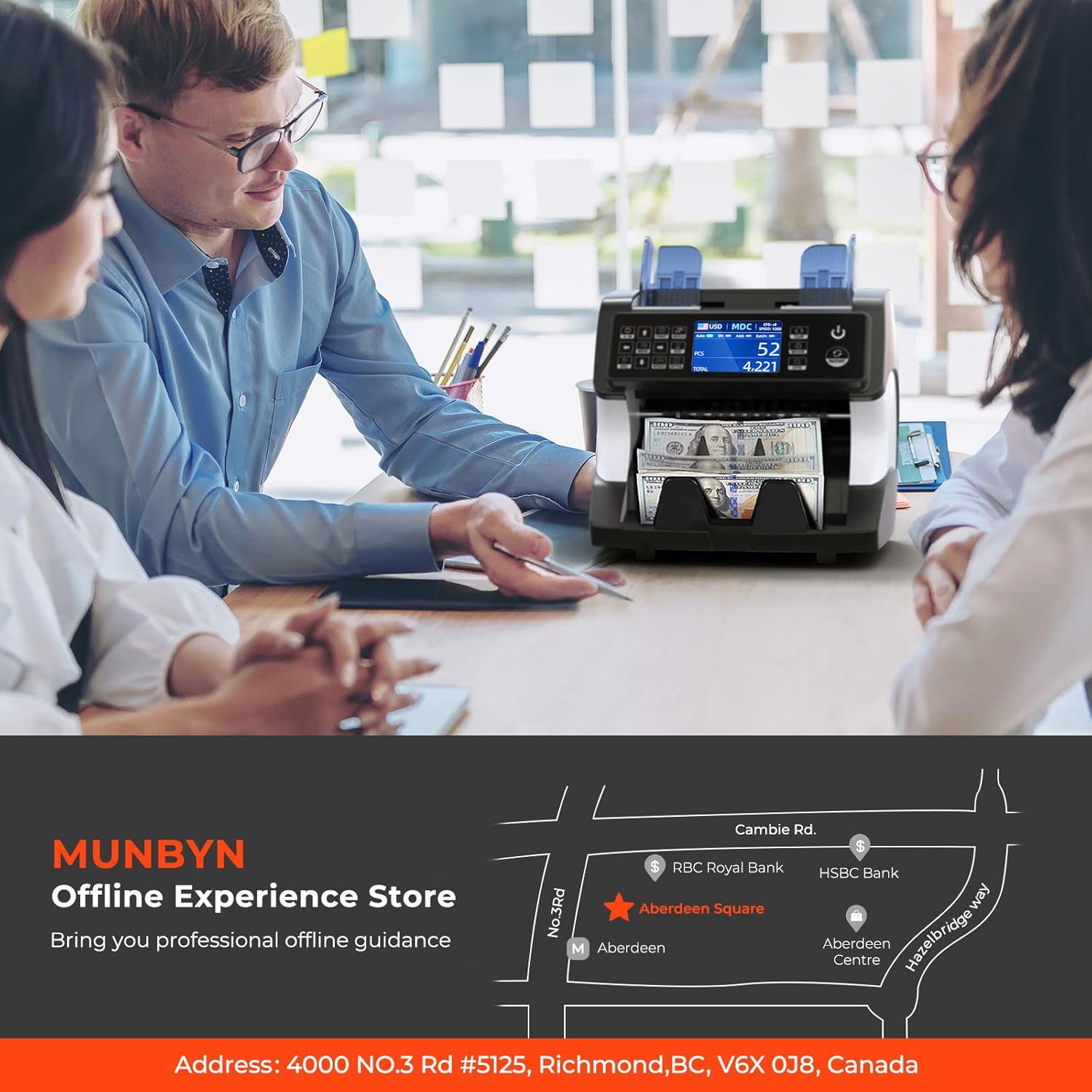
MUNBYN has our experience store in Richmond, Canada.
We can provides customers with free operation experience and careful explanation of the money detector.
You can get a better understanding of our money counters before purchasing.
Free Shipping on Orders Over $79*
Ships within 48 Hours.
14-day Risk-free Trial
2-Year Warranty & Lifetime Support
30-day Price-Match
Need help choosing the right product or placing an order?
Our MUNBYN support team is here to help. If you have any questions about products, compatibility, orders, or after-sales service, feel free to contact us at any time. We respond to all inquiries within 24 business hours (Monday–Friday).
Shipping Information
We offer free shipping straight to your door throughout the contiguous US*. It usually takes 2-5 business days* for your package to be delivered, so you can sit back and relax, worry-free.
*Please see our shipping policy for more details.
Help Center
Find everything you need in one place:
FAQ’s
Have a quick question?
Visit our FAQ page, which covers the most common topics, including:
If you can’t find the answer you’re looking for, our support team is always ready to help.
Still need assistance?
Contact Us at
Order: order@munbyn.com
Tech: support@munbyn.com
+1 628 229 3612
Mon - Fri: 7AM - 5PM (UTC-8)

PROOF 01 /MAKE CASH COUNTS CLEARER

PROOF 02 /MIXED BANKNOTES, LESS PREPARATION

PROOF 03 /CHECK MORE THAN THE QUANTITY

PROOF 04 /PREPARE THE STACK FOR A SMOOTHER FEED

PROOF 05 /FROM RECOGNITION TO USEFUL RESULTS

PROOF 06 /SEE HOW THE TOTAL ADDS UP

PROOF 07 /TWO SIDES, MORE INFORMATION

PROOF 08 /CHOOSE THE RIGHT MODE FIRST

PROOF 09 /SET UP YOUR CASH WORKSTATION

PROOF 10 /MAKE ROUTINE CARE EASIER

PROOF 11 /KEEP YOUR SOFTWARE CURRENT

PROOF 12 /MAKE VERIFICATION A CLEAR ROUTINE













Please read our FAQs page to find out more.
MUNBYN scanners run on Android 12, 13, or 14, depending on the model (AS01P, MC005P, IPDA088, IPDA087P, IPDA101, etc.). All systems support Google services and enterprise apps.
Use this text to answer questionOur PDA scanners use high-performance engines such as:
Zebra SE4710 / SE4750 / SE4750MR / SE4850
Honeywell HS7
These engines support fast and accurate scanning in retail, warehouse, logistics, and manufacturing environments.s in as much detail as possible for your customers.
MUNBYN PDAs support:
1D:UPC, EAN, Code128, Code39, ITF, etc.
2D:QR Code, DataMatrix, PDF417, Aztec, etc.
Long-range (MR/ER) scanning available on Zebra SE4750MR & SE4850 models.
Yes. Models with Zebra SE4750MR or SE4850 can scan barcodes from near contact range up to several meters, ideal for warehouse shelves and industrial use.
Yes. Most MUNBYN PDAs feature:
IP65 / IP67 waterproof & dustproof rating
1.5–1.8m drop resistance
Suitable for warehouse, manufacturing, and outdoor environments.
Yes. It functions as a full Android device with app downloads, touch display, camera, GPS, and Bluetooth.
Most PDAs include 5000mAh–8000mAh batteries, offering 8–12 hours of continuous operation. Some models support hot-swappable batteries.
Yes. All standard models include GMS certification and access to Google Play.
Yes. MUNBYN PDAs support SDK/API integration for custom apps, compatible with Android development tools.
Yes. Many models support:
Yes. They support most Android-based software, including:
WMS, ERP, POS, inventory apps, Shopify POS, Square, and custom enterprise systems.
Selected models include NFC for access control, tagging, or quick pairing.
RFID versions are available—contact support for model confirmation.
Free shipping and returns