⚡Promotions Éclair de la Semaine Se termine par 00 D 00 H 00 M 00 S
Livraison Rapide et Gratuite sur les Commandes de Plus de 129 $CA
Scroll to top

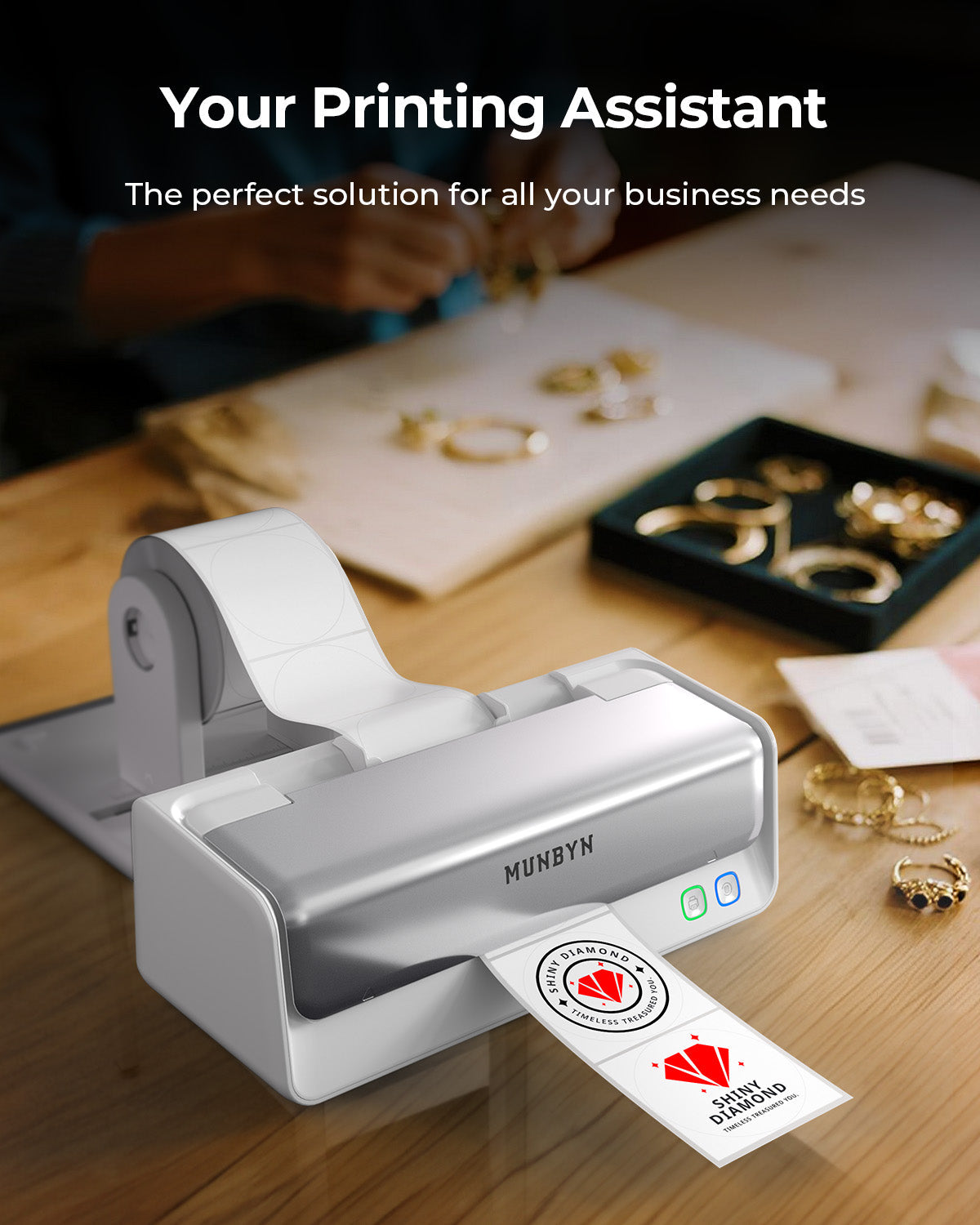
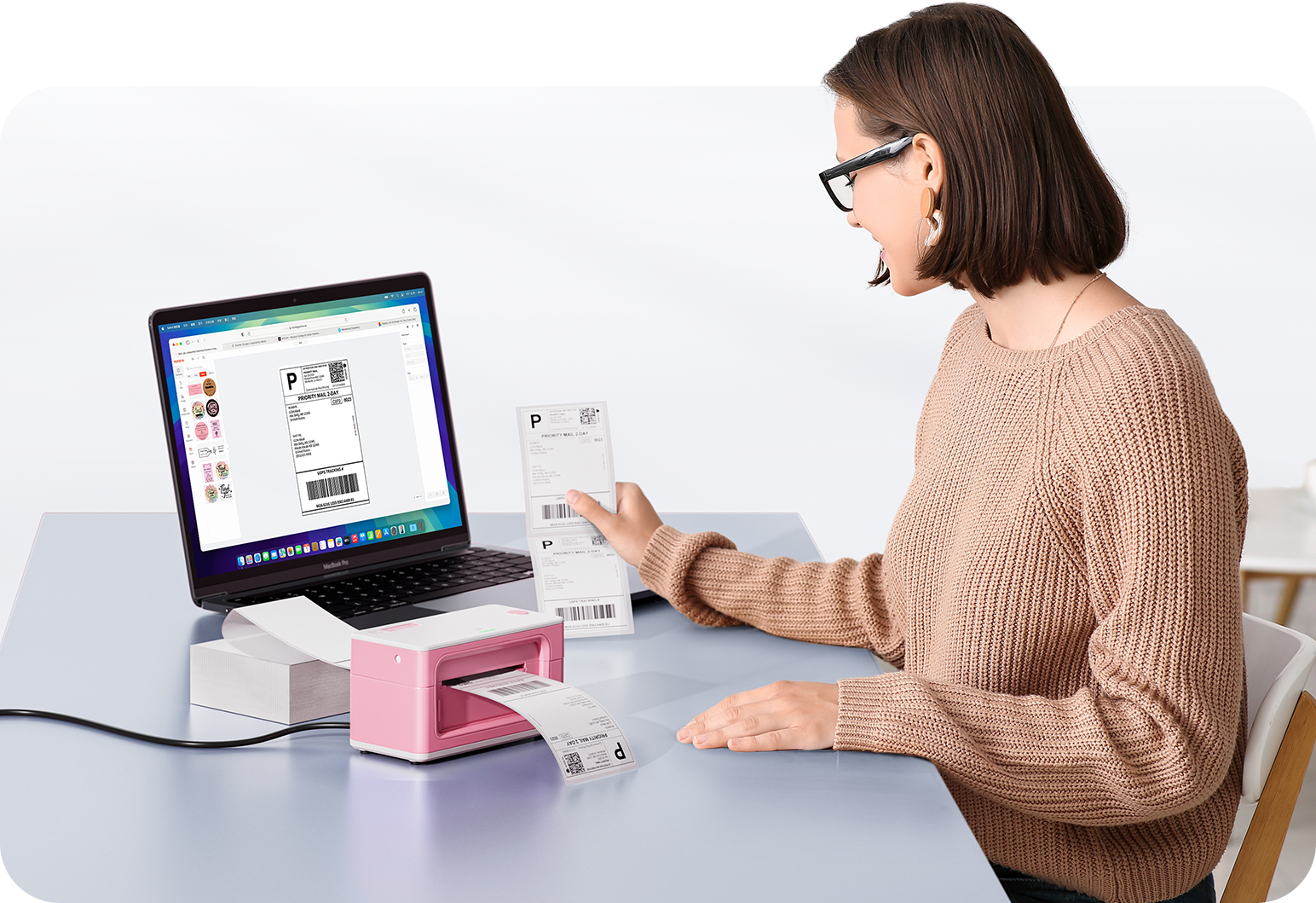
Imprimez n'importe quoi, n'importe où

Vos idées, votre espace — imprimez partout où l'inspiration vous frappe.

Sans encre, sans souci

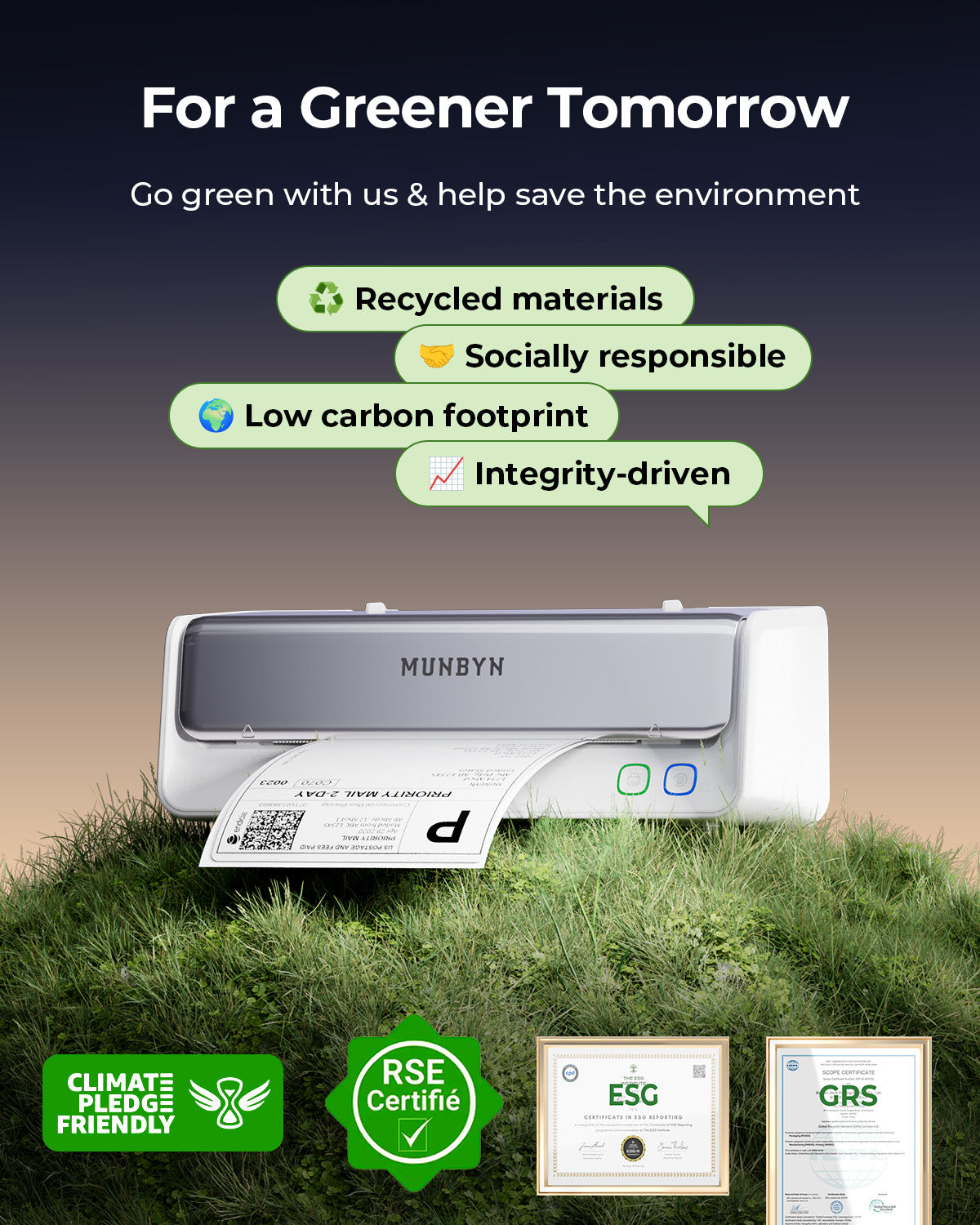
Zéro encre. Économise du temps, de l'argent et la planète.

Rapide à imprimer, facile à entretenir

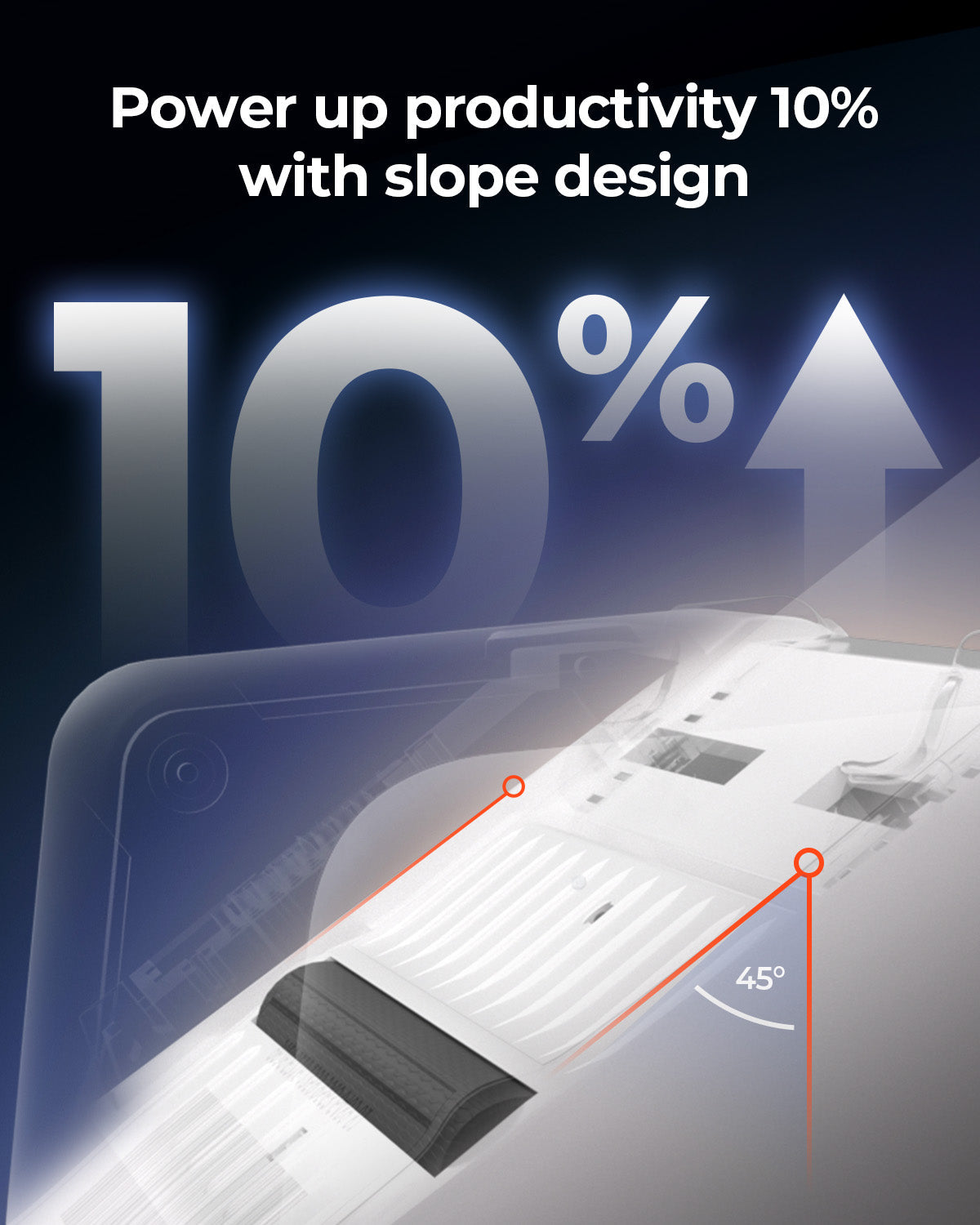
Haute vitesse : 150 mm/s = une étiquette 4×6 par seconde.

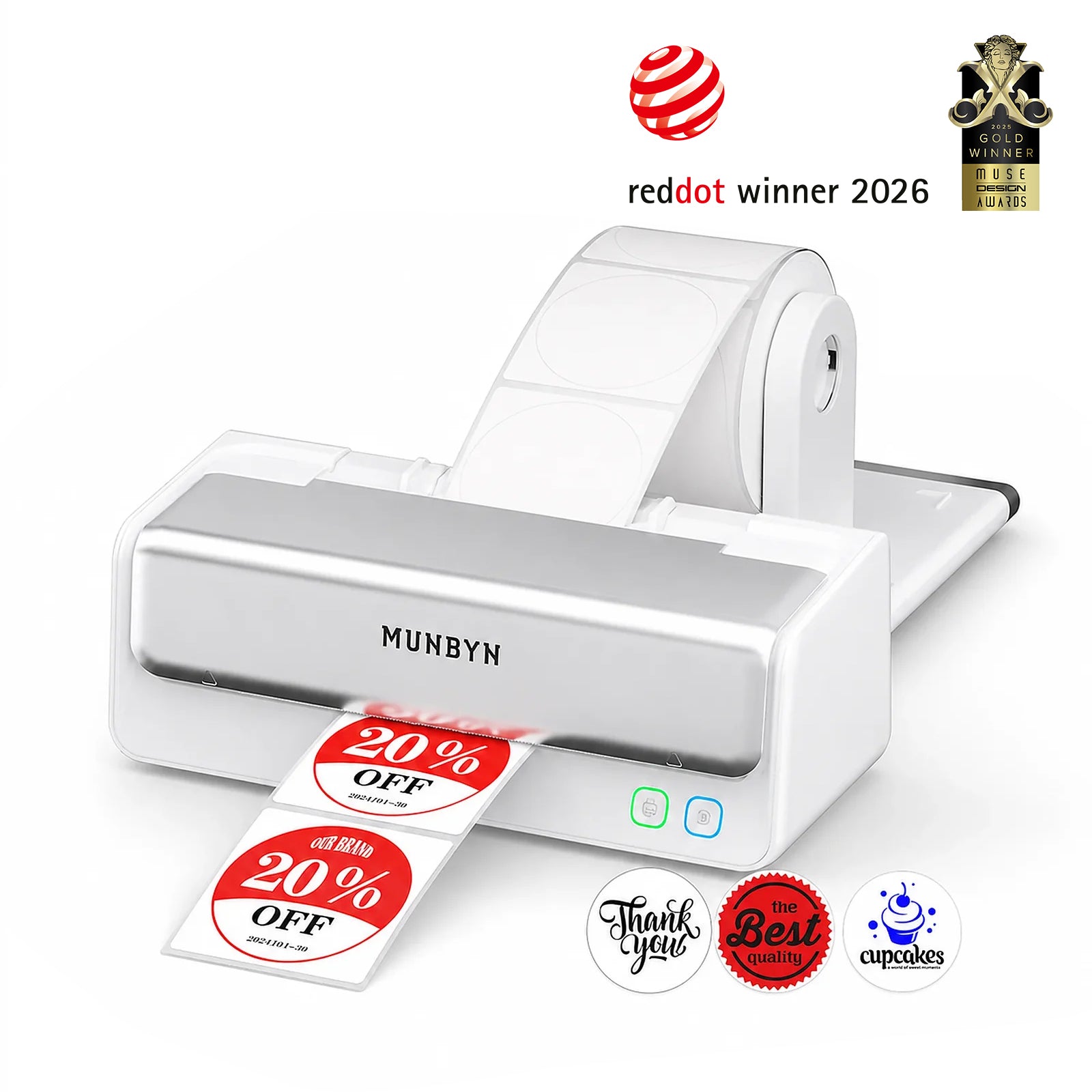
Munbyn label printer with printed labels on a white background, featuring Red Dot Award logo.
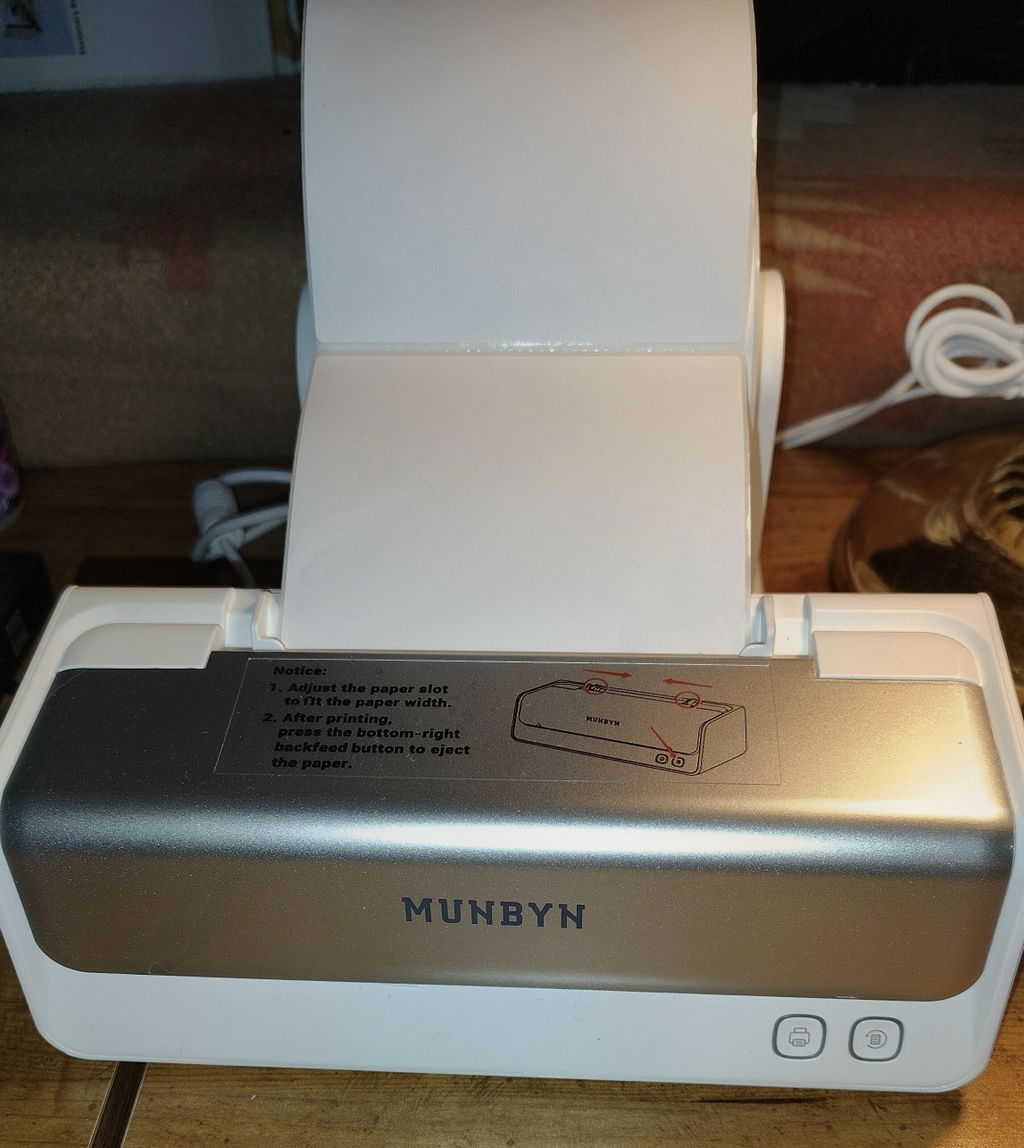
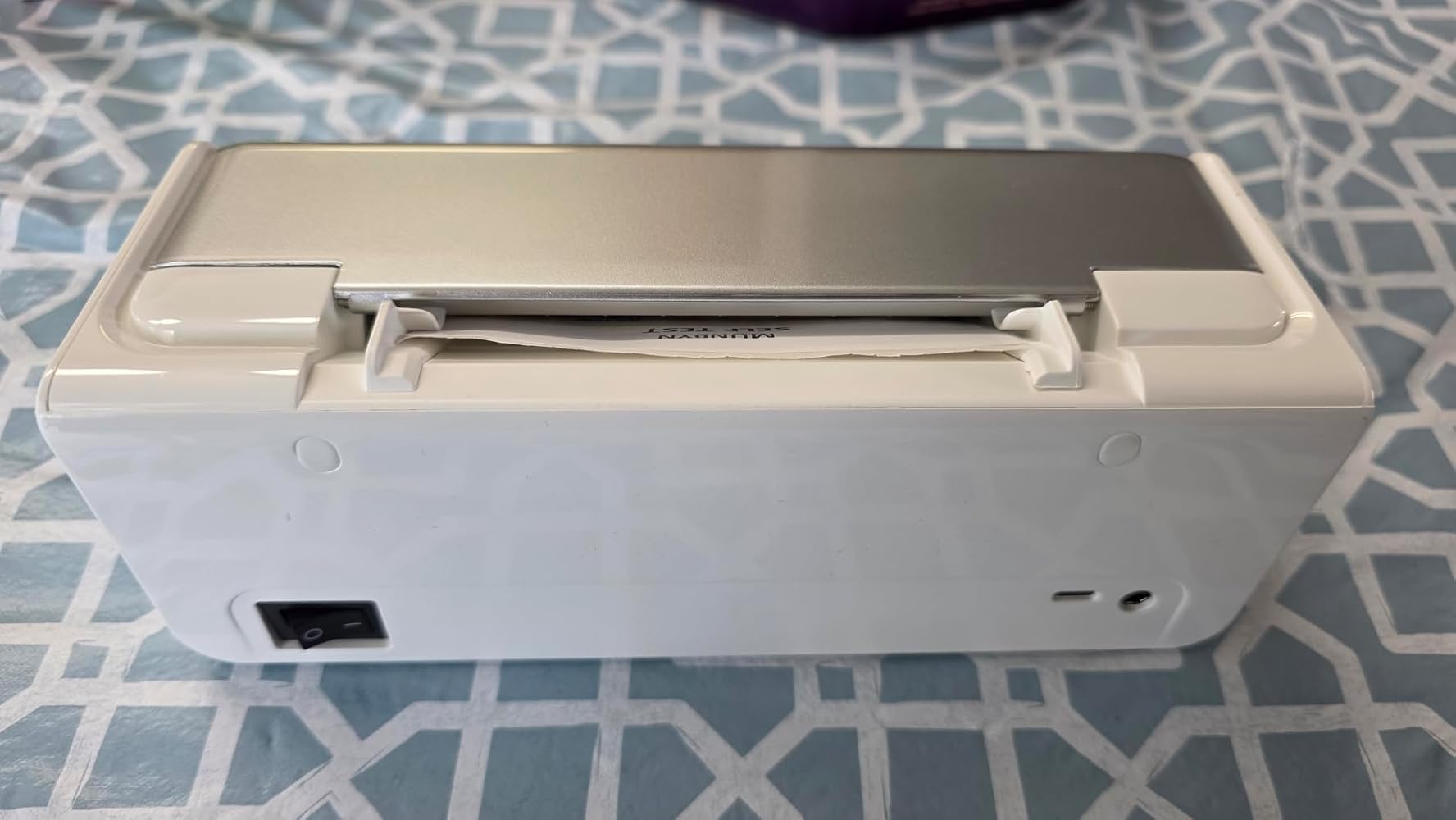
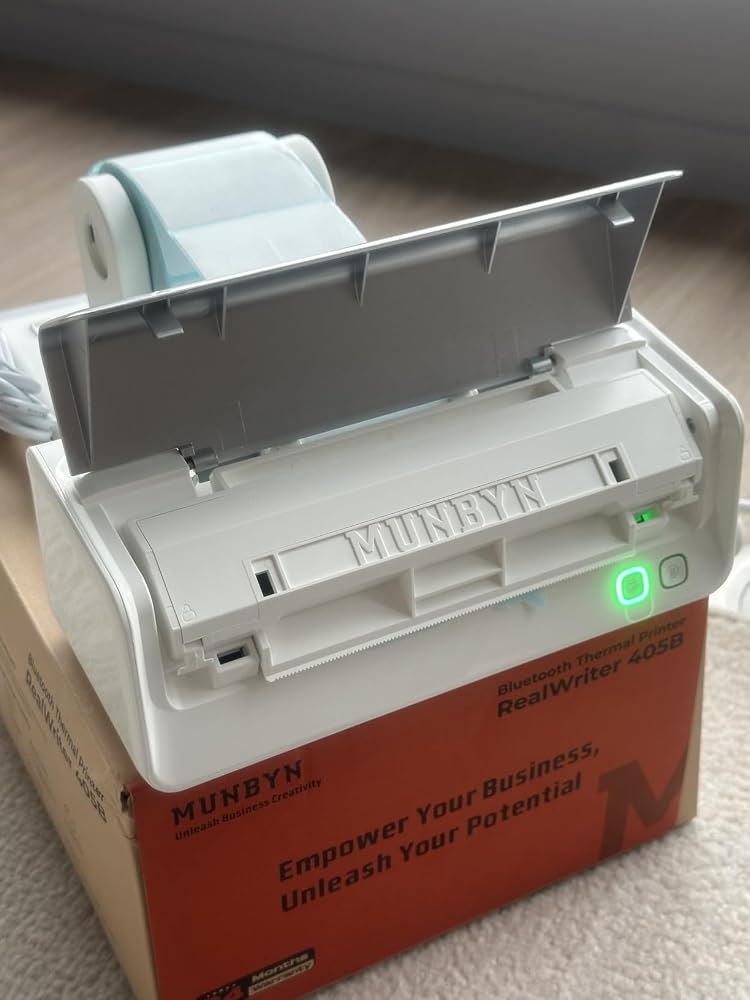
Imprimante d'étiquettes thermique bicolore Bluetooth MUNBYN RW405B
$249.99 CAD

Détails du produit

Introduction de base

Type de modèle

- 405B

Résolution

- 203 DPI

Vitesse d'impression

- 150 mm/s

Poids

- 0,676 Kg

Dimensions du produit

- 208x90x75mm (L*l*H)

Compatibilité
Connectivité

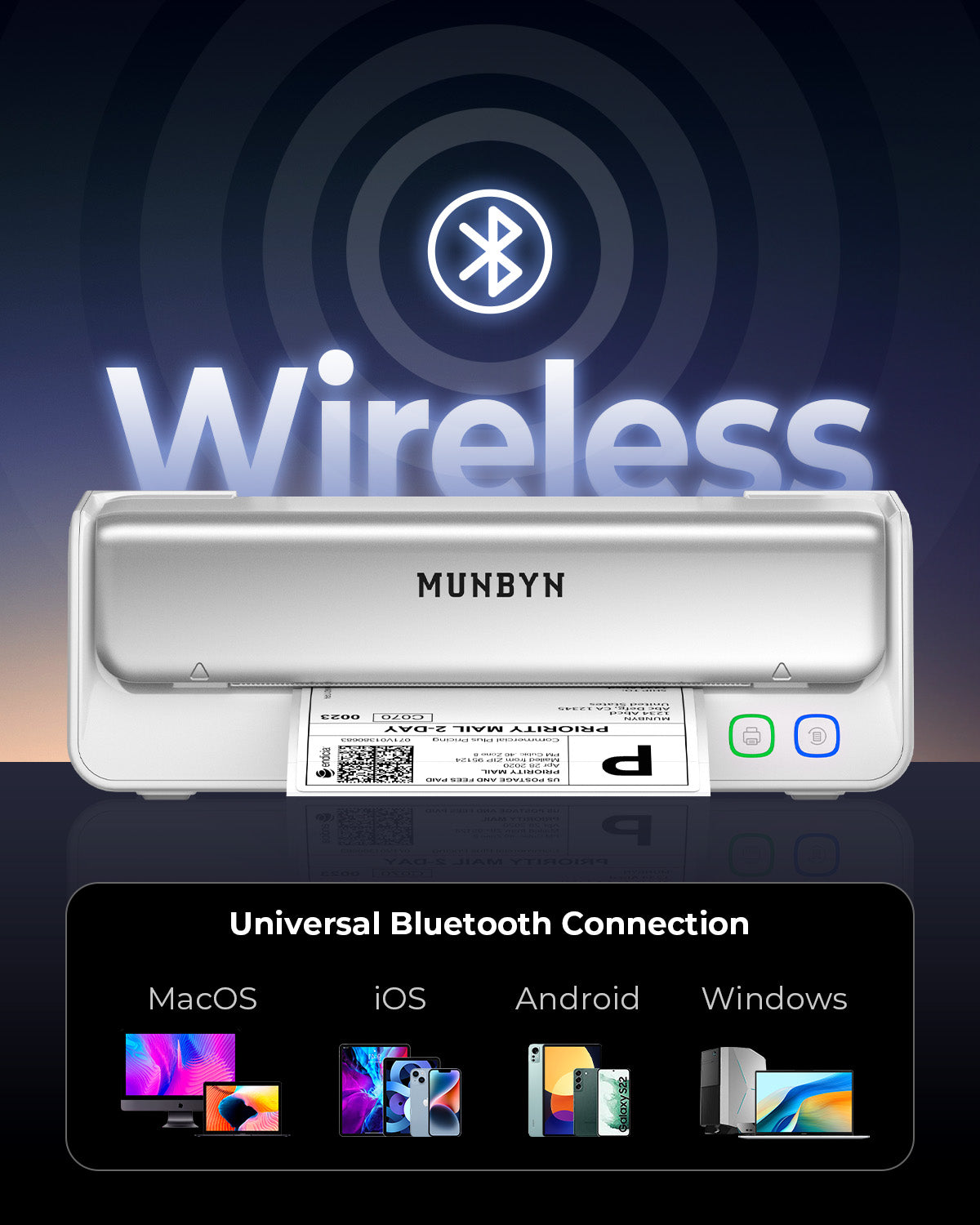
Bluetooth : iOS, Android, Windows, Mac
USB : Windows, Mac OS

Formats d’étiquette compatibles

- 40-108 mm

Fonctionnalité spéciale

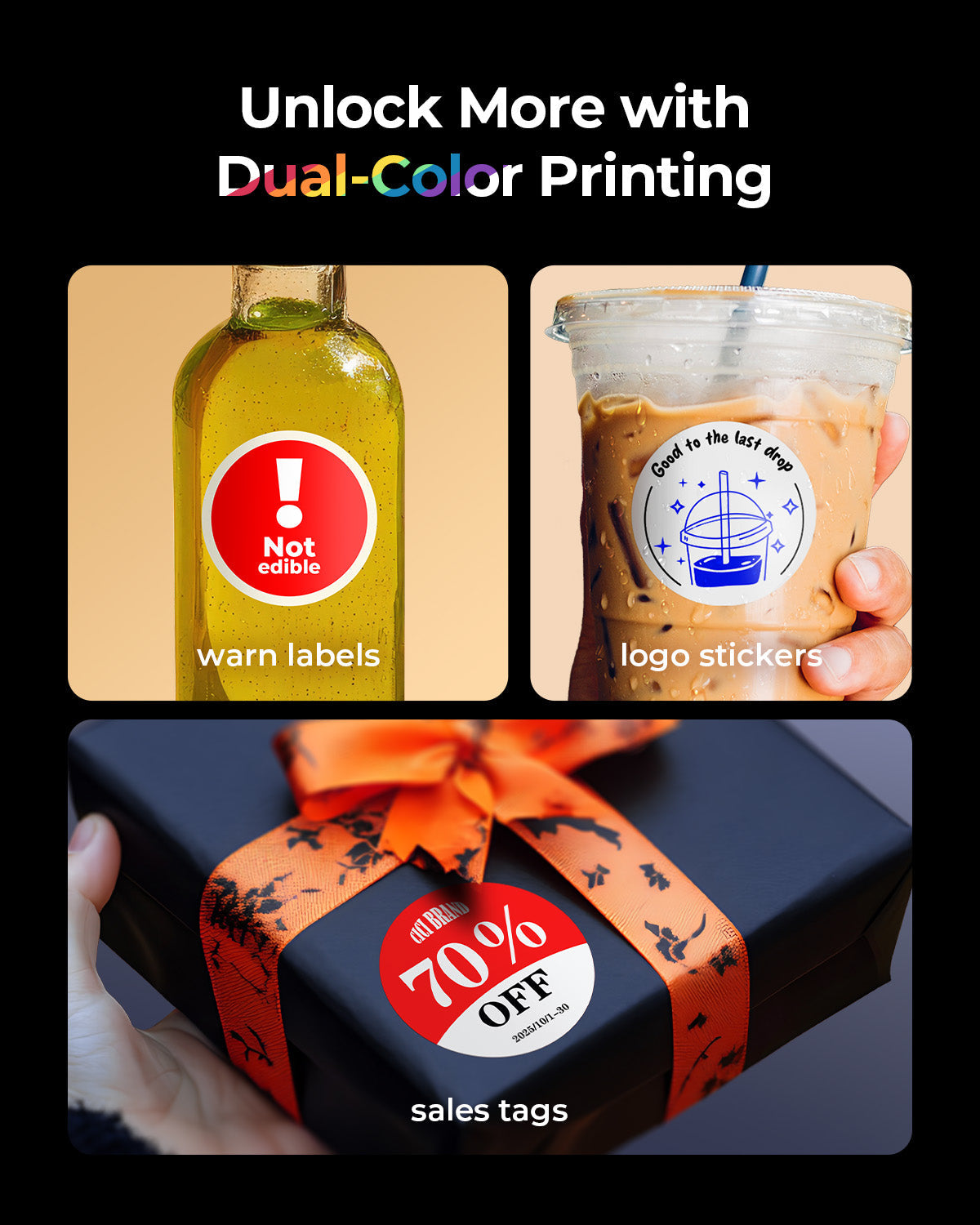
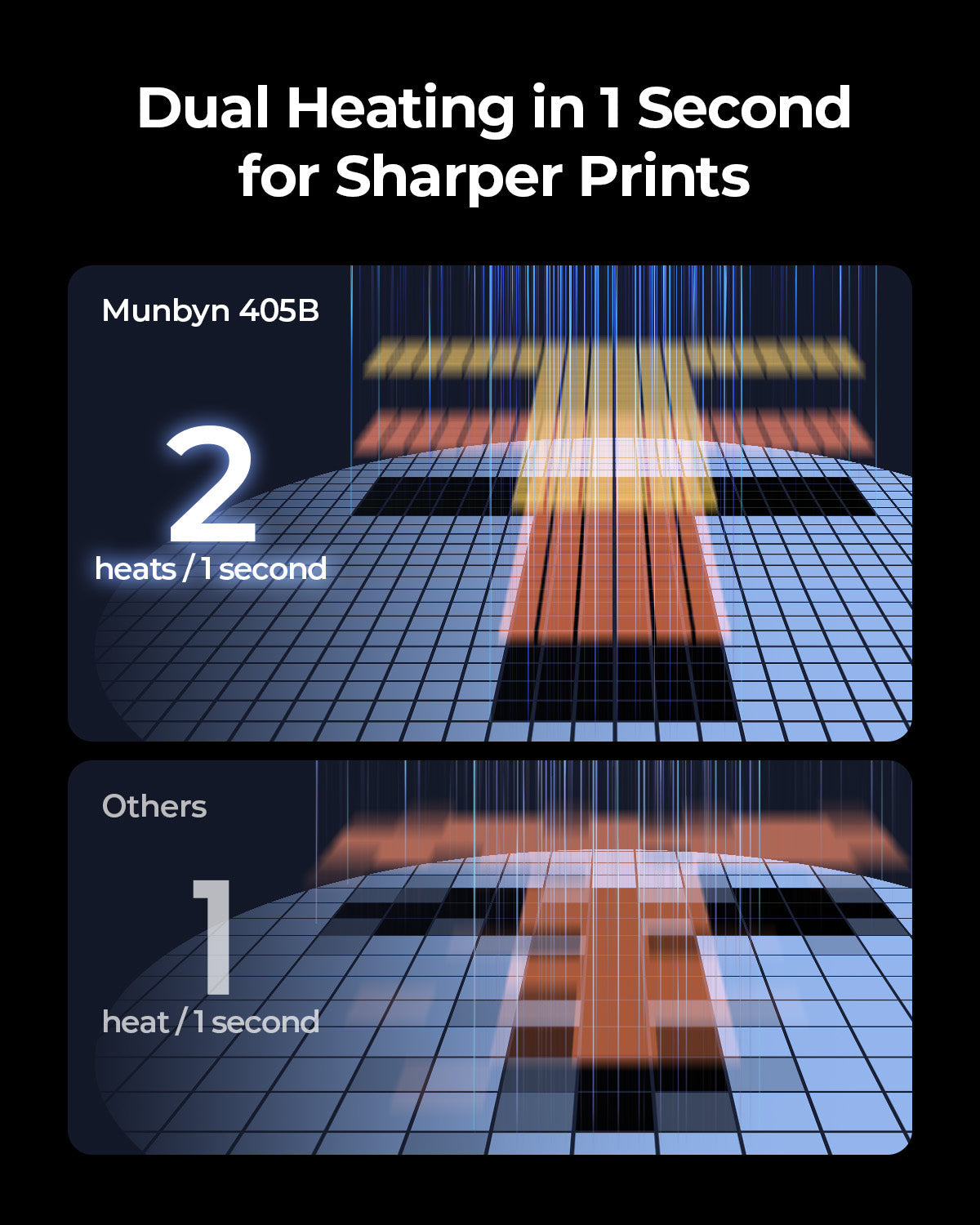
- Bicolore
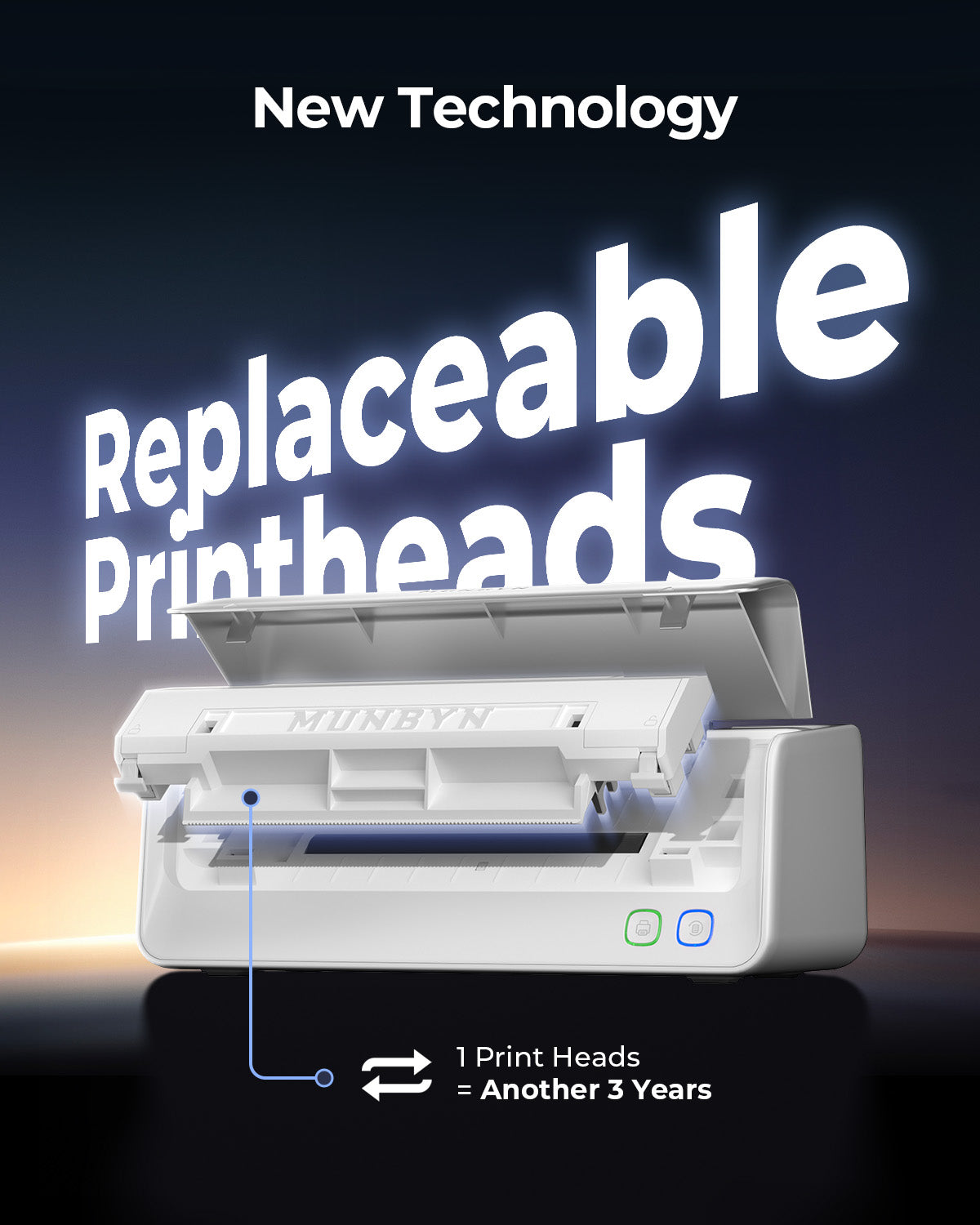
- Tête d’impression remplaçable

Appareils compatibles

- Ordinateurs portables, PC, smartphones, tablettes

Adaptateur secteur

- 24 V/2,5 A

Autres
Scénarios d'utilisation

- Entrepôts
- Commerce de détail
- Bureaux
- Entreprises
- Domicile

Garantie de service

- Garantie de 2 ans
- Support technique

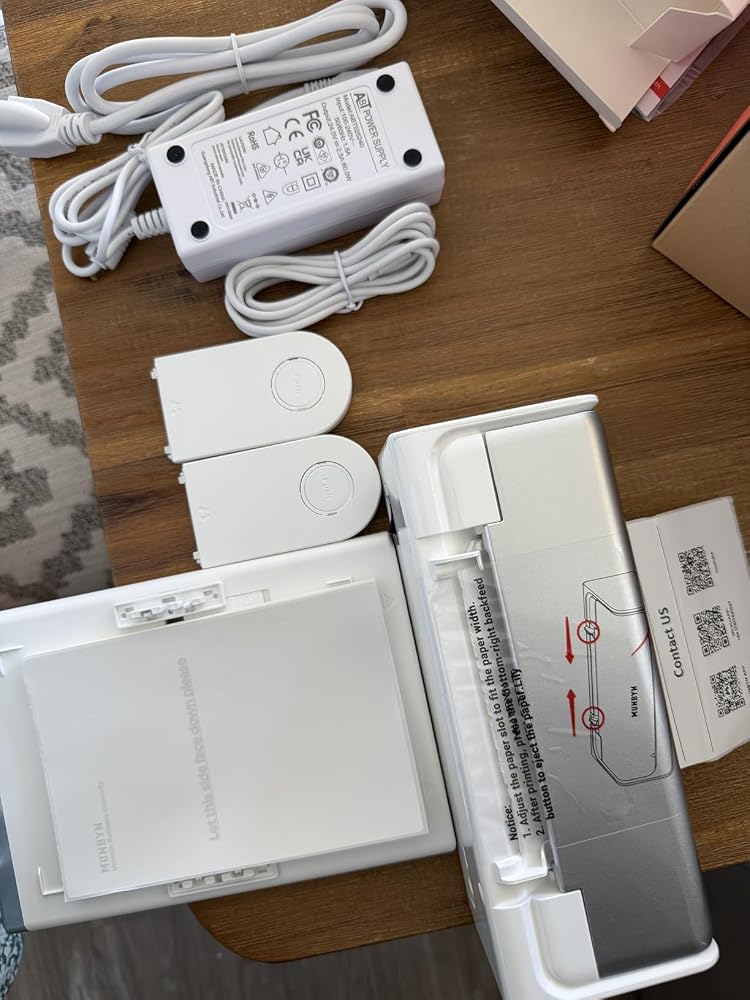
Inclus dans la boîte

  • Printer

  • Power Adapter

  • User Manual

  • Quick Tips

  • Labels

  • Electrostatic Film

  • Data cable

  • Adapter

Téléchargez notre application

Étiquettes haut de gamme en quelques minutes
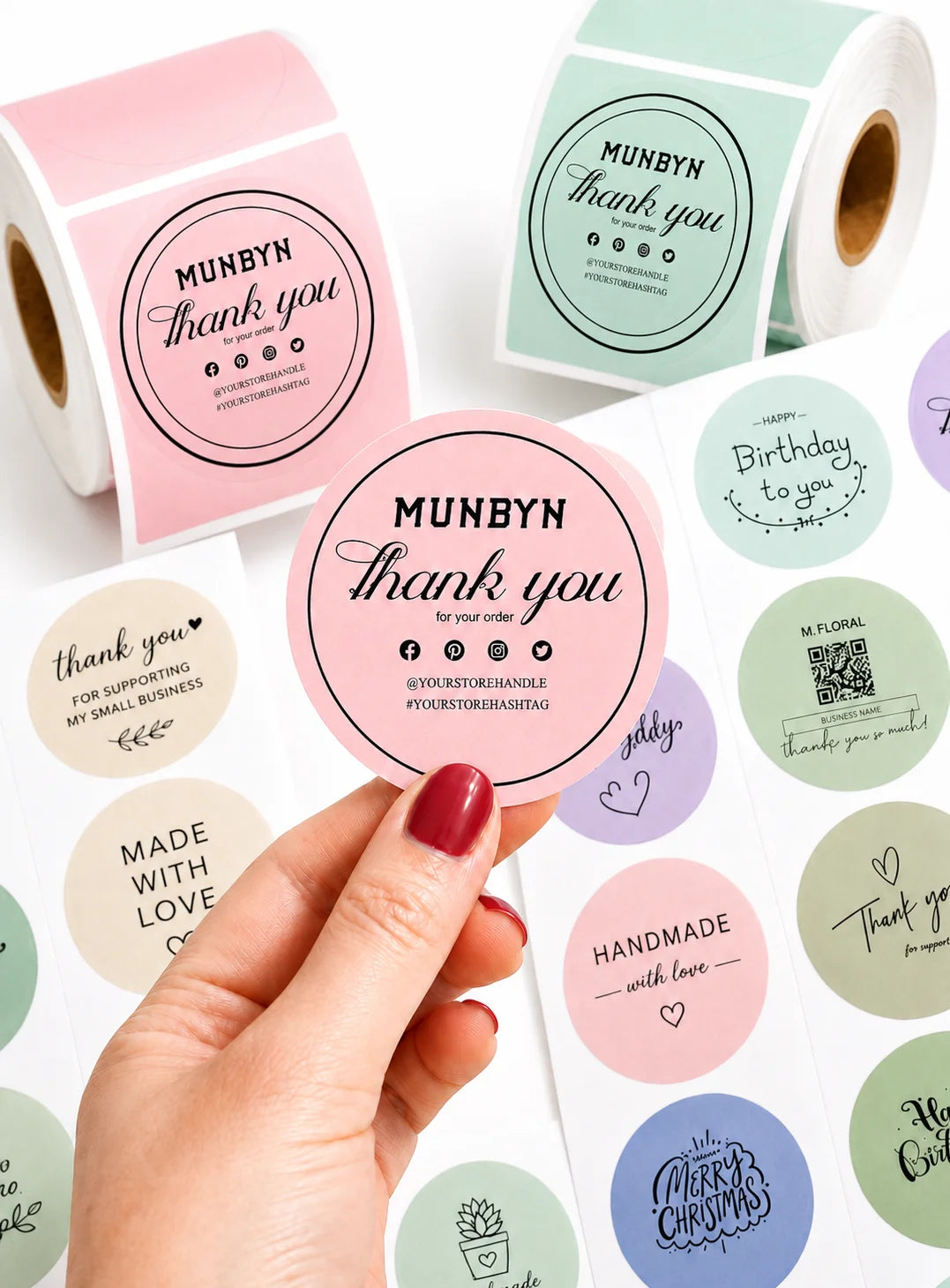
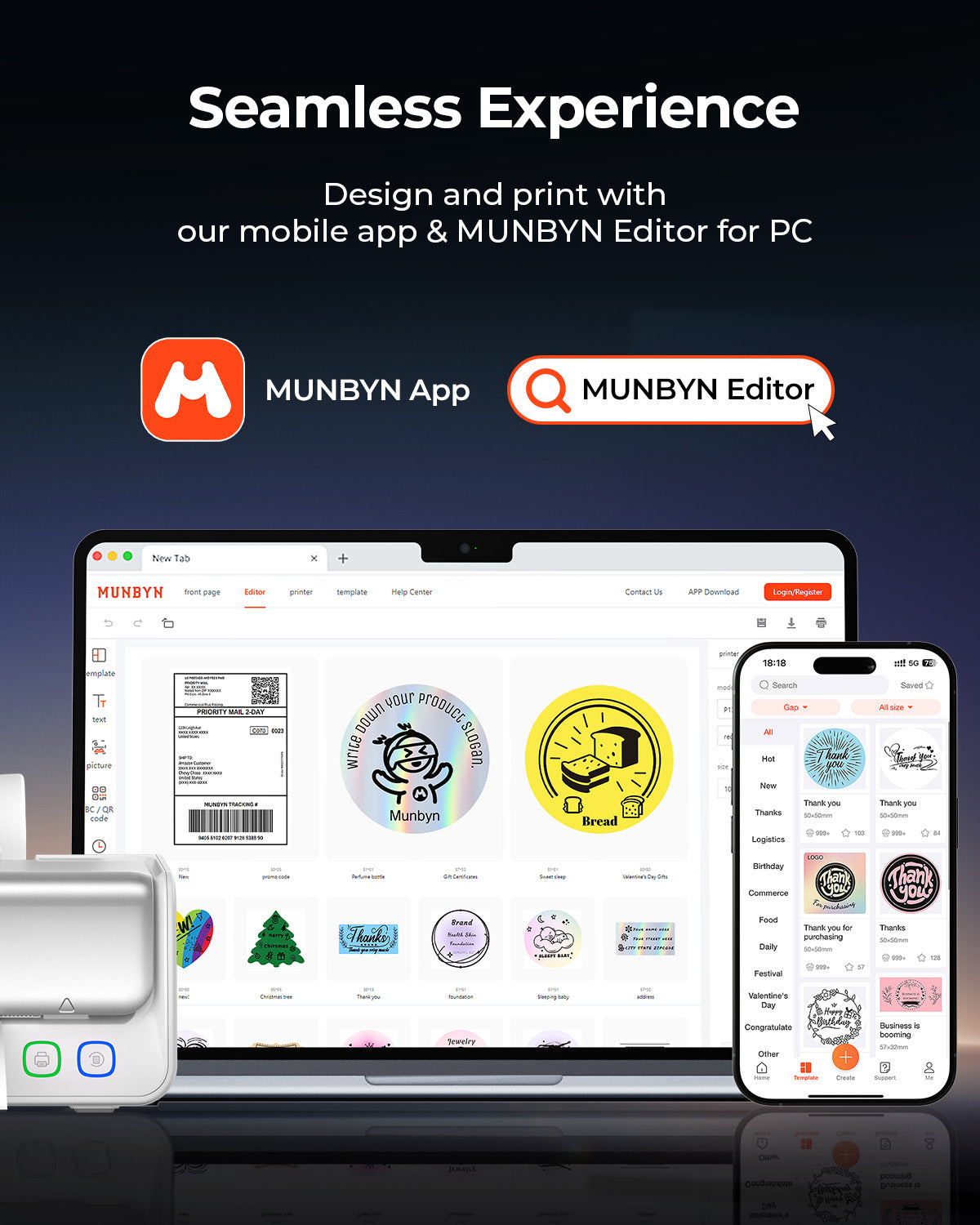
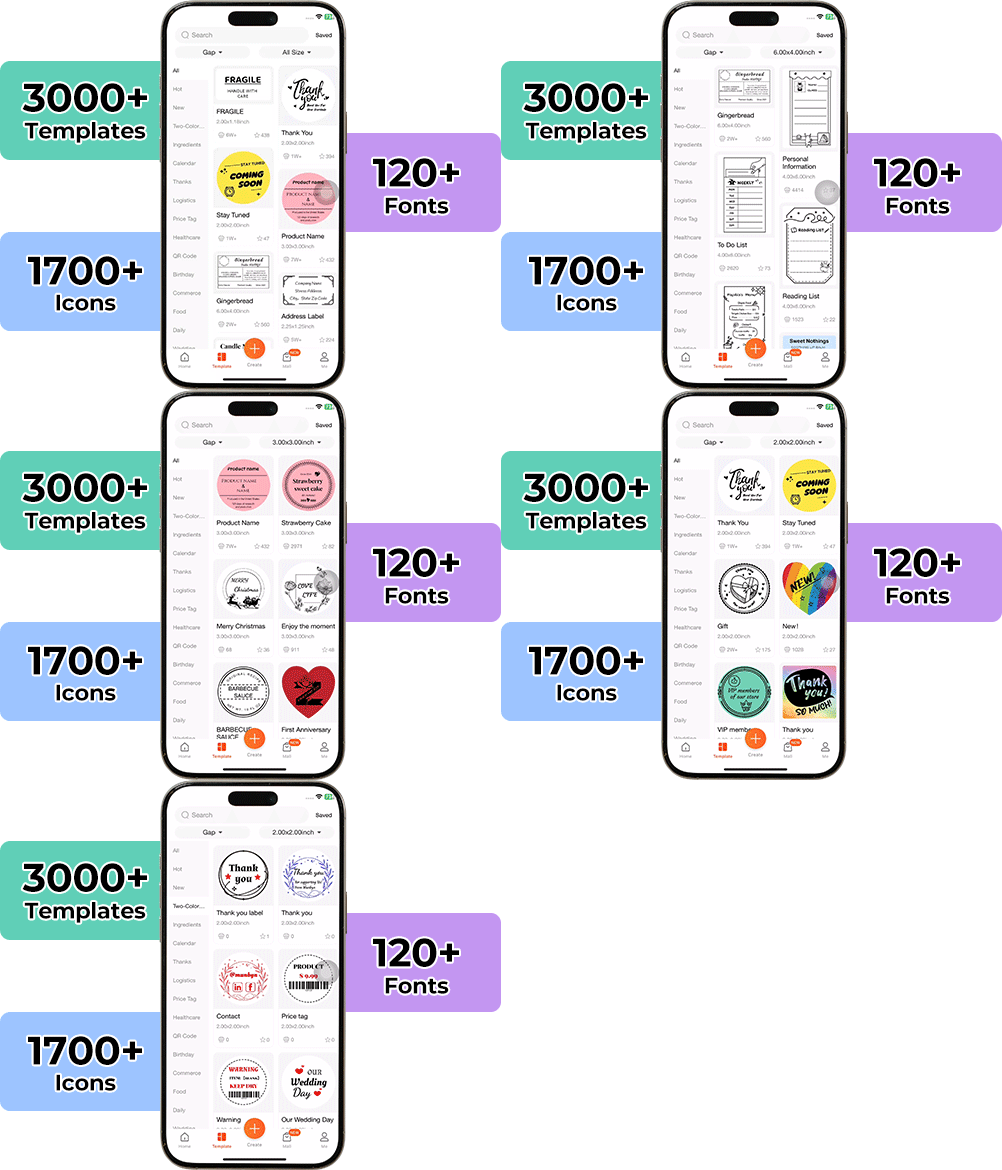
Concevoir des emballages personnalisés n'a jamais été aussi simple. En utilisant l'application MUNBYN et nos étiquettes DIY polyvalentes, vous disposez d'une bibliothèque de plus de 3 000 éléments de design et modèles à votre disposition.

Créez des logos sur mesure et des autocollants promotionnels qui reflètent parfaitement la personnalité de votre marque, tout en maîtrisant votre budget.


Google Play

Google Play

Télécharger maintenant

 
Éditeur en ligne

Éditeur en ligne

Créer maintenant

 
Manuel de l'utilisateur

Manuel de l'utilisateur

Télécharger maintenant

Votre outil tout-en-un pour les principales places de marché et transporteurs, incluant mais sans s'y limiter

Customers said this thermal label printer "works great and considerably fast" for printing tasks. The device delivers strong printing performance and speed. However, shoppers noted the accompanying app offers "very minimal selection of templates," which may limit customization options for some uses.

  • 5 stars: 48 (84%)
  • 4 stars: 7 (12%)
  • 3 stars: 2 (4%)
  • 2 stars: 0 (0%)
  • 1 star: 0 (0%)
D
Dawnja McCormack
E
Eizaria
Fast and high resolution printing job

Since I do so many shopping, I needed this printer to print labels which I usually print more than 15 a day. This printer works fantastic and labels in compare to my old printer were clear and printing was faster. Also, it does the alignment automatically which was super helpful. There is no need of ink because it's a thermal one as described.

S
Scott
Excellent long-term investment thermal shipping label printer

This is a really nice thermal shipping label printer. Munbyn makes pretty decent gear, and this represents a new level of achievement in their offerings. Despite the higher initial cost, this is an investment for a long term printer. With a thermal printer, your costs were mostly limited to labels, but when the printer wears out, it needs to be replaced. This unit is modular with a replaceable print head. It's a great concept, and it should work. I love the fact that it doesn't need special drivers to work with major carriers.

A
Amazon Customer
Fast Printing and Easy to Use

From my research, this brand makes several different label printers, and this model seems to be their top-of-the-line version. You can download the app and use it to make your own stickers, which is a great bonus. A few sample shipping labels were included, so I tried printing them ― and I was honestly amazed at how fast it prints! The setup and usage are very straightforward, and the design itself looks sleek. I’m excited to keep using it for my shipping needs and more.

A
Annabely
App required

I can’t believe how easy it is to use this printer I would say you need an app so I have attached the QR code so you can download. This works well in a functions as it should super easy to Bluetooth and it comes with a label holder, it is a wireless connectivity so you don’t need to worry about wires, but it comes with a seaport attachment so you could easily print from your phone or laptop as well. This makes it easy to carry around, so it’s portable too.

M
Maria S.
Fast, Flexible, and Compact Bluetooth Label Printer

This is a surprisingly solid label printer. Given the unknown brand name I didn't know what to expect and found myself impressed. This label printer includes the printer itself, a power cable, a USB cable, and a starter set of 30 4x6 labels. It works with Android/iOS as well as Windows/Mac computers and can be connected to your device via USB-C, USB-A, or Bluetooth.Setup on Windows was a little confusing at first. The instructions weren’t very clear, and even for Bluetooth you need to download a driver from the Munbyn website. Once I figured that out (Google helped more than the manual did), the actual setup only took about 15 minutes. After that, it was smooth sailing. The instructions do mention that you have to download a custom app for connecting with an iPhone or Android phone.For printing shipping labels, the quality is exactly what you’d expect from a thermal printer: perfectly readable and functional, though not something I’d use for higher-end product or commercial labels. Where this printer really shines is in speed. It’s lightning fast, and the feed-through system makes printing batches of labels quick and efficient.It’s a wonderful upgrade from my previous label printer, a DYMO, which required proprietary labels. This Munbyn printer works with labels of many sizes and shapes with a maximum paper width of 4.25 inches and no proprietary labels required for the feed system, making it far more flexible.The printer itself is compact and very portable, small enough to slip into a suitcase pocket if you needed to take it on the go. The included stand is handy for keeping things organized, though it does take up a bit of extra space.All in all, this is a fast, compact, and convenient option for shipping labels, with just a small learning curve on setup.

J
Jacky
Decent upgrade from the 403B

As a small business owner, efficient shipping is paramount, and the MUNBYN RW405B Bluetooth Thermal Label Printer has genuinely streamlined my operations. After several weeks of consistent use, I can confidently say this printer delivers on its promises, making it a strong contender for anyone in e-commerce or small-scale logistics.Setup & Compatibility: Surprisingly SmoothOne of my biggest concerns with new tech is often the setup, but the RW405B was surprisingly straightforward. For Windows, the driver installation was quick, and I was printing within minutes. The real standout, however, is its multi-platform compatibility. Connecting via Bluetooth to my iPhone and Android devices was seamless, and printing directly from shipping apps was a breeze. Even on my Mac and via Chrome, the printer integrated without any major hiccups, which is a huge win for a multi-device workflow. No more tethering to a single computer! The online app is fantastic. Really easy to print straight from Chrome and no need to provide your email or install any apps on your devices.Print Quality: Crisp, Clear, and ConsistentThe 4x6 shipping labels come out consistently crisp and clear. Barcodes are easily scannable, and text is sharp, which is essential for professional-looking packages and avoiding shipping delays. I've printed hundreds of labels, and there's been no noticeable drop in quality. Being a thermal printer, of course, means no ink or toner costs, which is a significant long-term saving.Key Features That Shine:Replaceable Print Head: This is a genius feature. Thermal print heads eventually wear out, and the ability to replace just the head rather than the entire unit is a huge cost-saver and extends the life of the printer significantly. It speaks to MUNBYN's understanding of common pain points for heavy users.Integrated Paper Holder: Simple, yet incredibly effective. It keeps your label roll tidy and feeds them smoothly, preventing jams and making the printing process more reliable. It's one of those quality-of-life additions you don't realize you need until you have it. Only thing is that it's held on by gravity. Wish it clipped in so that I could move the whole thing as one unit. Currently you just set the printer on top of the holder.Bluetooth Connectivity: The freedom of wireless printing cannot be overstated. Being able to print a label from my phone while packing orders on the other side of the room is a convenience I now can't live without. Again the really nice thing is the fact that you don't have to use an app or anything.Considerations:While overwhelmingly positive, there are a couple of minor points to consider. Initial Bluetooth pairing, while generally easy, can sometimes require a quick toggle off/on if you're switching between multiple devices frequently. Also, while the replaceable print head is a pro, remember to factor in the cost of a replacement print head down the line, although it's still far more economical than buying a whole new printer.Who Is This For?This printer is an ideal solution for:Small business owners running e-commerce stores (Etsy, Shopify, eBay, Amazon FBA).Anyone needing to print 4x6 shipping labels frequently.Users who value multi-device compatibility and wireless printing convenience.Those looking for a cost-effective, long-term labeling solution thanks to the replaceable print head.Final Verdict:The MUNBYN RW405B has proven itself to be a robust, reliable, and highly convenient thermal label printer. Its excellent print quality, broad compatibility, and thoughtful features like the replaceable print head and integrated paper holder make it an outstanding investment for any small business looking to streamline their shipping process. It's a true workhorse that has quickly become an indispensable part of my daily operations. Highly recommended!

D
Dennis
Simple Setup & Perfect for My Small Business!

Loyal Munbyn customer here. I have the older pink one. I saw this and just had to get it.I only had to download the driver, and the MUNBYN RW405B connected to my laptop via Bluetooth in minutes. It prints sharp, professional labels with no jams or misalignments. Super reliable and such a time-saver for my small business―highly recommended.

R
RedAkuma82
Prints well, not many jams, easy to connect to and setup,

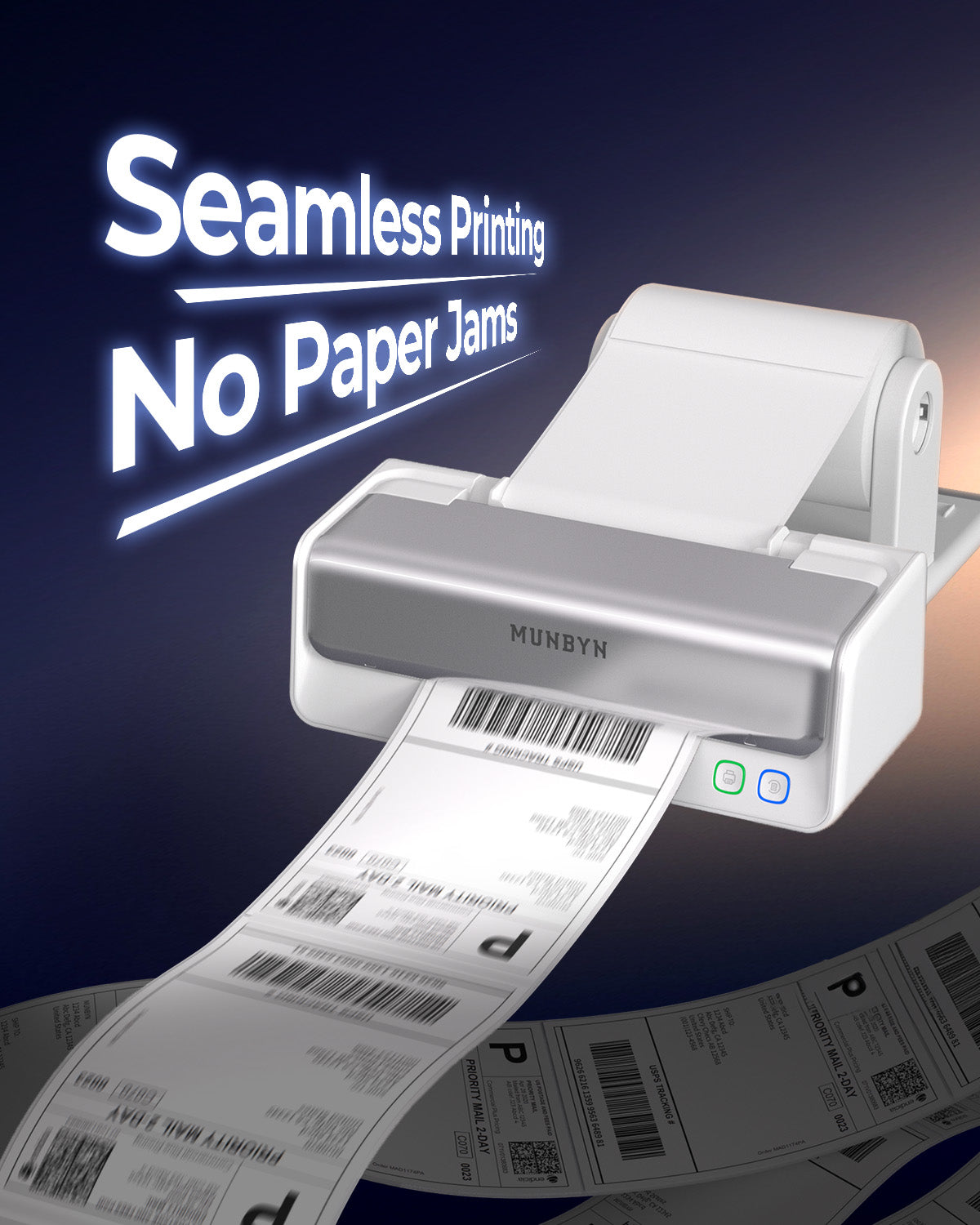
This bluetooth thermal shipping label has been great for my business so far. I do like how labels feed into the printer and its actually a lot harder to get jammed with design. It is easy to diagnose any jams being an open design. The printer does help me process a lot of order. It will print out multiple labels quickly and I can have them ready to be placed on the package. I was able to save a ton of time I am not sure when I will actually need to replace the head piece to be honest. It has been doing great for far in terms of print. You are able to take this apart fairly easily. I like how the label is fed and makes it easy to rip off the label without needing any kind of "cutter". It is fairly straight forward to use once you have it setup. The labels prints quickly. So far I have only had one jam but no misaligned prints. The shipping company is able to scan the labels printed from this with no problem. The monocolor is very well placed so it does not look faded and it is easy to read. If you are doing a bunch of sale and shipping, this is a good thing to have. It relies on thermal printing so you do not have to worry about ink. I like that it uses label rolls and can be attached easily. It also can print out a receipts as well at shipping label sizes. I was able to pair with my phone and laptop. You can send labels directly from you phone. It is not battery powered so be aware of that. It boots up and pairs pretty quickly and is ready to go in a short amount of time. You can also connect this with your laptop but I found it is very convenient with you phone or tablet. I definitely save on time and material going this route. It prints labels very quickly. I can print out a label and stick it on a package in just a few seconds. It's very easy to use. It is also easy to replace the rolls when it runs out. Overall, this has been an okay printer but definitely not the best. It does the job for what I need so I would say this one is good if you have some labels to print but not high volume as it does get jammed and you have to reset it. It does do that resizing for you to make sure it fits on the label which is great. It prints out the labels a decent speed so I can get more packages labeled and ready to go. I do wish it just had a better way of storing and feeding the label though. It is not bad for the price and it actually works pretty well. One thing is that I am honestly not really sure when I will need to replace the printer head.

U
UnrepeatableBlessings
Impressive but expensive

Here's the catch: I'm really not clear on what makes this printer over twice as expensive as the Munbyn RW403B. Maybe it's the two-color printing? I'm not sure I'd pay so much for that. Maybe it's the longevity? It seems cost-effective just to buy two of the cheaper printer. The lack of a clear answer to that question is why I gave this four stars.Despite that, this thermal printer is really impressive, though it does have some hiccups. To put it simply, I would say that it works better on Android than on PC, and that the Munbyn Print software is good but could be better.You can connect the printer via Bluetooth or USB to a PC or Mac. Both connections actually begin with plugging it into the computer with the USB cable, downloading the driver with a few clicks, and setting it to install either the USB or the Bluetooth driver. This allows the printer to be accessed much like any other printer via Windows's Printers settings. However, the driver seems a bit buggy, and I had problems with it crashing Microsoft Word when trying to access the printer preferences. Also, it didn't play very well with my PDF viewer, which kept rotating the label the wrong way and making the printer output it wrong until I figured out how to disable auto-rotate and force it to use portrait or landscape.The better way to use the printer is via the Munbyn Print app, which can be used in a browser on the PC. This bypasses the above problems, but as far as I can tell, it only works smoothly if you connect to the printer via Bluetooth. If you connect via USB, then Munbyn Print can only send your label to the printer as a PDF, and you're forced to print using your browser's print dialog or that or your PDF reader appThe Munbyn Print app is pretty good. It's impressively easy to use and pretty full-featured. The web version is very similar to the version on Google Play.The catch is that there are annoying things missing in the app. For example, it includes a lot of great premade label templates, but you cannot change the label size after using a template. So if your template is 2.25"×1.25", you can't change it to 2"×1" even if all of the elements can fit within the smaller size. In addition, many of the great elements included in the templates are not available if you build your label from scratch. For example, building from scratch you can select many nice frames, but many frames that are present in the templates are missing from the selection.These quirks are annoying but hardly deal-breaking. On the whole, it's a pretty good device. I do wish it had a slightly higher DPI, but it's perfect especially for printing shipping labels.

S
Samantha
Great Bluetooth Printer

I love this printer. I love that it comes with a stand for the sticker paper. It was super easy to set up. The Bluetooth worked amazing and I was able to use the app to pick out a template they already had done. This is a gamechanger for my small business for not only shipping stickers but package stickers as well. Would definitely recommend.

D
Dorknumberone
Definitely an upgrade

Super easy to set up out of the box. Calibrates instantly with whatever paper/label you're using. Downloaded the app and was able to print all my shipping labels from my phone. Definitely a step up from my original munbyn printer. Love that I don't have to turn on my desktop now just to print one label.

P
Paige Barbee
Great for small businesses

I recently purchased the Munbyn RW405B label printer and I’m very impressed. I use it for printing shipping labels for my small business, and the ability to also create stickers and other labels has been a bonus. Setup was quick and simple, I connected via Bluetooth with no issues. I’ve been using it with Shopify and it has printed perfectly every time. The blue and red printing is clear and colors are vivid. Overall, this has been a great addition to my shipping workflow and I’d definitely recommend it.

E
Esther
If you have a business, you need this!

Setting this up was a breeze! I connected it to my laptop via Bluetooth in no time. As a business owner, I need to print shipping labels regularly, and for my first test run, everything printed out perfectly. I did blur out the address for privacy, of course! Plus, I had a blast creating logo stickers using the app―it was super easy!

A
Allen
Perfect Addition to My Setup

I’ve been using Munbyn products for over a year now and honestly their quality keeps me coming back. I picked up this new printer to go with the one I already have, and I’m really happy with it. The printing is noticeably smoother and faster, and the stand holds my label rolls perfectly (I’ve only used folded labels before so this was super convenient). Setup and connection were super easy too,everything worked right away. Overall, really happy with this upgrade!

Fièrement dirigé par des femmes

80 % de notre équipe dirigeante est composée de femmes, apportant empathie et innovation à chaque conception et décision. Parce que lorsque les femmes dirigent, la technologie devient plus humaine et la création, plus significative.

Liberté sans fil

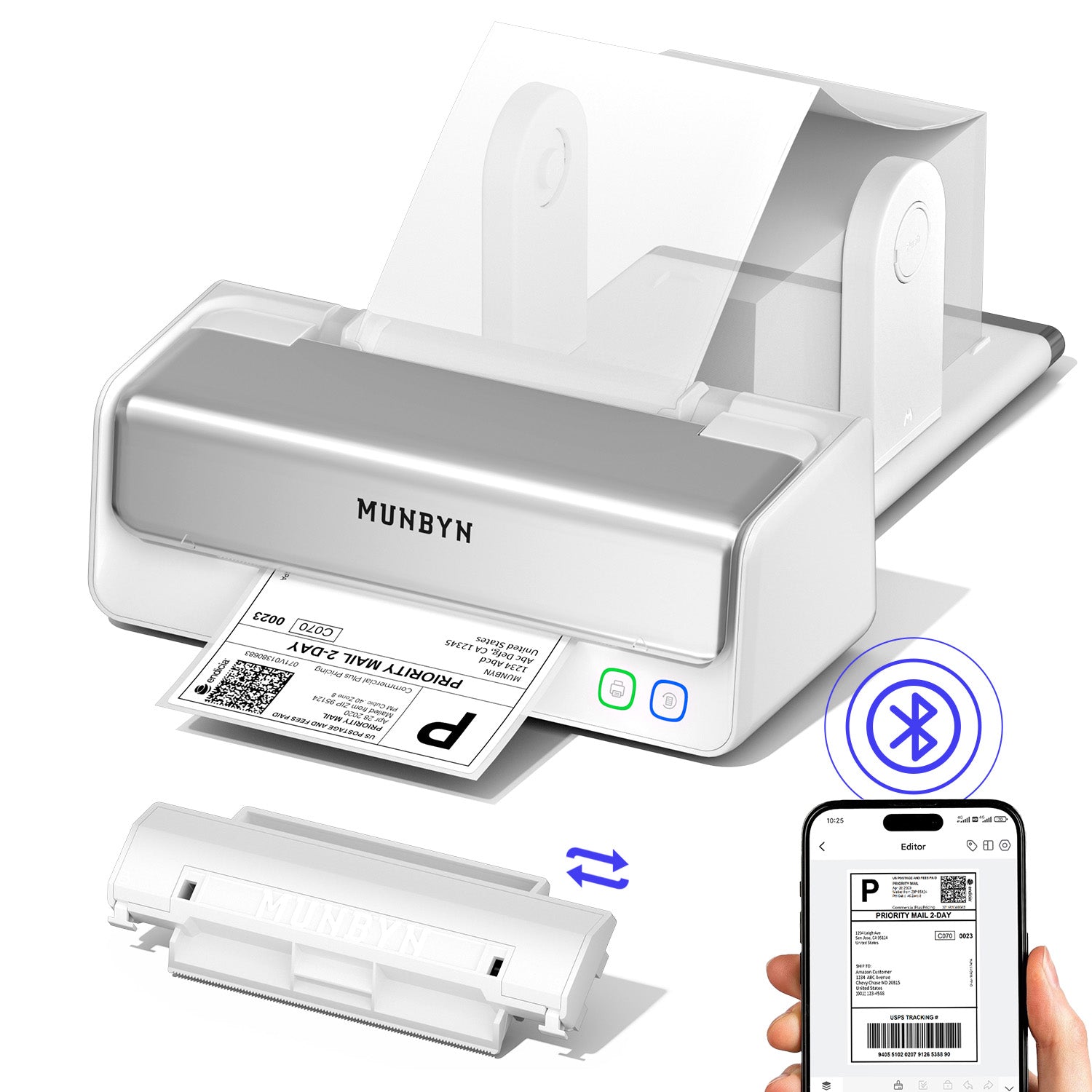
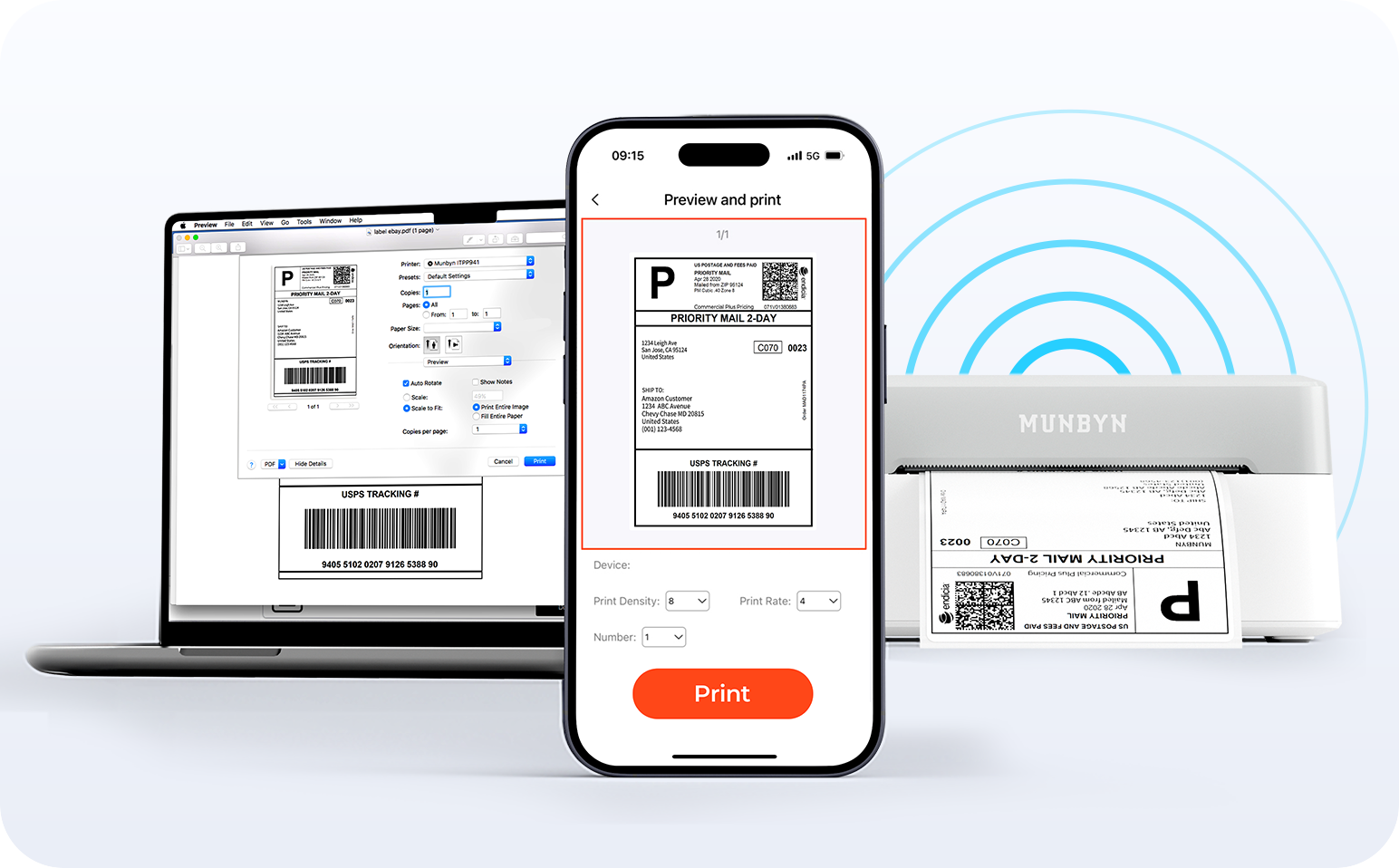
Dites adieu aux câbles emmêlés et bonjour à l'impression sans effort. Profitez d'une connectivité Bluetooth instantanée où que vous travailliez, ou branchez-vous via USB lorsque vous en avez besoin. Parfaitement compatible avec Windows, Mac, iPhone, iPad et Android, tout votre espace de travail est connecté, votre impression simplifiée.

Charger la vidéo:

Détection intelligente des étiquettes

Liberté d'étiquetage. L'impression facile commence ici.

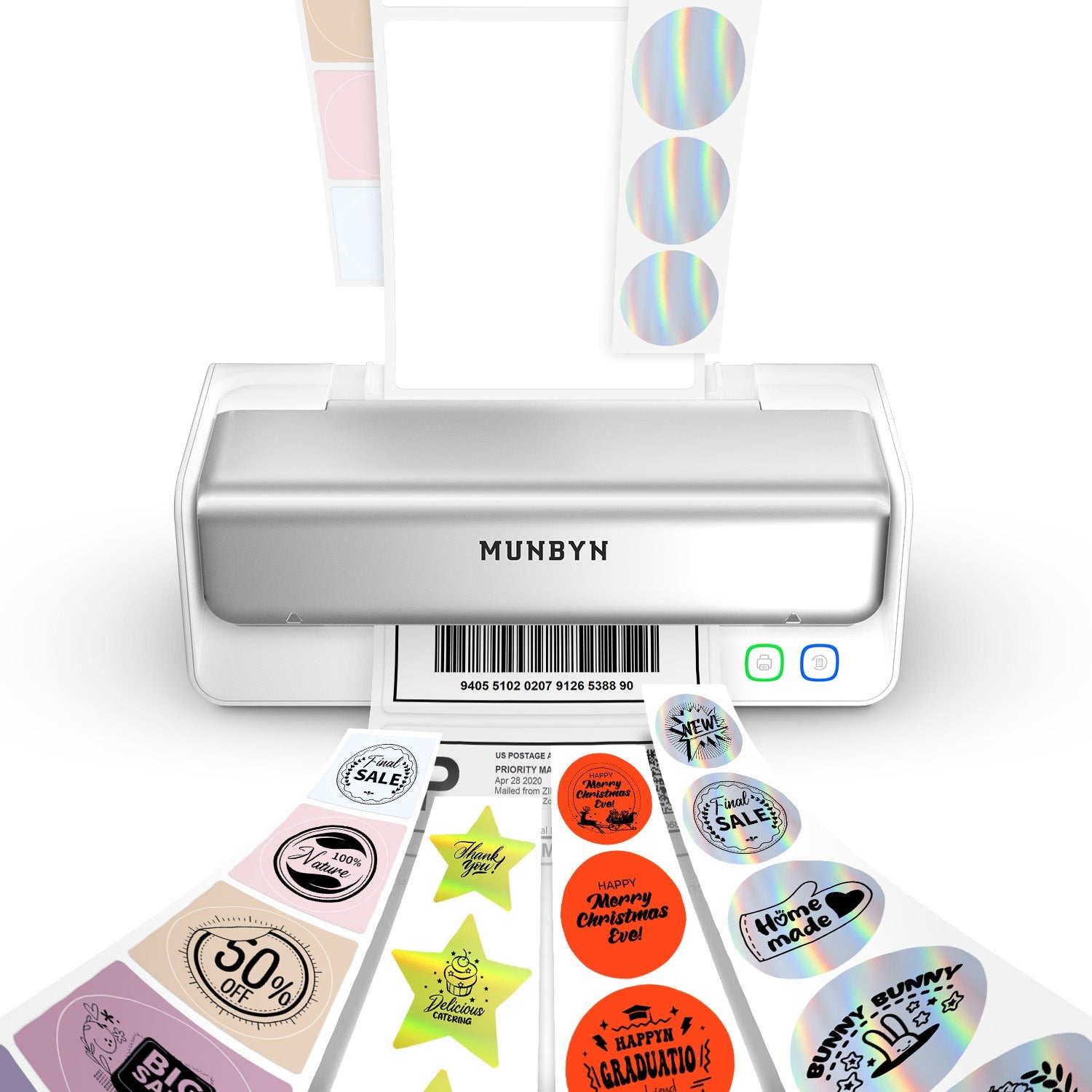
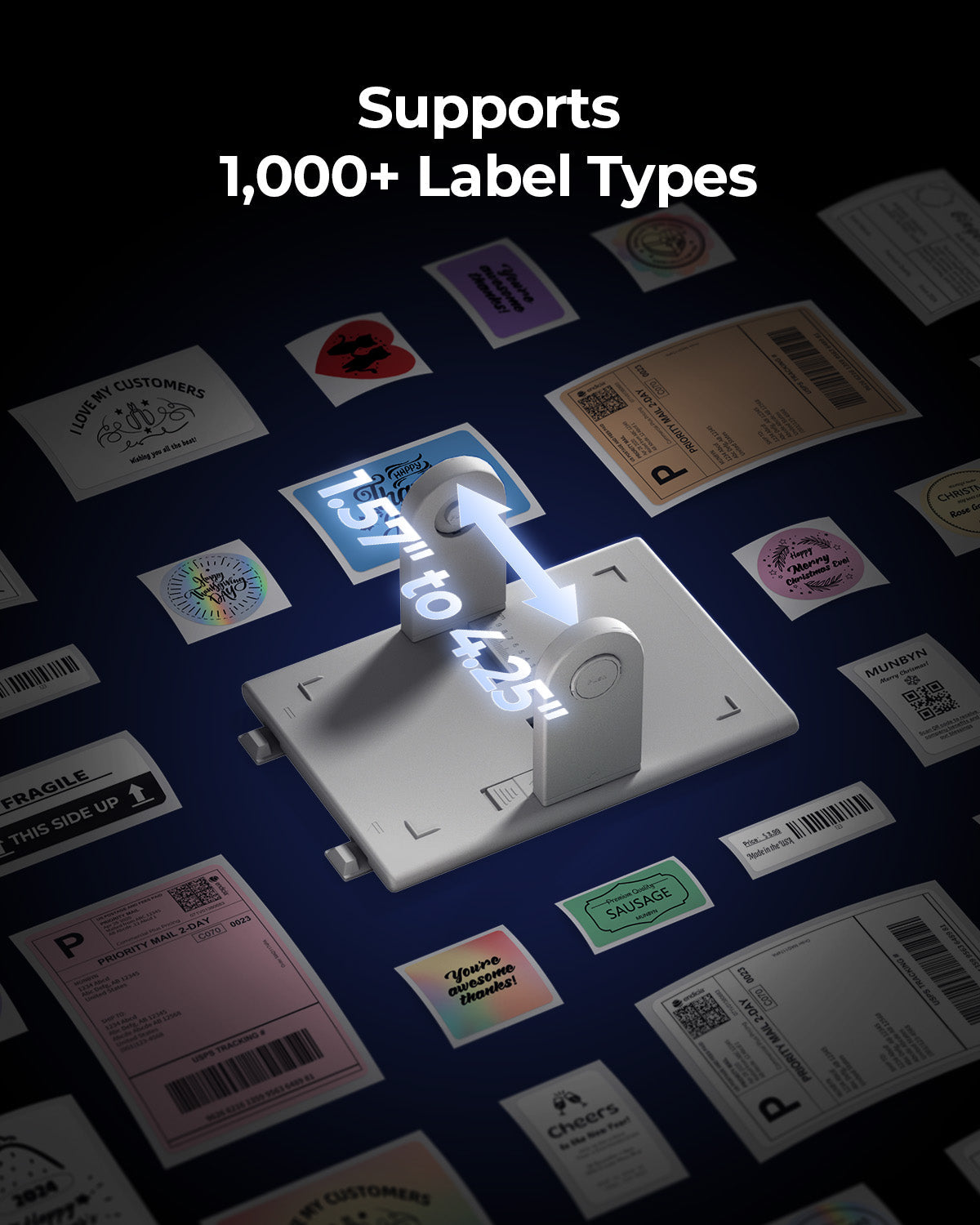
Prend en charge TOUS les papiers d'étiquettes thermiques directs

10x15cm 7.6x5cm 7.6x2.5cm 5x2.5cm 10cm 5cm

Votre imprimante MUNBYN reconnaît et s'adapte automatiquement aux différentes tailles d'étiquettes, sans réglage manuel.
Des étiquettes d'expédition 10x15cm aux autocollants de logo 5x5cm et une large gamme de 40mm à 110mm de large, le passage d'une tâche à l'autre ne prend que quelques secondes.

Conçu pour imprimer plus de 980 000 étiquettes* en étiquettes d'expédition

Comment les gens utilisent MUNBYN

Les estimations de durée de vie de l'impression et de quantité d'étiquettes sont basées sur des calculs en laboratoire (durée de vie de la tête d'impression de 150 km × longueur d'étiquette de 4x6"). Les performances réelles peuvent varier en fonction de la fréquence d'impression, du matériau de l'étiquette, de l'environnement d'exploitation et des conditions de maintenance.

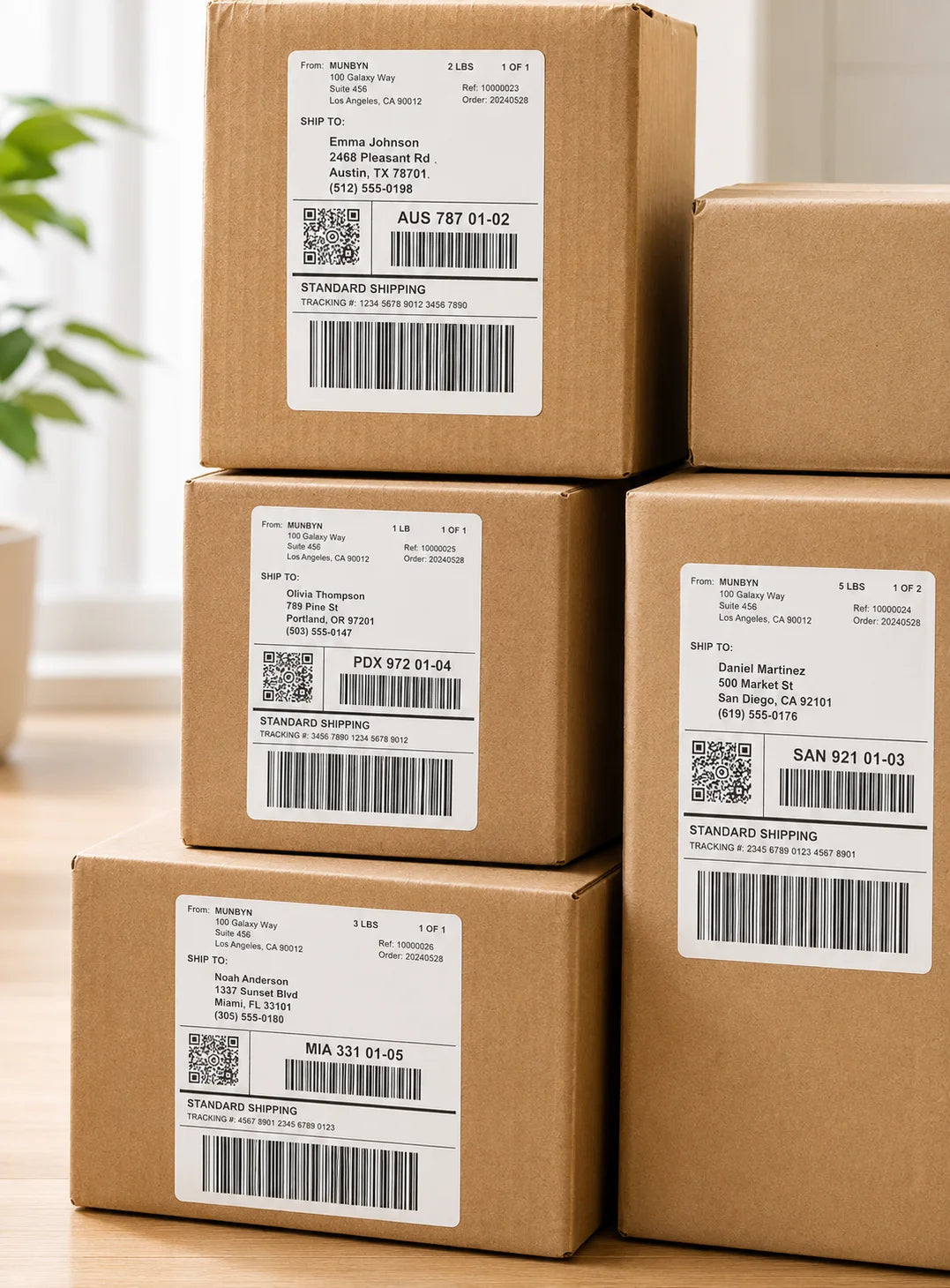
Étiquettes d'expédition

Étiquettes personnalisées

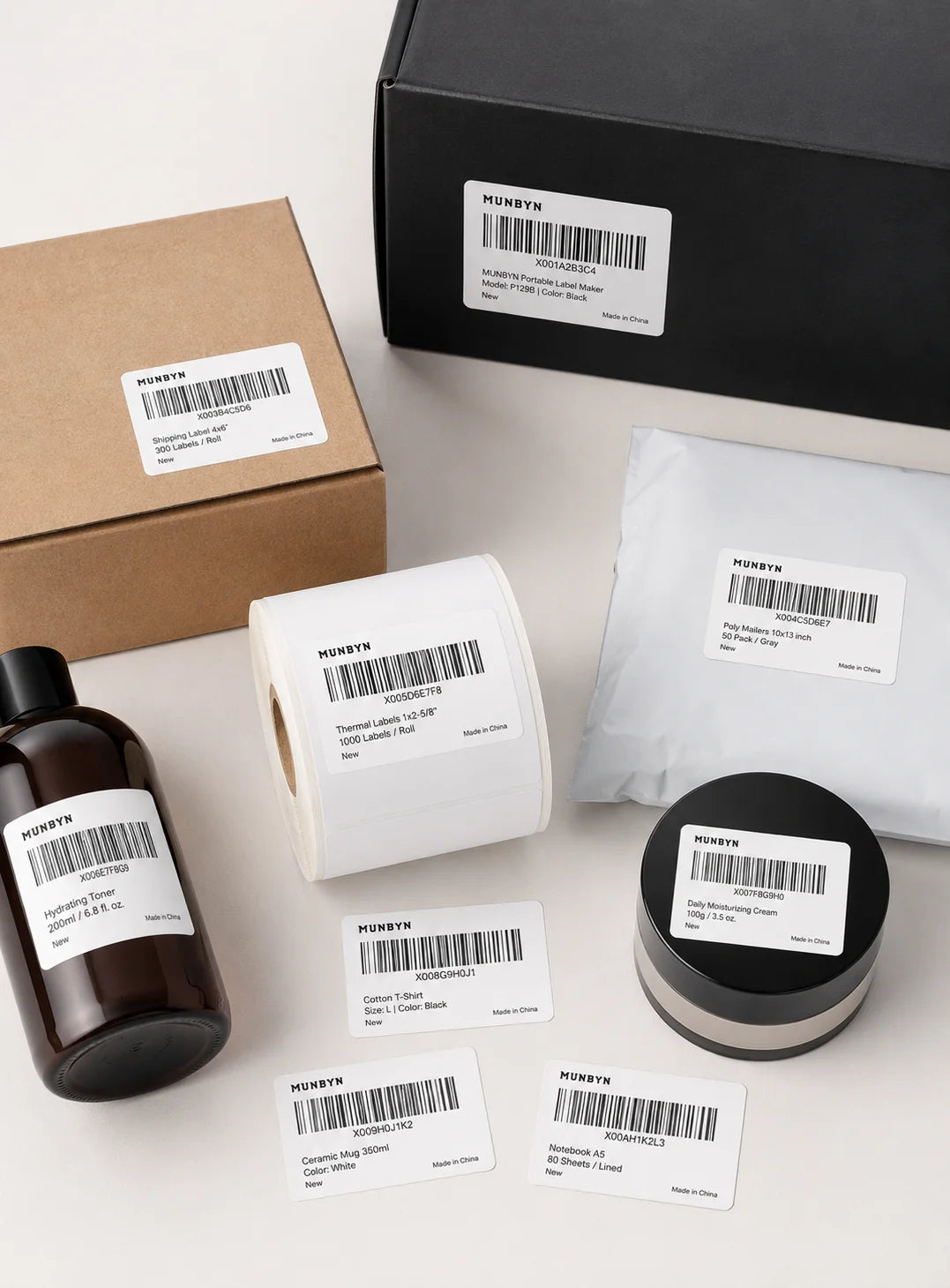
Étiquettes code-barres

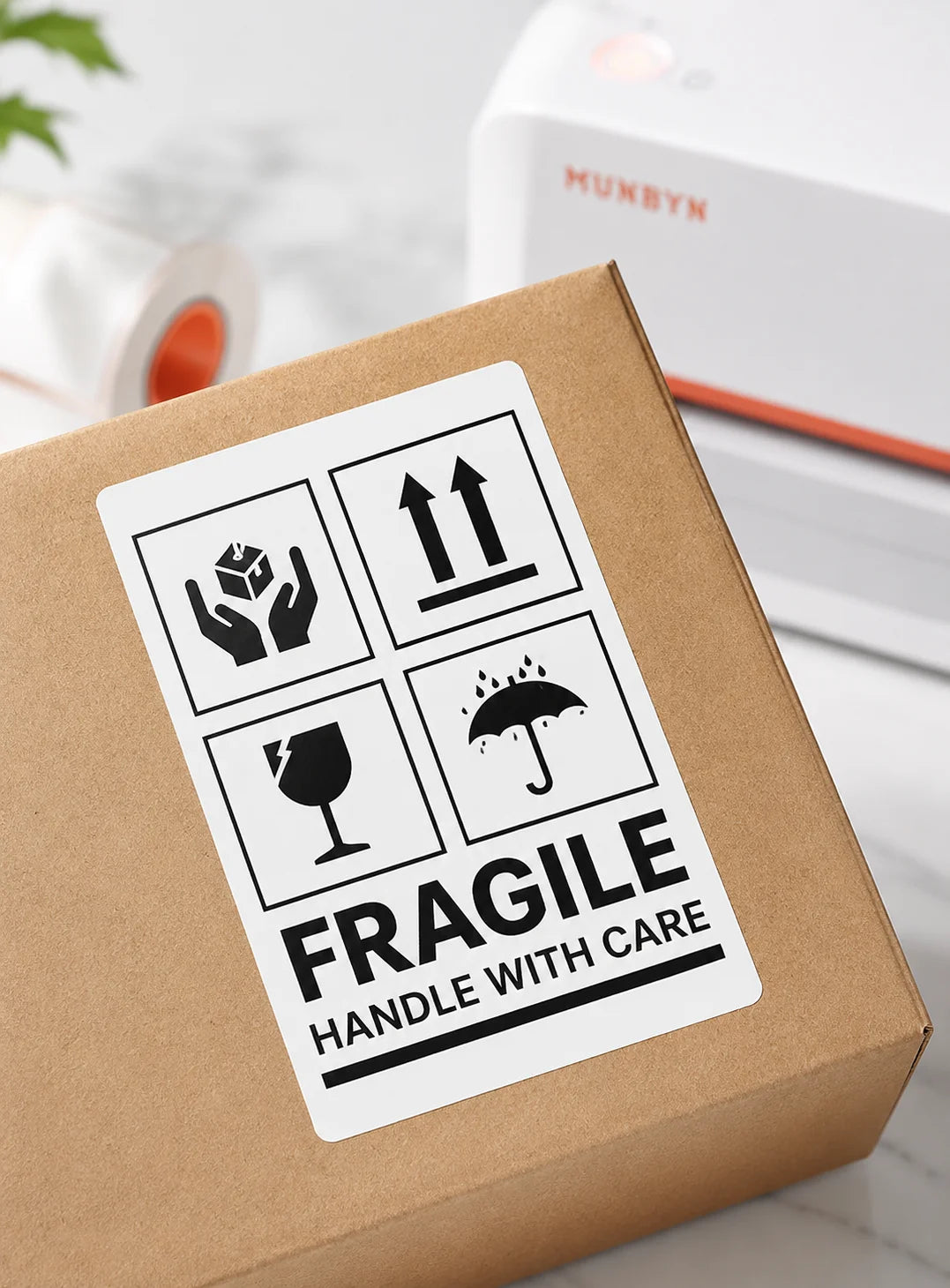
Étiquettes Fragile

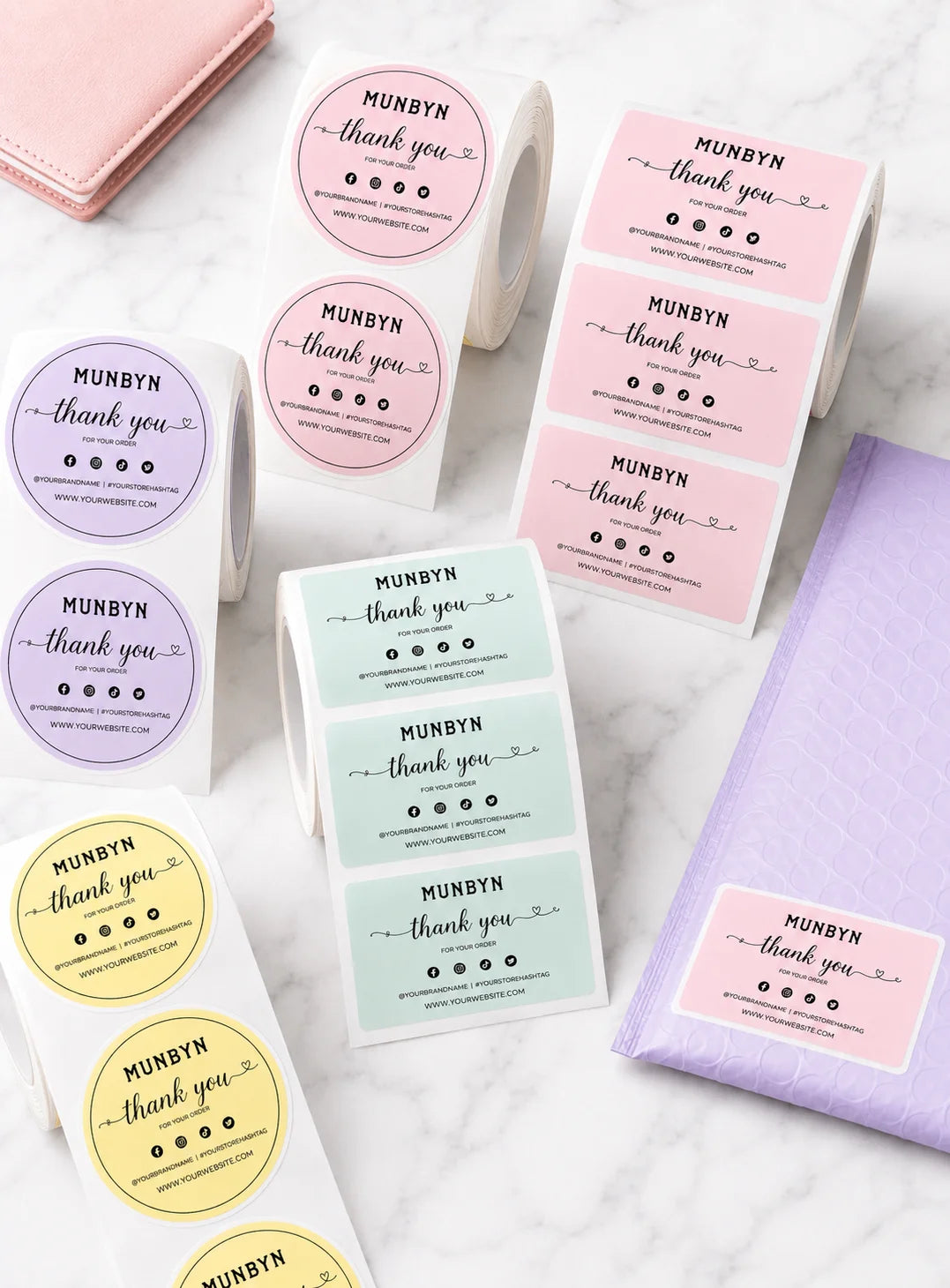
Étiquettes de marque

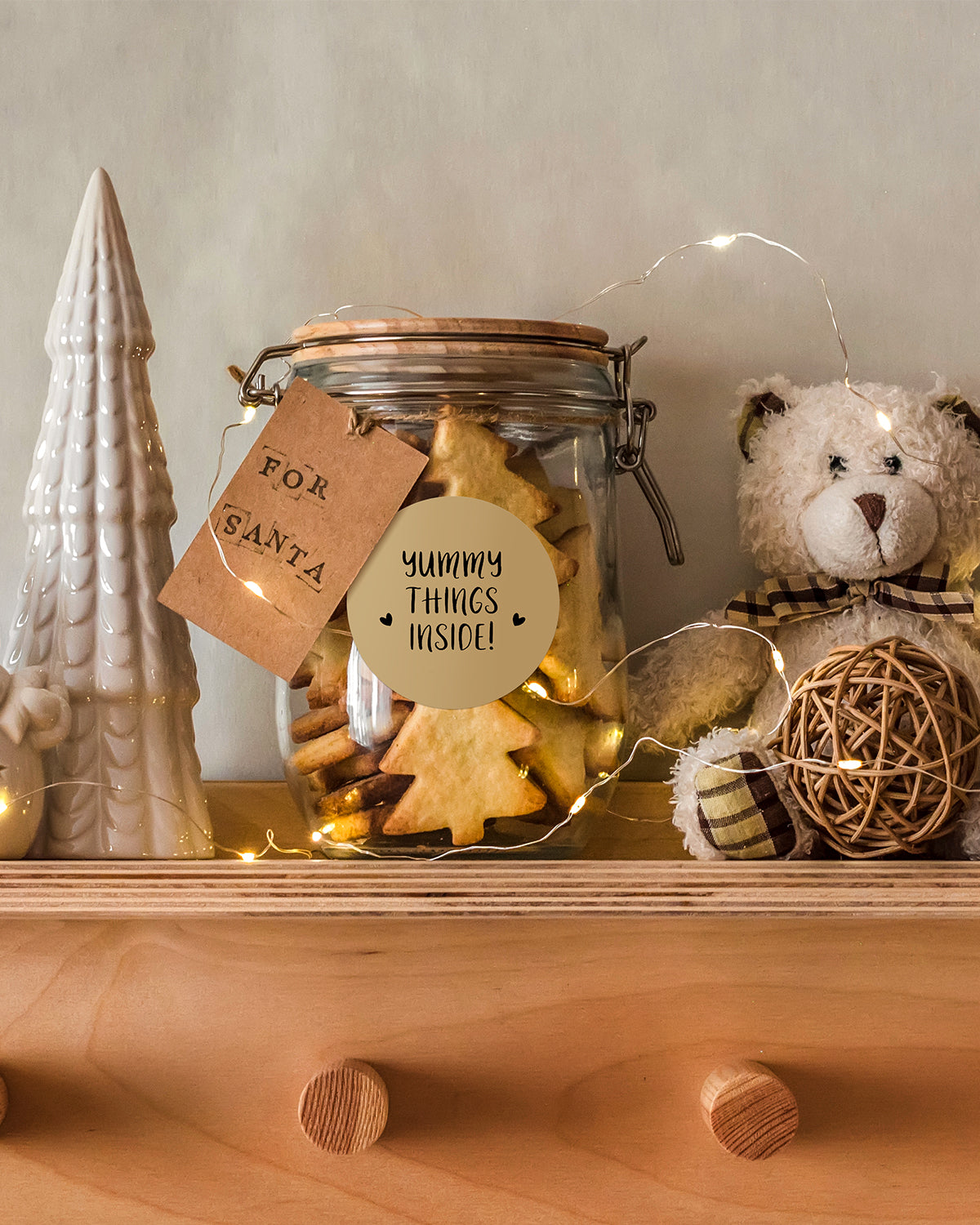
Autocollants pour la garderie/l'école

FAQ

Veuillez consulter notre page FAQ pour en savoir plus.

1. Pourquoi devrais-je choisir une imprimante thermique MUNBYN plutôt qu'une imprimante à jet d'encre ou laser ?

MUNBYN utilise la technologie avancée d'impression thermique, ce qui signifie zéro encre, zéro toner et zéro ruban. Vous n'avez besoin que d'étiquettes thermiques. Cela vous permet non seulement d'économiser des centaines de dollars par an en frais de fournitures, mais aussi d'éviter le désordre des cartouches qui fuient et la frustration de manquer d'encre en plein milieu d'une expédition.

2. Puis-je utiliser n'importe quelle marque d'étiquettes thermiques avec cette imprimante ?

Oui ! Les imprimantes MUNBYN sont compatibles avec toutes les étiquettes thermiques directes. Que vous préfériez les étiquettes en paravent ou en rouleau, tant que la largeur est comprise entre 1,57" et 4,3" (40 mm-110 mm), notre imprimante thermique les détectera et s'y calibrera automatiquement.
3. Quelles sont les plateformes d'expédition et les places de marché compatibles ?

MUNBYN est un favori des propriétaires de petites entreprises. Les imprimantes d'étiquettes MUNBYN sont entièrement compatibles avec les principales plateformes, notamment :

  • Places de marché : Amazon, eBay, Etsy, Shopify, Zalando et Shopee.
  • Courriers : UPS, FedEx, ShipStation, Pirate Ship, USPS et DHL.

4. Quels sont les types d’étiquettes compatibles avec cette imprimante ?

Nos imprimantes thermiques prennent en charge une large gamme d’étiquettes thermiques directes, y compris les étiquettes d’expédition de 4 x 6 pouces, les étiquettes de 3 x 2 pouces, de 2 x 1 pouce, les étiquettes de code-barres, les étiquettes rondes et les autocollants de tailles personnalisées (largeur de 40 à 110 mm selon le modèle). L’imprimante détecte automatiquement la taille de l’étiquette, sans qu’aucun étalonnage manuel ne soit nécessaire.

5. Cette imprimante d'étiquettes est-elle facile à installer ?

Oui. L'imprimante d'étiquettes est conçue pour une installation rapide, avec des guides d'installation étape par étape et des téléchargements de pilotes disponibles. La plupart des utilisateurs peuvent effectuer l'installation en quelques minutes seulement.

6. Comment calibrer l'imprimante pour différentes tailles d'étiquettes ?

Notre identification automatique intelligente des étiquettes s'occupe de tout pour vous. Insérez vos étiquettes, appuyez et maintenez le bouton supérieur jusqu'à entendre un seul bip, et l'imprimante ajustera automatiquement la taille et l'espacement des étiquettes pour un alignement parfait.

7. Que dois-je faire si mes étiquettes s'impriment floues ou avec des traînées blanches ?
Une impression de qualité commence par une tête d'impression propre. Si la qualité baisse :

  1. Éteignez l'imprimante et laissez-la refroidir.
  2. Essuyez la tête d'impression thermique avec un coton-tige imbibé d'alcool ou un chiffon en microfibres.
  3. Ajustez les paramètres de densité et de vitesse d'impression dans les préférences de votre pilote.

Si le problème persiste, contactez le service client pour obtenir de l'aide.

8. Cette étiqueteuse est-elle livrée avec une garantie ?

Oui, chaque imprimante MUNBYN est couverte par une garantie de 2 ans. Nous nous portons garants de nos équipements et nous vous fournirons un remplacement ou une réparation si vous rencontrez des défauts de fabrication.

9. Puis-je utiliser l'imprimante d'étiquettes pour l'organisation professionnelle et domestique ?

Oui. Vous pouvez utiliser cette imprimante aussi bien pour l'étiquetage professionnel (expédition, codes-barres, inventaire, étiquettes de vente au détail) que pour l'organisation domestique (étiquettes de rangement, étiquettes de garde-manger, dossiers, projets créatifs). Son impression thermique directe polyvalente et la prise en charge de plusieurs formats d'étiquettes la rendent adaptée à un large éventail d'utilisations personnelles et professionnelles.

10. Existe-t-il des options de personnalisation pour les étiquettes ?

Oui, nous proposons une personnalisation flexible des étiquettes, notamment des autocollants, des étiquettes avec logo et des modèles créatifs pour l'image de marque. Achetez des étiquettes personnalisées ici.

Vous n'avez pas trouvé votre réponse ?

N'hésitez pas à nous contacter

Livraison et retours gratuits