⚡Promotions Éclair de la Semaine Se termine par 00 D 00 H 00 M 00 S
Livraison Rapide et Gratuite sur les Commandes de Plus de 129 $CA
Scroll to top

Imprimez n'importe quoi, n'importe où

Vos idées, votre espace — imprimez partout où l'inspiration vous frappe.

Sans encre, sans souci

Zéro encre. Économise du temps, de l'argent et la planète.

Rapide à imprimer, facile à entretenir

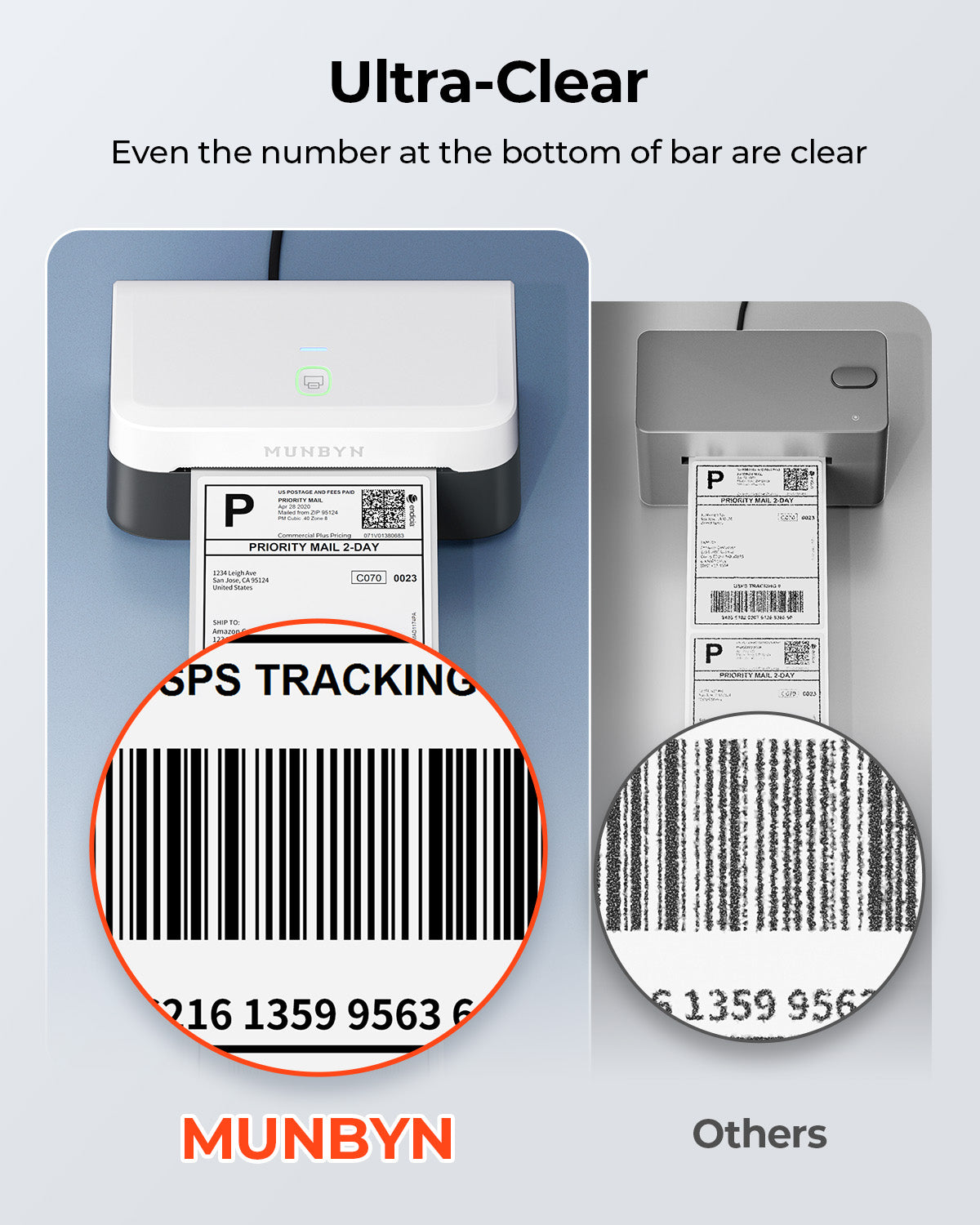
Haute vitesse : 150 mm/s = une étiquette 4×6 par seconde.

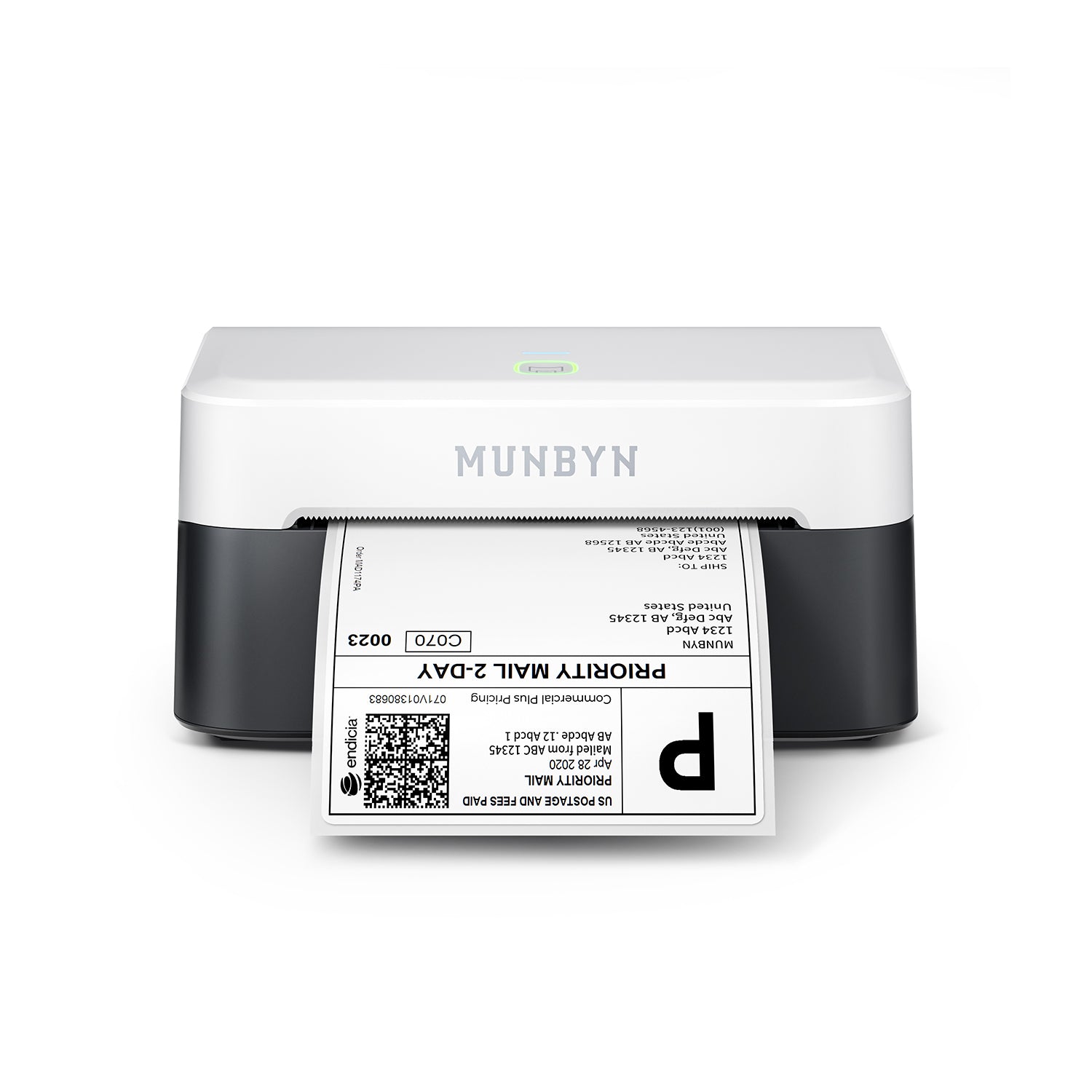
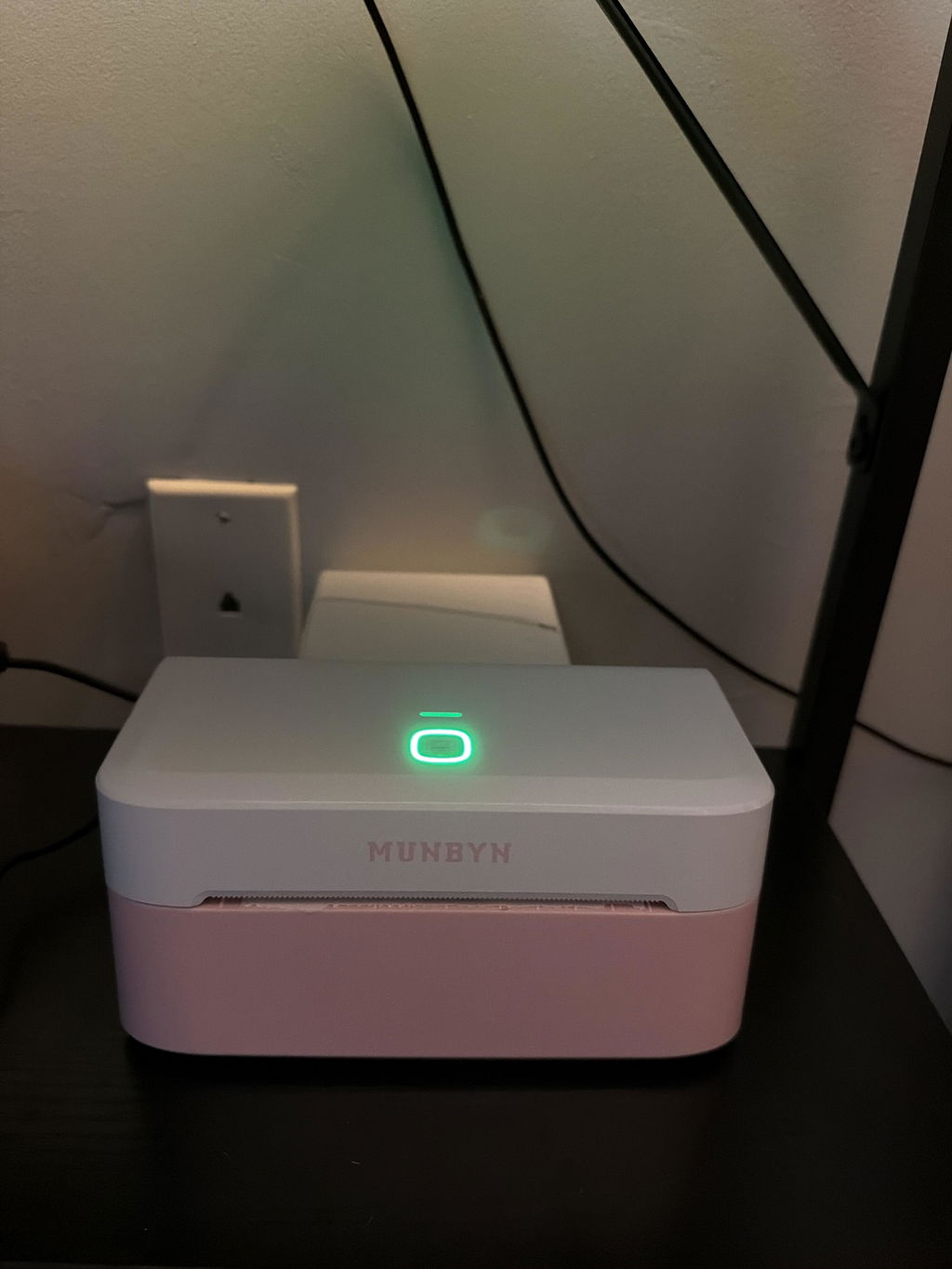
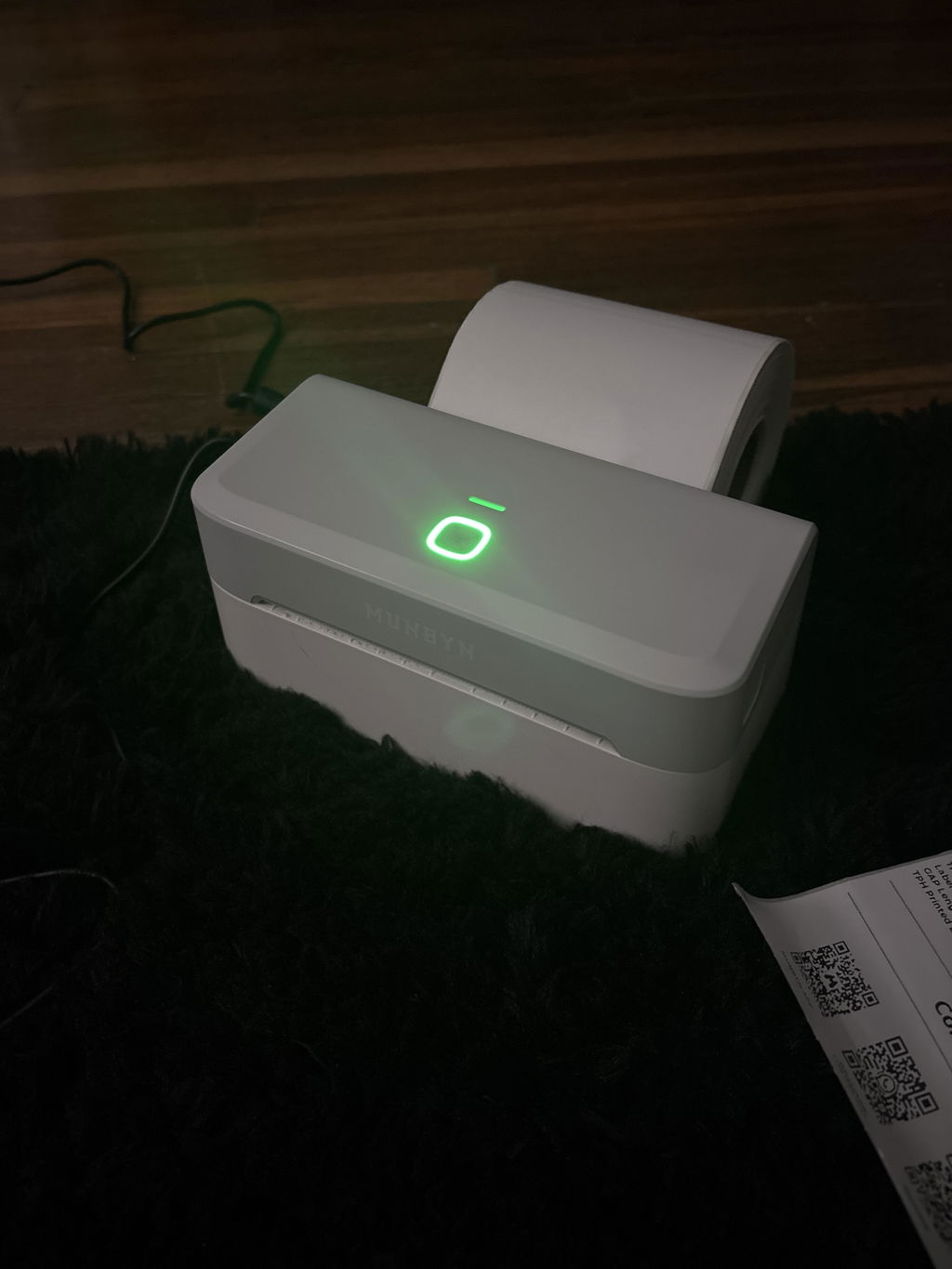
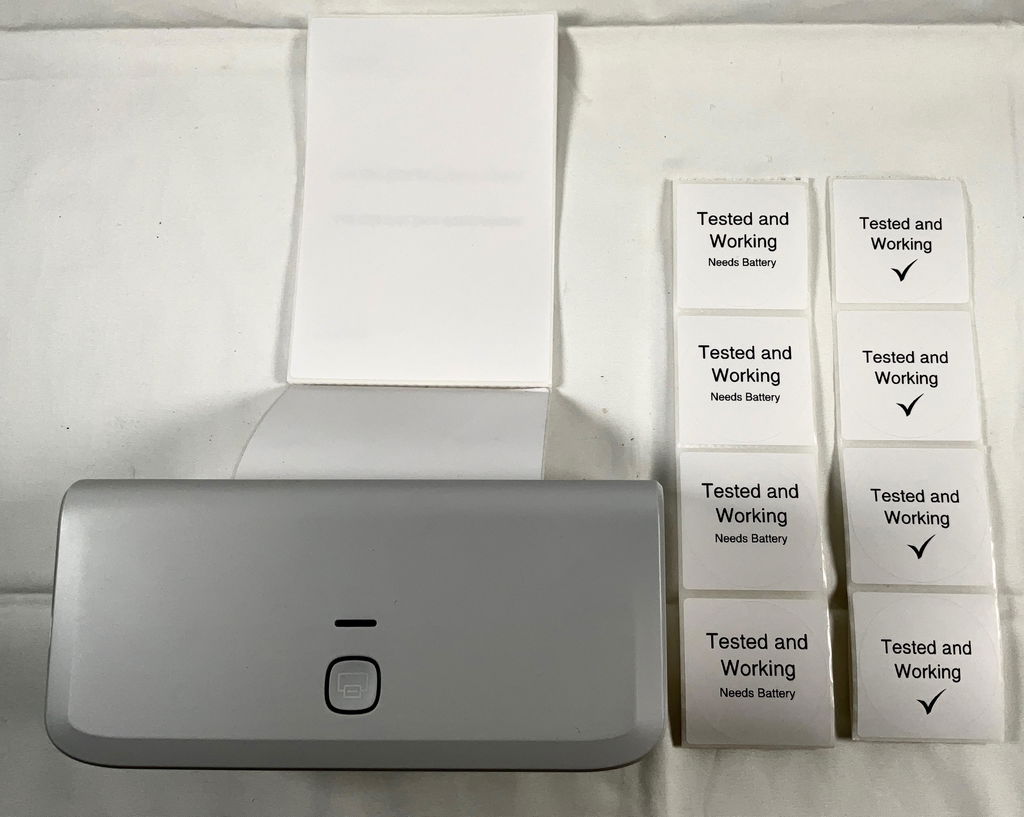
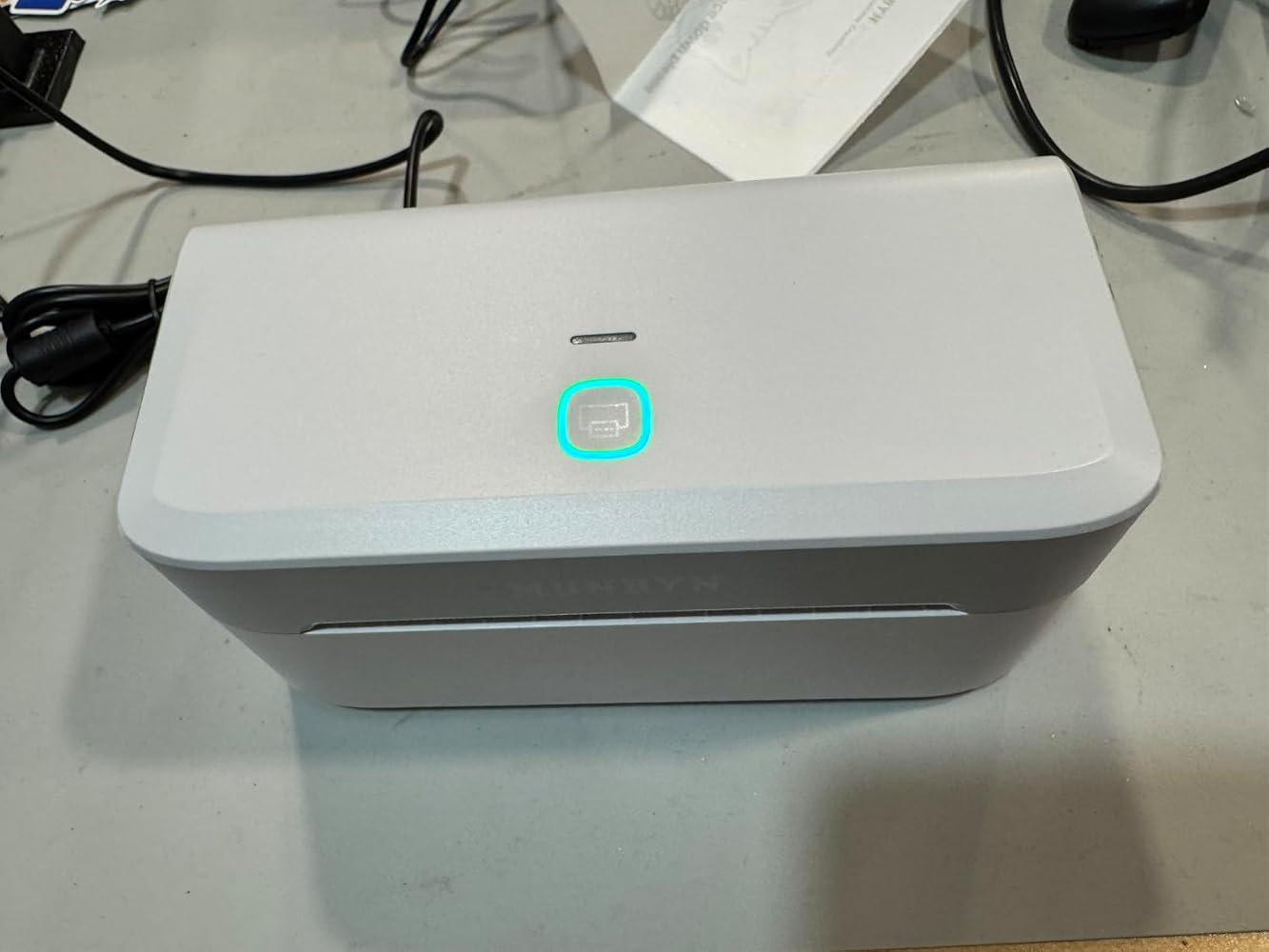
MUNBYN RealWriter 403B thermal label printer with black and white design, showing the compact device with paper roll ready for printing.
Imprimante d'étiquettes thermique MUNBYN RW403B Bluetooth 4×6
$99.99 CAD

Détails du produit

Introduction de base

Type de modèle

- 403B

Résolution

- 203 DPI

Vitesse d'impression

- 150 mm/s

Poids

- 0,681 kg

Dimensions du produit

- 186x91x92mm (L*l*H)

Compatibilité
Connectivité

Bluetooth : iOS, Android, Windows, Mac
USB : Windows, Mac OS

Formats d'étiquettes compatibles

- 40-108 mm

Fonctionnalité spéciale

- Portable

Appareils compatibles

- Ordinateurs portables, PC, Smartphones, Tablettes

Adaptateur secteur

- 24V/2A

Autres
Scénarios d'utilisation

- Entrepôts
- Commerce de détail
- Bureaux
- Entreprise
- Domicile

Garantie de service

- Garantie de 2 ans
- Support technique

Inclus dans la boîte

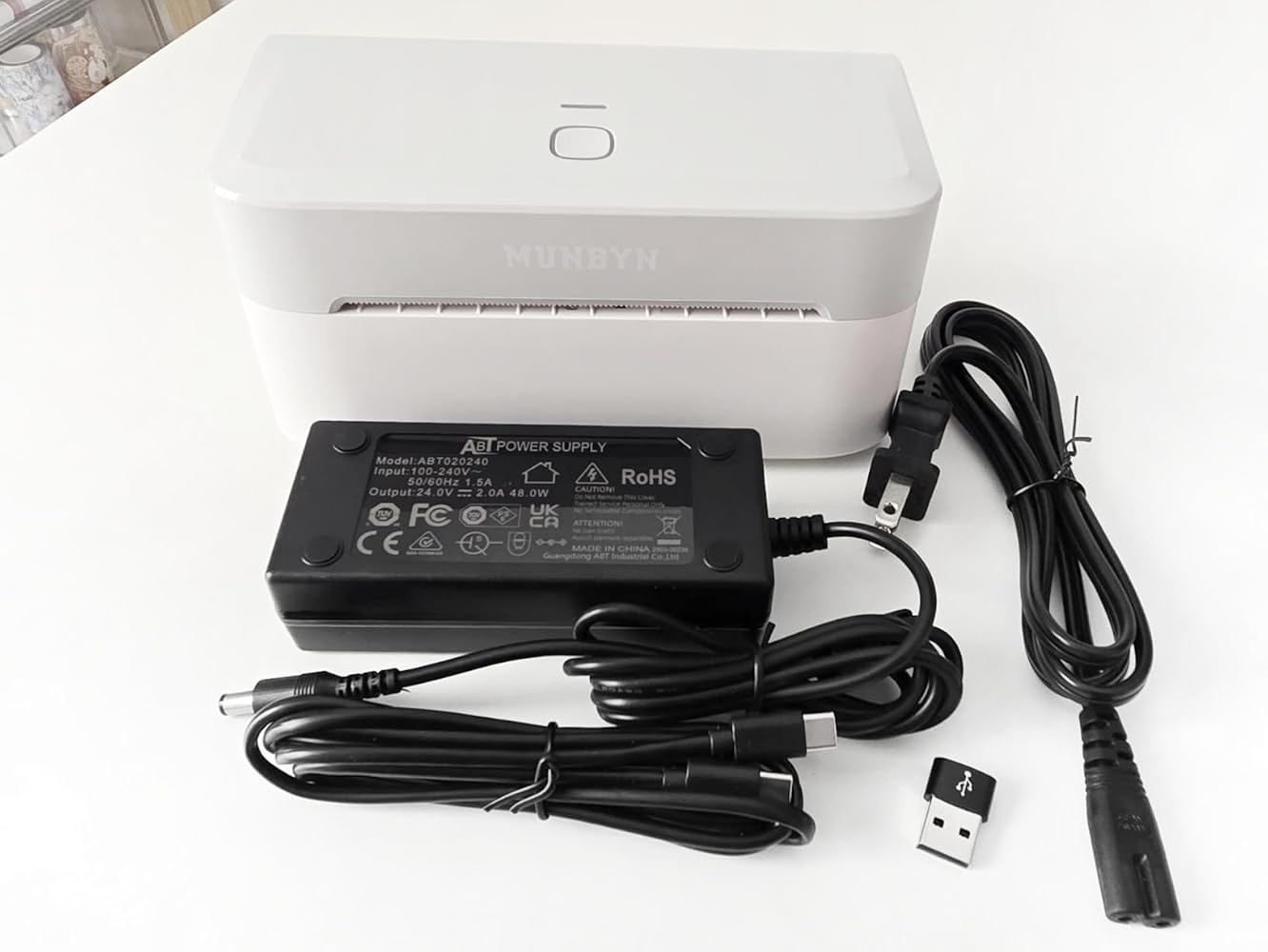
  • Printer

  • USB Cable

  • Power Adapter

  • Labels

  • Quick Tips

  • User Manual

  • Adapter

Téléchargez notre application

Étiquettes haut de gamme en quelques minutes
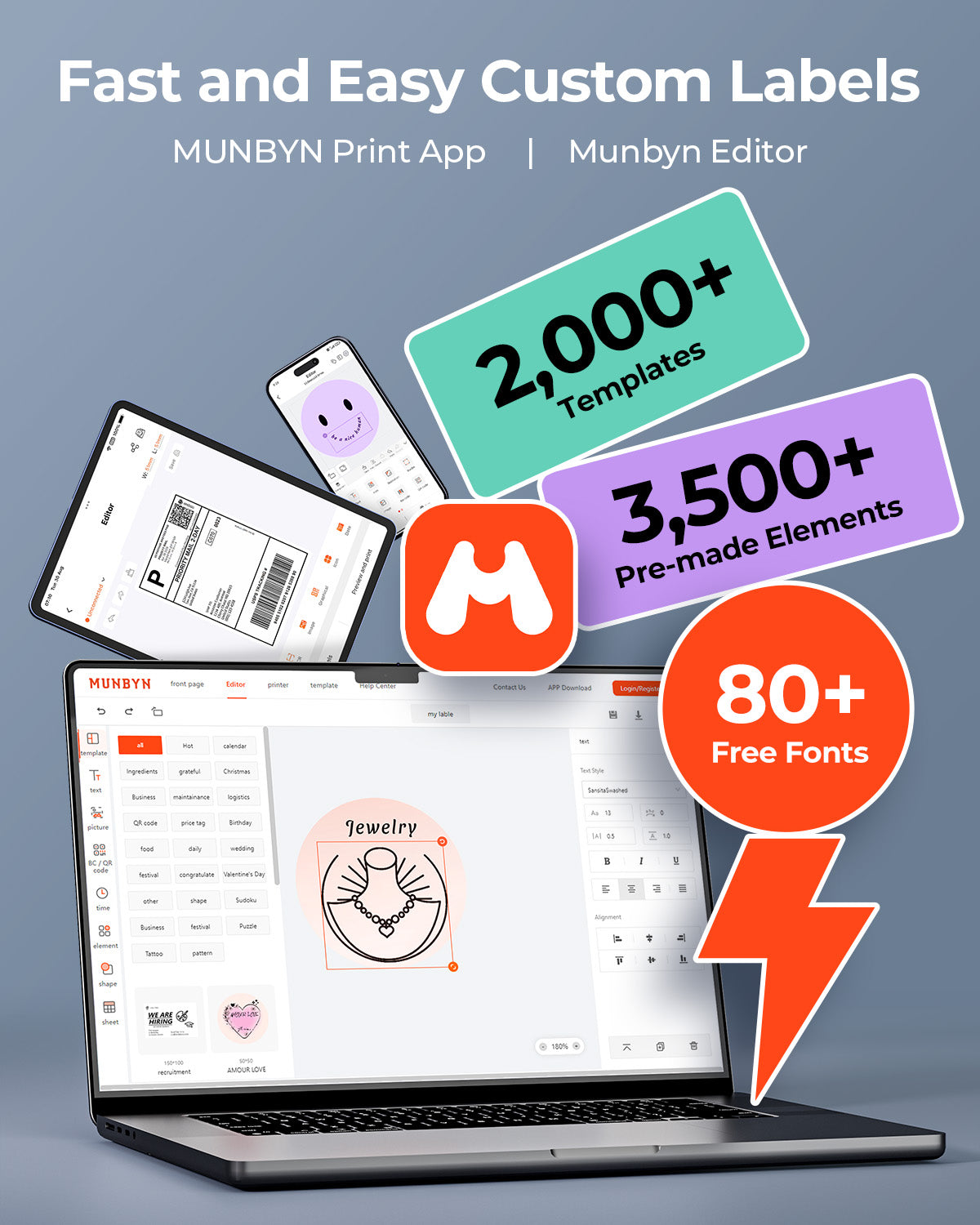
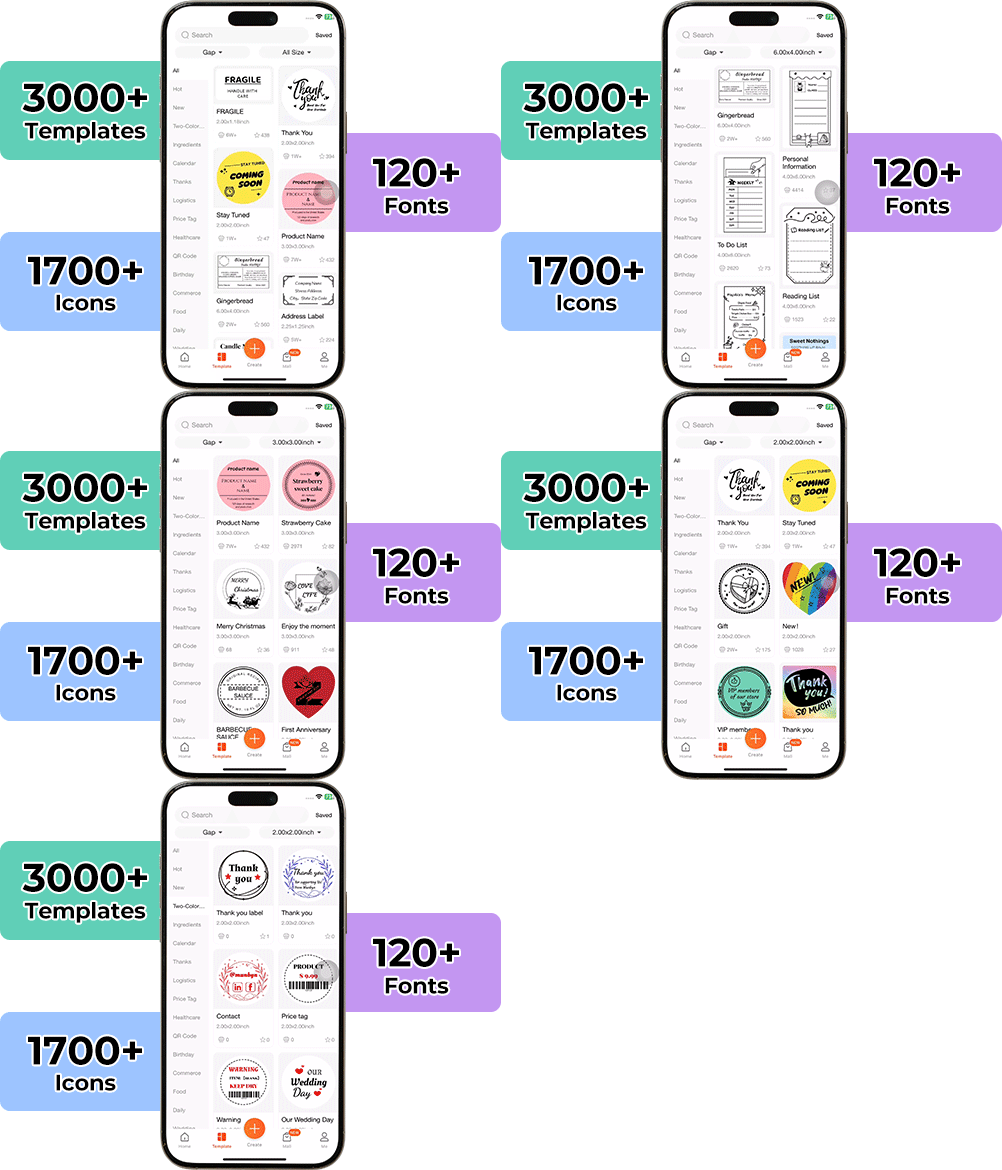
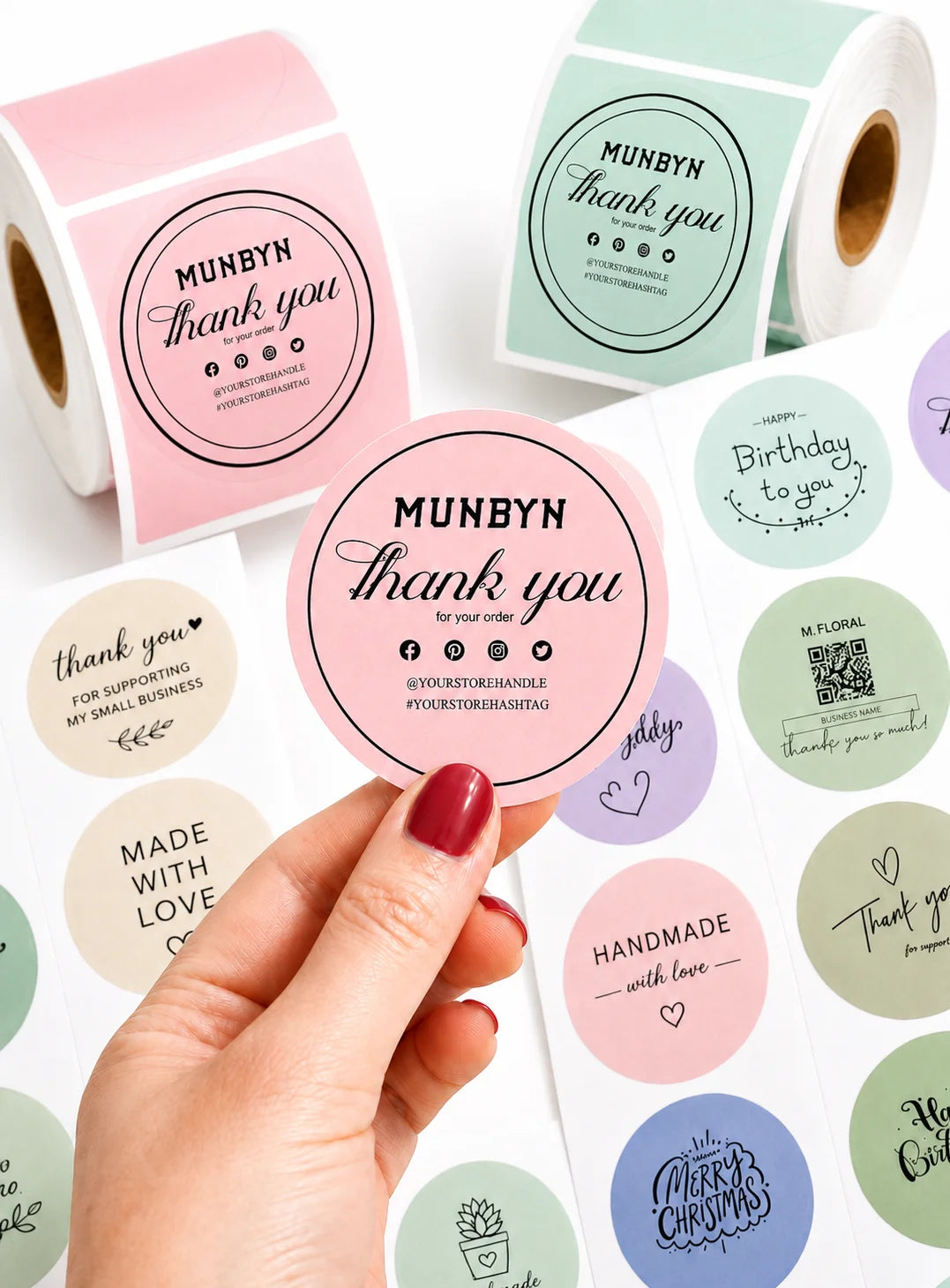
Concevoir des emballages personnalisés n'a jamais été aussi simple. En utilisant l'application MUNBYN et nos étiquettes DIY polyvalentes, vous disposez d'une bibliothèque de plus de 3 000 éléments de design et modèles à votre disposition.

Créez des logos sur mesure et des autocollants promotionnels qui reflètent parfaitement la personnalité de votre marque, tout en maîtrisant votre budget.


Google Play

Google Play

Télécharger maintenant

 
Éditeur en ligne

Éditeur en ligne

Créer maintenant

 
Manuel de l'utilisateur

Manuel de l'utilisateur

Télécharger maintenant

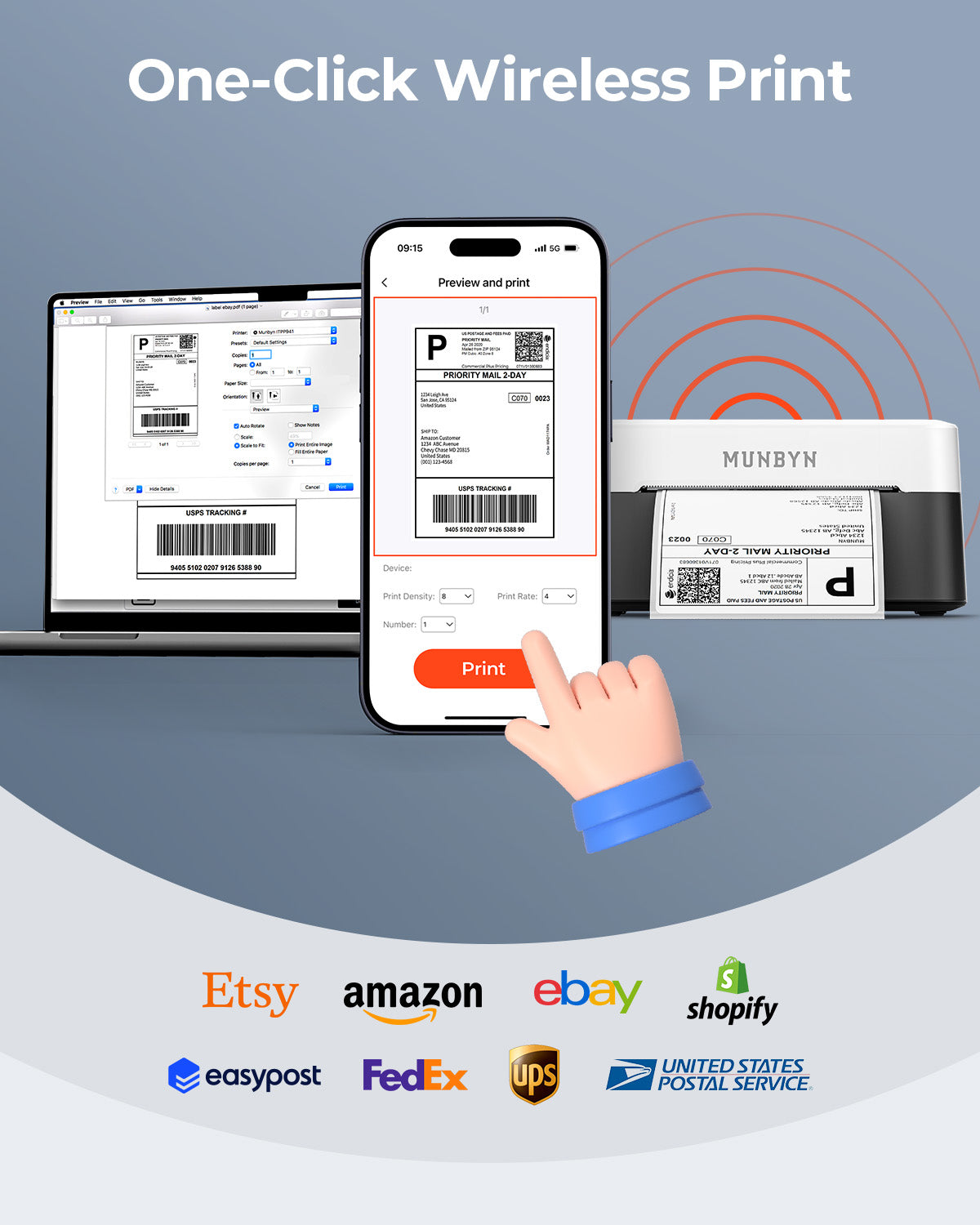
Votre outil tout-en-un pour les principales places de marché et transporteurs, incluant mais sans s'y limiter

Bluetooth thermal label printer praised for fast, easy setup and crisp printing. Customers said it's "a game changer" for small businesses, saves time and ink costs. Prints shipping labels, stickers, and custom designs quickly. Some noted app connectivity challenges and minor Bluetooth setup issues on Mac, but excellent customer service resolved concerns.

  • 5 stars: 235 (86%)
  • 4 stars: 38 (14%)
  • 3 stars: 0 (0%)
  • 2 stars: 0 (0%)
  • 1 star: 1 (0%)
R
Rachael Nicholson
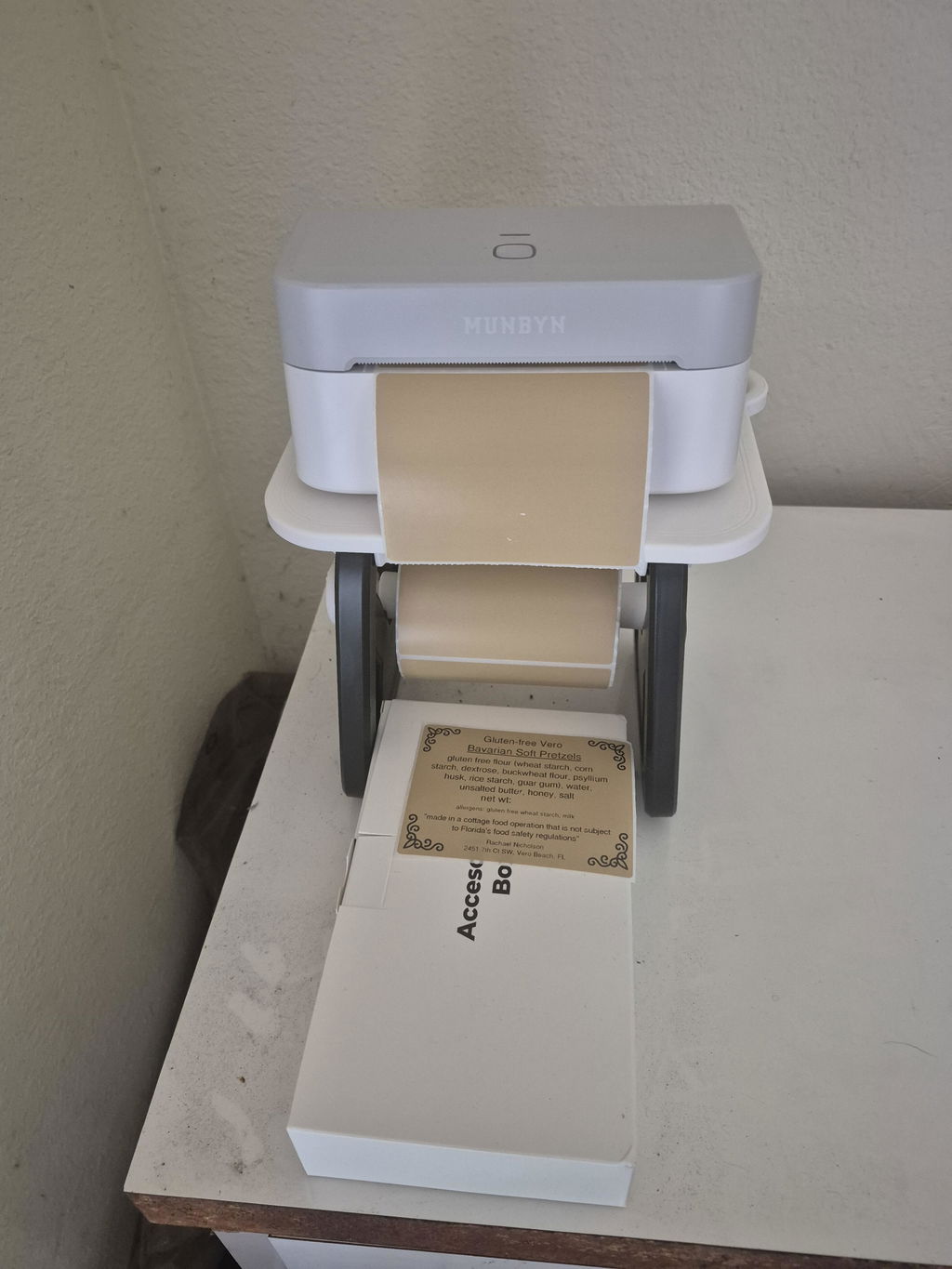
Business Type: Bakery & Food
I love this printer

I love this printer. The app is very easy to use.

M
Michelle Skrypek
I am very happy

I am very happy. Took, literally two minutes set up and working perfect! Thank you

D
David
This little printer is a worthwhile investment

This little printer is a worthwhile investment. It solved the shipping label bottleneck printing of using a WiFi laser printer with a hotspot by going directly from my phone to the 403B with Bluetooth. The changeover learning curve wasn’t steep. An added value is being able to quickly print a wide variety stickers and labels as needed. The cost of supplies is reasonable.

A
Anonymous
Good

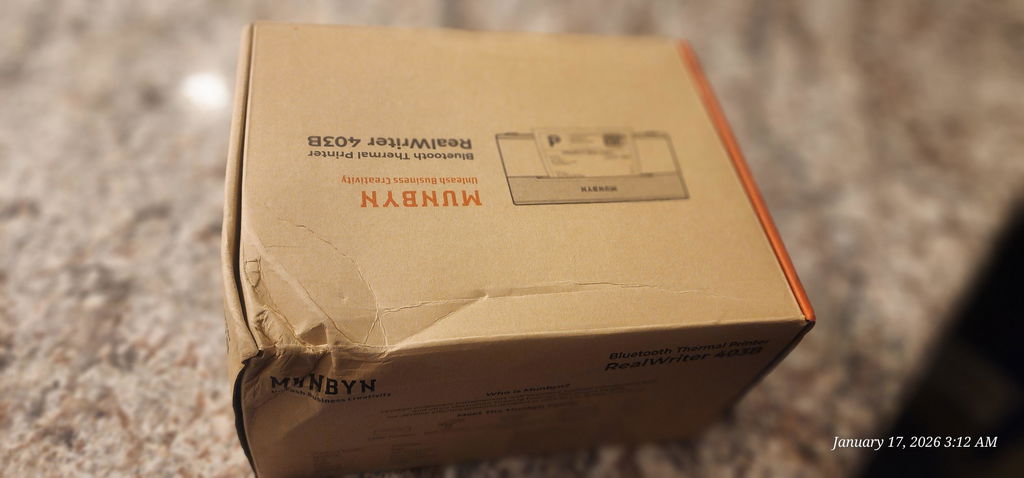
Box a little damage but printer are okey, quality is fair for the price.

L
Leah Williamson
Just what I needed

I use it from having labels and they were great. You said to play with it a little bit to get it how you want it

C
Cassandra
Slightly awkward to use but prints well

This printer was surprisingly easy to set up in Windows 11. I installed the driver and then was able to print from MS Word. It doesn't always seem to sense the start of the label correctly which can lead to the print being slightly offset. I think fairly wide margins and practice will make this manageable though. The print resolution is good, the prints are nice and crisp. Obviously it's a thermal printer so no ink is involved.

S
Sakura Thompson
Nice Machine, Mine Is Broken Within 1 Hour

Updated 5/27/2025After contacting Customer Service, I can comment that they are responsive & professional.They asked for a video of me using the machine (weird), but after compressing it and sending, they determined it was an issue with the print head. They sent me a new machine & shipping label to send the old one back.I used the new one about 5x more than I used the other one, and it's great.I am still having issues making it print in any reasonable way on circular labels. It still drifts and is offset - but is perfect on a square label.Super nice machine. I even printed the return label they sent on the new machine!----------------------------------------------------------I started out loving this and was ready to gush about it.Pro's:- Super easy to set up. The app was a no brainer, I was test printing in under 5 minutes.- Small, compact, portable.- Handles labels 1.57" to 4.25" wide, and there are a *ton* of good quality thermal labels in this range- Crisp prints- Super fast- a 4"x6" label full of print was 1-2 seconds- Phone editor and online editor are easy to use.- Can upload to view or use the phone app and use your own logos and images.- Can save projects created on your phone to the cloud (Awesome!). There is an issue with this under the Cons, though.Cons- The project maker online or on the phone is not super intuitive. A new Project will let you pick a blank label of a specific brand and off you go. If you want to use a template, you do not start a new project, you just pick the template and edit it and save it with a custom name. Not a biggie, just was a bit cumbersome to figure out, since the manual is lacking documentation for this.- The online editor initially looks to be only a Scratch Pad. I tried making a new online template, editing a template I created on the phone app (according to them, should not be able to edit on the web, but tried anyways). I could create one online via the web, but could not save it. If you have this issue, go to your account preferences and change something. I changed my avatar picture and saved. *Then* I could save projects online (and then see them in the phone app). Why? I do not know why. But it worked.- Frustratingly, you have the option of saving projects created on your phone to the cloud (Awesome! )- however, you cannot edit them in the cloud. And it doesn't warn you or tell you this anywhere until you dig into the FAQ's. If I can create a new label on the web and it shows on my phone (yes), and upload and edit one from my phone to the web (yes), I should be able to save it and see the changes back on my phone.- The circle labels did not detect correctly- it auto detects the perforation gaps and aligns with the front of the label and off you go. The circle consistently detected low. One out of 5 lined up correctly. Was figuring out the ins and outs, but am blocked, now due to the biggest con.- Between one print and the next, it started printing blank labels.So, I checked the manual and .. irritatingly, the answers to the FAQ in a printed booklet are URL's that are like munbyn.biz/403abc. Great.I did all the troubleshooting from soft and hard resetting to cleaning the print head (even though I've printed less than 20 labels). Turned it on and off, change labels, used their own labels. Waited to make sure it was 1000% cool.Nope, the most that happens is now it prints parallel lines the length of the print (If your print area is 2", it would print 2" lines on a 6" label, for instance)- the image is of the test print designed to fill a 4x6 label.A machine intended for business use needs to be close to 100% reliable. I've contacted their customer service and if we can figure out what happened and get it resolved, I will edit this review with an update.I can accept that sometimes things go wrong during manufacture.

J
JDL Reviews
Fantastic Bluetooth Mailing Label Printer for PC

UPDATE:My review below was all with interaction with my laptop which worked perfectly. I have since tried connecting and printing from my Android phone. I loaded the App, I connected the printer via Bluetooth and it did so easily, however when I went to print a label, it advanced the paper but did not print anything. I have a communication into their customer support to see about fixing this. So 1 less star for now. I'll update if resolved.ORIGINAL:This Munbyn RW403B thermal printer has been the perfect printer for mailing labels I need when shipping an item from an online sale. It self lines up the printer label when you start it up, then prints nice and clear 4" x 6" B&W labels for sticking onto the packages I ship out. It is by no means a heavy duty printer for commercial applications, however fir my occasional home use it is great. A starter set of labels is conveniently provided to.I found the set up relatively straight forward. Do follow the instructions to set up via Bluetooth. You need to install a driver you get online first. Do not connect the usual way through the PC system. It does allow for direct USB connectivity if you prefer that. Have wireless connectivity is great though from either your phone or laptop.The price is attractive, and it is a nice compact printer to.

A
Amazon Customer
Great compact printer

Printer: I'm satisfied that this printer opens sideways unlike their other popular printer and I love that's lightweight. The other thing I like is the fact that it has a very few cables and glad it came with an adapter and also a type c cable. As for the printing quality its good, wish it would print just a bit darker.App/Editor: For the app it was easy to use and printed the correct size. As for their online sticker editor I just wish it was an app as well and not keep on asking every other minute to sign up if I want to print my own label or image so I can't do drag/drop and print.Overall, it's a great printer I was able to use it on my phone, tablet and laptop.

A
Amy
Super efficient remote printer

Replaced my Munbyn 941 thermal label printer after the calibration stopped working. Been using the RW403B for almost a month and I really like it. Overall, a much more efficient printer (less wasted label paper) and love the remote printing (fewer cables!).Pros* It only uses 1 label per print -- no more wasted blank labels cycling through before or after printing* Bluetooth connection. Doesn't use up a USB port space. One less cable on my desk.* Can print labels from my phone when I'm not at my desk* Small size. Takes up less space than the 941 model (see comparison photo)* Better price. Cheaper than my older model.Cons* Was a bit challenging to set up. The link to the driver on the manual went to a YouTube video. They since corrected the link, but it took my a long time to find this driver on my own!* Had trouble connecting to Bluetooth on my Mac. It kept showing it was connected but when I went to print, it would suddenly disconnect. I re-installed the printer and restarted my Mac a couple times. It mysteriously works now as a remote printer, even though it doesn't show up as "Connected" on my Bluetooth dropdown menu on my Mac. Weird.* Printed label is slightly lighter shade of black vs my 941 model. Still totally legible, just not as high contrast / rich black.It was easy to set up the Munbyn Print app and it works well. But I won't be needing this for my label printing - just using this to print PDF address labels for my business.

G
Glorimar Labrador
perfect for your business

I wanted a printer to print my labels, and I found the perfect one. It's super easy to install and use. I also love its white color and size. It's perfect if you have a business and you publish labels daily.

K
Kim
Smooth and easy set up

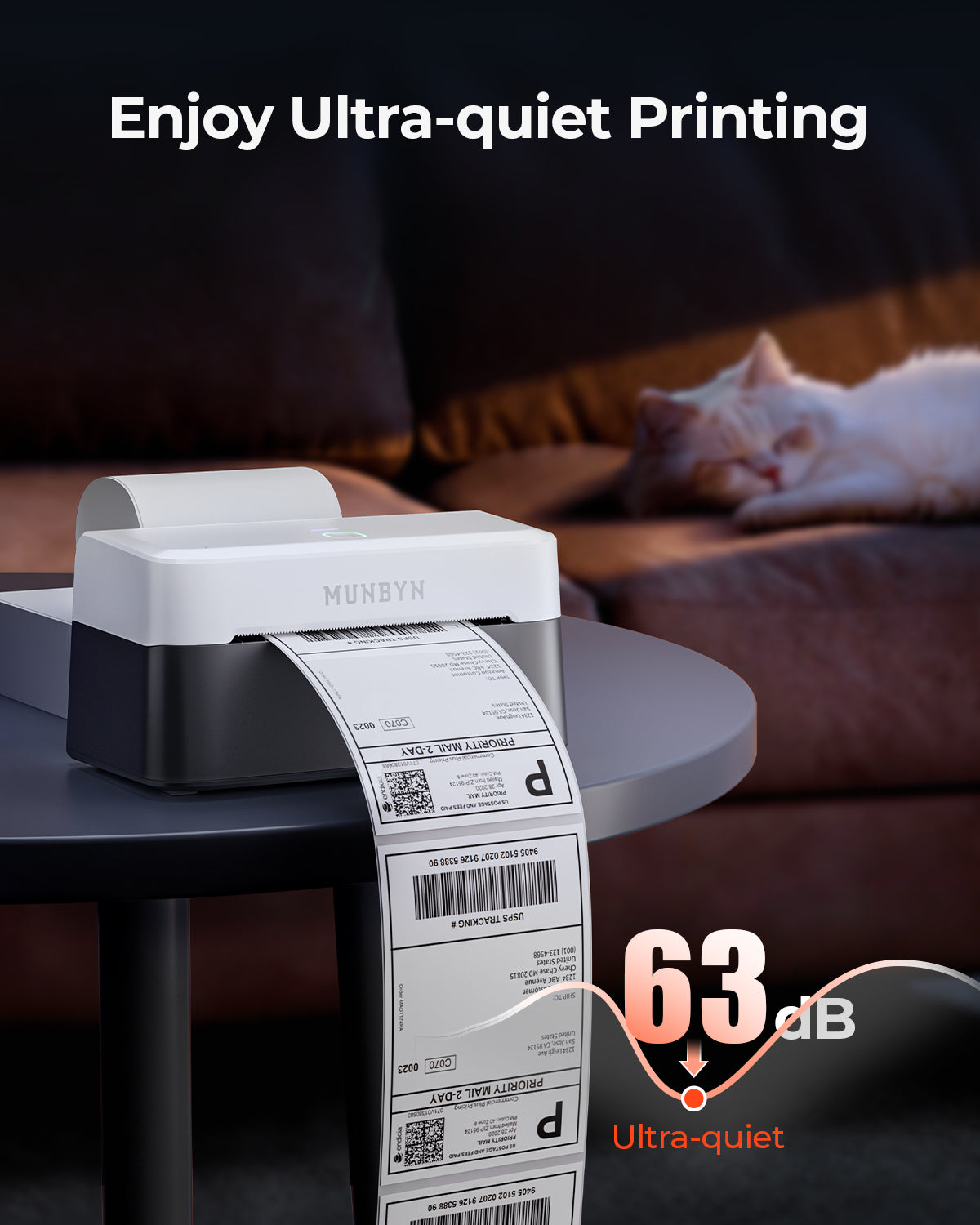
This item is so much smoother and text is thicker than my previous thermal printer. Super quiet too. Best thermal on the market

L
Luz Lizano
I loved it

My first Bluetooth printer, I loved it, the quality is amazing, the price is grate, the print quality is super clean and is super fast to print, Amazing product

F
Fatimatu Kebbeh
Great machine!!!

This machine is a nice upgrade to my old machine. Love how fast it connects to bluetooth with no issues. Print quality is great and the setup was so easy. I recommend for anyone in need of a label printer. Its fast, efficient, and cost effective.

K
Kayla
Teacher must have!

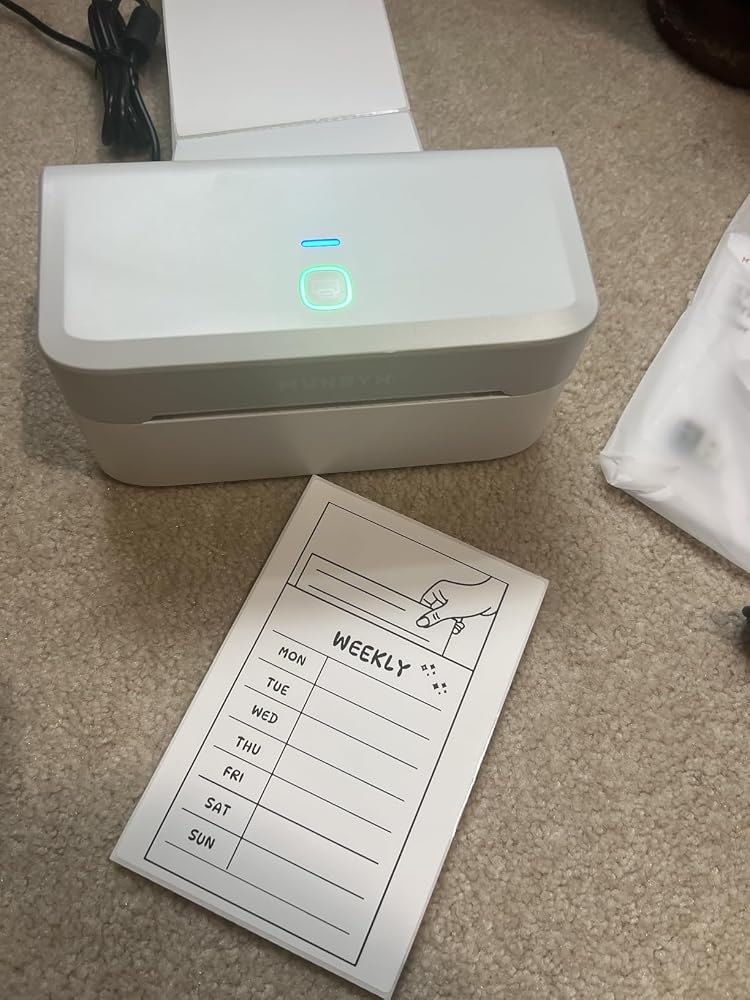
My newest obsession for my classroom! So much easier than printing and laminating things! Also making notebook labels for my students. What did I do before this?!

Y
YSABEL RAMOS
Awesome Printer & Easy Set Up

Super easy to use and good for a small area. The printing quality is the best and it comes with instructions on how to connect via bluetooth that is a plus for me!

E
EM
Perfect thermal printer for stickers and shipping labels!

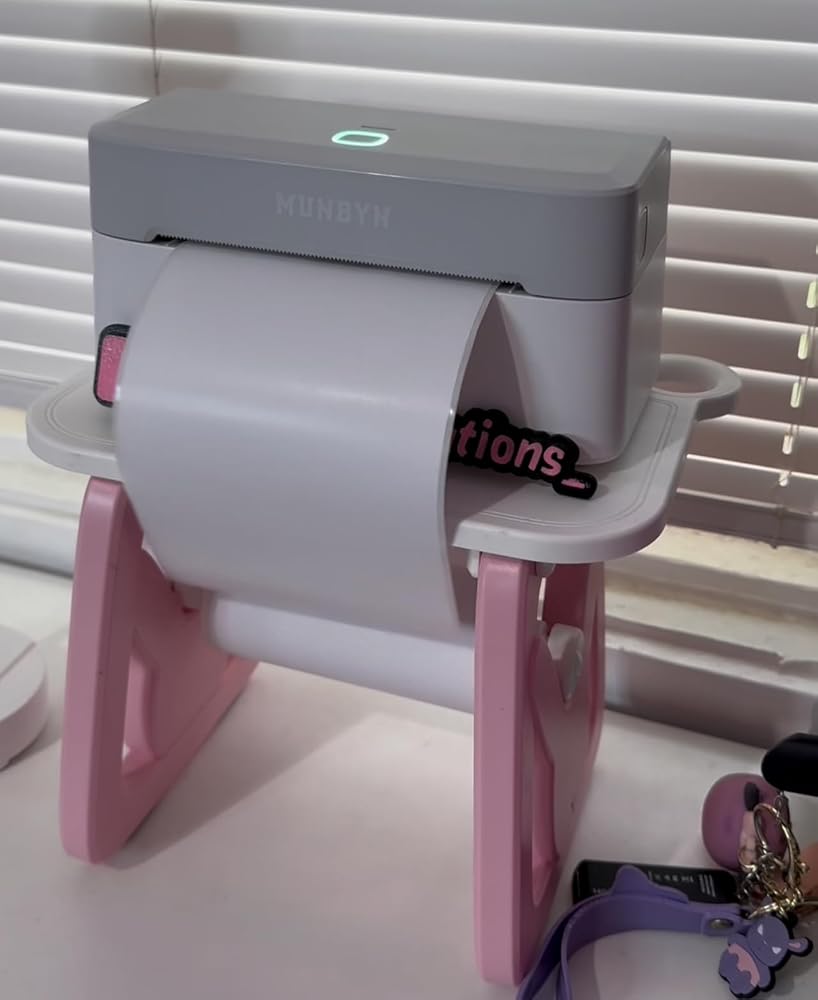
This printer has impressed me. It prints wirelessly from both my phone and computer, and it works ink-free.It's fast, delivers excellent quality, and is perfect for making custom stickers and shipping labels. Plus, it's compact and very easy to use, even for beginners. If you have a small business or enjoy creative projects, I hiahlv recommend it!

J
JHallberg
Great product and price

Very convenient and easy to use label printer. Have been able to take it places with me and use wherever I go. Love the design. Very sleek. Love the ease of use. Would definitely recommend.

C
Cassie
Most quiet Munbyn thermal printers I have!

Very quiet printer. I have 2 other Munbyn thermal printers and have enjoyed using both for my small business. This is the most quiet one i have. And it��s bluetooth! Print quality is on par with my other printers from Munbyn. I have received this printer through a limited time promotion to test it out and I really enjoy it so far!

E
EAPastor
Always happy with Munbyn

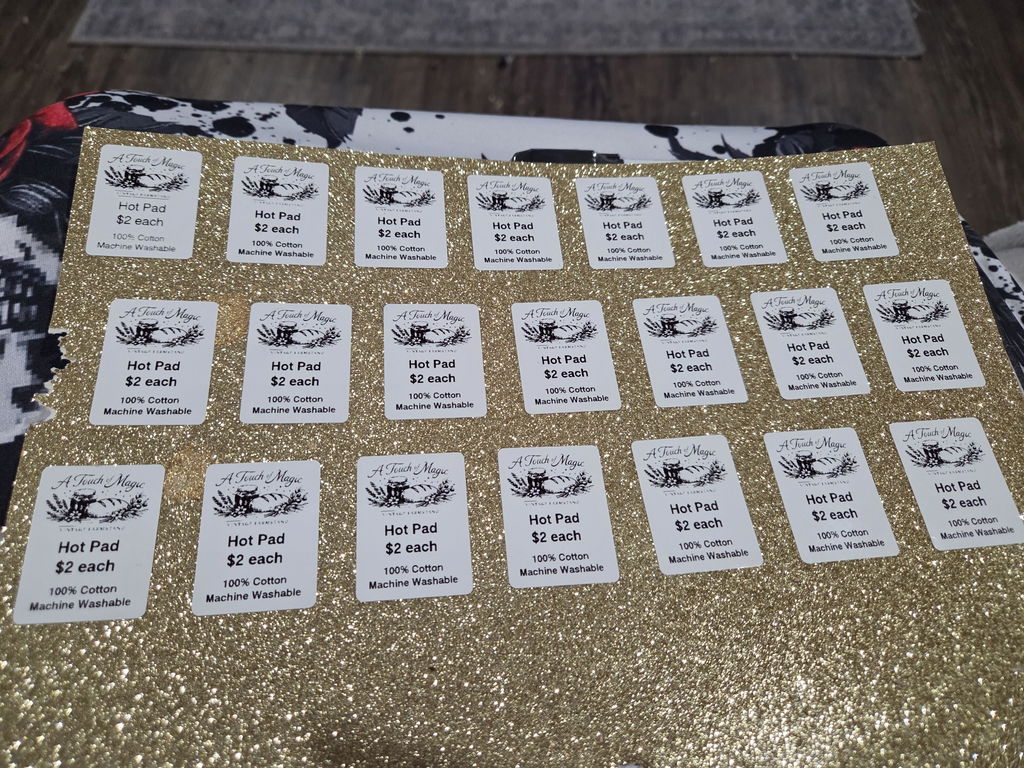
My second Munbyn label printer! Always happy with how easy it is to use their products. The interface on the app could use a little improvement but that��s not a dealbreaker or anything to steer me away from this brand. I use it for more than printing labels and often use it to make stickers to organize my kids clothes in storage.

Fièrement dirigé par des femmes

80 % de notre équipe dirigeante est composée de femmes, apportant empathie et innovation à chaque conception et décision. Parce que lorsque les femmes dirigent, la technologie devient plus humaine et la création, plus significative.

Liberté sans fil

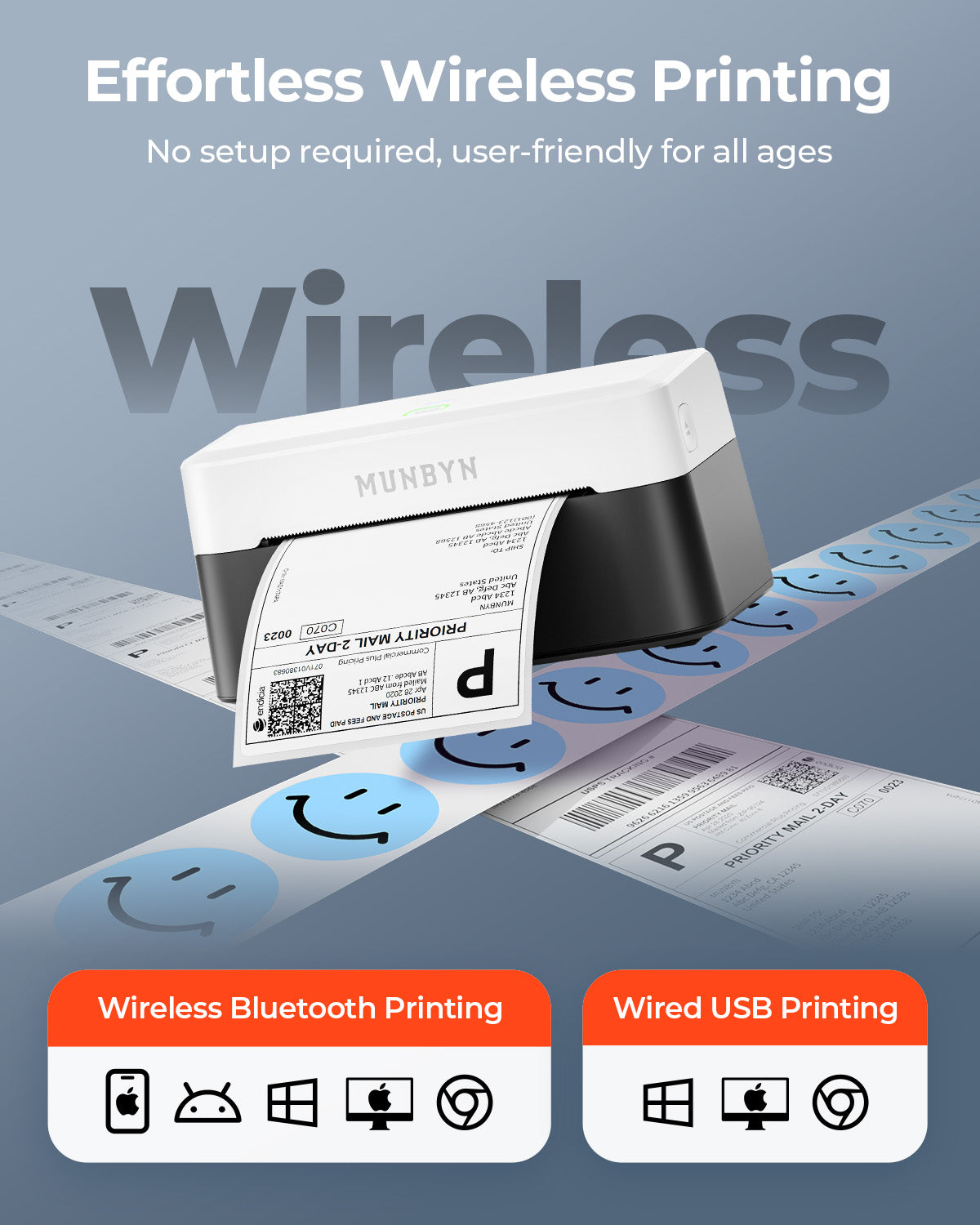
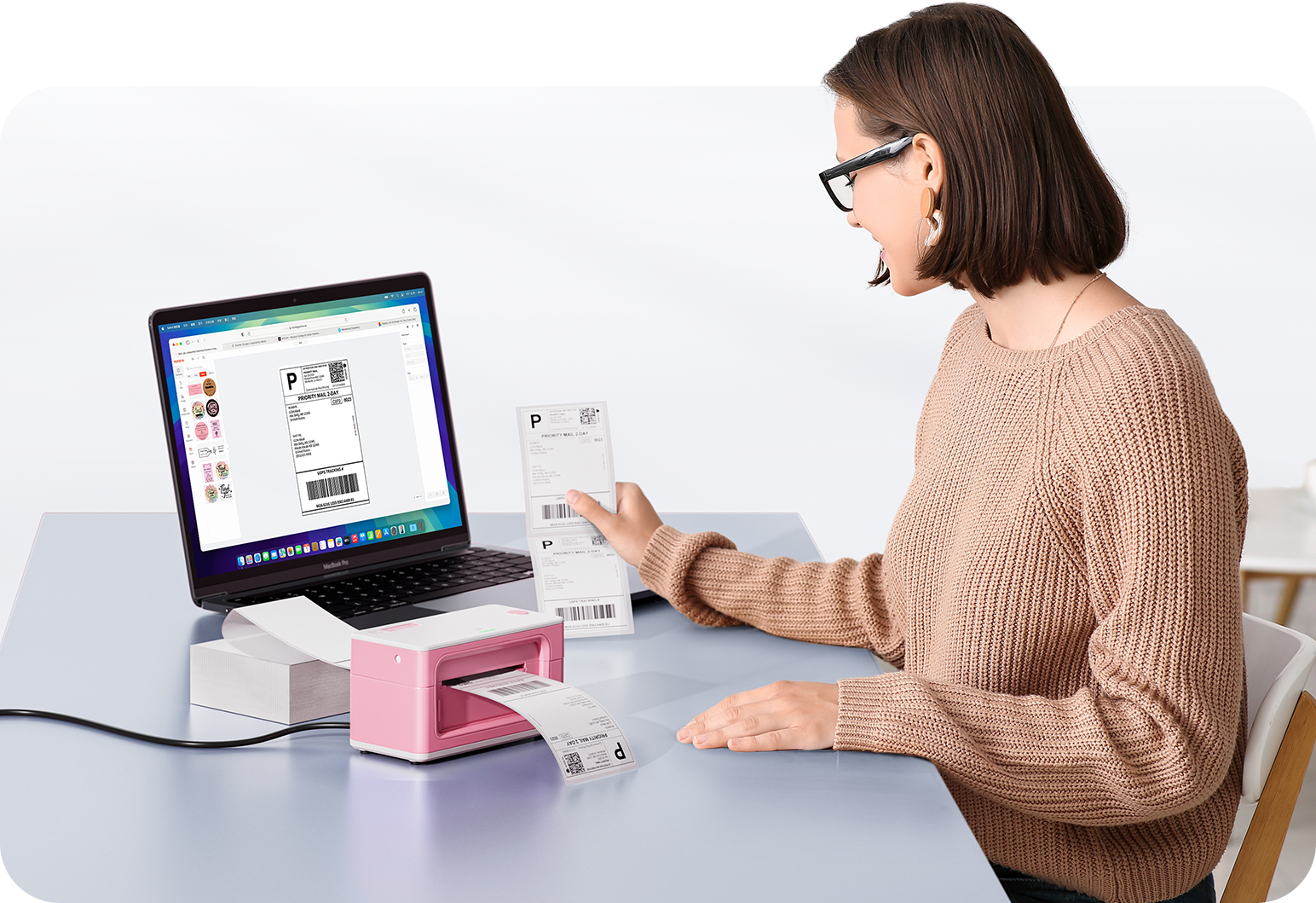
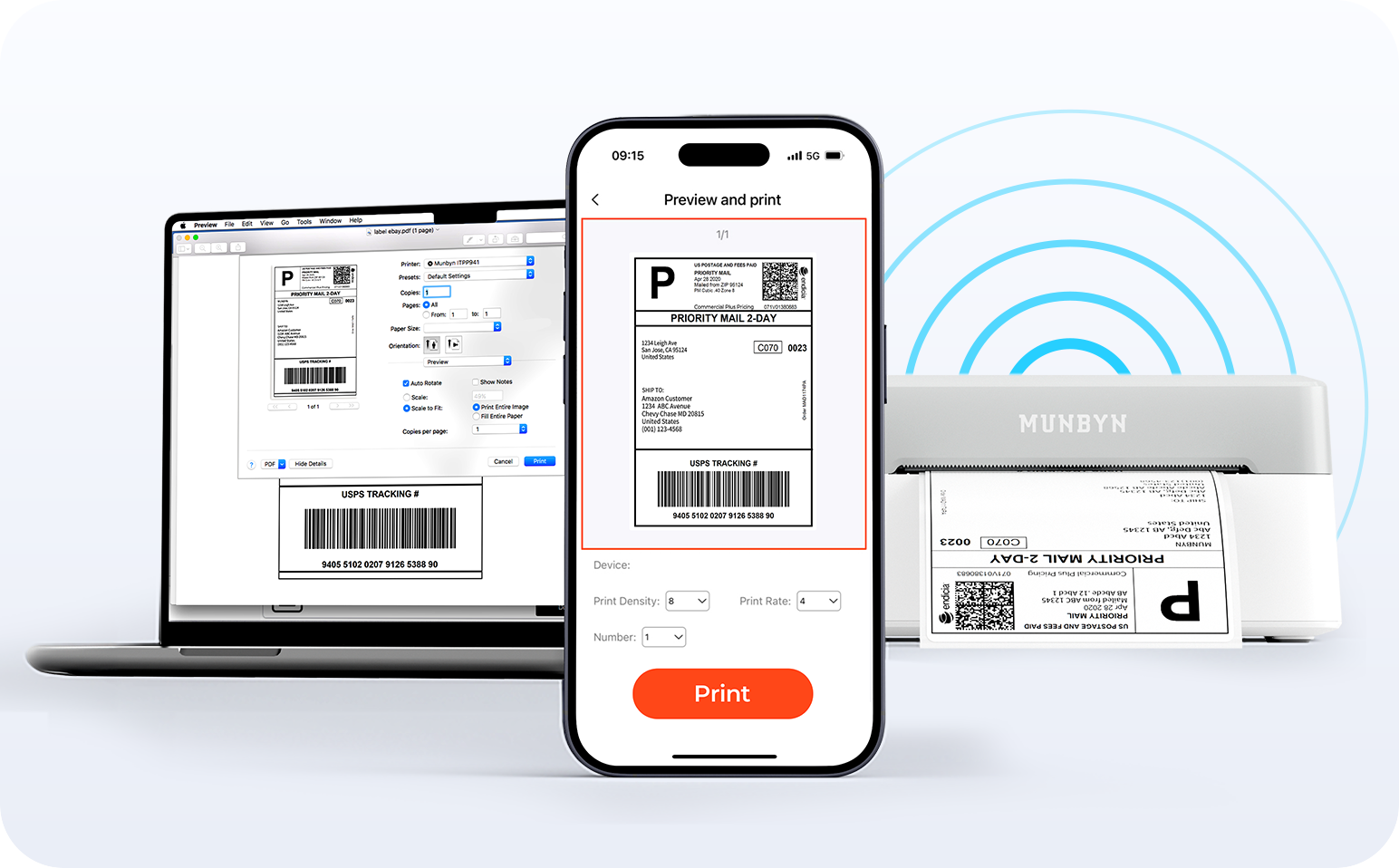
Dites adieu aux câbles emmêlés et bonjour à l'impression sans effort. Profitez d'une connectivité Bluetooth instantanée où que vous travailliez, ou branchez-vous via USB lorsque vous en avez besoin. Parfaitement compatible avec Windows, Mac, iPhone, iPad et Android, tout votre espace de travail est connecté, votre impression simplifiée.

Charger la vidéo:

Détection intelligente des étiquettes

Liberté d'étiquetage. L'impression facile commence ici.

Prend en charge TOUS les papiers d'étiquettes thermiques directs

10x15cm 7.6x5cm 7.6x2.5cm 5x2.5cm 10cm 5cm

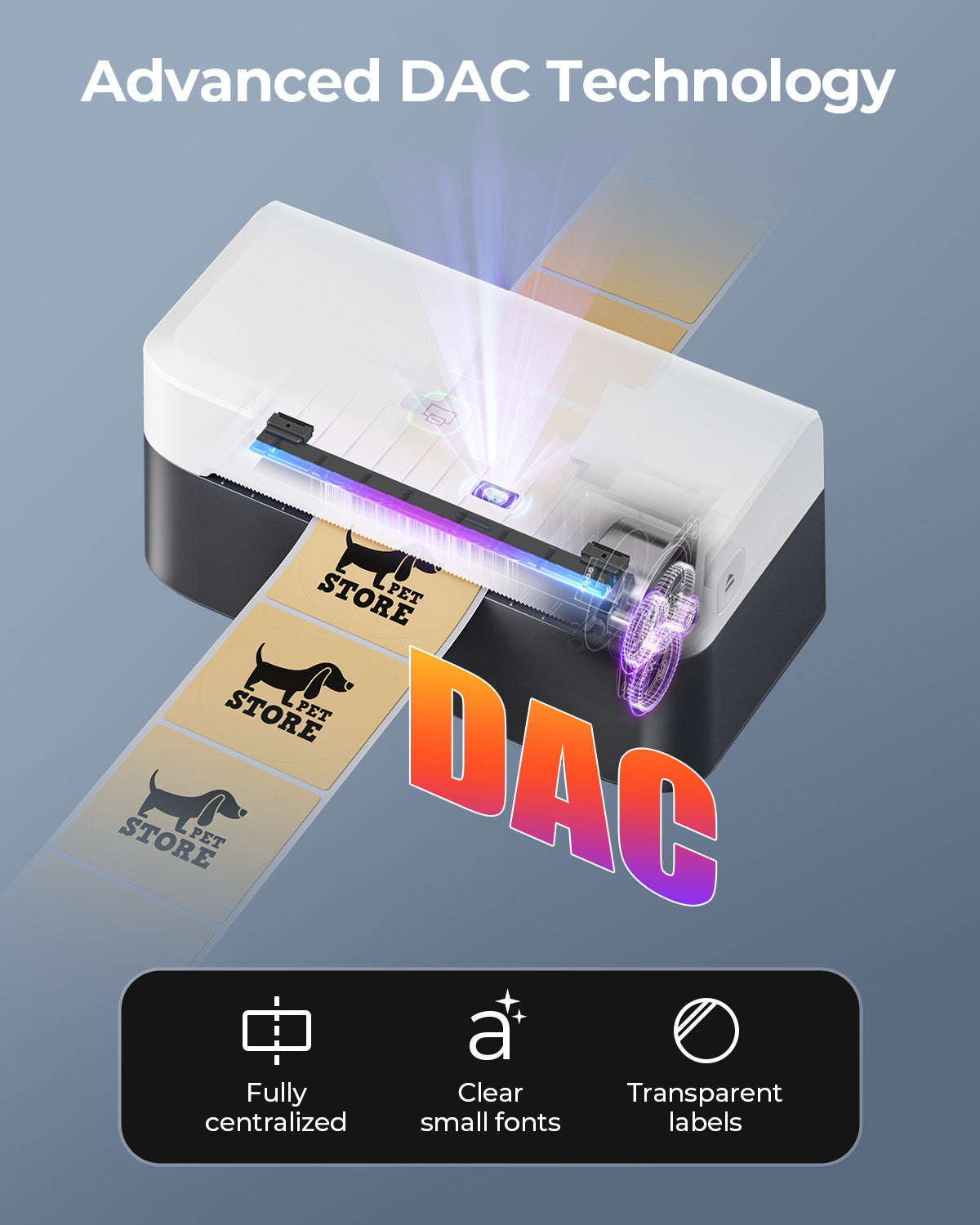
Votre imprimante MUNBYN reconnaît et s'adapte automatiquement aux différentes tailles d'étiquettes, sans réglage manuel.
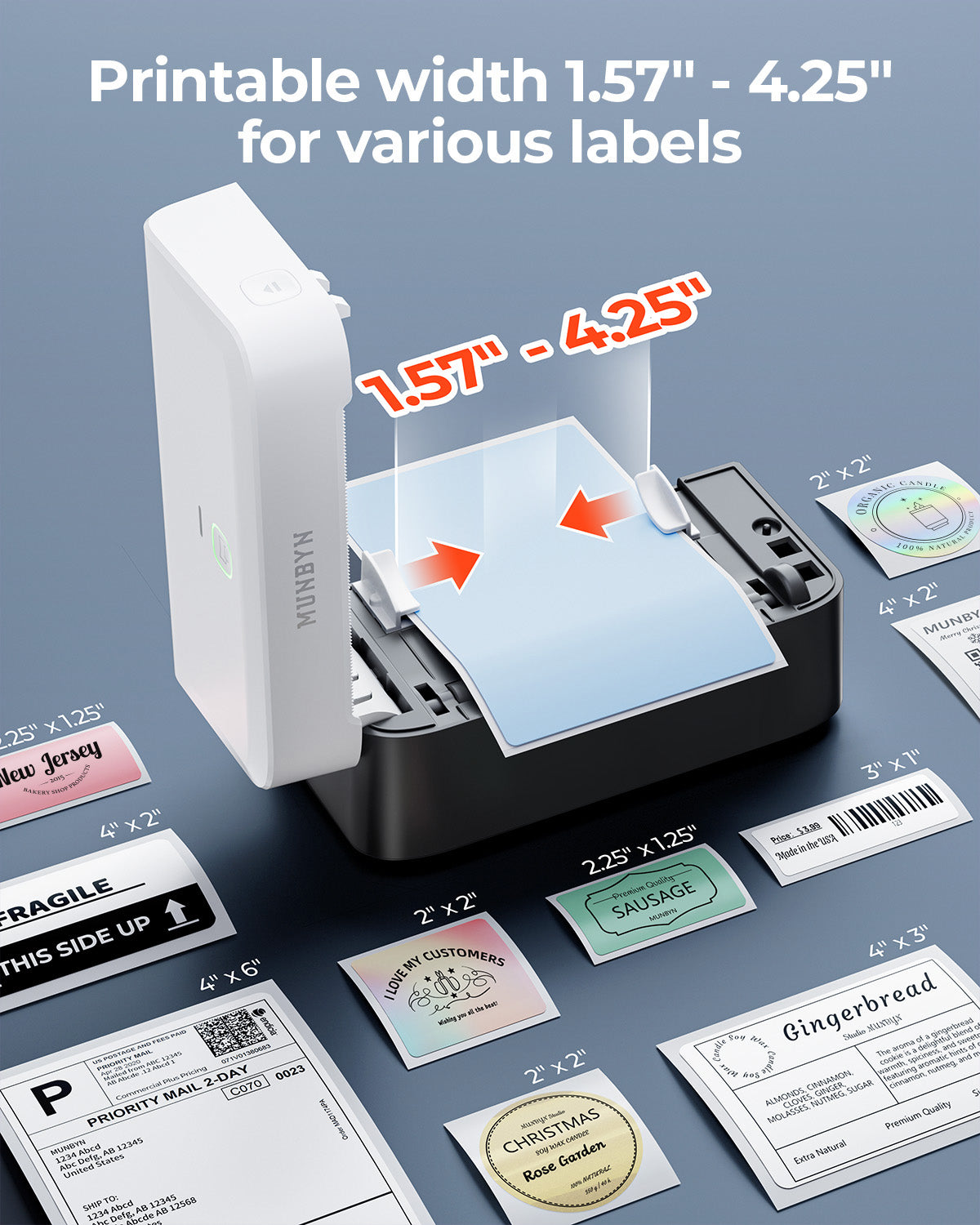
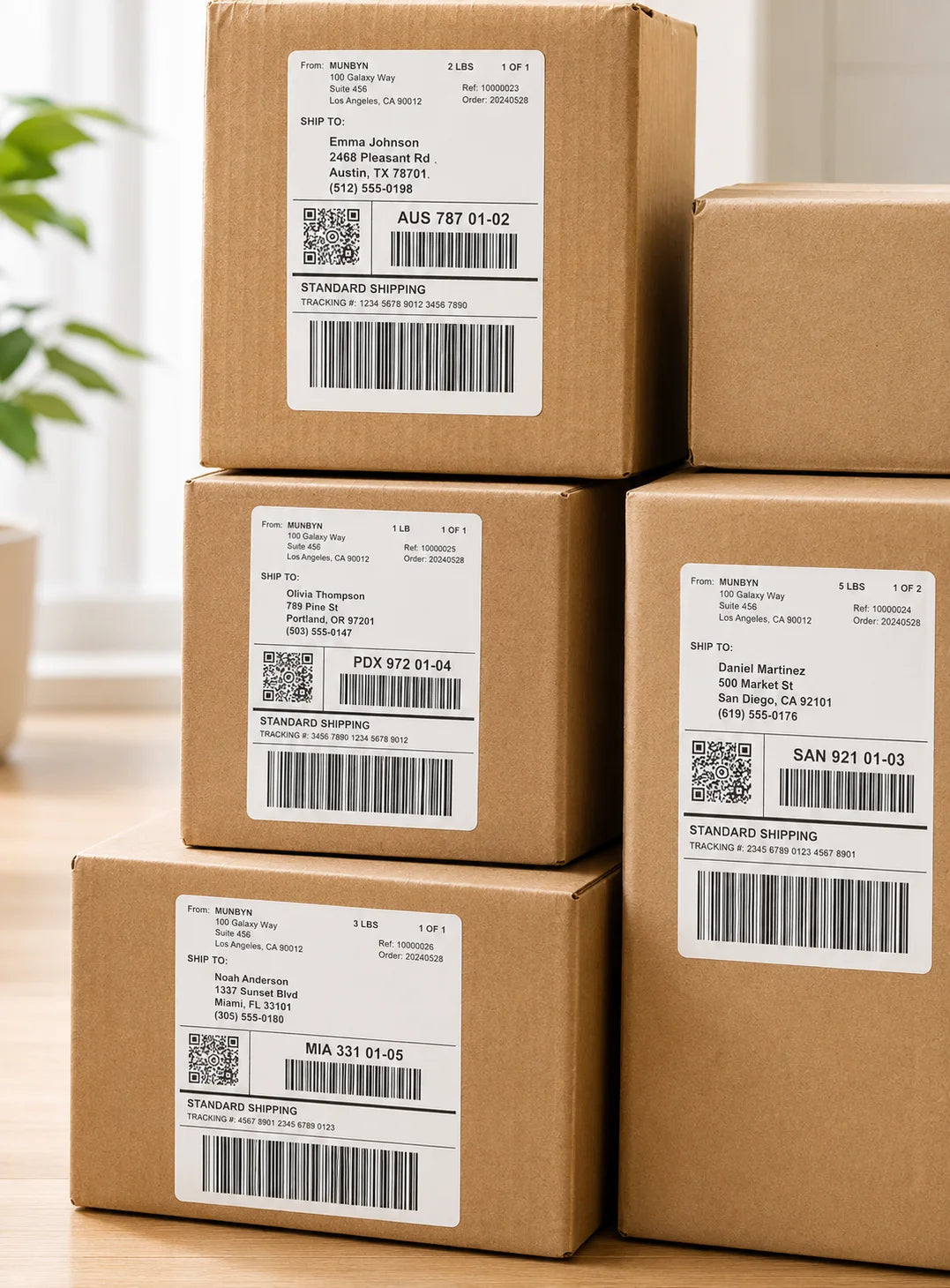
Des étiquettes d'expédition 10x15cm aux autocollants de logo 5x5cm et une large gamme de 40mm à 110mm de large, le passage d'une tâche à l'autre ne prend que quelques secondes.

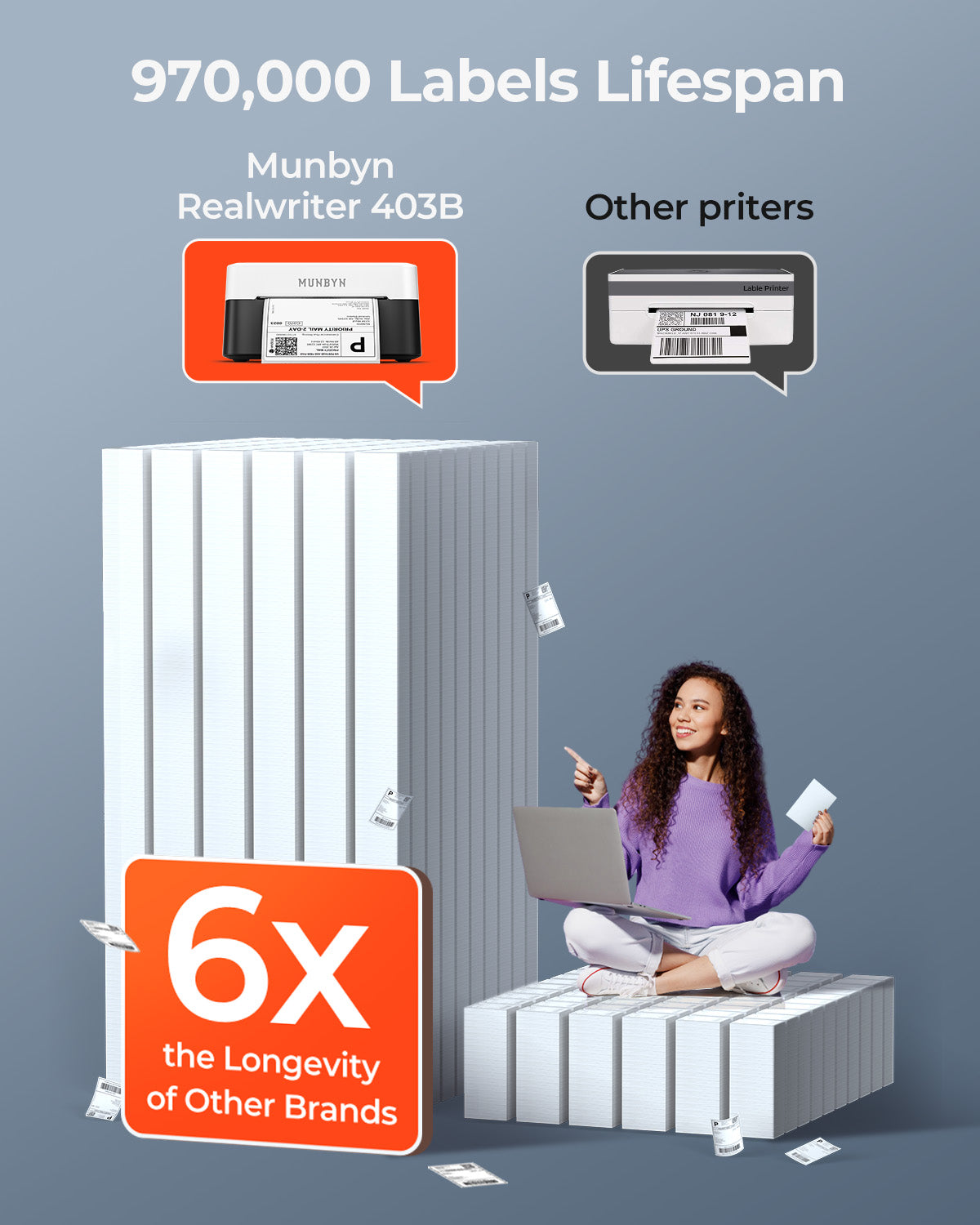
Conçu pour imprimer plus de 980 000 étiquettes* en étiquettes d'expédition

Comment les gens utilisent MUNBYN

Les estimations de durée de vie de l'impression et de quantité d'étiquettes sont basées sur des calculs en laboratoire (durée de vie de la tête d'impression de 150 km × longueur d'étiquette de 4x6"). Les performances réelles peuvent varier en fonction de la fréquence d'impression, du matériau de l'étiquette, de l'environnement d'exploitation et des conditions de maintenance.

Étiquettes d'expédition

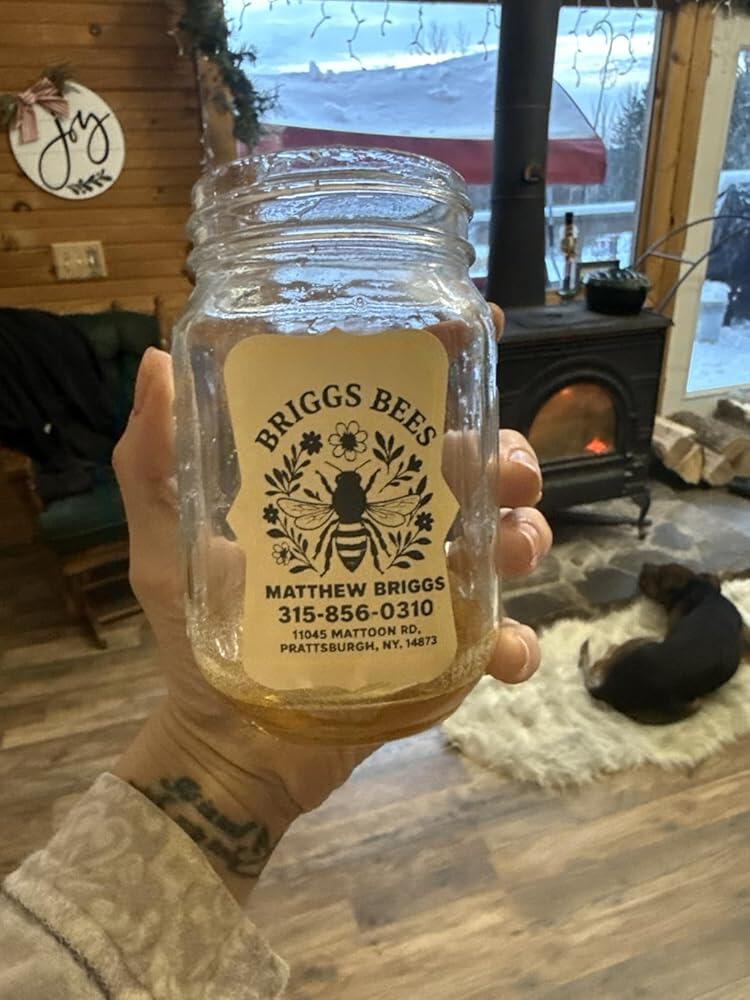
Étiquettes personnalisées

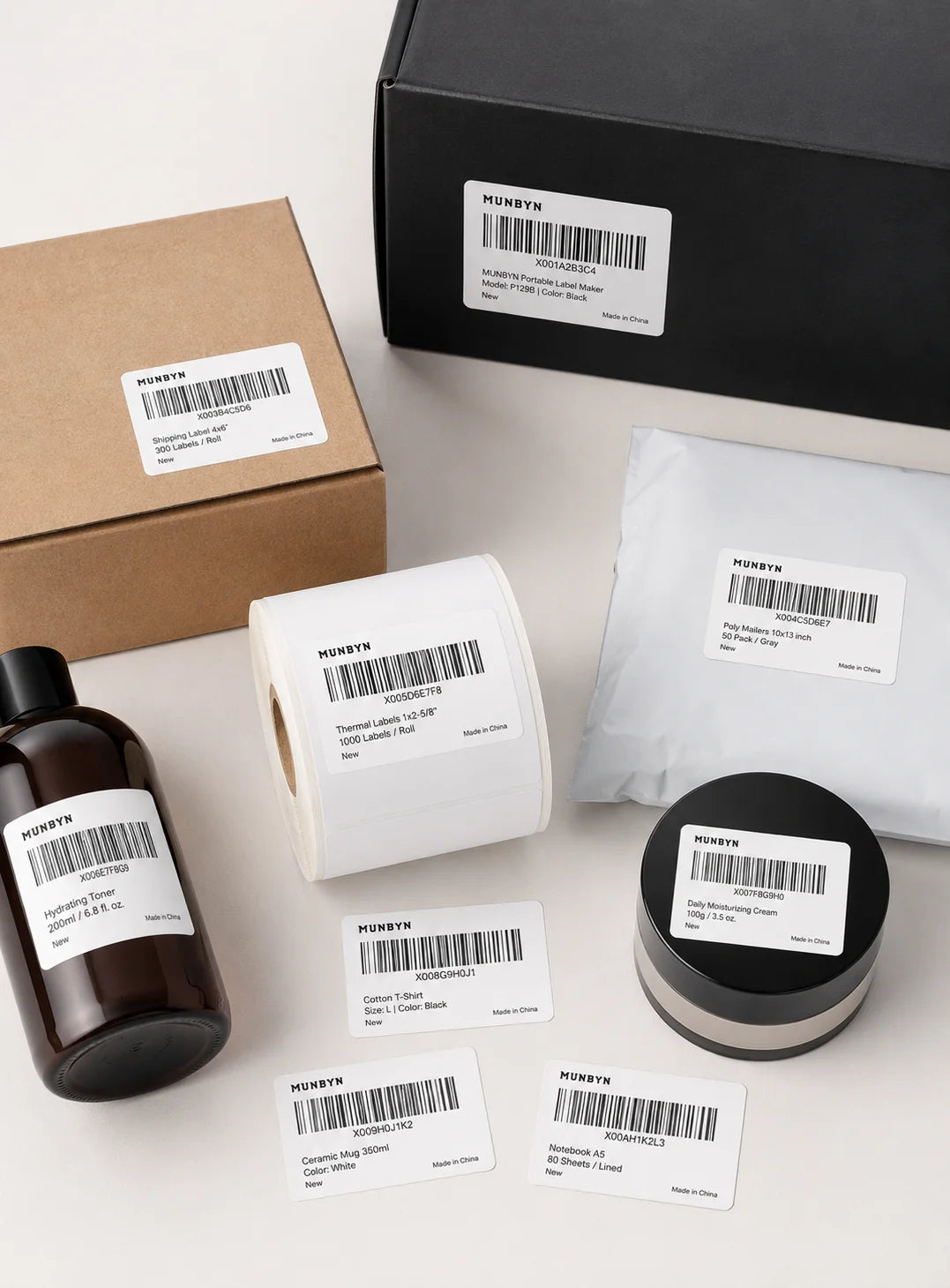
Étiquettes code-barres

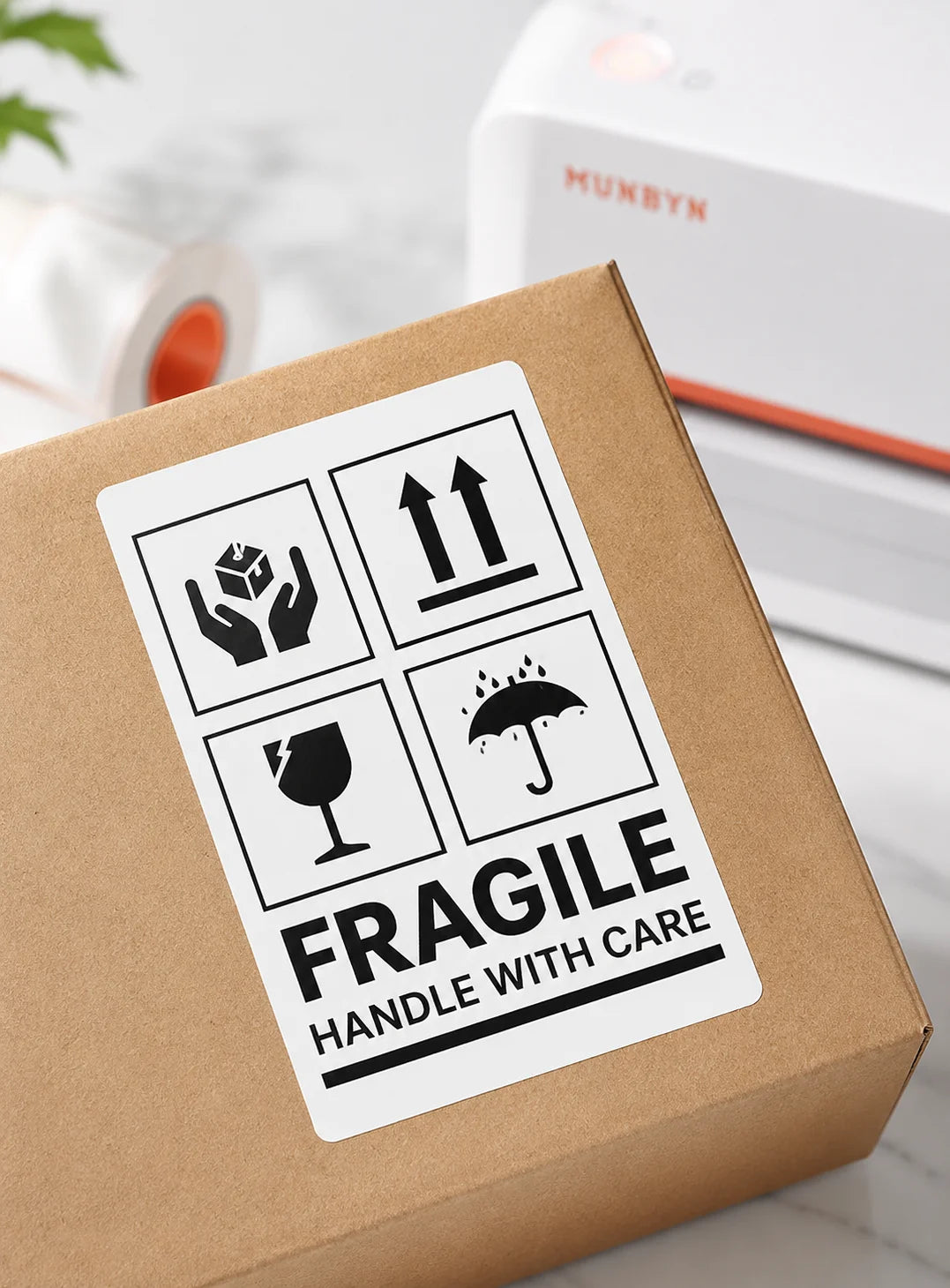
Étiquettes Fragile

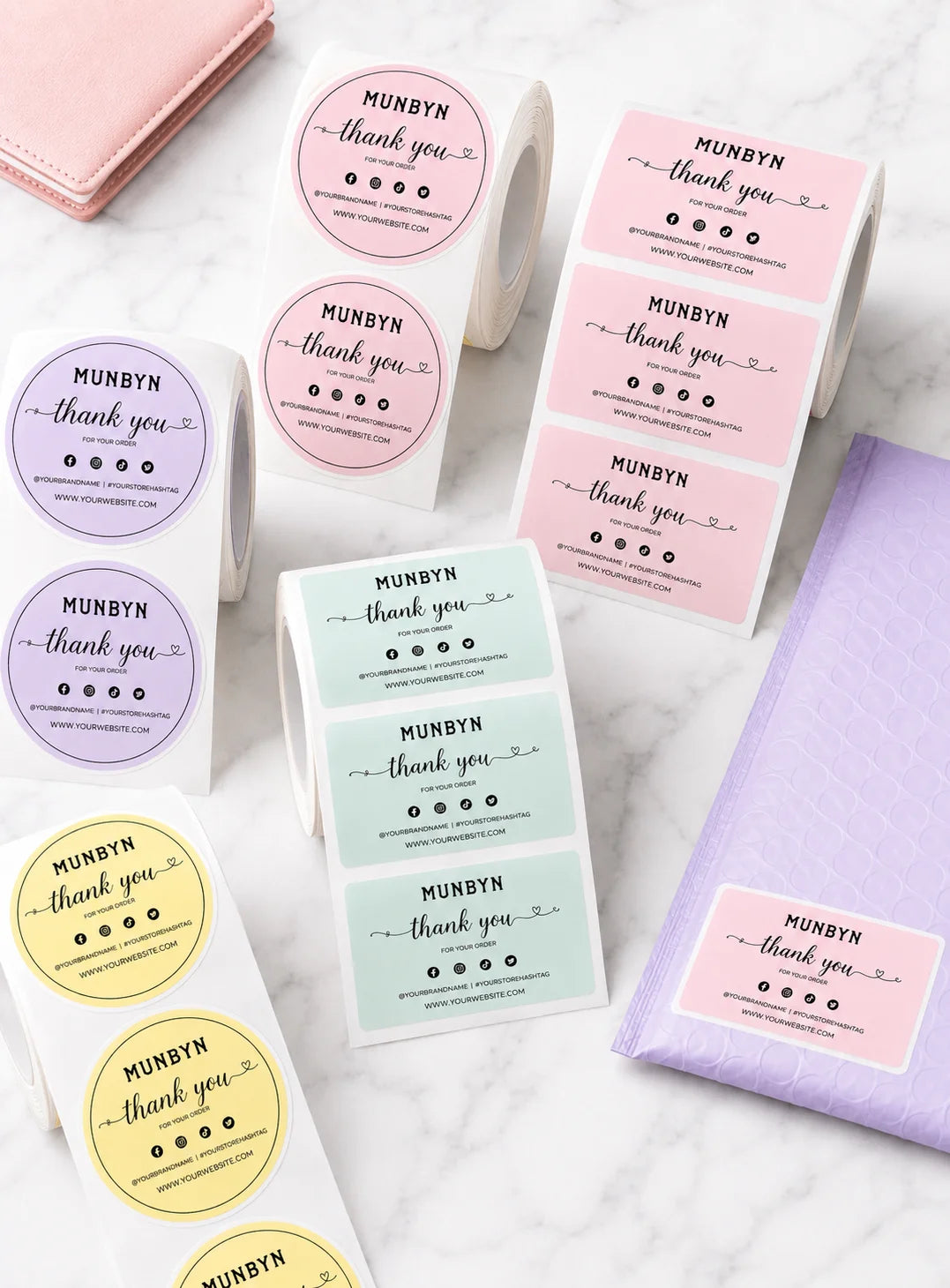
Étiquettes de marque

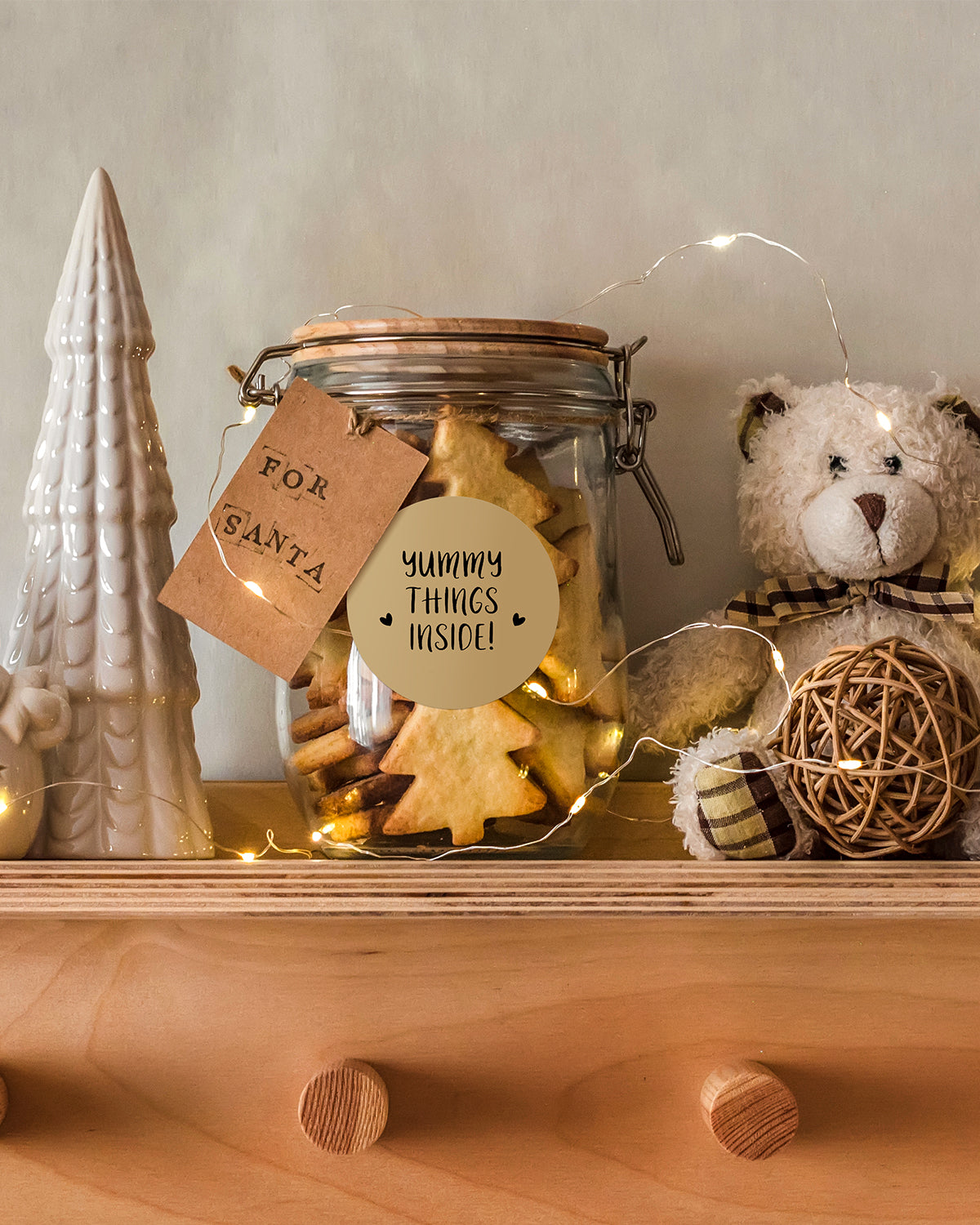
Autocollants pour la garderie/l'école

FAQ

Veuillez consulter notre page FAQ pour en savoir plus.

1. Pourquoi devrais-je choisir une imprimante thermique MUNBYN plutôt qu'une imprimante à jet d'encre ou laser ?

MUNBYN utilise la technologie avancée d'impression thermique, ce qui signifie zéro encre, zéro toner et zéro ruban. Vous n'avez besoin que d'étiquettes thermiques. Cela vous permet non seulement d'économiser des centaines de dollars par an en frais de fournitures, mais aussi d'éviter le désordre des cartouches qui fuient et la frustration de manquer d'encre en plein milieu d'une expédition.

2. Puis-je utiliser n'importe quelle marque d'étiquettes thermiques avec cette imprimante ?

Oui ! Les imprimantes MUNBYN sont compatibles avec toutes les étiquettes thermiques directes. Que vous préfériez les étiquettes en paravent ou en rouleau, tant que la largeur est comprise entre 1,57" et 4,3" (40 mm-110 mm), notre imprimante thermique les détectera et s'y calibrera automatiquement.
3. Quelles sont les plateformes d'expédition et les places de marché compatibles ?

MUNBYN est un favori des propriétaires de petites entreprises. Les imprimantes d'étiquettes MUNBYN sont entièrement compatibles avec les principales plateformes, notamment :

  • Places de marché : Amazon, eBay, Etsy, Shopify, Zalando et Shopee.
  • Courriers : UPS, FedEx, ShipStation, Pirate Ship, USPS et DHL.

4. Quels sont les types d’étiquettes compatibles avec cette imprimante ?

Nos imprimantes thermiques prennent en charge une large gamme d’étiquettes thermiques directes, y compris les étiquettes d’expédition de 4 x 6 pouces, les étiquettes de 3 x 2 pouces, de 2 x 1 pouce, les étiquettes de code-barres, les étiquettes rondes et les autocollants de tailles personnalisées (largeur de 40 à 110 mm selon le modèle). L’imprimante détecte automatiquement la taille de l’étiquette, sans qu’aucun étalonnage manuel ne soit nécessaire.
5. Cette imprimante d'étiquettes est-elle facile à installer ?

Oui. L'imprimante d'étiquettes est conçue pour une installation rapide, avec des guides d'installation étape par étape et des téléchargements de pilotes disponibles. La plupart des utilisateurs peuvent effectuer l'installation en quelques minutes seulement.

6. Comment calibrer l'imprimante pour différentes tailles d'étiquettes ?

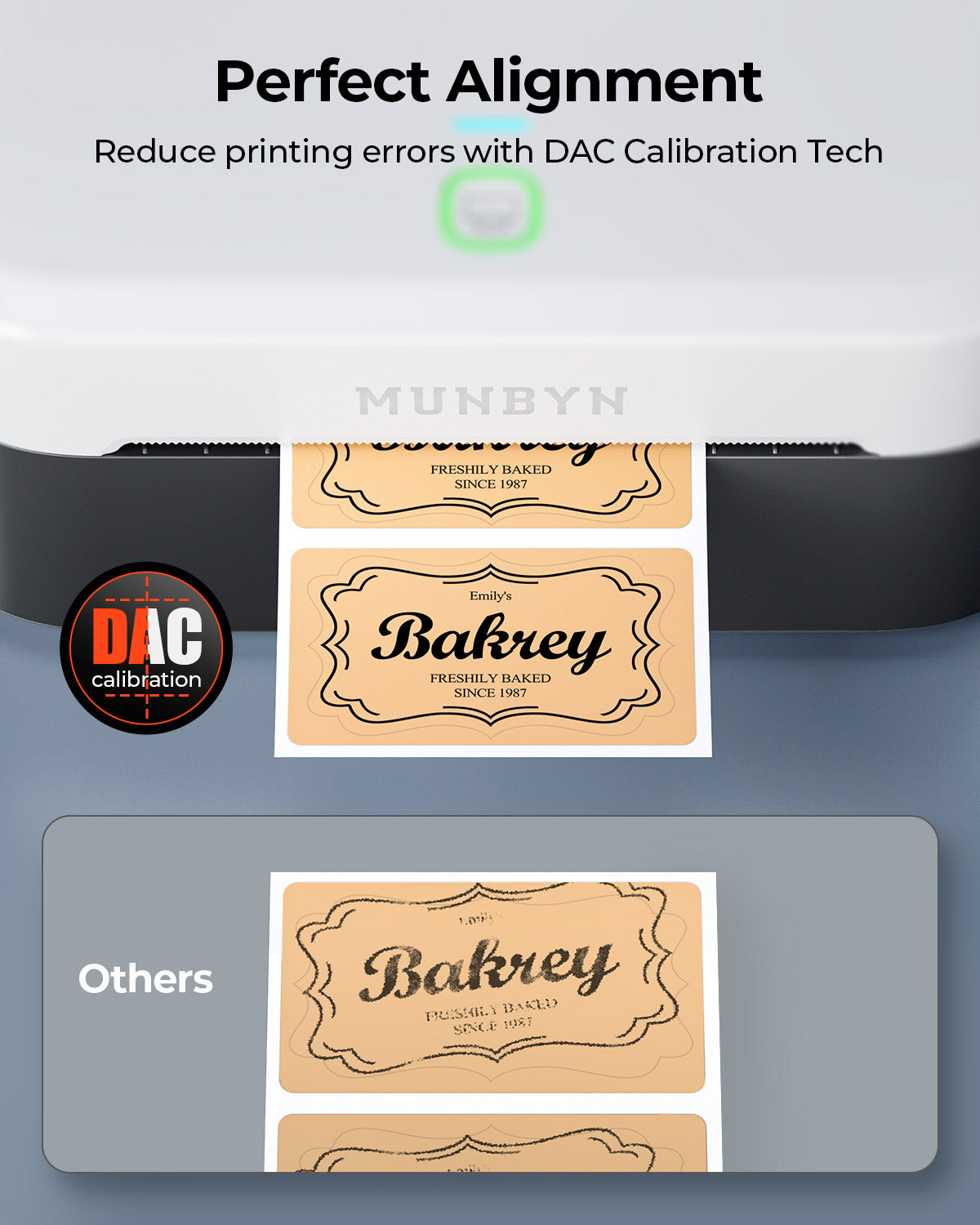
Notre identification automatique intelligente des étiquettes s'occupe de tout pour vous. Insérez vos étiquettes, appuyez et maintenez le bouton supérieur jusqu'à entendre un seul bip, et l'imprimante ajustera automatiquement la taille et l'espacement des étiquettes pour un alignement parfait.

7. Que dois-je faire si mes étiquettes s'impriment floues ou avec des traînées blanches ?
Une impression de qualité commence par une tête d'impression propre. Si la qualité baisse :

  1. Éteignez l'imprimante et laissez-la refroidir.
  2. Essuyez la tête d'impression thermique avec un coton-tige imbibé d'alcool ou un chiffon en microfibres.
  3. Ajustez les paramètres de densité et de vitesse d'impression dans les préférences de votre pilote.

Si le problème persiste, contactez le service client pour obtenir de l'aide.

8. Cette étiqueteuse est-elle livrée avec une garantie ?

Oui, chaque imprimante MUNBYN est couverte par une garantie de 2 ans. Nous nous portons garants de nos équipements et nous vous fournirons un remplacement ou une réparation si vous rencontrez des défauts de fabrication.

9. Puis-je utiliser l'imprimante d'étiquettes pour l'organisation professionnelle et domestique ?

Oui. Vous pouvez utiliser cette imprimante aussi bien pour l'étiquetage professionnel (expédition, codes-barres, inventaire, étiquettes de vente au détail) que pour l'organisation domestique (étiquettes de rangement, étiquettes de garde-manger, dossiers, projets créatifs). Son impression thermique directe polyvalente et la prise en charge de plusieurs formats d'étiquettes la rendent adaptée à un large éventail d'utilisations personnelles et professionnelles.

10. Existe-t-il des options de personnalisation pour les étiquettes ?

Oui, nous proposons une personnalisation flexible des étiquettes, notamment des autocollants, des étiquettes avec logo et des modèles créatifs pour l'image de marque. Achetez des étiquettes personnalisées ici.

Vous n'avez pas trouvé votre réponse ?

N'hésitez pas à nous contacter

Livraison et retours gratuits