Scroll to top

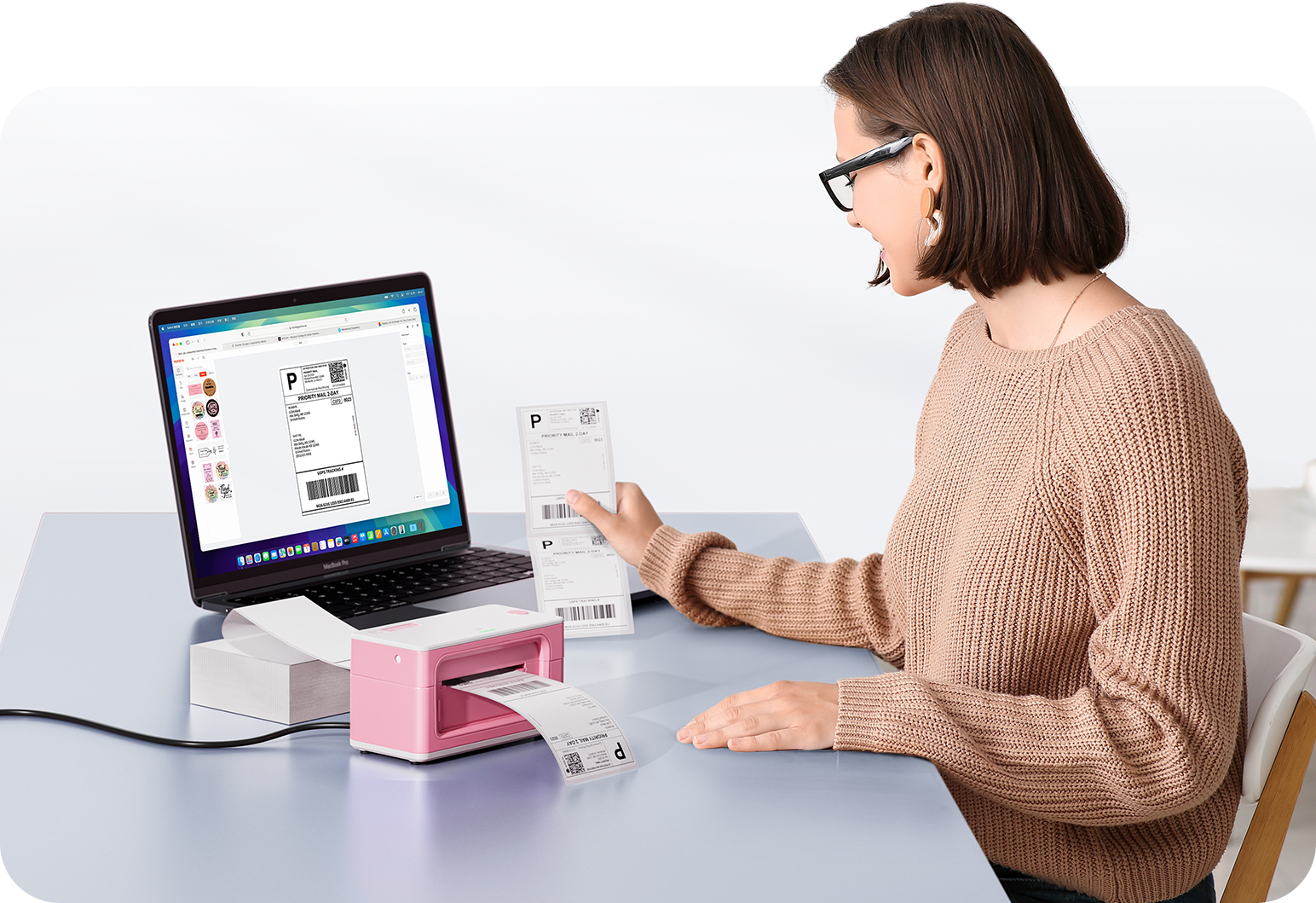
Imprimez n'importe quoi, n'importe où

Vos idées, votre espace — imprimez partout où l'inspiration vous frappe.

Sans encre, sans souci

Zéro encre. Économise du temps, de l'argent et la planète.

Rapide à imprimer, facile à entretenir

Haute vitesse : 150 mm/s = une étiquette 4×6 par seconde.

MUNBYN CA RealWriter 411B thermal printer with paper roll and control panel, used for printing receipts or labels.
Imprimante d'étiquettes thermique MUNBYN RW411B Bluetooth 4x6 avec plateau papier pour l'expédition quotidienne
$89.99 CAD

Détails du produit

Introduction de base

Type de modèle

- 411B

Résolution

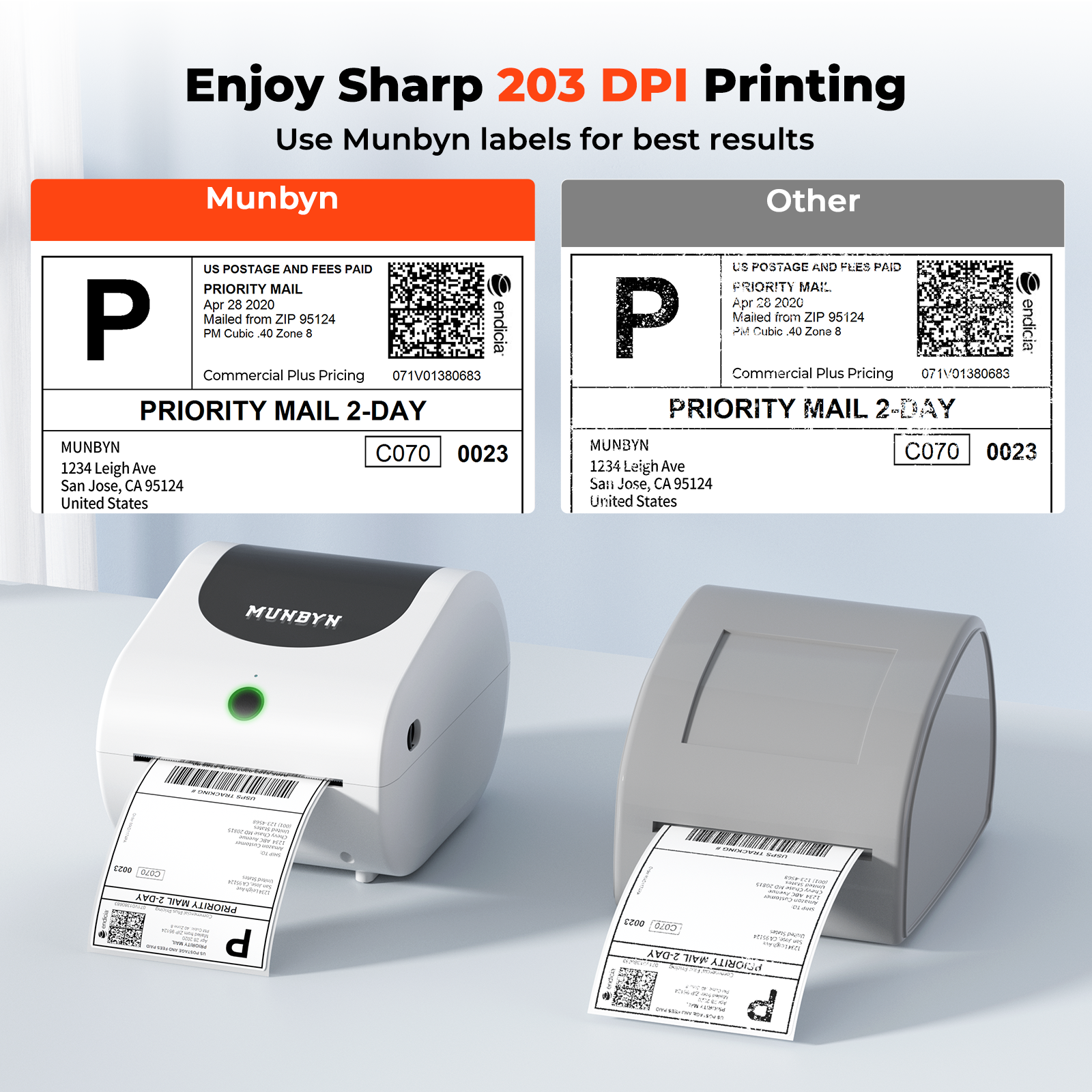
- 203 DPI

Vitesse d'impression

- 150 mm/s

Poids

- 1 kg

Dimensions du produit

- 172x210x144,8 mm (L*l*H)

Compatibilité
Connectivité

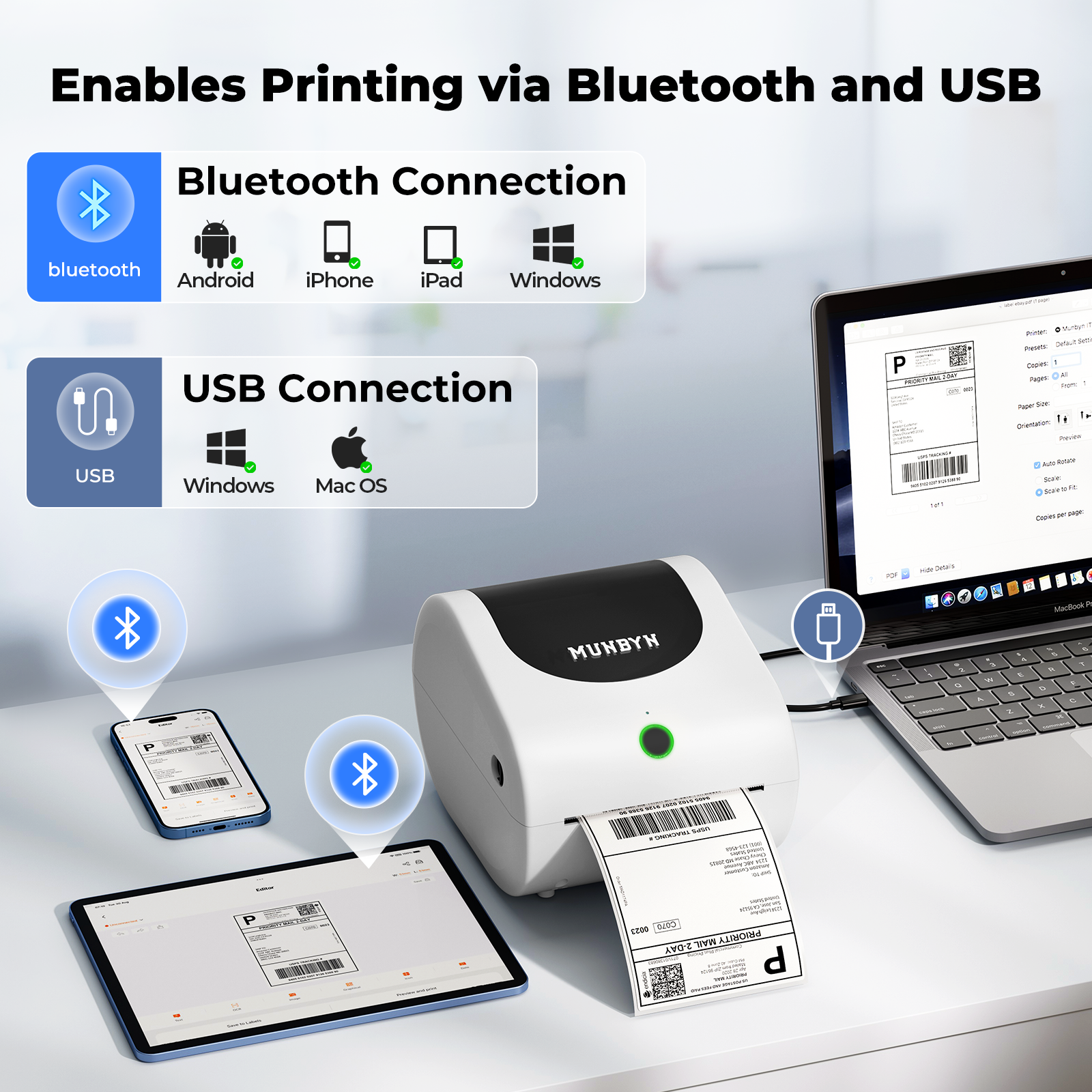
- Bluetooth + USB

Tailles d'étiquettes compatibles

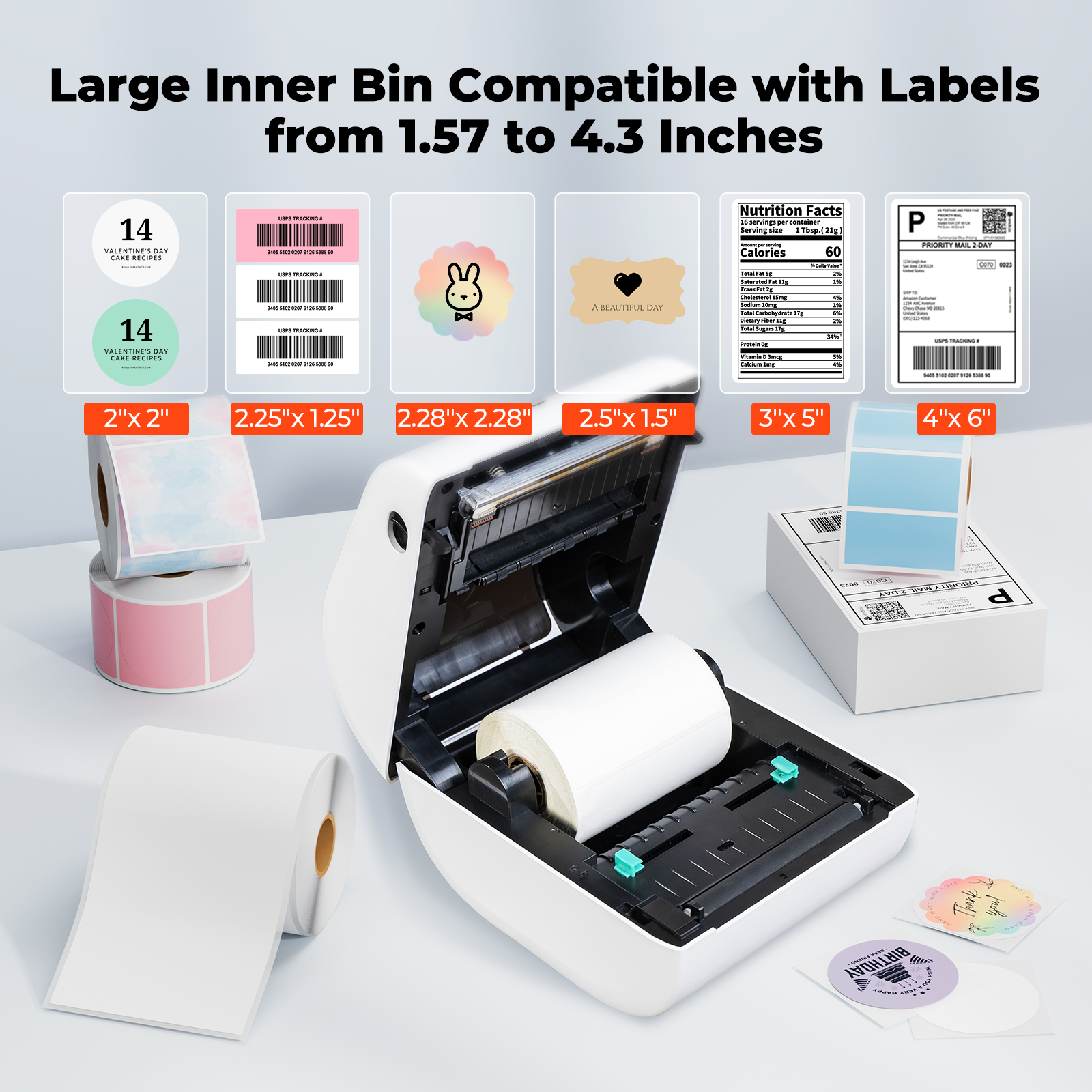
- 40-110 mm

Fonctionnalité spéciale

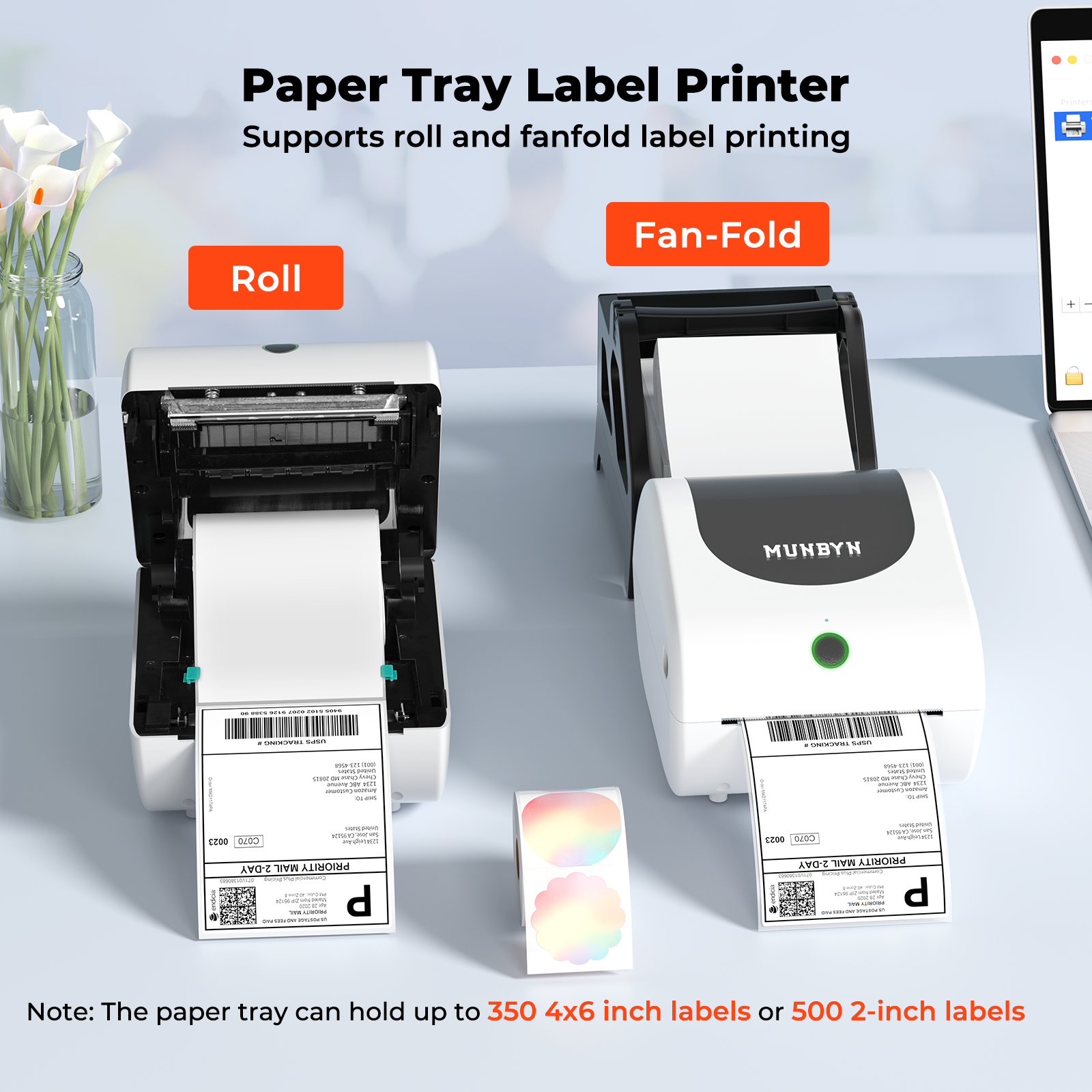
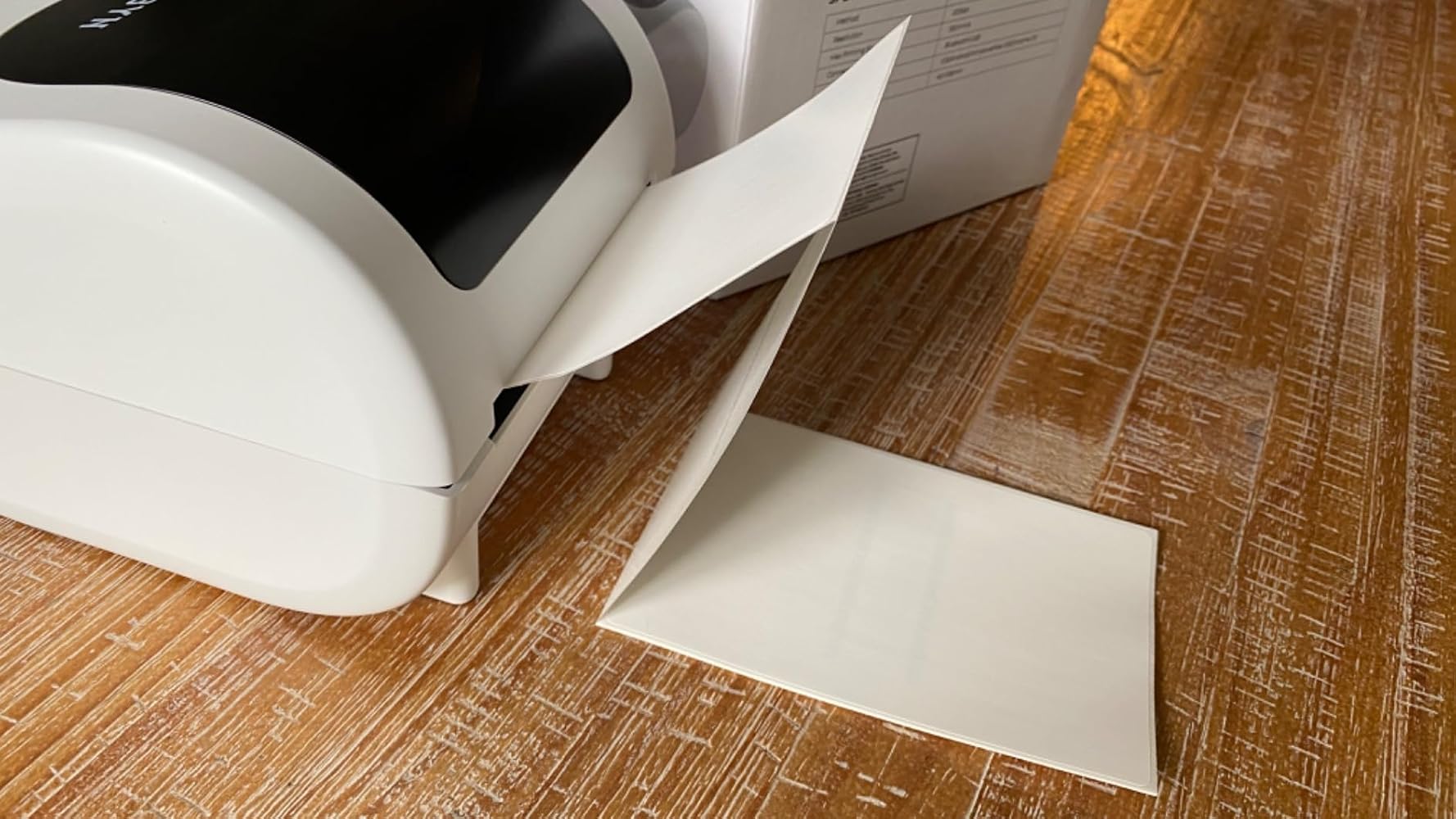
- Plateau à papier intégré

Appareils compatibles

- Tous les appareils

Adaptateur secteur

- Entrée: CA 100V-240V, 50-60Hz

- Sortie: 24V-2A

Autres
Scénarios d'utilisation

- Entrepôts
- Commerce de détail
- Bureaux
- Entreprise
- Domicile

Garantie de service

- Garantie de 18 mois
- Support technique

Téléchargez notre application

Étiquettes haut de gamme en quelques minutes
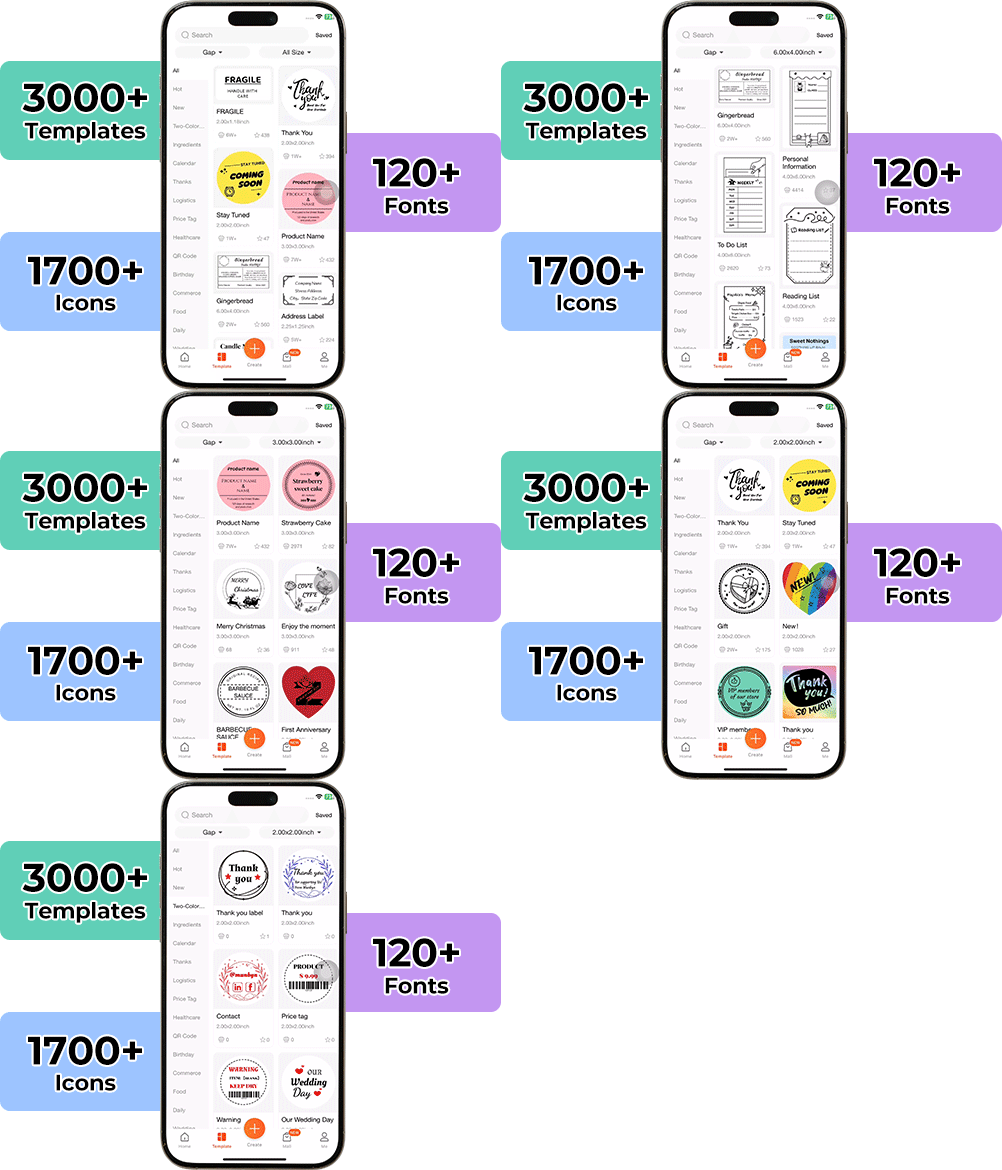
Concevoir des emballages personnalisés n'a jamais été aussi simple. En utilisant l'application MUNBYN et nos étiquettes DIY polyvalentes, vous disposez d'une bibliothèque de plus de 3 000 éléments de design et modèles à votre disposition.

Créez des logos sur mesure et des autocollants promotionnels qui reflètent parfaitement la personnalité de votre marque, tout en maîtrisant votre budget.


Google Play

Google Play

Télécharger maintenant

 
Éditeur en ligne

Éditeur en ligne

Créer maintenant

Manuel de l'utilisateur

Manuel de l'utilisateur

Télécharger maintenant

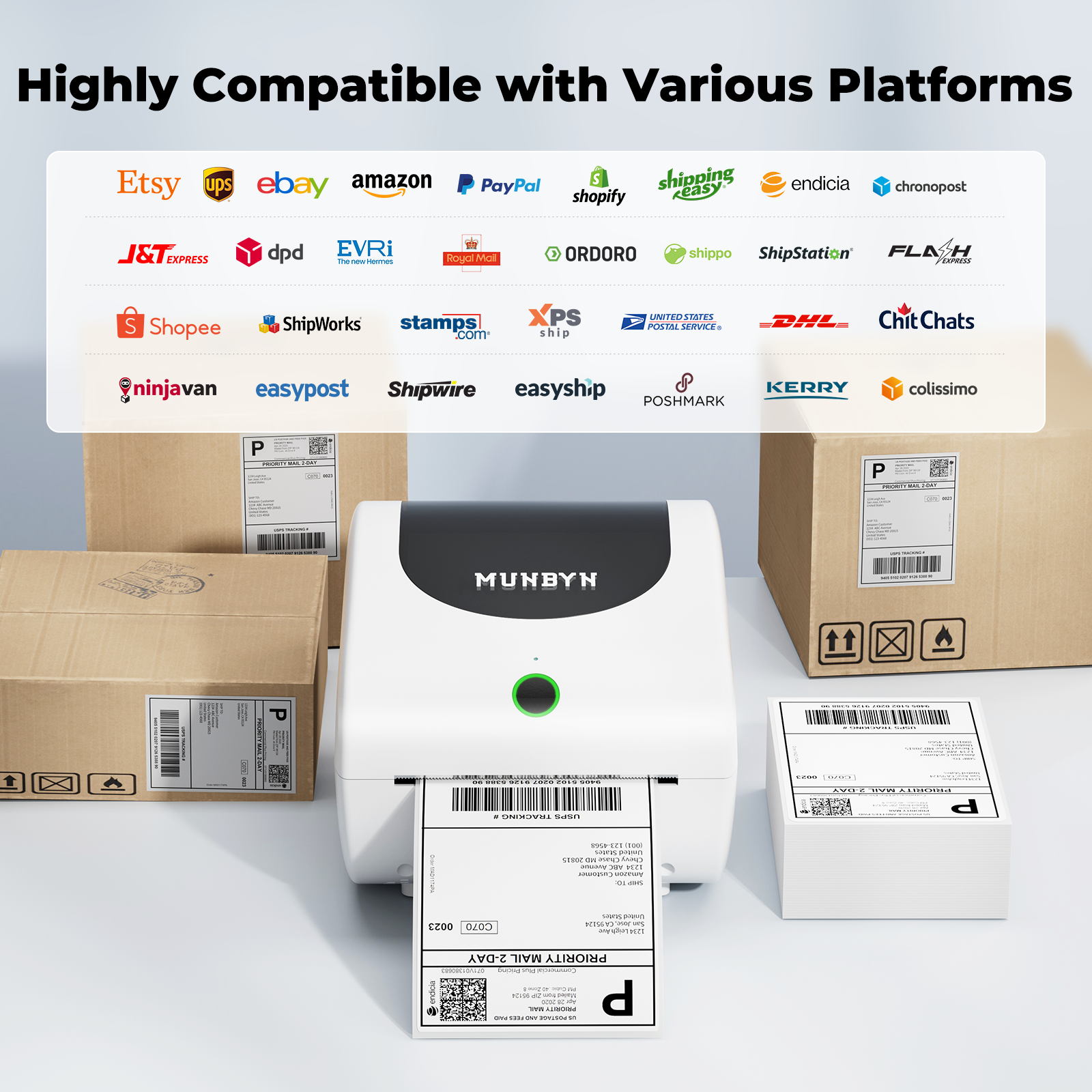
Votre outil tout-en-un pour les principales places de marché et transporteurs, incluant mais sans s'y limiter

  • 5 stars: 59 (75%)
  • 4 stars: 14 (18%)
  • 3 stars: 6 (8%)
  • 2 stars: 0 (0%)
  • 1 star: 0 (0%)
R
Randy

This is a great printer. It prints fast, and makes very black legible labels.Having a roll inside the printer is a huge convenience, and a space saver compared to barcode printer with an external roll holder, or stack behind it.Barcode scanners have no problems with any of the labels I printed.The new Bluetooth driver for windows WORKS on this printer too!Follow the address on the card in the printer, and download the newest Windows dual driverInstall the USB driverPull out the cablePair the printer with BluetoothInstall the printer again, choose the Bluetooth option.DONENow, you can put this printer anywhere in the room. AWESOME.I really like this printer, it��s my number one label printer now. ??

T
Tai

This Bluetooth shipping label printer is compact and user-friendly, supporting both wireless and wired connections. It's compatible with roll and flat labels, making it versatile for various printing needs. The accompanying app allows for easy label customization, and its high-speed printing is a major plus. It's an excellent choice for small businesses, streamlining the shipping process effortlessly. Highly recommended.

B
B.N.

I got this thermal printer mostly to print labels for home and the occasional shipping label for poshmark or Canada Post.The printer comes with everything you need to get it setup and even included a few fan fold 4x6 labels. There was a USB key for PC/Mac install, but since I��m mostly using this via bluetooth on my phone it wasn��t necessary.The Munbyn Print app was easy enough to install, it has some interesting templates and abilities to import your own graphics and text. It does the job but a little difficult to navigate at times.The Bluetooth was responsive and the print quality looked great. I liked that you can insert rolls or use fan fold labels as well as different size thermal labels as well. 4x6 is probably the largest size you can print and really anything below that size too.If you want to have clean labels for home or make your shipments look more professional, this is a great thermal printer that will allow you to do that. It doesn��t take up too much space and looks nice on the office desk.

A
Amazon Customer

I just started using the MUNBYN Bluetooth Shipping Label Printer for my small business and it has proven to be a solid choice. The setup was straightforward and I appreciate the compact design. The smaller label holder allows me to use different brands of labels, which is a nice feature. The printer detects the label gaps easily and the cutter works well, even on labels without precut slots. I tested it with 3"x2" labels and the print quality is very good. I use the LabelExpert app on my Apple phone and it connects without any issues. One minor drawback is that the latch for loading new label rolls can be a bit stiff. However, once you get it open, loading labels is simple. The printer can connect via USB or Bluetooth, and it works well with various applications once the drivers are installed.

A
Anne

I was surprised by both the size (it's on the larger size) and the weight (it's on the lighter side). Neither of these things is bad, just a bit different than my expectations. I like that it's lighter - easy to move and store - and given what it does, the size isn't an issue. I connected this to my desktop PC using the supplied USB cable without issue. The instruction booklet walks you through it thoroughly but basically, you plug it in, download a driver (or use the supplied thumb drive), and install the program. Your computer will then recognize the device in your printer settings. Any program you can print from can now print to this label printer. I printed a test mailing label and it was just as clear as what the post office can print. I also used a document program to create my own label with a few shapes to test the sharpness of the lines. It did an excellent job. One thing of note: it only prints 100% black, not shades of gray. The printer response time was instant and my labels came out perfect every time.The one thing I did not like was I could not, for the life of me, open this printer to load the labels. Much to my chagrin, I had to ask my husband to do it for me. The tabs are just too tight for my little fingers.

C
Customer

This is the Munbyn 4x6 shipping label thermal printer. The build quality is good; the printer opens up like a clamshell so that you can either install a roll of labels or thread fan-folded labels from behind. Loading labels is a straightforward process. The printer can be connected to your computer or phone via USB or Bluetooth. I tested it via USB on my Windows 11 computer. Windows did not automatically load the drivers��I had to go to the Munbyn website and download them; however, the installation process for the drivers was uneventful.Once the drivers are loaded, the printer appears as a normal printer, and any application can print to it, which is nice. I��ve seen other thermal printers that only work with specific applications. I have not installed label printing software yet, so I just printed a Windows test page and a couple of pictures. The pictures turned out okay; they were a little dark and grainy, but the Windows test print came out perfectly. The text was crisp, and it printed very fast��the whole label took maybe one second.Here is a list of the things I like about this printer: - Good variety of connectivity options - Appears as a regular Windows printer - Easy to load labels - Works with any software - Printer automatically senses the gap between labels - Can use a variety of label sizes, including rolls and fan-fold - Text quality of print is excellentHere are some of the things I didn��t like: - Needs external power; it would be nice if it could be powered by USBI��m quite impressed with this little printer. Recommended.

D
Dardin Kay

I have been looking around for a decent label maker, this one is by far the best there is. It allows easy adjustment, and the label holder is much smaller than other brands, making the ability to use any label brand you want! It easily detects the label gap and has a very strong cutter for those labels that don't have precut slots in it. I tested with 3"x2" labels. Quality is fantastic.I personally use the LabelExpert app on Android, connects to the printer quite well. (Make sure your setting is 203DPI and not 300dpi, as it will be zoomed in otherwise)The only nitpick I have is that opening the latch to put it a new label roll can be quite a bit stiff, but that is the only complaint.

M
Michelle
Good thermal printer

I like that it is mini. This fits on my desk and is perfect for printing shipping labels. The app is very easy to use and it is simple to connect to Bluetooth or using a cord for my PC. I followed the instructions closely and setup went very smoothly. 0 complaints. I will use this for my small business. I love using the app on my phone for this printer because it comes with a ton of options and you can even make your own QR code directly from the app. I would recommend getting a roll style of thermal papers because I got the stack version which is a bit messier.

D
Drago
Good Print With My Software

The thermal printer comes with a flash drive with user manual and FAQ PDF's. AC adapter cord, USB printer cable, and written instructions.Weight is 2.25 Lbs. without labels and the printer is about 7" Wide x 8.5" Long x 6" High. Not heavy but does take up some room on the desktop.I didn't have any luck with the associated software but got good print with my own.Easy loading and set up. Standard fast thermal printing.

S
Sandman
Great thermal printer, a little pricey

This is a great thermal printer. Easy to use and easy to setup. i essentially plugged it in, downloaded the app and started printing. Thermal paper feed worked well. It detected the edges of the label. Heat transfer was good and there was no smearing on the label. Came with a USB with sample shippling label templates. Instruction manual was well written and easy to follow. Great printer, a little more pricey when compared to similiar ones.

J
Jerry Reeves
Great product

All functions work as intended. The app for the printer could use more setting options but once you get the hang of it it does what it is supposed to do.

S
Sam Bossert

Nice thermal shipping label printer. Plug and play with windows 11. Prints good.

K
K

Pros:prints clearly and really fastdecent instruction manual with video linksCons:hollow plastic build qualityneeds specific print drivershard to load labels

T
The Savvy Shopper

This works great and is super portable. Easy to connect to devices. Thermal means no ink so no need to waste money filling it up. Convenient to make labels or stickers at events. Lightweight but it seems really well built.

A
Amazon_Customer

This printer is perfect for printing your shipping labels. This is ideal for a small business as you can print directly form UPS, Purolator, Canada Post, Etsy, Amazon, ebay and other sites. You can connect to your computer or to your phone via bluetooth.The printer is well built and holds roll of 4x6 printing labels inside.This also included USB drive to install current drivers.Thermal printer is a great option as no ink is required.

G
GsL

- This is a shipping label printer, not the more expensive thermal printers that are many many times the cost. It can only connect to the computer and does not have wireless options. This is perfectly normal as my label printer is the same way. This is designed for printing 4x6 shipping thermal labels. Just buy thermal papers and you can use the computer to print the shipping address and labels. I like that this printer is more compact than my current shipping label printer.

M
Maximus Minimus

This is a nice quality thermal label printer at a good price.The output is pretty crisp for labelling purposes, and it's fast.Installation of the app is quick and easy. The app is not hard to learn. You can also install a printer driver for windows on a PC and connect via USB.The printer will take a variety of either roll labels or fan-fold blanks, so I think that makes it versatile.Overall, for the price I don't think you can go too far wrong with this little printer.

T
The Tech Guy

This device has been a time saver for my business when I'm making shipping labels to get my wares to customers.First, it works from literally any device you can think of with it's handy application, Bluetooth connection, and ease of use. Getting it all setup took under 10 minutes, and I haven't had to re-adjust anything since.The labels print clearly and consisely, with no smudging at all. I absolutely love this device purely do to the time it saves me daily getting our shipments ready.

C
Canada

Does a very good job at printing batches of shipping labels. This connected easily to my computer and the prints were sharp and very clear & legible. I like that it doesn't take up much space on my desk and looks nice and modern.It spits out labels really fast. There's no way that you'd be able to keep pace with this printer and even a big company with tons of orders would not be disappointed.

M
Mochimoo

always wanted one of these for my small business. it works so fast, easy, and looks professional. it works wirelessly through bluetooth, i tested printing from my phone and computer. it comes with everything you need, and i think at $100, it is a worthwhile investment.

H
Happy Canuck

This printer is awesome! So I had never used a thermal printer and always used an inkjet or laser printer. But for speciallity tasks like shipping labels product labels etc I realized that - in large quantities - printing those thaings would get expensive really quick (for ink/toner). Well this thermal printer is a huge moneysaver! For shipping lables this is the perfect product. It will print 4x6 labels with ease and it is super fast! It literally can print a label in 1-2 seconds. It's quiet and effective for those print jobs where an inkjet printer is just not the idea choice.This this is great and I have zero complaints!

R
Richard N.

Felt that this label making underperforming compared to other model like D520BT/D550BT. The software utility must be paid for desktop version for full version. The free version is very basic and somewhat disappointing.

Fièrement dirigé par des femmes

80 % de notre équipe dirigeante est composée de femmes, apportant empathie et innovation à chaque conception et décision. Parce que lorsque les femmes dirigent, la technologie devient plus humaine et la création, plus significative.

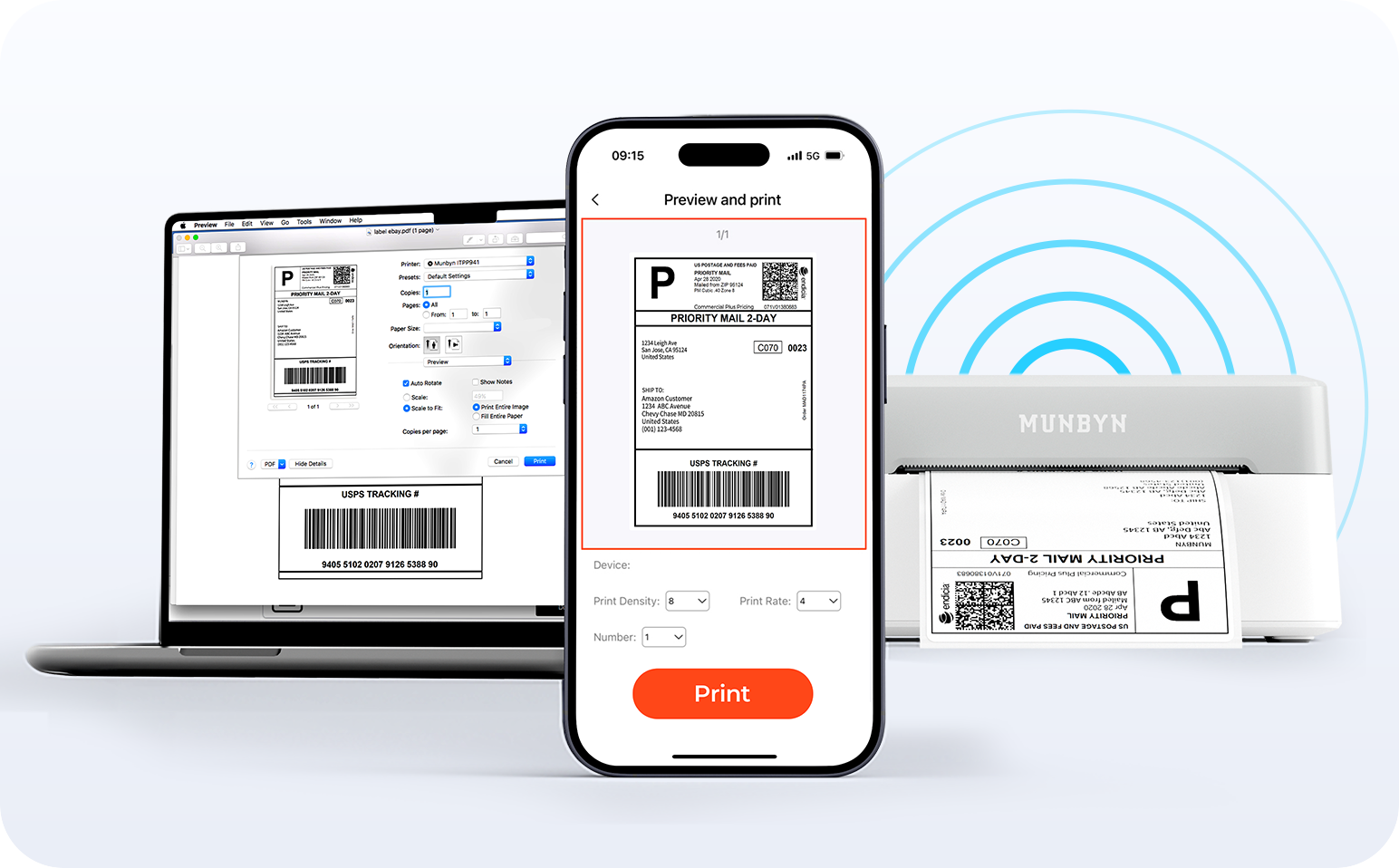
Liberté sans fil

Dites adieu aux câbles emmêlés et bonjour à l'impression sans effort. Profitez d'une connectivité Bluetooth instantanée où que vous travailliez, ou branchez-vous via USB lorsque vous en avez besoin. Parfaitement compatible avec Windows, Mac, iPhone, iPad et Android, tout votre espace de travail est connecté, votre impression simplifiée.

Charger la vidéo:

Détection intelligente des étiquettes

Liberté d'étiquetage. L'impression facile commence ici.

Prend en charge TOUS les papiers d'étiquettes thermiques directs

10x15cm 7.6x5cm 7.6x2.5cm 5x2.5cm 10cm 5cm

Votre imprimante MUNBYN reconnaît et s'adapte automatiquement aux différentes tailles d'étiquettes, sans réglage manuel.
Des étiquettes d'expédition 10x15cm aux autocollants de logo 5x5cm et une large gamme de 40mm à 110mm de large, le passage d'une tâche à l'autre ne prend que quelques secondes.

Conçu pour imprimer plus de 980 000 étiquettes* en étiquettes d'expédition

Comment les gens utilisent MUNBYN

Les estimations de durée de vie de l'impression et de quantité d'étiquettes sont basées sur des calculs en laboratoire (durée de vie de la tête d'impression de 150 km × longueur d'étiquette de 4x6"). Les performances réelles peuvent varier en fonction de la fréquence d'impression, du matériau de l'étiquette, de l'environnement d'exploitation et des conditions de maintenance.

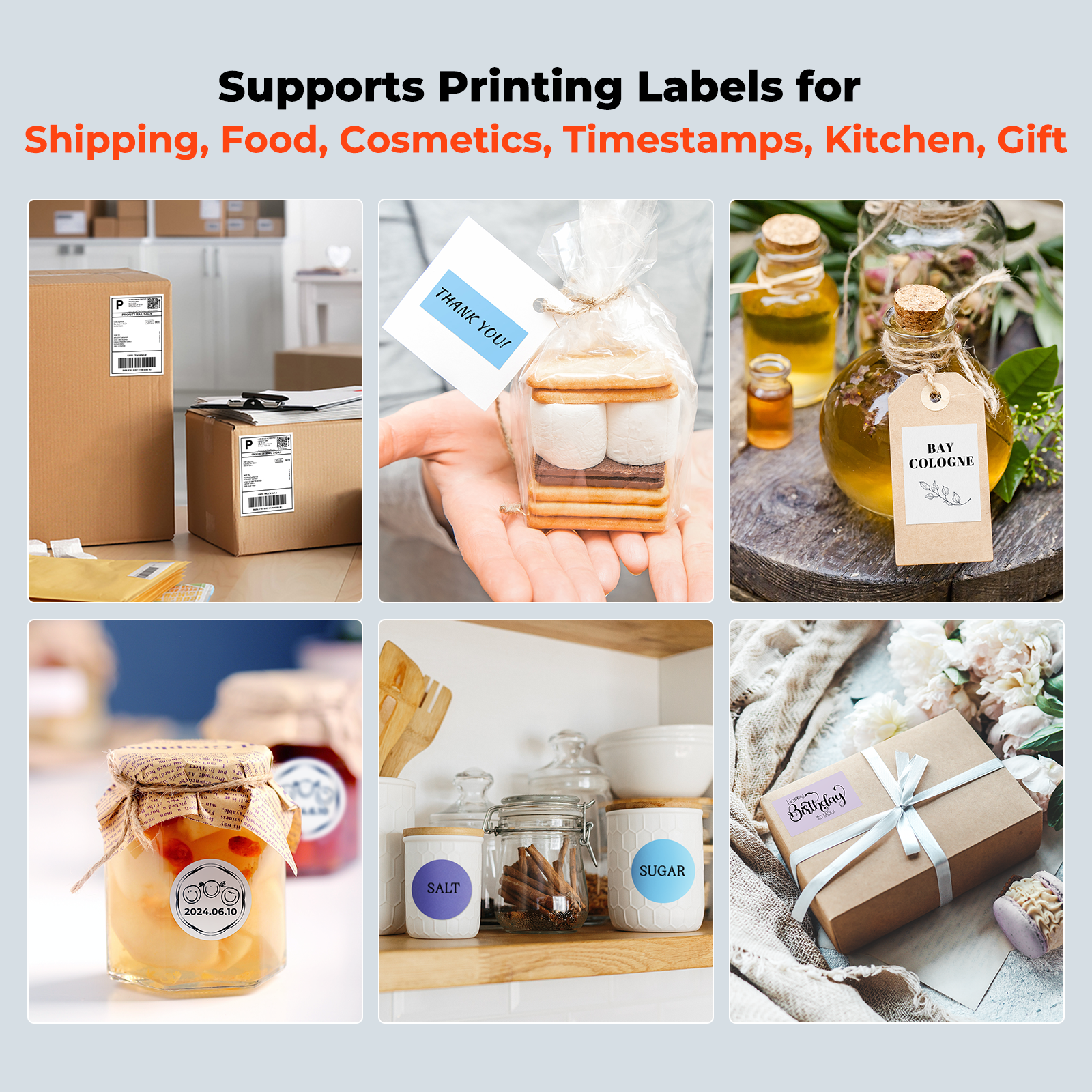
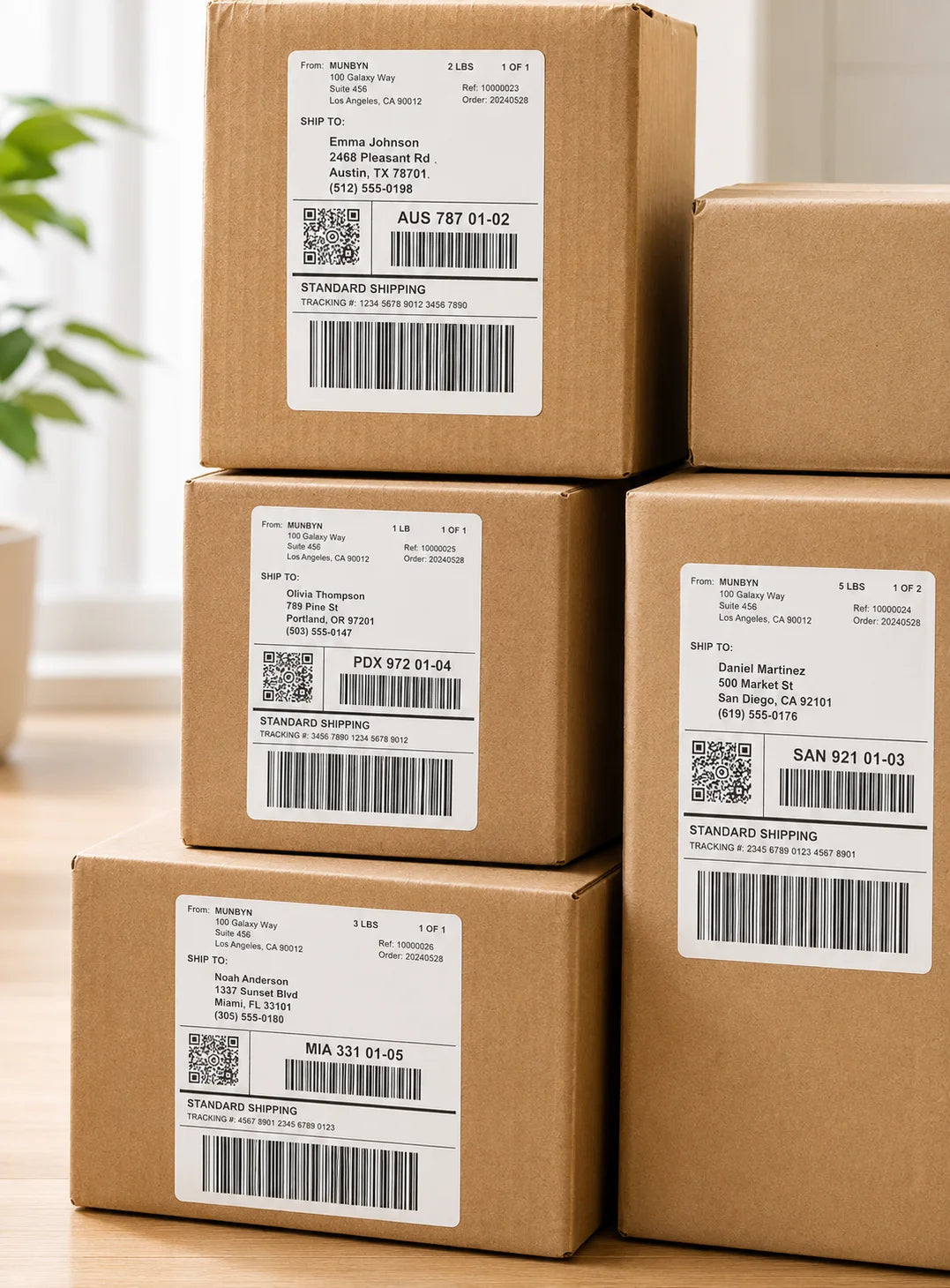
Étiquettes d'expédition

Étiquettes personnalisées

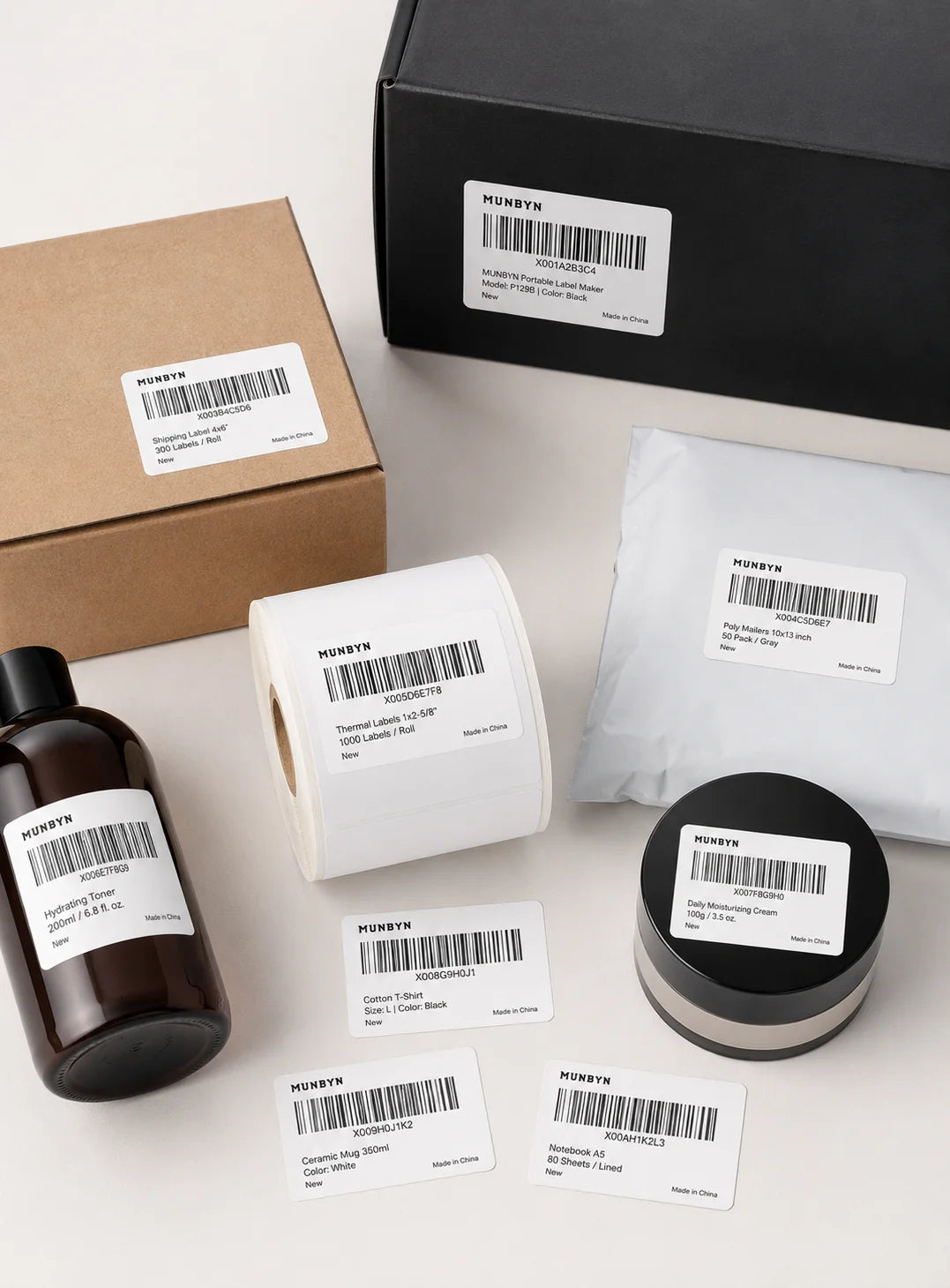
Étiquettes code-barres

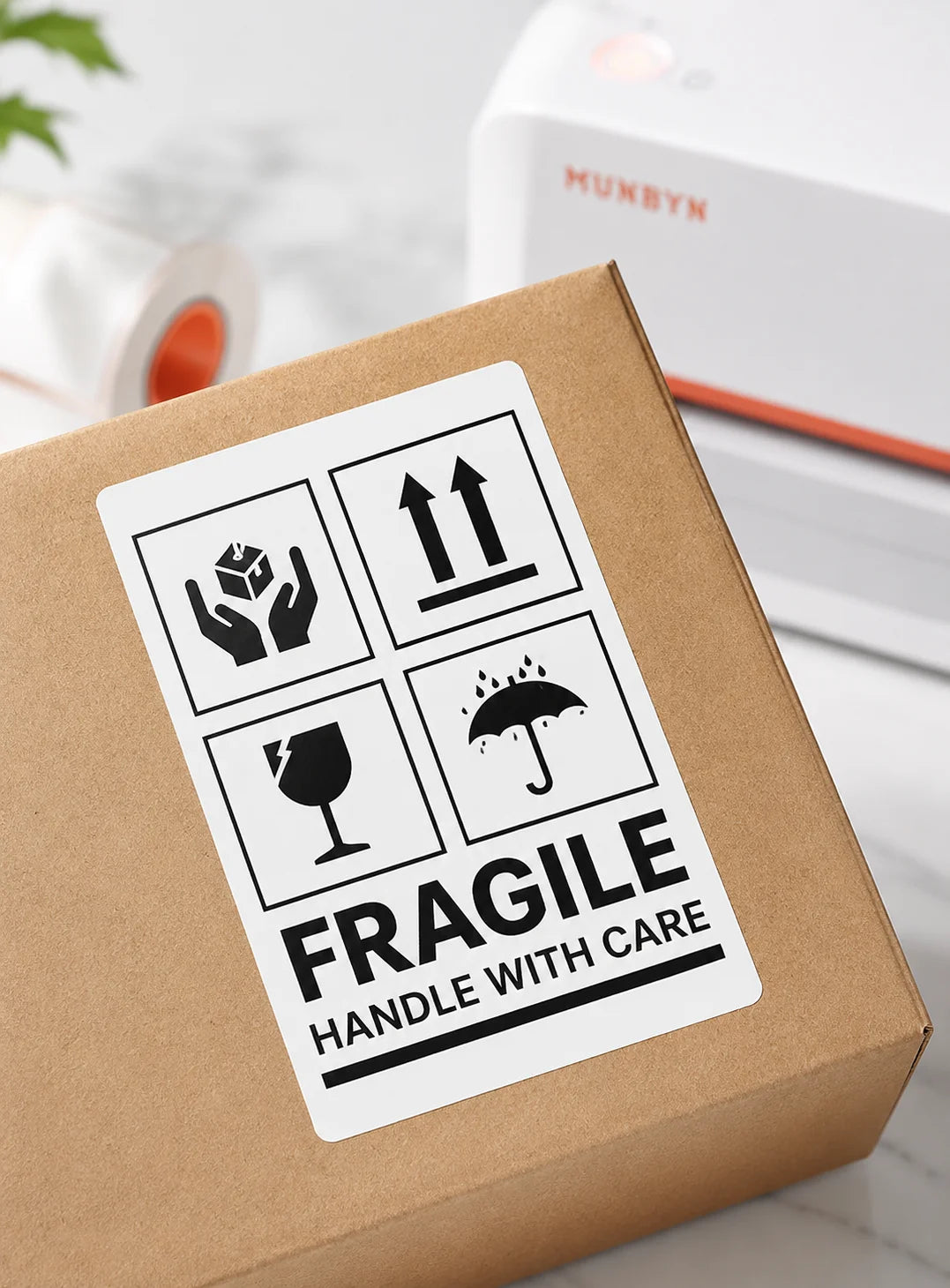
Étiquettes Fragile

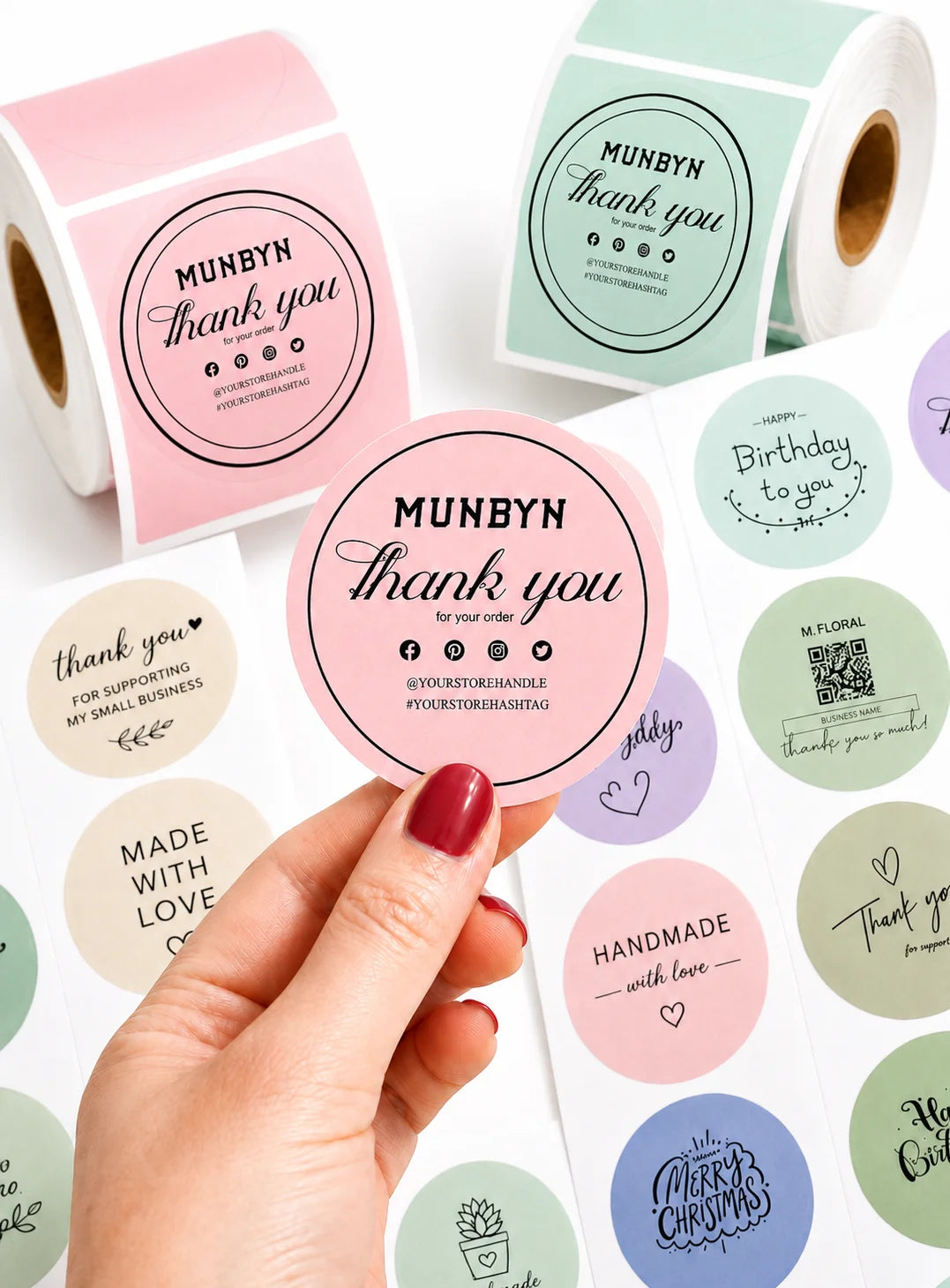
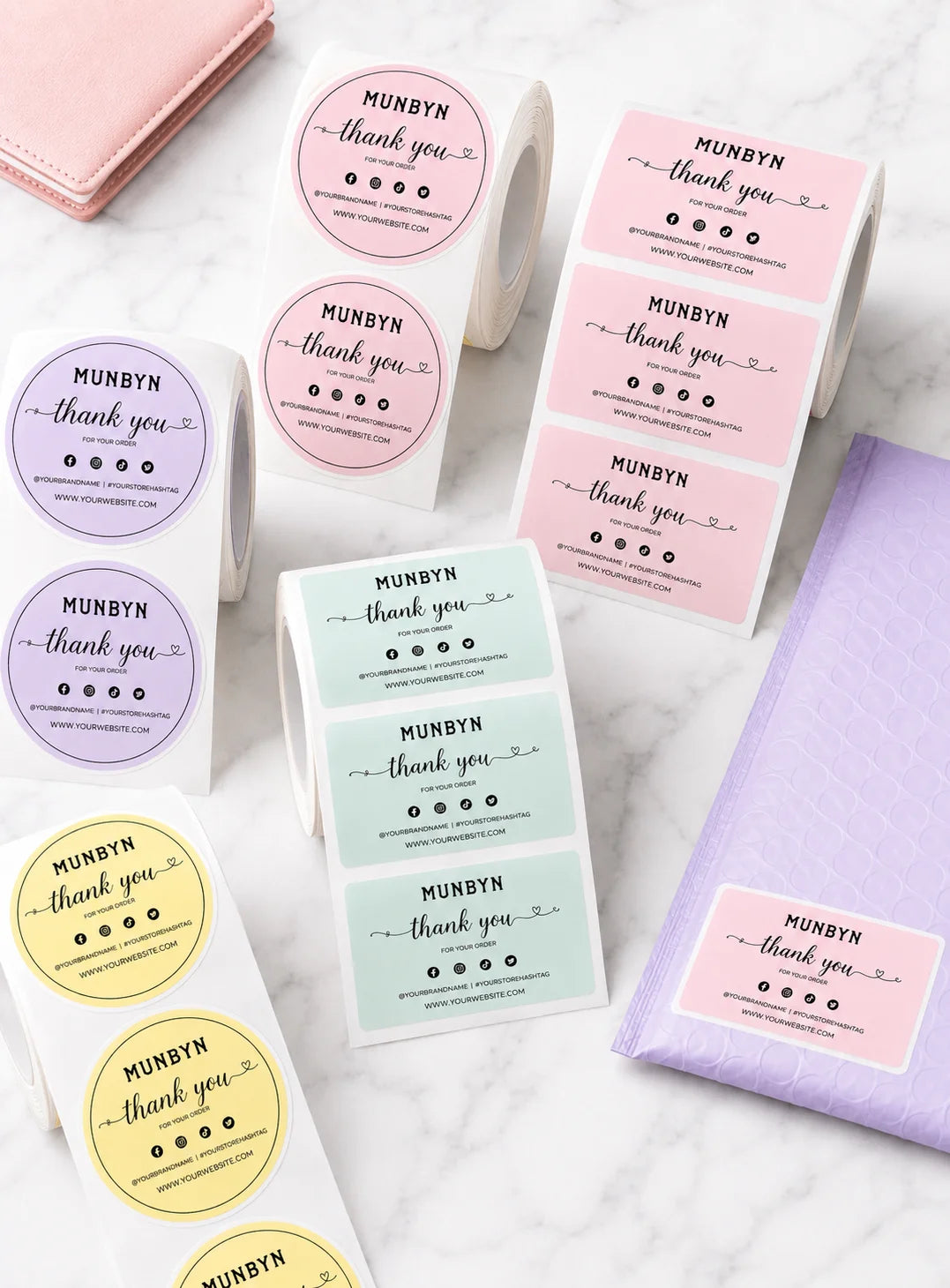
Étiquettes de marque

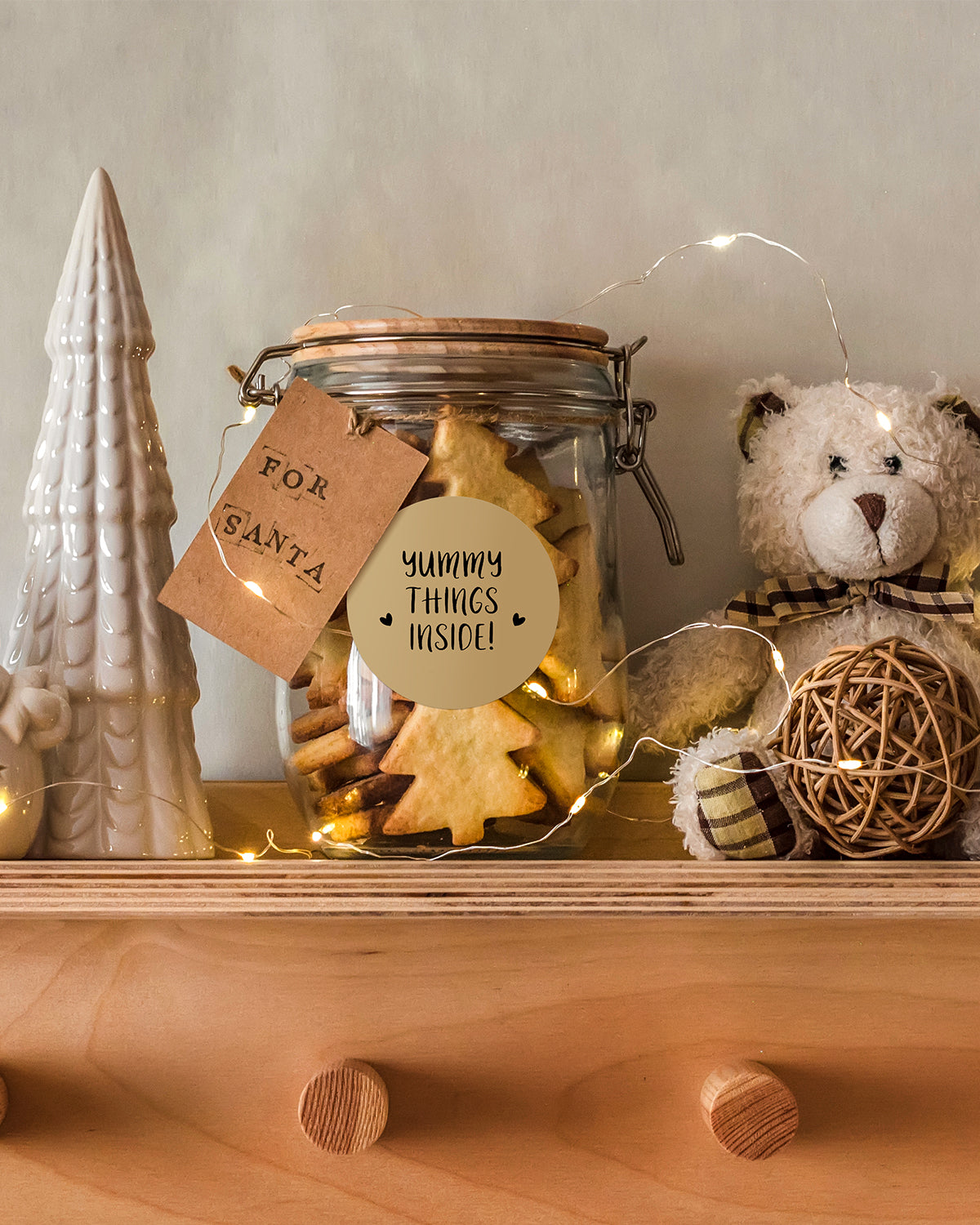
Autocollants pour la garderie/l'école

FAQ

Veuillez consulter notre page FAQ pour en savoir plus.

1. Pourquoi devrais-je choisir une imprimante thermique MUNBYN plutôt qu'une imprimante à jet d'encre ou laser ?

MUNBYN utilise la technologie avancée d'impression thermique, ce qui signifie zéro encre, zéro toner et zéro ruban. Vous n'avez besoin que d'étiquettes thermiques. Cela vous permet non seulement d'économiser des centaines de dollars par an en frais de fournitures, mais aussi d'éviter le désordre des cartouches qui fuient et la frustration de manquer d'encre en plein milieu d'une expédition.

2. Puis-je utiliser n'importe quelle marque d'étiquettes thermiques avec cette imprimante ?

Oui ! Les imprimantes MUNBYN sont compatibles avec toutes les étiquettes thermiques directes. Que vous préfériez les étiquettes en paravent ou en rouleau, tant que la largeur est comprise entre 1,57" et 4,3" (40 mm-110 mm), notre imprimante thermique les détectera et s'y calibrera automatiquement.

3. Quelles sont les plateformes d'expédition et les places de marché compatibles ?

MUNBYN est un favori des propriétaires de petites entreprises. Les imprimantes d'étiquettes MUNBYN sont entièrement compatibles avec les principales plateformes, notamment :

  • Places de marché : Amazon, eBay, Etsy, Shopify, Zalando et Shopee.
  • Courriers : UPS, FedEx, ShipStation, Pirate Ship, USPS et DHL.

4. Quels sont les types d’étiquettes compatibles avec cette imprimante ?

Nos imprimantes thermiques prennent en charge une large gamme d’étiquettes thermiques directes, y compris les étiquettes d’expédition de 4 x 6 pouces, les étiquettes de 3 x 2 pouces, de 2 x 1 pouce, les étiquettes de code-barres, les étiquettes rondes et les autocollants de tailles personnalisées (largeur de 40 à 110 mm selon le modèle). L’imprimante détecte automatiquement la taille de l’étiquette, sans qu’aucun étalonnage manuel ne soit nécessaire.

5. Cette imprimante d'étiquettes est-elle facile à installer ?

Oui. L'imprimante d'étiquettes est conçue pour une installation rapide, avec des guides d'installation étape par étape et des téléchargements de pilotes disponibles. La plupart des utilisateurs peuvent effectuer l'installation en quelques minutes seulement.

6. Comment calibrer l'imprimante pour différentes tailles d'étiquettes ?

Notre identification automatique intelligente des étiquettes s'occupe de tout pour vous. Insérez vos étiquettes, appuyez et maintenez le bouton supérieur jusqu'à entendre un seul bip, et l'imprimante ajustera automatiquement la taille et l'espacement des étiquettes pour un alignement parfait.

7. Que dois-je faire si mes étiquettes s'impriment floues ou avec des traînées blanches ?

Une impression de qualité commence par une tête d'impression propre. Si la qualité baisse :

  1. Éteignez l'imprimante et laissez-la refroidir.
  2. Essuyez la tête d'impression thermique avec un coton-tige imbibé d'alcool ou un chiffon en microfibres.
  3. Ajustez les paramètres de densité et de vitesse d'impression dans les préférences de votre pilote.

Si le problème persiste, contactez le service client pour obtenir de l'aide.

8. Cette étiqueteuse est-elle livrée avec une garantie ?

Oui, chaque imprimante MUNBYN est couverte par une garantie de 2 ans. Nous nous portons garants de nos équipements et nous vous fournirons un remplacement ou une réparation si vous rencontrez des défauts de fabrication.

9. Puis-je utiliser l'imprimante d'étiquettes pour l'organisation professionnelle et domestique ?

Oui. Vous pouvez utiliser cette imprimante aussi bien pour l'étiquetage professionnel (expédition, codes-barres, inventaire, étiquettes de vente au détail) que pour l'organisation domestique (étiquettes de rangement, étiquettes de garde-manger, dossiers, projets créatifs). Son impression thermique directe polyvalente et la prise en charge de plusieurs formats d'étiquettes la rendent adaptée à un large éventail d'utilisations personnelles et professionnelles.

10. Existe-t-il des options de personnalisation pour les étiquettes ?

Oui, nous proposons une personnalisation flexible des étiquettes, notamment des autocollants, des étiquettes avec logo et des modèles créatifs pour l'image de marque. Achetez des étiquettes personnalisées ici.

Vous n'avez pas trouvé votre réponse ?

N'hésitez pas à nous contacter

Livraison et retours gratuits