


 Canada
 Meilleure vente
 Toutes les imprimantes
 Tous les assistants personnels (PDA)
 Toutes les étiquettes thermiques

PROOF 01 /MADE FOR YOUR APPLE WORKSPACE


 Canada
You are currently viewing:
Canada
Items in your shopping cart will be removed when you change country


Product highlights

300 DPI High Definition

Driver-Free Setup & Printing

Reliable Wireless Connection
Connect via Phone, Tablet or PC

Print wirelessly. Any device, any OS.

Product highlights
300 DPI High Definition
Driver-Free Setup & Printing
Reliable Wireless Connection
Connect via Phone, Tablet or PC
Ships from Ontario & BC
2–5 Day Delivery · No Customs Fees · Easy Local Returns
14-day Risk-free Trial
2-Year Warranty & Lifetime Support
30-day Price-Match
Need help choosing the right product or placing an order?
Our MUNBYN support team is here to help. If you have any questions about products, compatibility, orders, or after-sales service, feel free to contact us at any time. We respond to all inquiries within 24 business hours (Monday–Friday).
Shipping Information
We offer free shipping straight to your door throughout the contiguous US*. It usually takes 2-5 business days* for your package to be delivered, so you can sit back and relax, worry-free.
*Please see our shipping policy for more details.
Help Center
Find everything you need in one place:
FAQ’s
Have a quick question?
Visit our FAQ page, which covers the most common topics, including:
If you can’t find the answer you’re looking for, our support team is always ready to help.
Still need assistance?
Contact Us at
Order: order@munbyn.com
Tech: support@munbyn.com
+1 628 229 3612
Mon - Fri: 7AM - 5PM (UTC-8)
Print Anything, Anywhere
Your ideas, your space — print wherever inspiration strikes.
Ink-Free, Worry-Free
Zero ink. Time, money, and planet-saving.
Fast to Print, Easy to Keep Going
High speed:150 mm/s = one 4×6 label per second.

PROOF 01 /MADE FOR YOUR APPLE WORKSPACE

PROOF 02 /FROM SHIPPING TO FINISHING TOUCHES

PROOF 03 /DESIGNED AROUND YOUR BRAND

PROOF 04 /START WITH WHAT YOU HAVE

PROOF 05 /DETAILS THAT MAKE A DIFFERENCE

PROOF 06 /A FRESH LOOK FOR EVERY OCCASION

PROOF 07 /READY FOR CANADIAN PARCELS

PROOF 08 /ONE PRINTER FOR A SHARED WORKSPACE
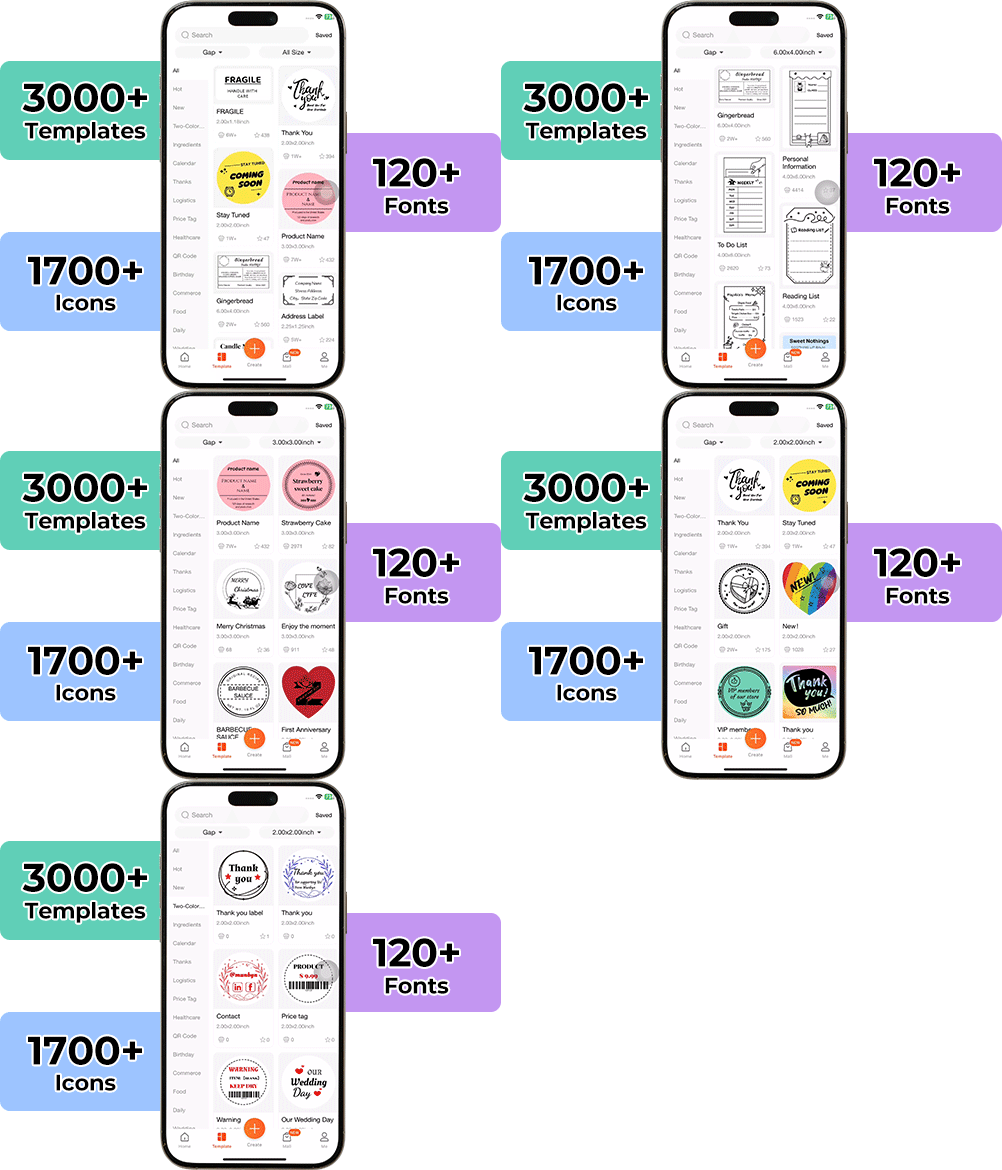
High-End Labels in Minutes
Designing custom packaging has never been this simple. Using the MUNBYN app and our versatile DIY Labels, you have a library of 3,000+ design assets and templates at your command.
Craft bespoke logos and promotional stickers that perfectly capture your brand’s personality—all while keeping your budget in check.







Designed to print more than 980,000* labels in shipping labels
Print life and label quantity estimates are based on laboratory calculations (150 KM printhead life × 4×6" label length). Actual performance may vary due to print frequency, label material, operating environment, and maintenance conditions.
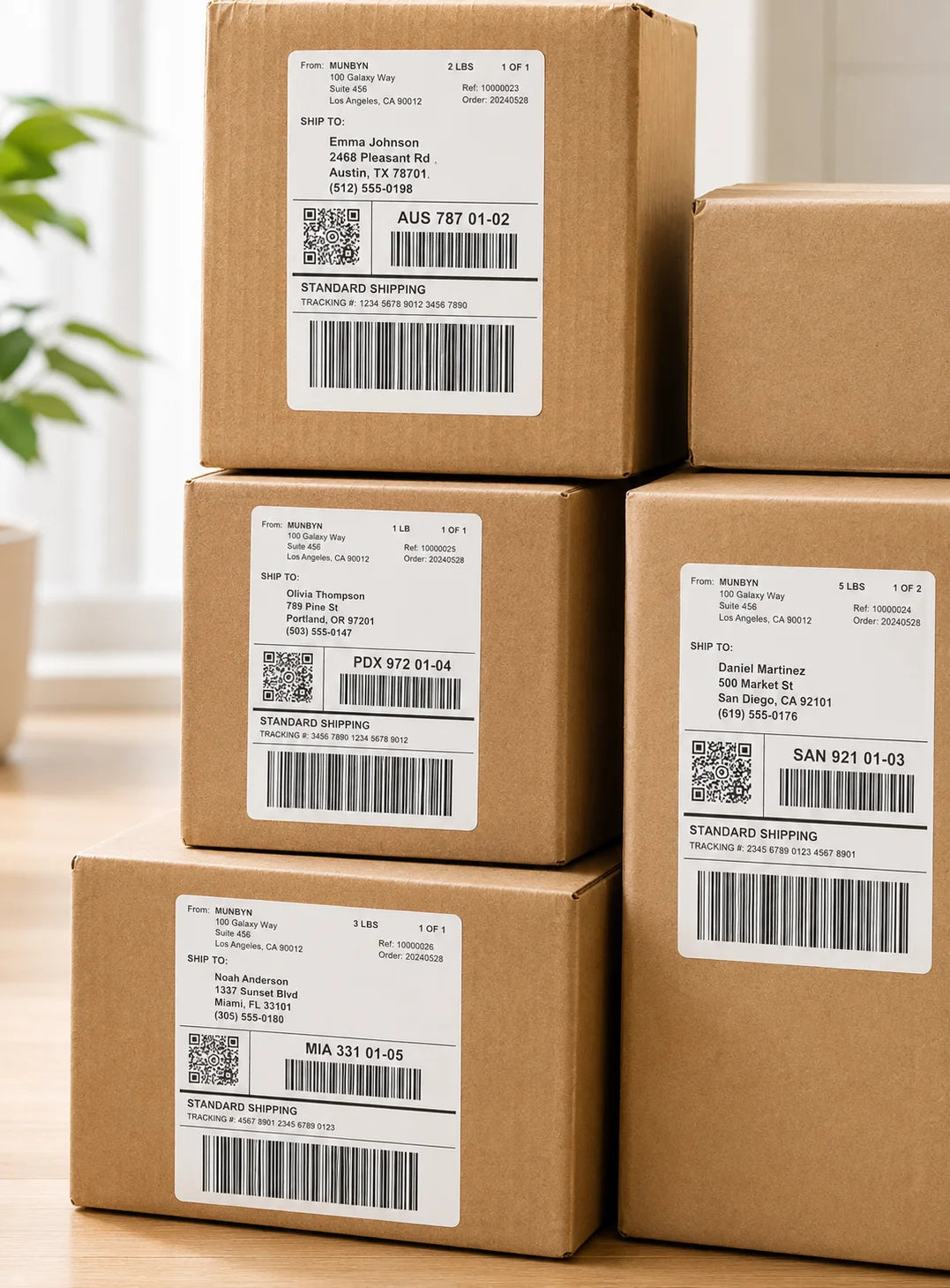
Shipping Labels
Designed for small to high-volume fulfillment, MUNBYN printers produce crisp 4x6 shipping labels that scan instantly and stick securely.
Perfect for:
Reduce printing time, avoid reprints, and keep every shipment moving efficiently.
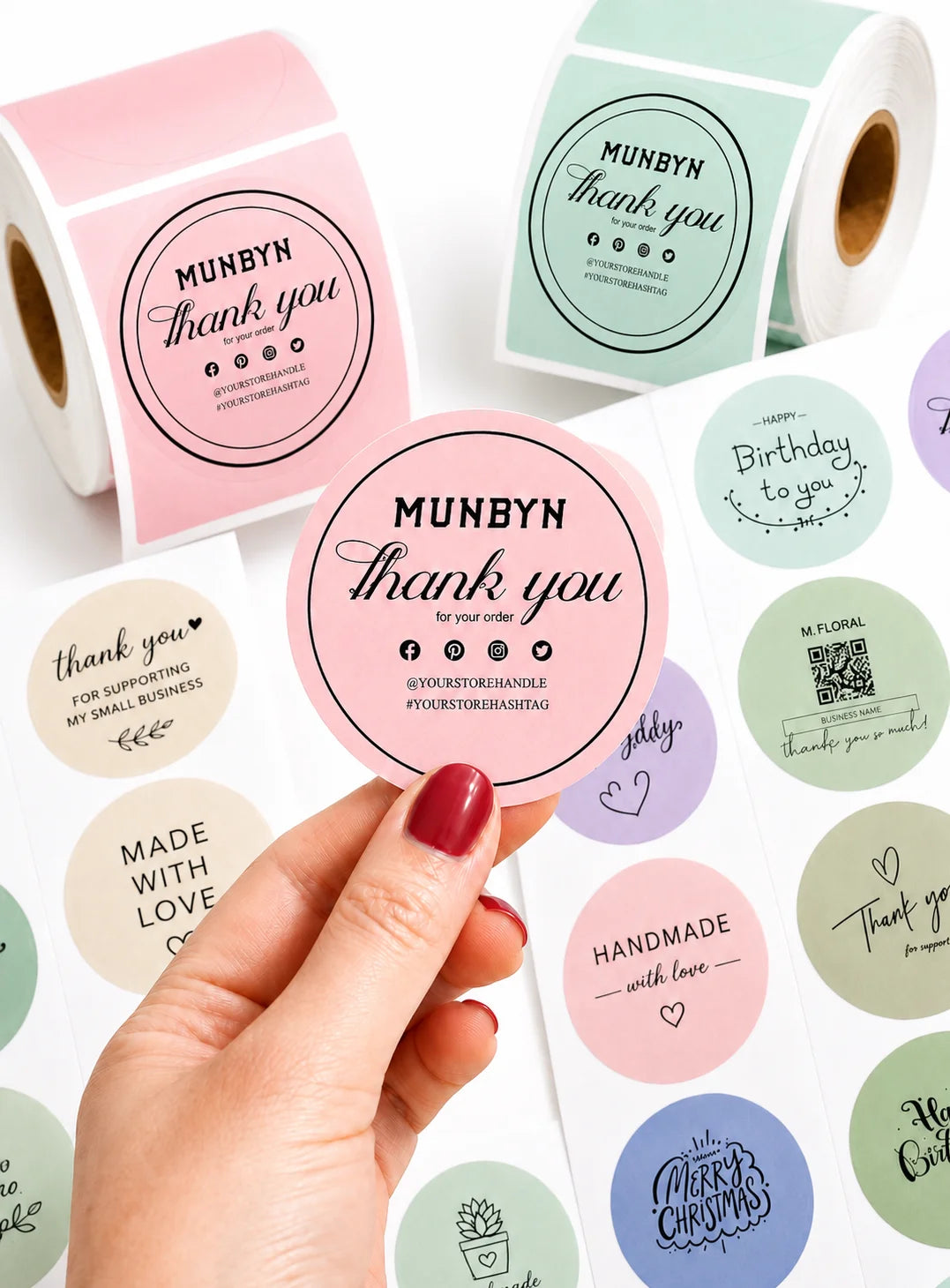
Custom Labels
Create labels tailored to your exact needs — from unique dimensions to personalized layouts.
Use for:
Flexible, professional, and fully customizable to your workflow.
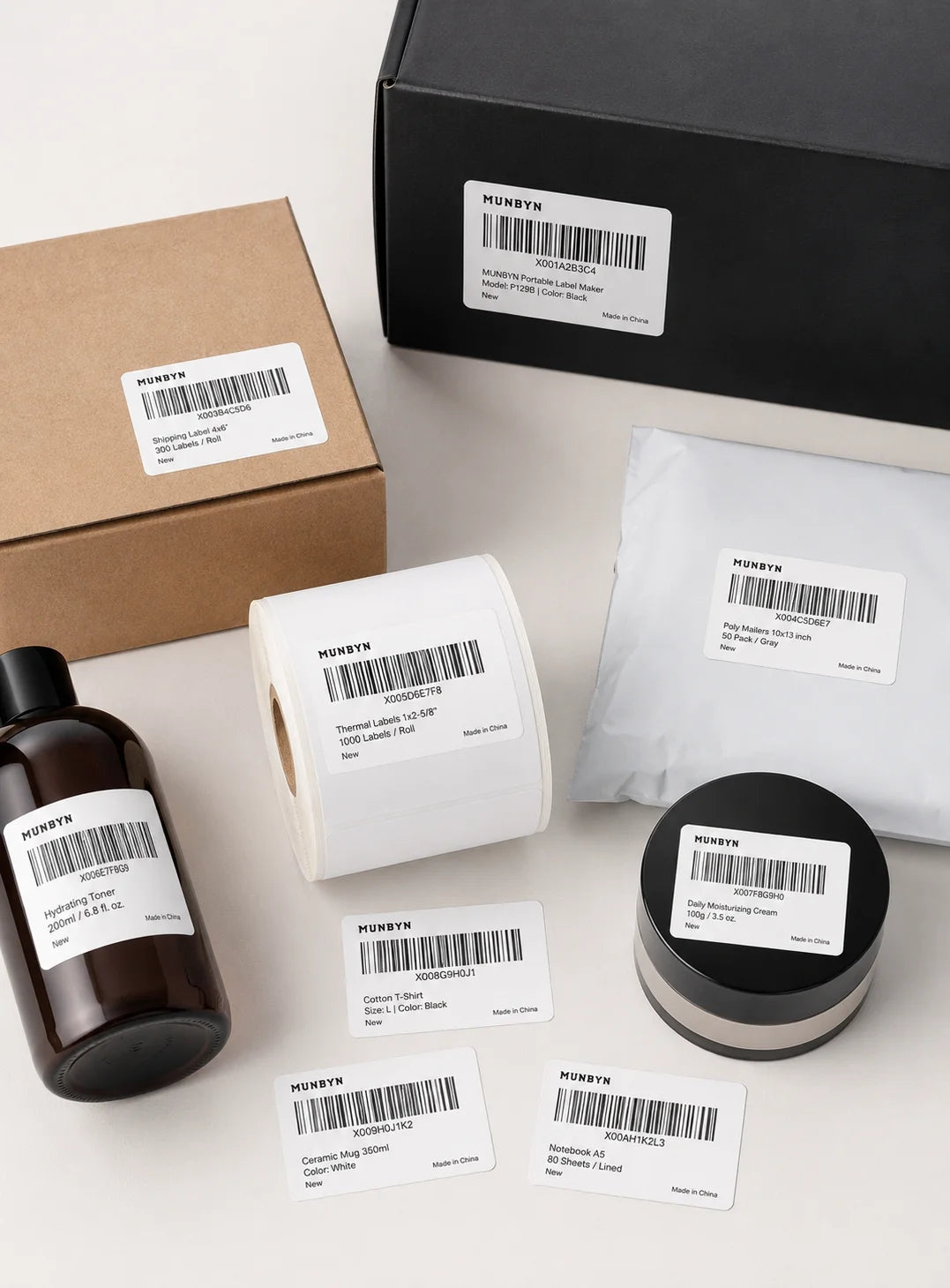
Barcode Labels
Print high-precision barcode labels that ensure fast scanning and accurate inventory tracking.
Commonly used for:
Improve operational efficiency and reduce costly manual errors.
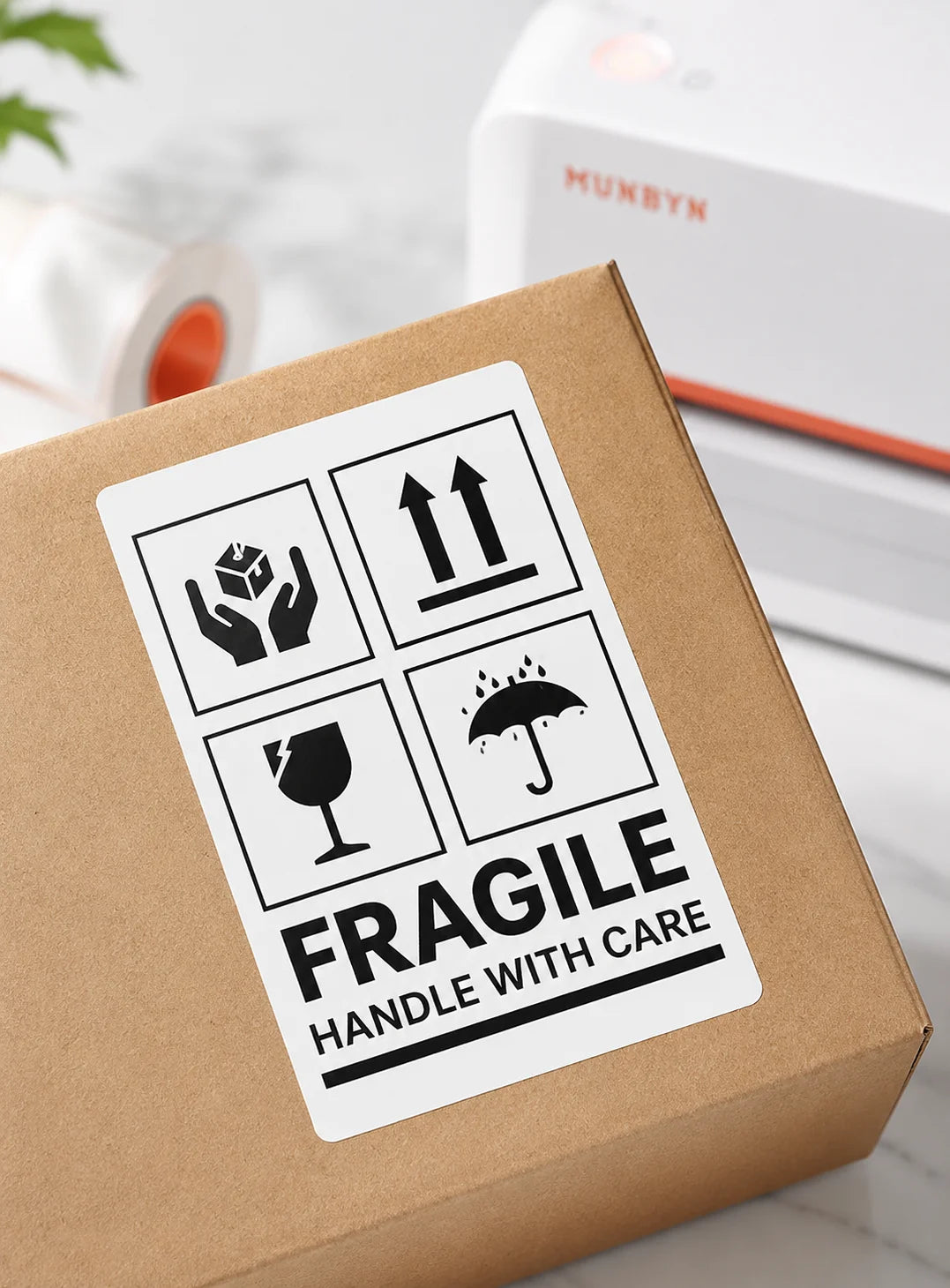
Fragile Labels
Clearly mark fragile items with bold, high-contrast labels that grab attention during handling and delivery.
Ideal for:
Minimize damage, reduce returns, and ship with confidence.
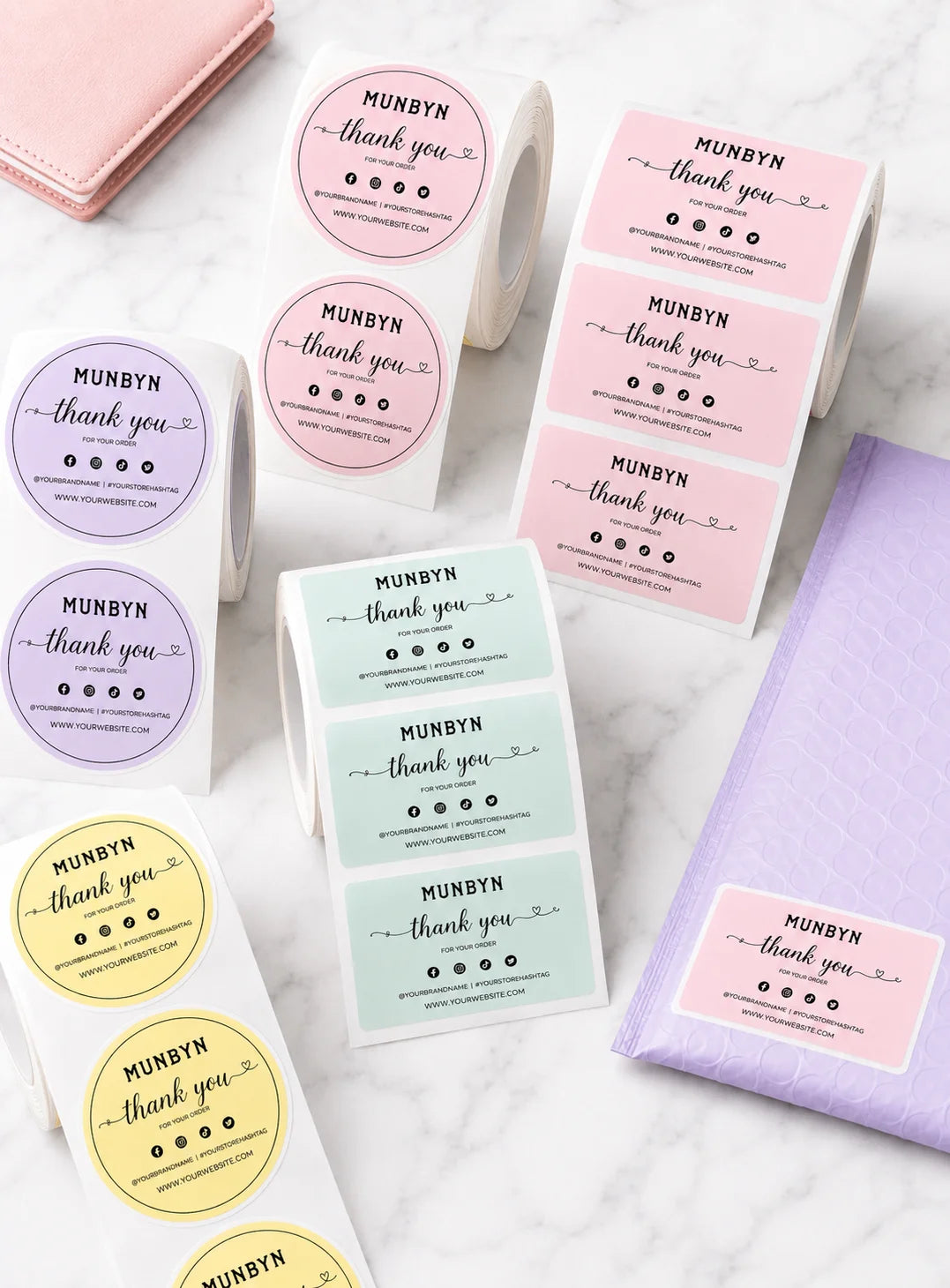
Branded Labels
Add logos, brand colors, thank-you messages, or marketing inserts to elevate your packaging.
Great for:
Build recognition, increase repeat purchases, and stand out in every unboxing moment.
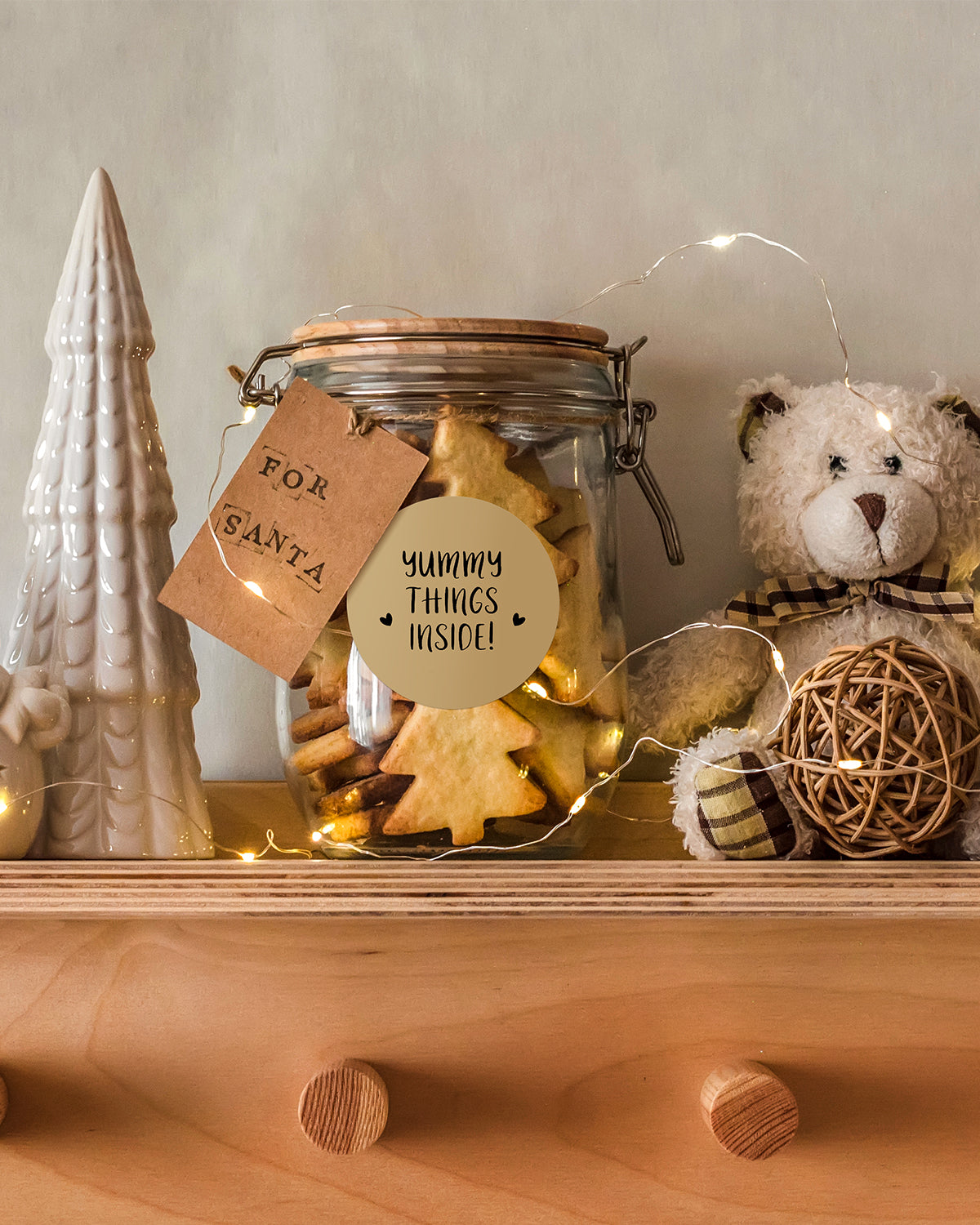
Stickers for Daycare/School
Print name labels and stickers that help keep school and daycare items sorted and easy to identify.
Perfect for:
Water-resistant, long-lasting, and made for everyday life.
Please read our FAQs page to find out more.
MUNBYN uses advanced Thermal Printing Technology, which means zero ink, zero toner, and zero ribbons. You only need thermal labels. This not only saves you hundreds of dollars in supply costs annually but also eliminates the mess of leaking cartridges and the frustration of running out of ink mid-shipment.
Yes! MUNBYN printers are compatible with any Direct Thermal Labels. Whether you prefer fan-fold or roll labels, as long as the width is between 1.57" to 4.3" (40mm-110mm), our thermal printer will automatically sense and calibrate to it.
MUNBYN is a favorite for small business owners. MUNBYN label printers are fully compatible with major platforms, including:
Our thermal printers support a wide range of direct thermal labels, including 4×6" shipping labels, 3×2", 2×1", barcode labels, round labels, and custom sticker sizes (40–110mm width depending on the model). The printer auto-detects label size—no manual calibration required.
Yes. The sticker printer is designed for quick setup with step-by-step installation guides and driver downloads available. Most users can complete installation in just a few minutes.
Our intelligent Automatic Label Identification does the work for you. Insert your labels, press and hold the top button until you hear a single beep, and the printer will automatically adjust the label size and spacing for perfect alignment.
High-quality printing starts with a clean print head. If quality drops:
If the issue persists, contact customer support for further assistance.
Yes, every MUNBYN printer is backed by a 2-year warranty. We stand by our hardware and will provide a replacement or repair if you encounter any manufacturing defects.
Yes. You can use this printer for both business labeling (shipping, barcodes, inventory, retail tags) and home organization (storage labels, pantry tags, files, craft projects). Its versatile direct thermal printing and support for multiple label sizes make it suitable for a wide range of personal and professional uses.
Yes, we offer flexible label customization, including stickers, logo labels, and creative templates for branding. Shop Custom Label Here.
Free shipping and returns


